Make a sharing operation public
Guide utilisateur
User guide
1 Open the Members group
Navigation
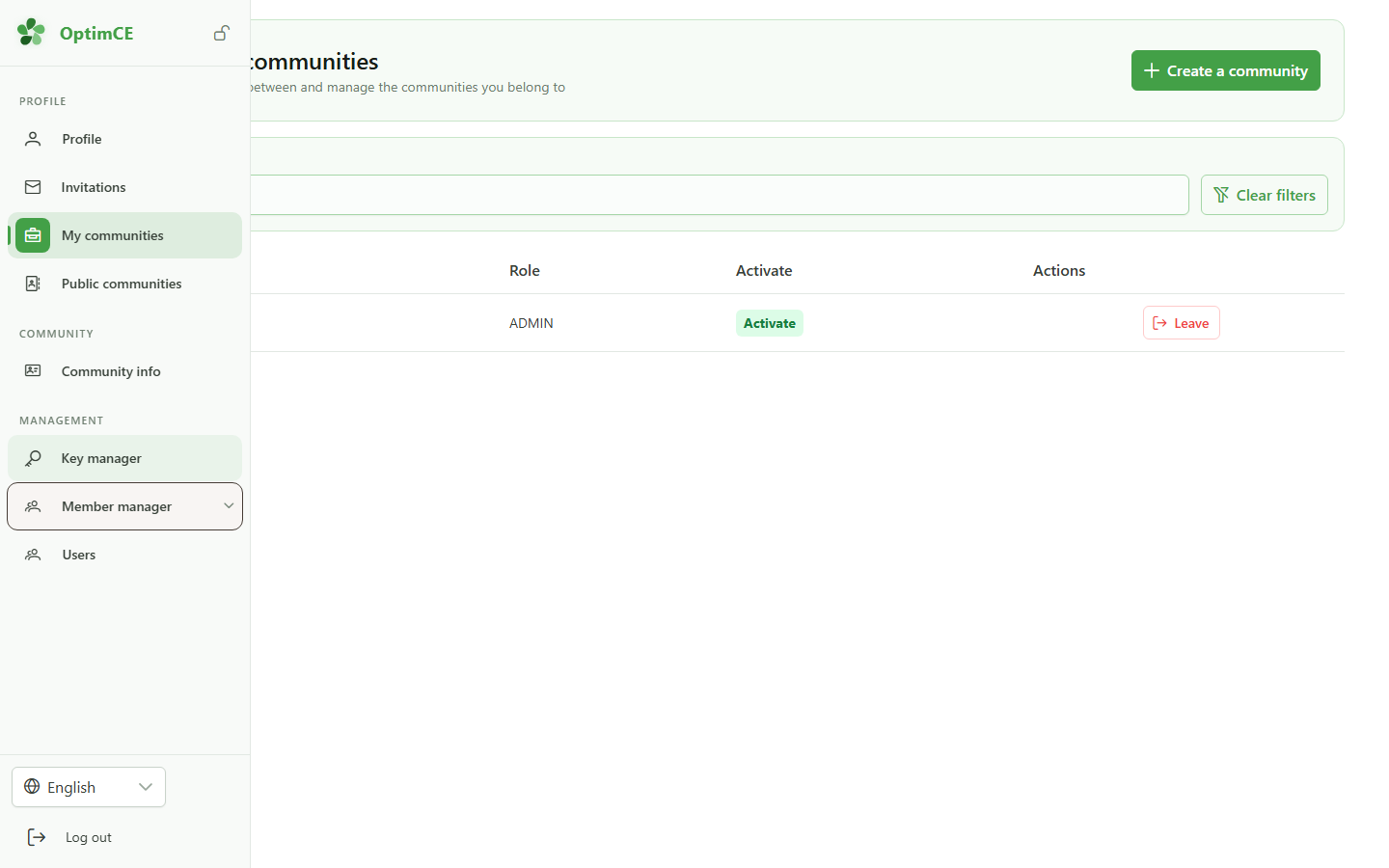
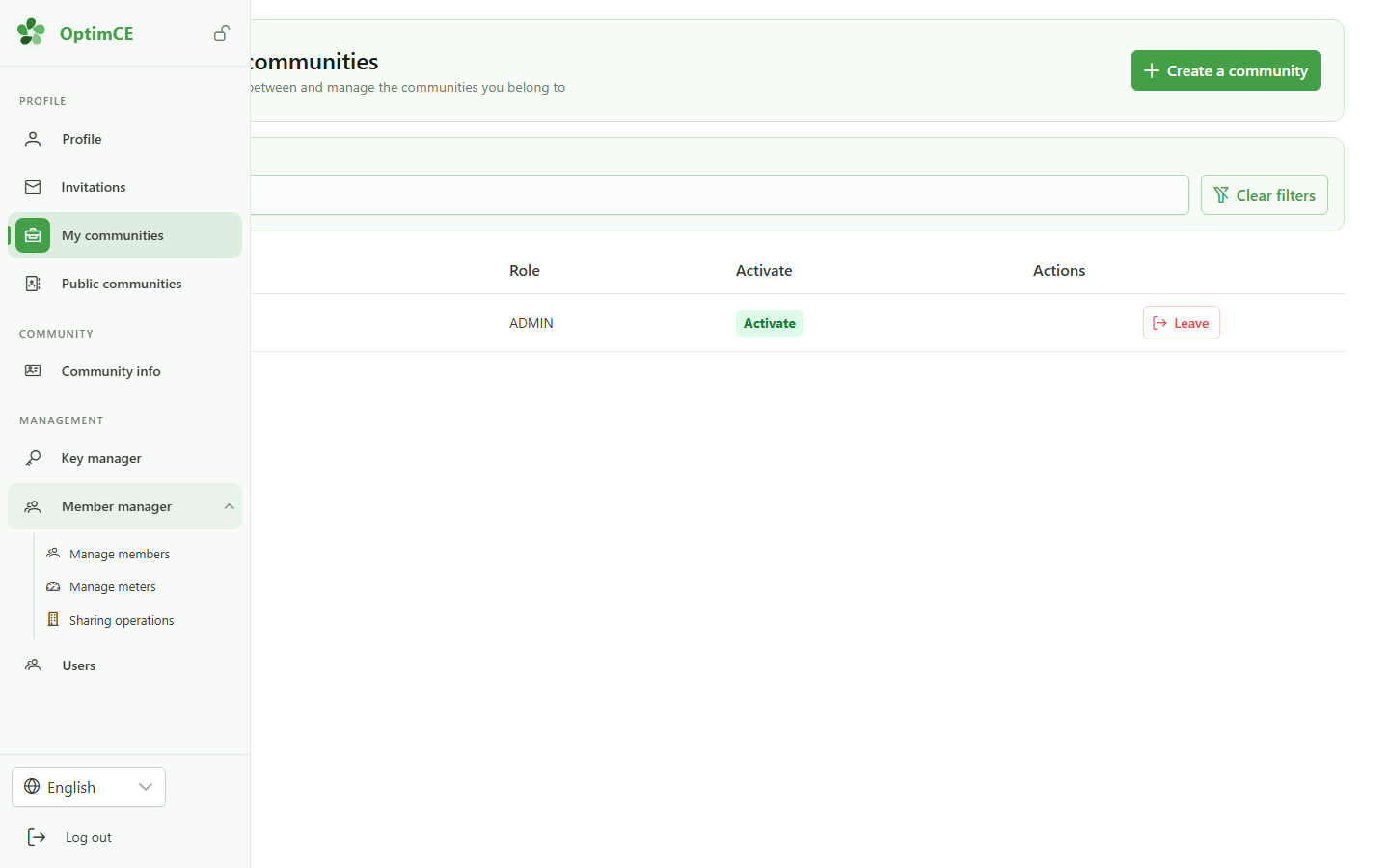
In the sidebar's "Management" section, click the Members group to reveal the submenu that includes sharing operations.
2 Access sharing operations
Navigation
In the submenu, click "Sharing operations" to access the list of energy sharing operations for your community.
3 Add an operation
Creating an operation
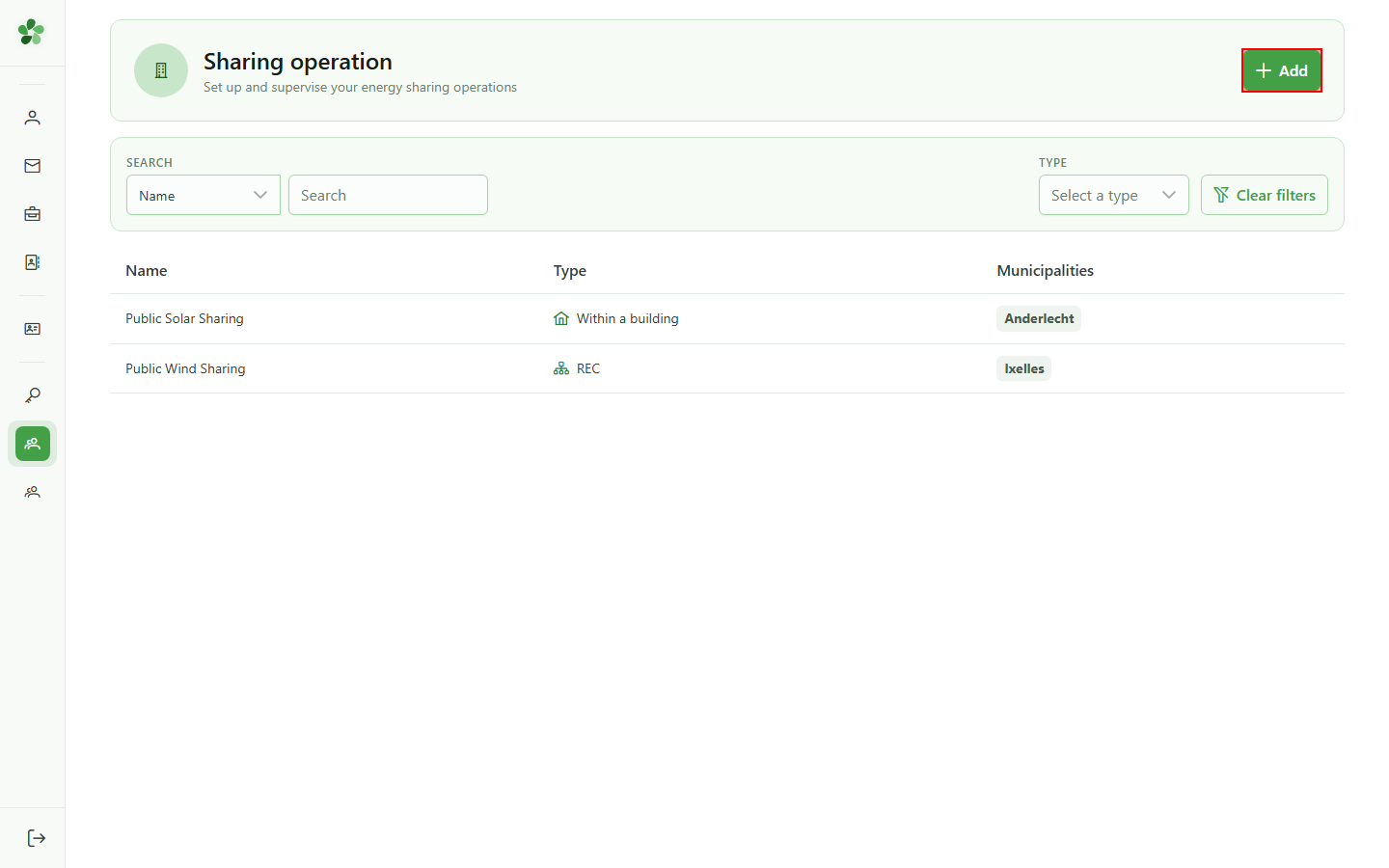
Click "Add" to open the dialog for creating a new sharing operation. By default, every new operation is created in private mode: it is not yet visible in the public directory.
4 Name the operation
Identification
Type a name for the new operation. This name will appear in the management list and in the public directory once the operation is made public.
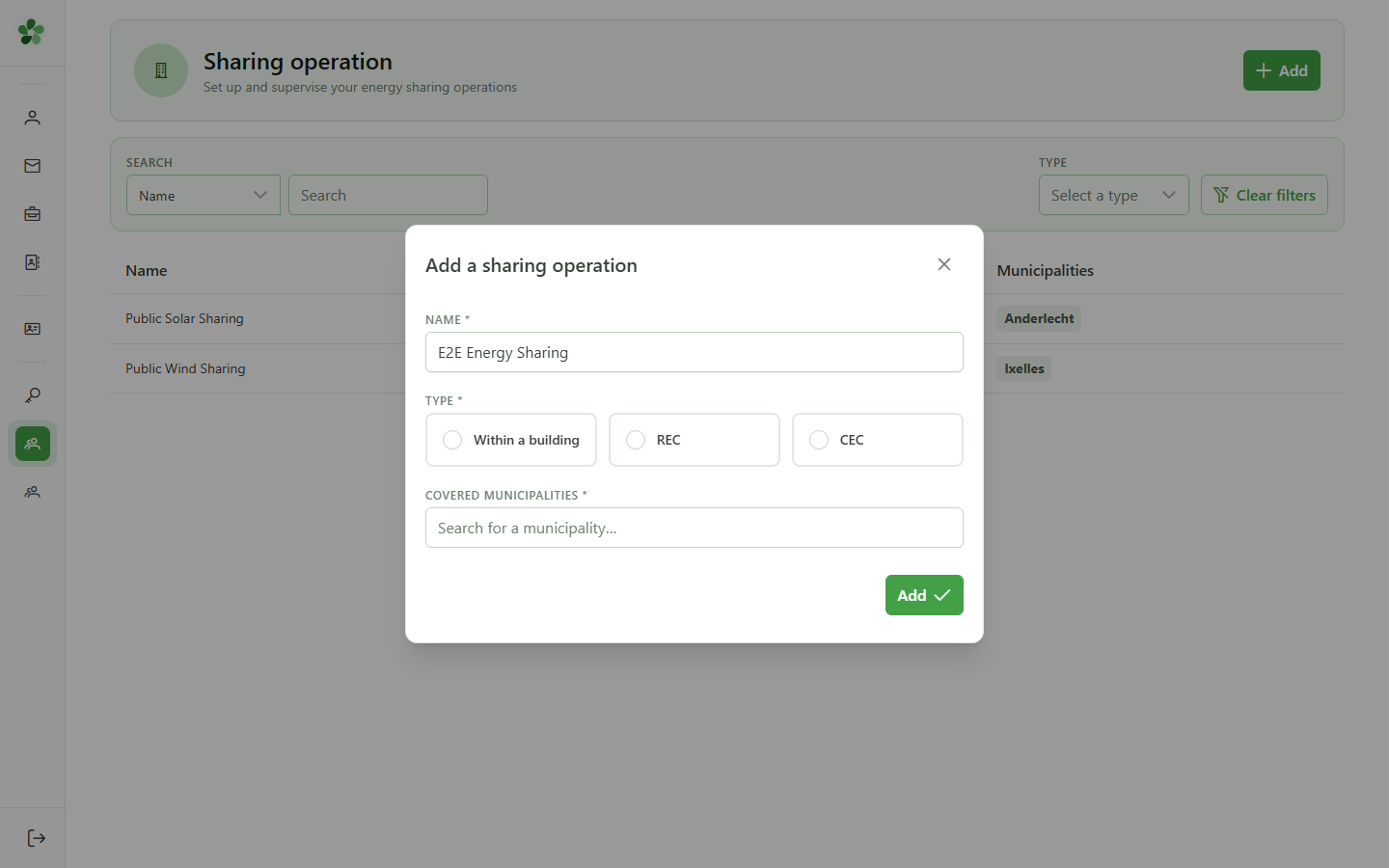
5 Select the Local type
Sharing type
Select the "Local" type for sharing within a single building. This type, like CER and CEC, can be made public to appear in the energy community directory.
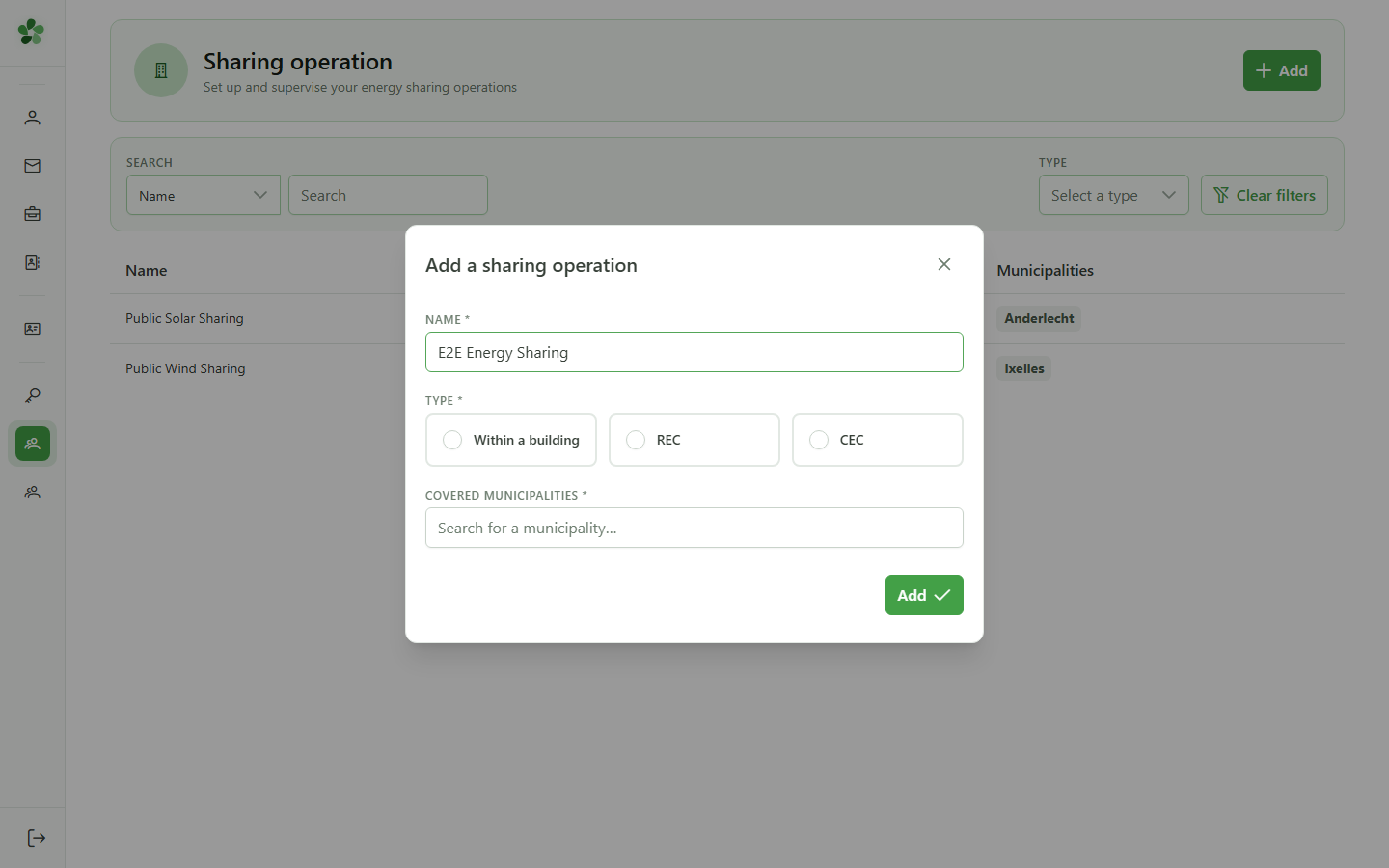
6 Type the municipality
Covered municipalities
Type the first letters of a municipality to see suggestions. The municipality linked to the operation will be shown in the public directory to help citizens find an initiative near them.
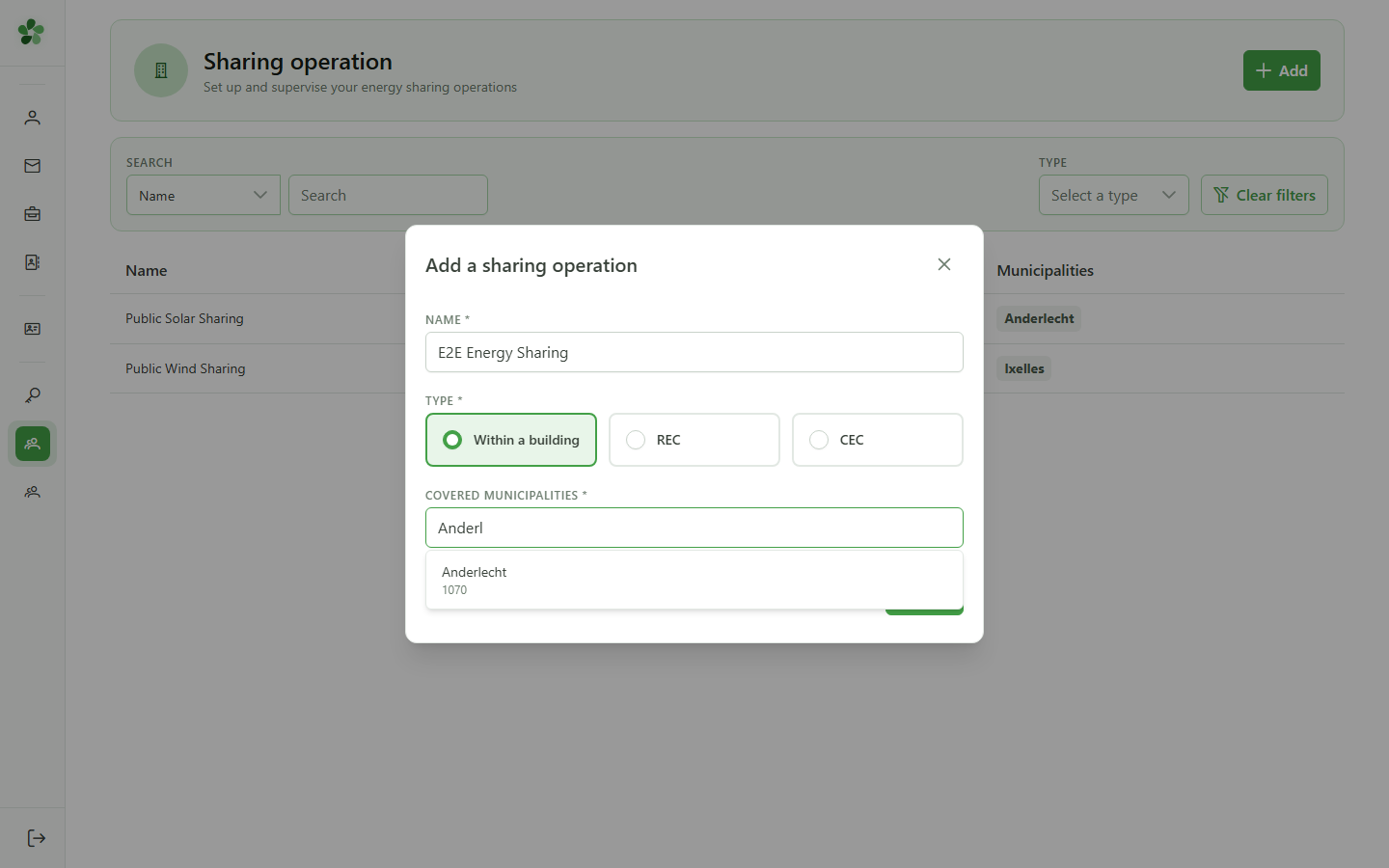
7 Select Anderlecht
Confirming the municipality
Click the first suggestion (Anderlecht) to associate it with the operation. Covered municipalities will be shown in the public directory for each public operation, allowing citizens to filter by locality.
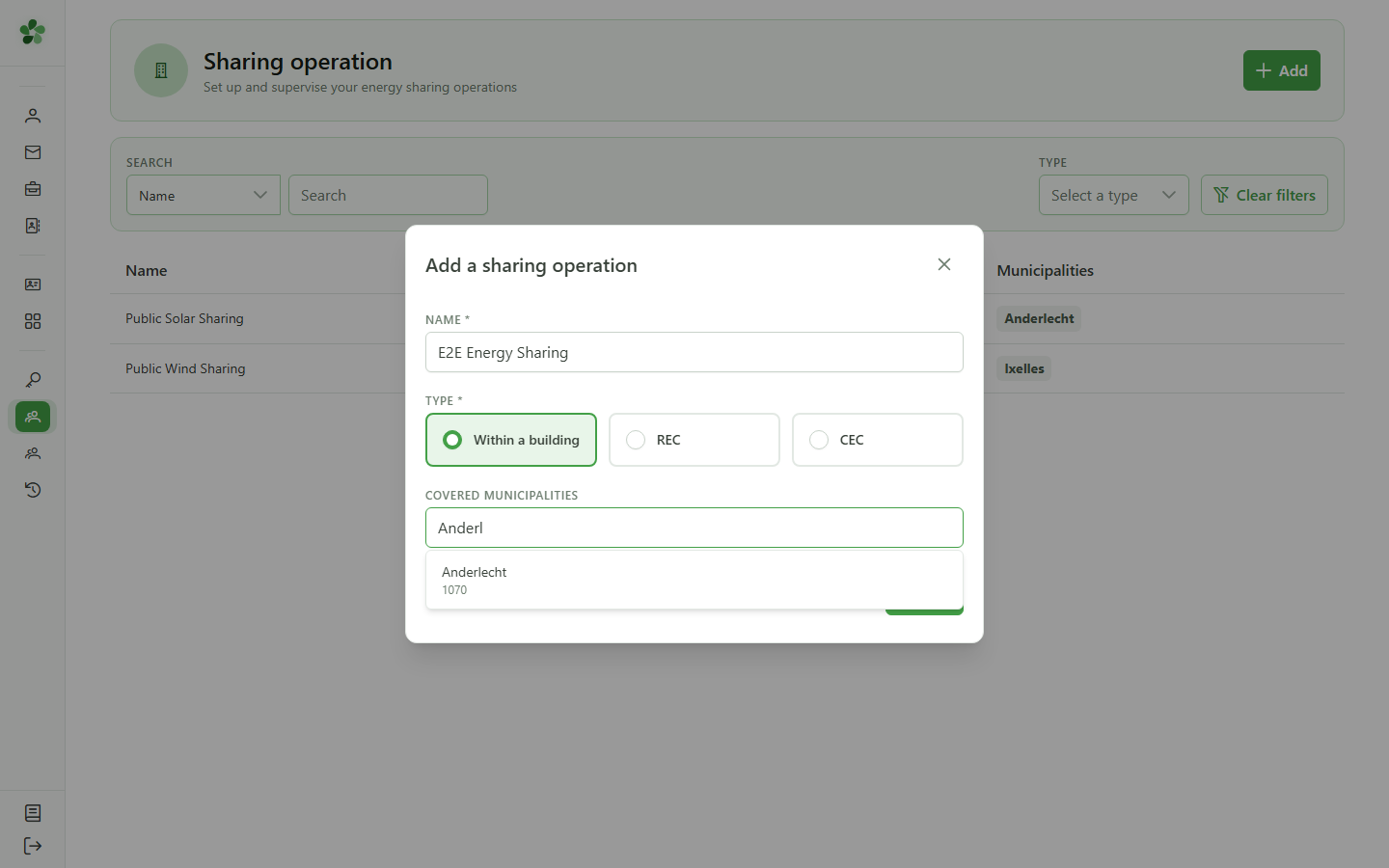
8 Operation created
Confirmation
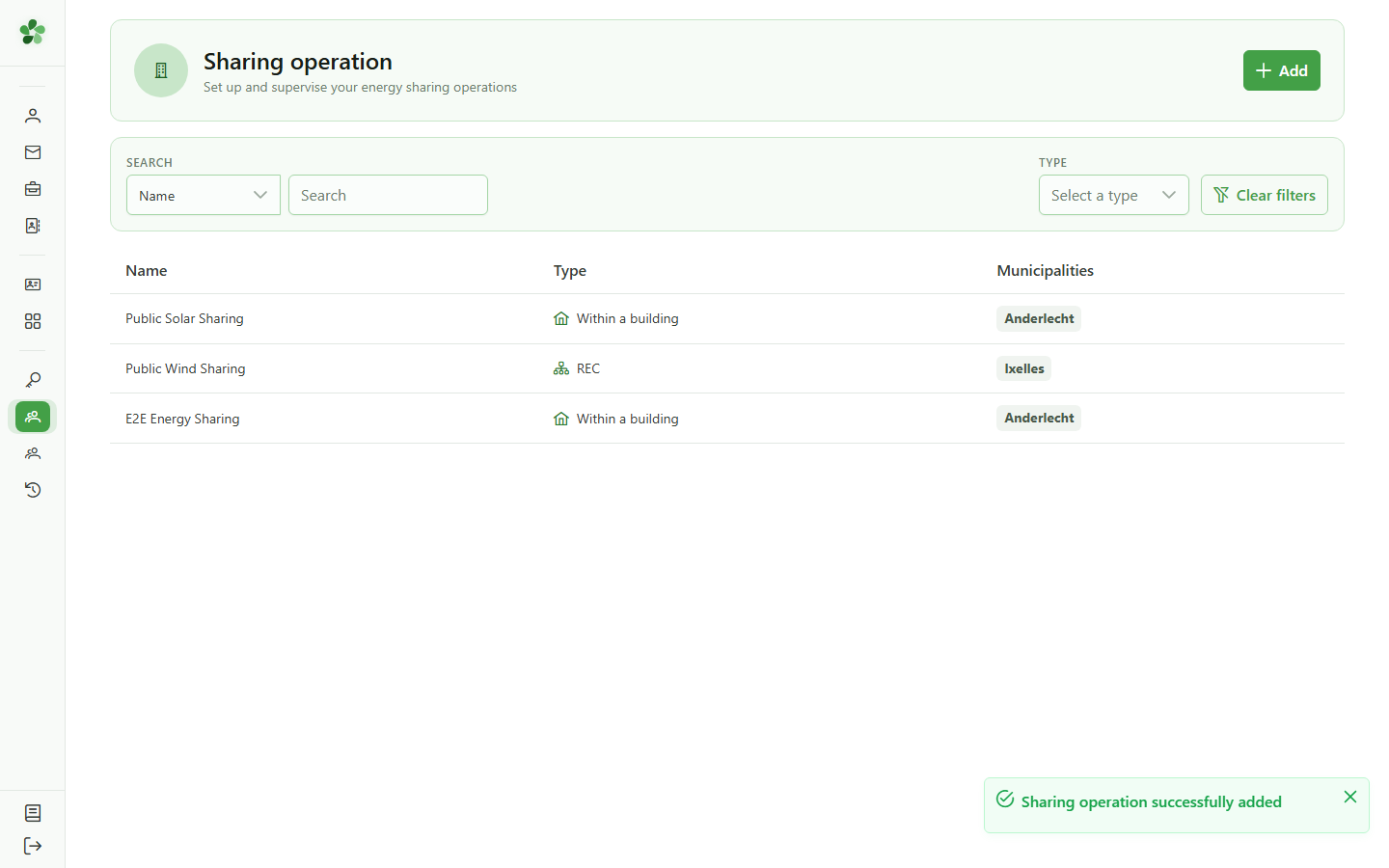
The new "E2E Energy Sharing" appears in the list. It is currently private: visible only to community managers and not yet shown in the public directory.
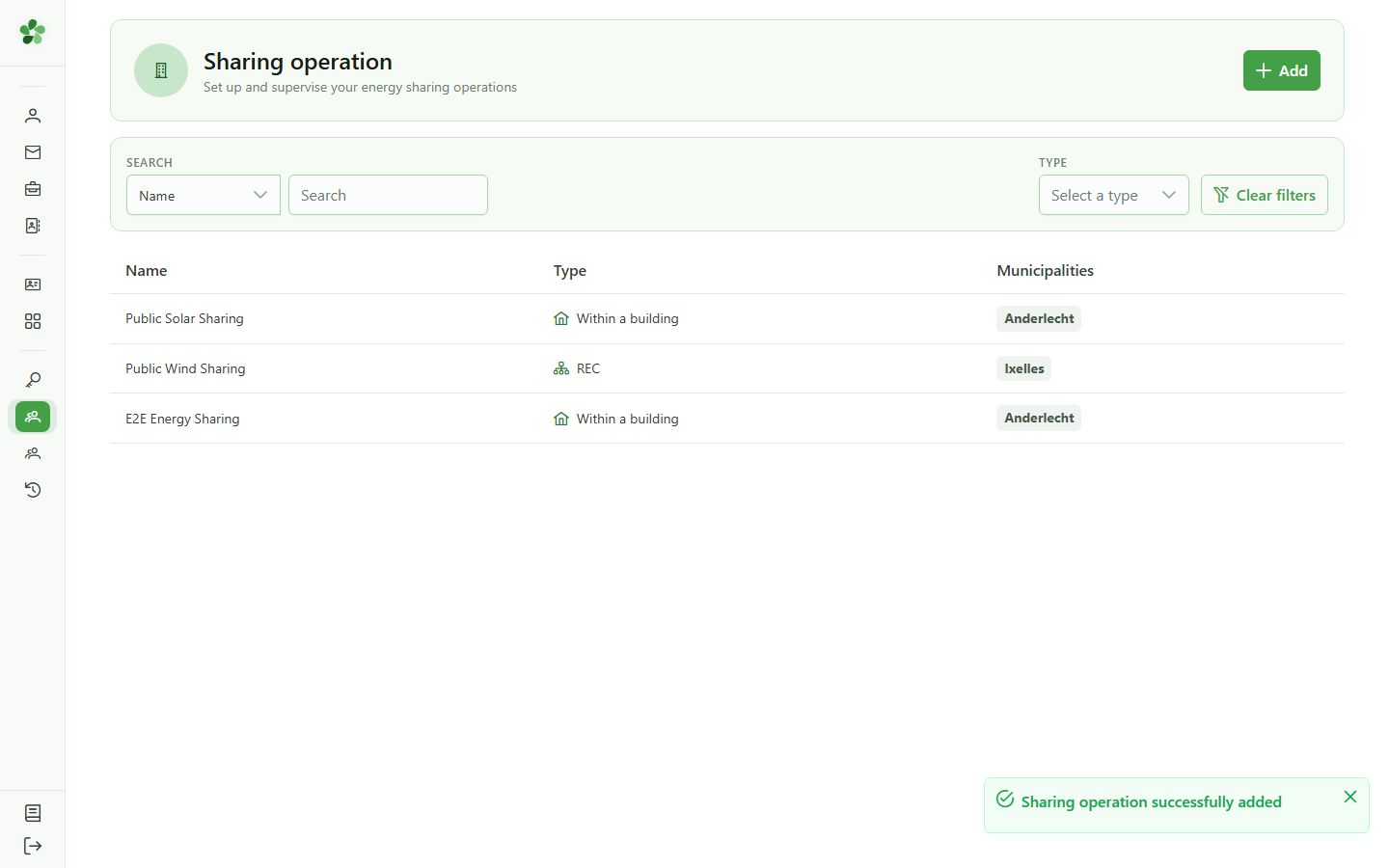
9 Open the detail
Operation detail
Click the new operation's row to open its detail page and access the visibility settings.
10 Private by default
Visibility setting
The grey "PRIVATE" button in the header shows that this operation is not yet visible in the public directory. Citizens searching for a sharing operation in their municipality cannot find it as long as it remains private.
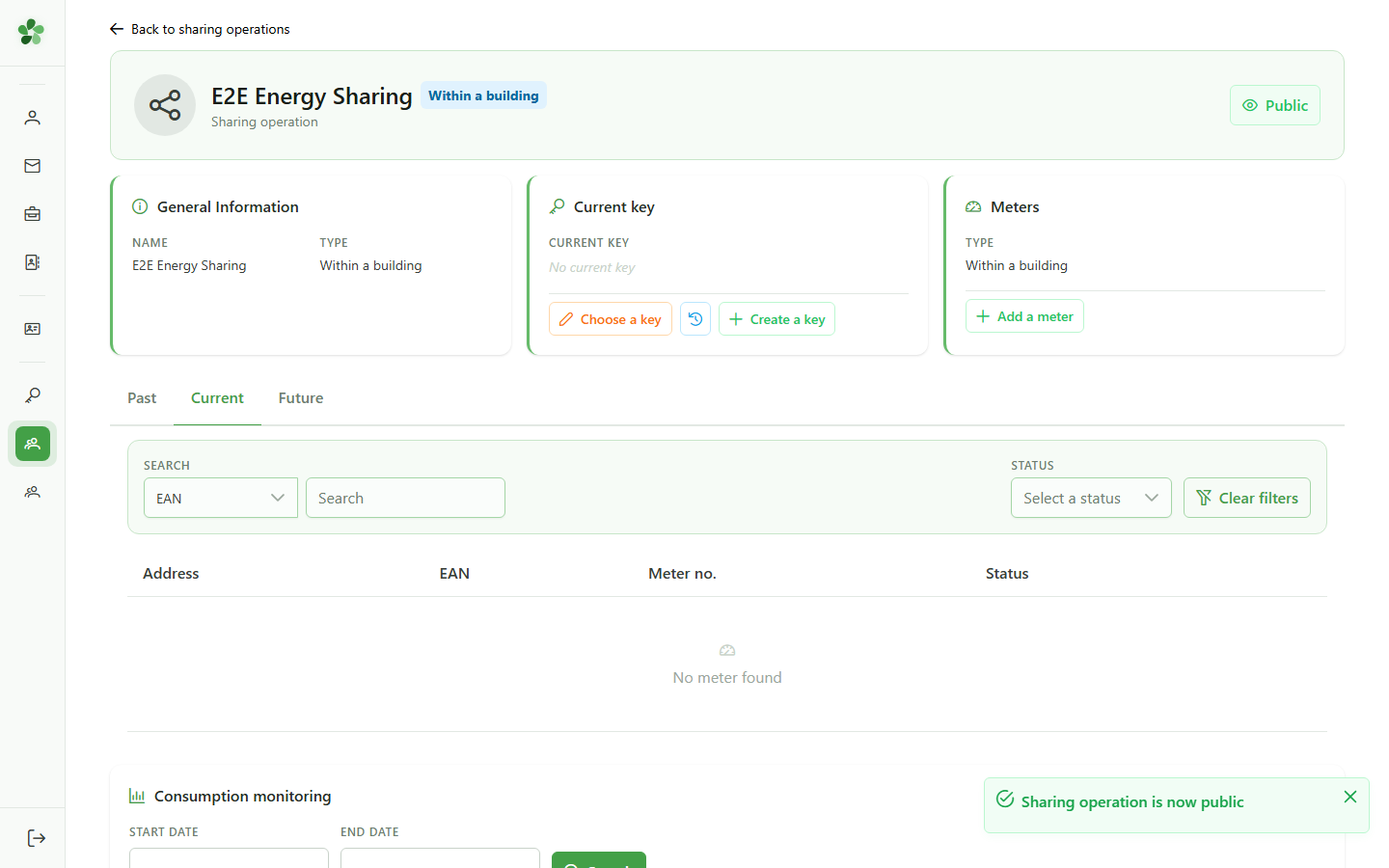
11 Make the operation public
Changing visibility
Click the visibility button to switch the operation to public mode. The change is saved immediately: the operation becomes visible in the energy community directory for all citizens.
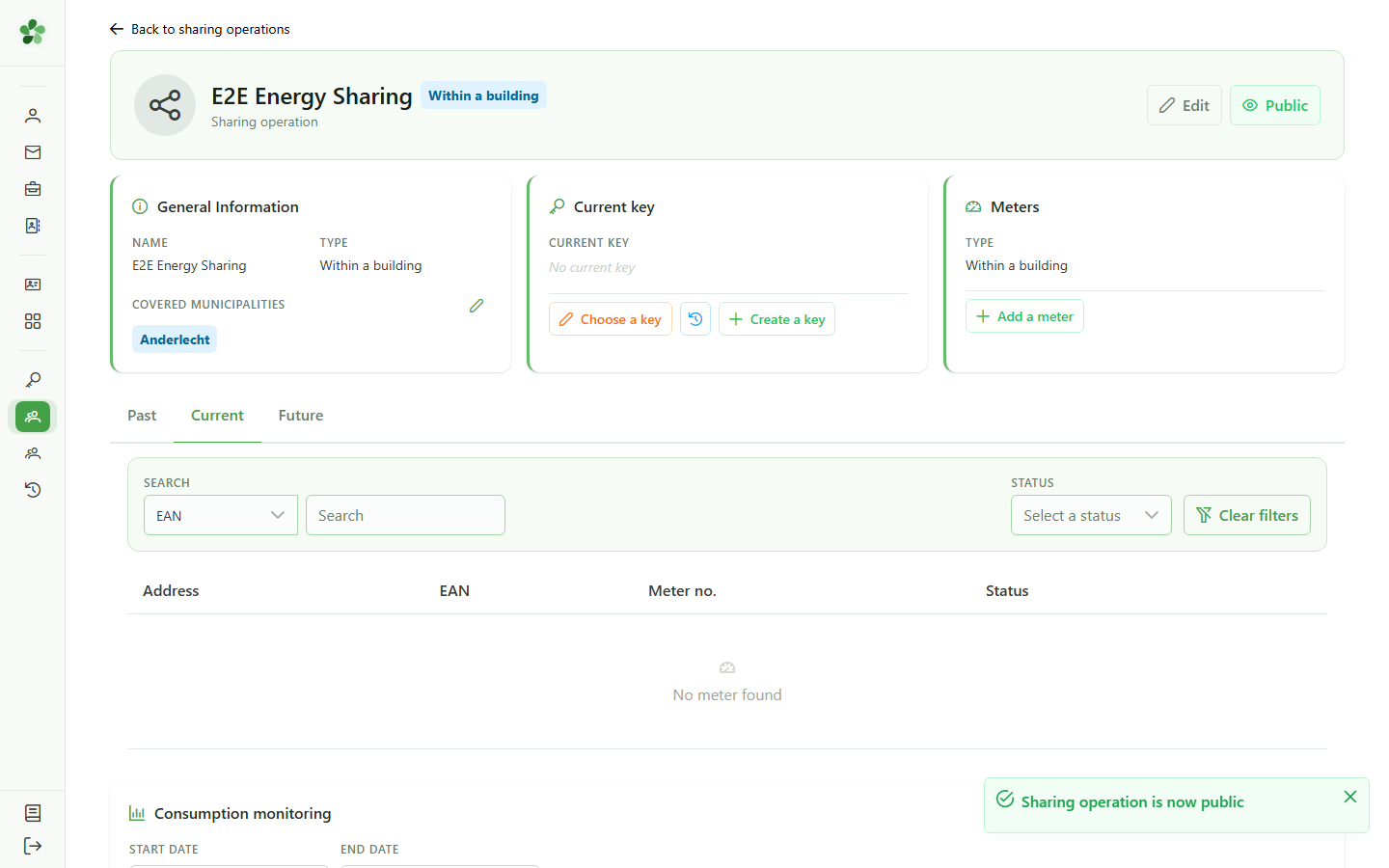
12 Operation is now public
Visibility confirmed
The button turns green and shows "PUBLIC". Any citizen can now find this operation in the energy community directory, filter by municipality, and contact the community to request participation.
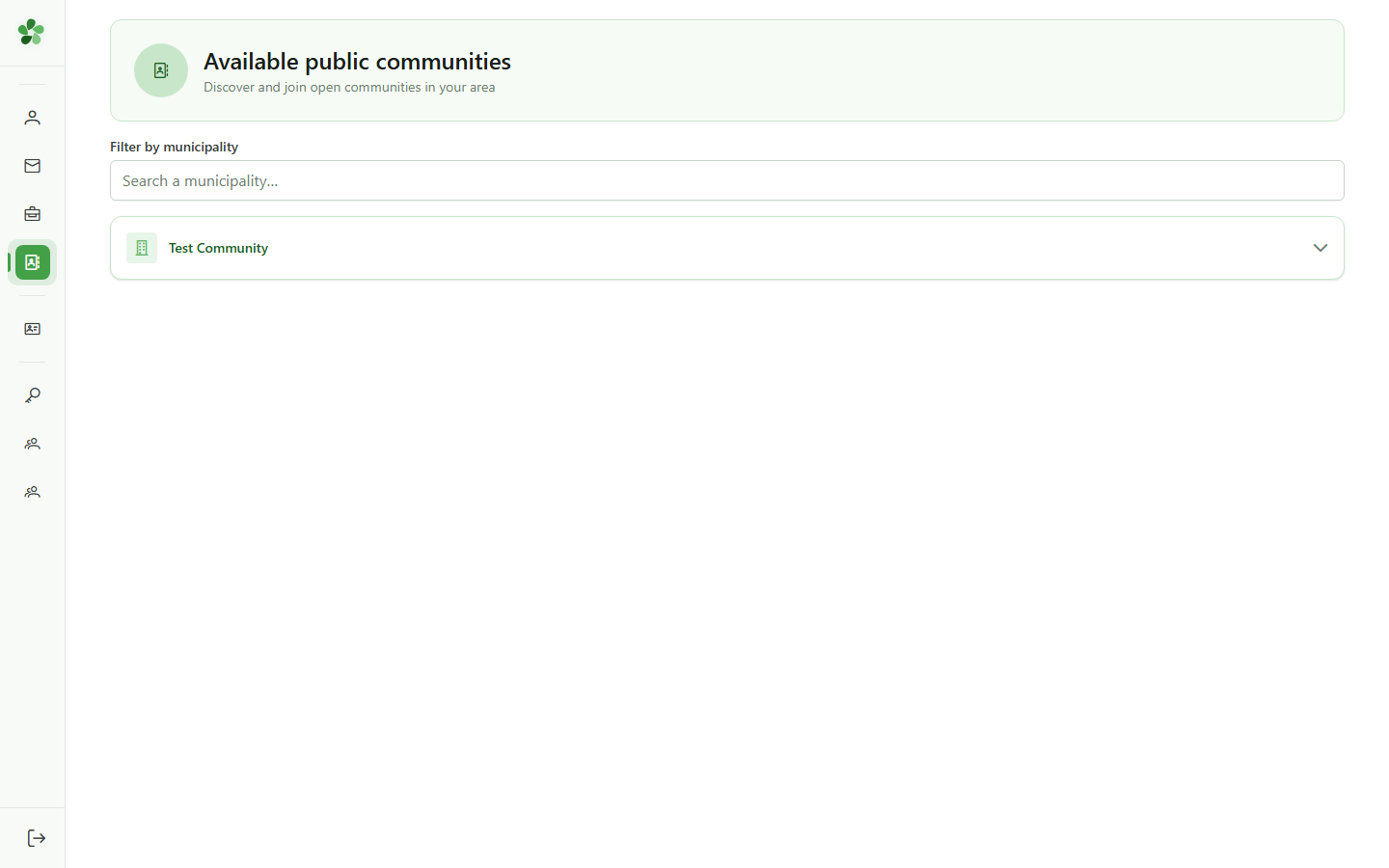
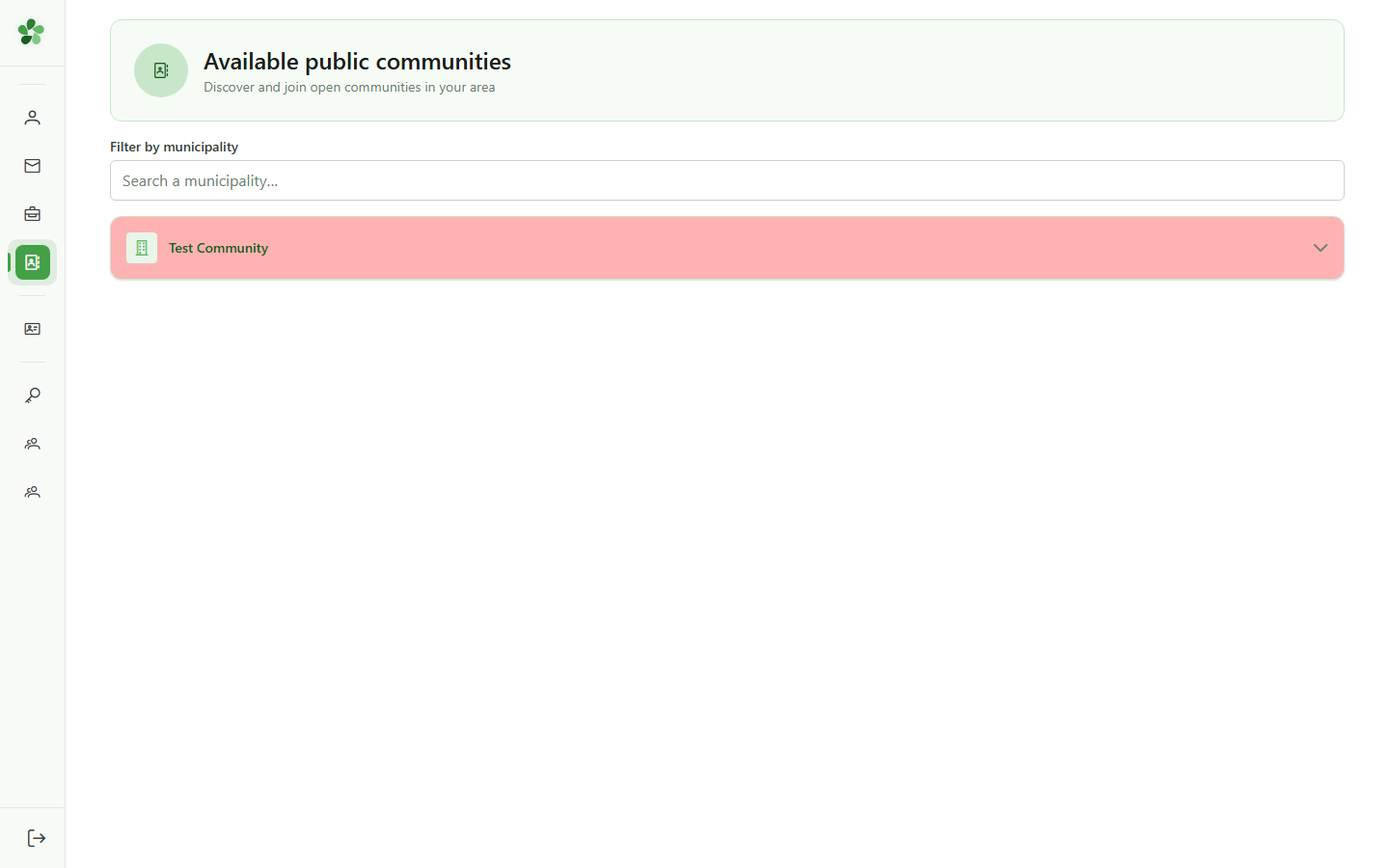
13 Public energy community directory
Citizen view
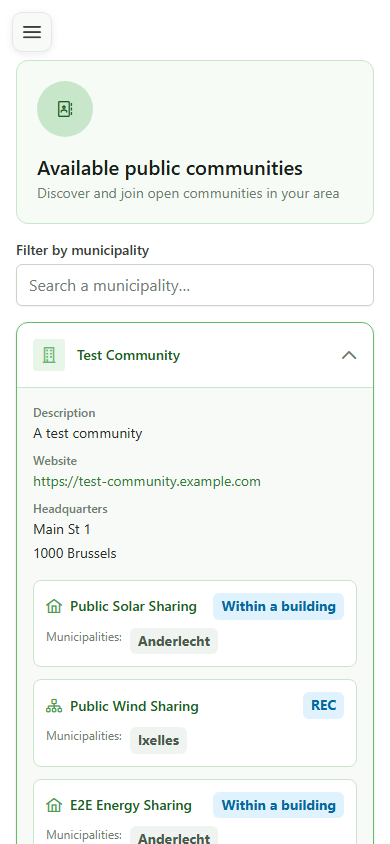
The "Energy communities" page is accessible to everyone without login. It lists communities that have at least one public sharing operation, with a municipality filter to discover local initiatives.
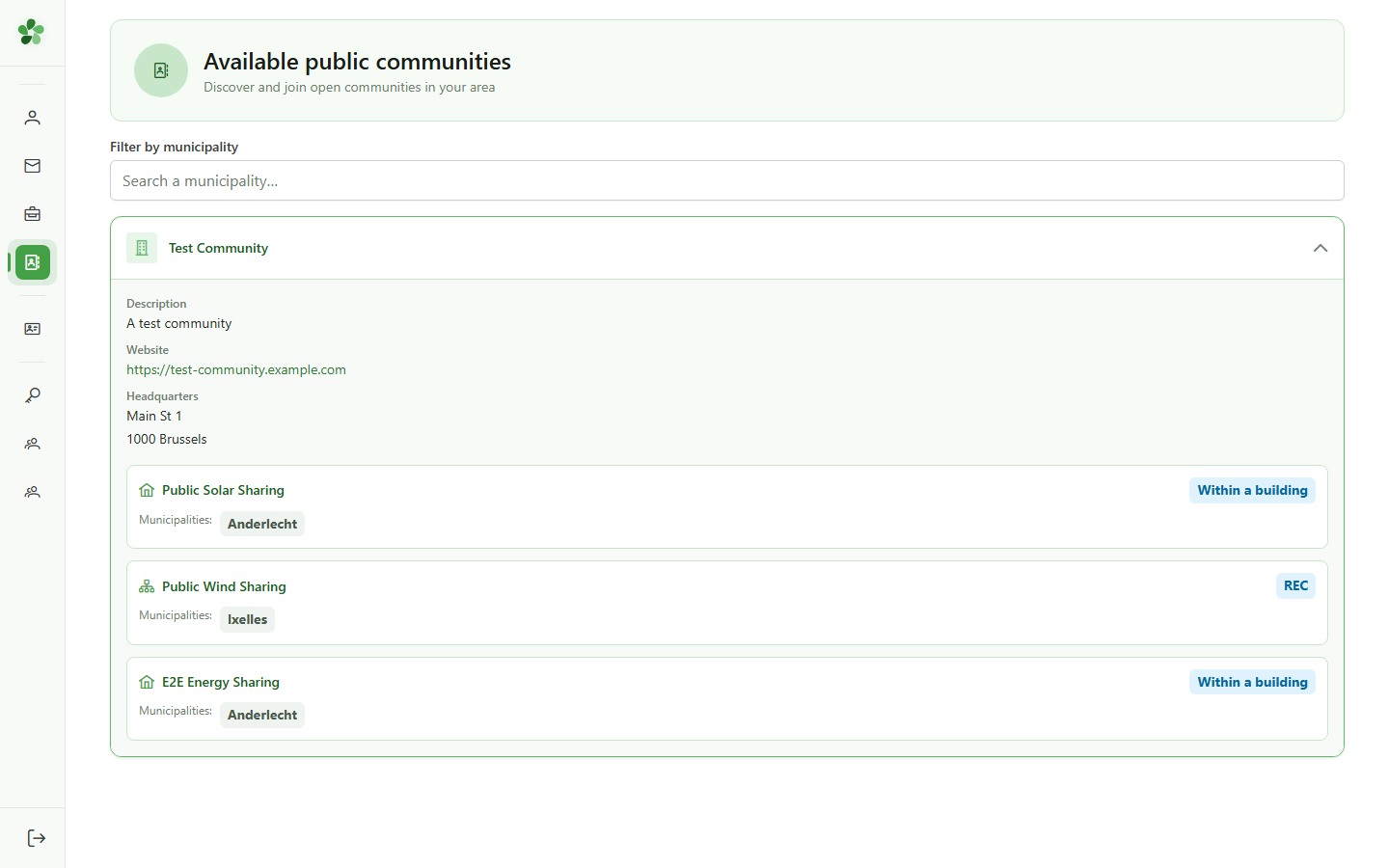
14 Expand a community
Available operations
Click a community to display its public sharing operations. For each operation, the type and covered municipalities are shown — essential information for a citizen looking for a local initiative.
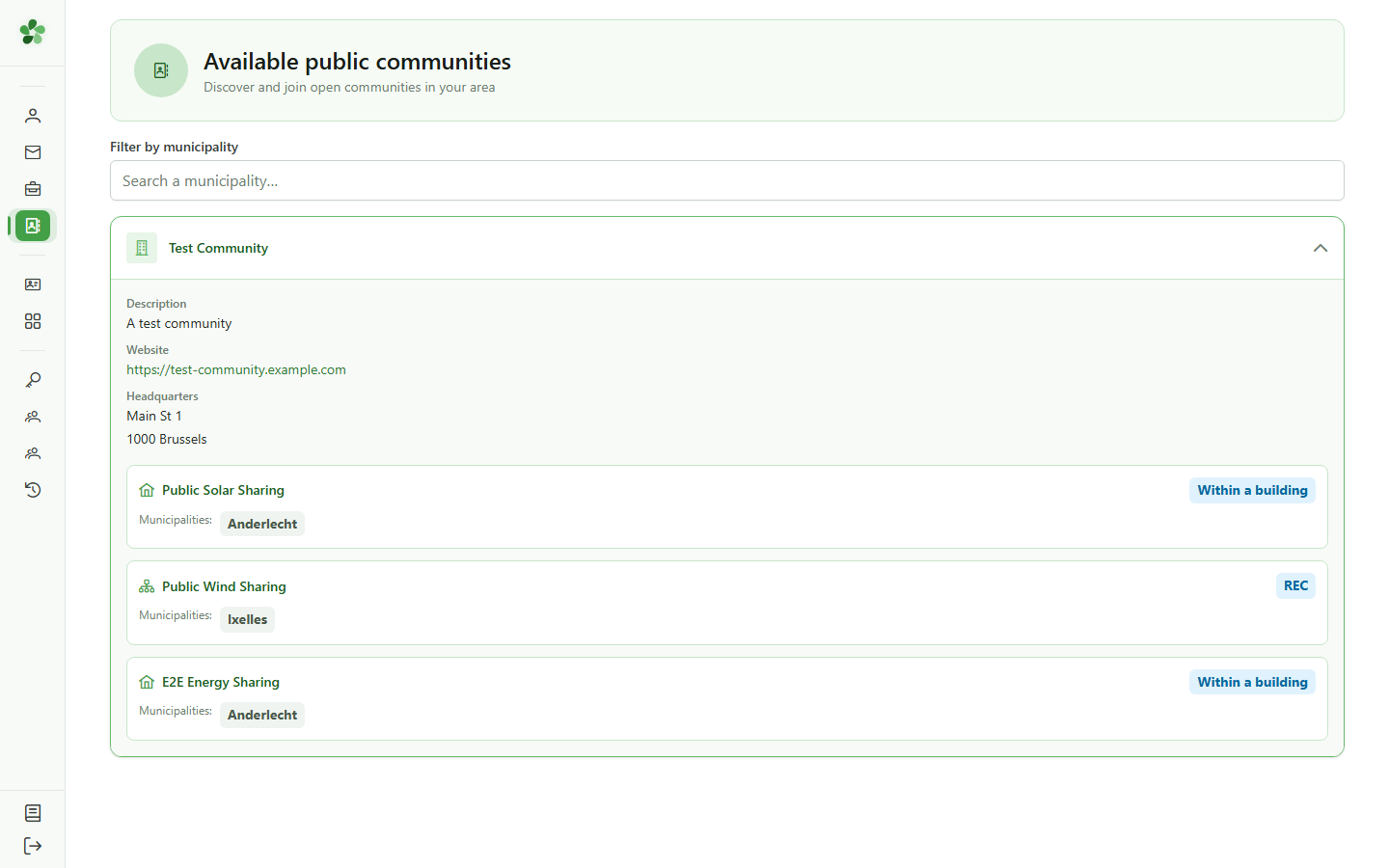
15 Operation visible in the directory
Citizen discovery
"E2E Energy Sharing" is now visible in the public directory, with its type and the municipality of Anderlecht. This is exactly what a citizen will see when searching for an energy sharing operation in their region to join a local community.
Make a sharing operation public
Guide utilisateur
User guide
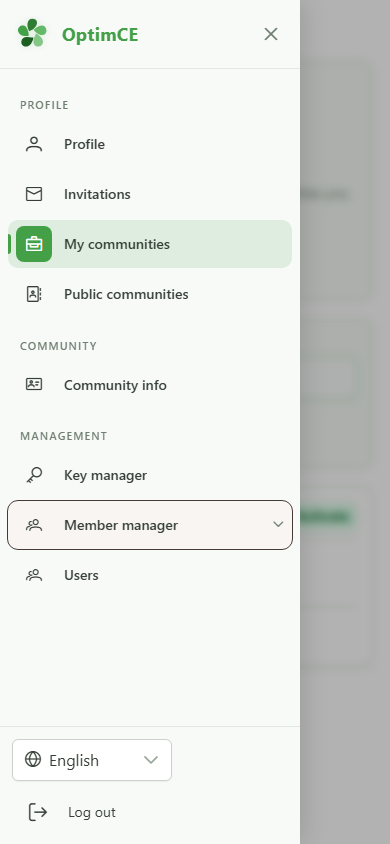
1 Open the Members group
Navigation
In the navigation drawer, under "Management", tap the Members group to reveal the submenu including sharing operations.
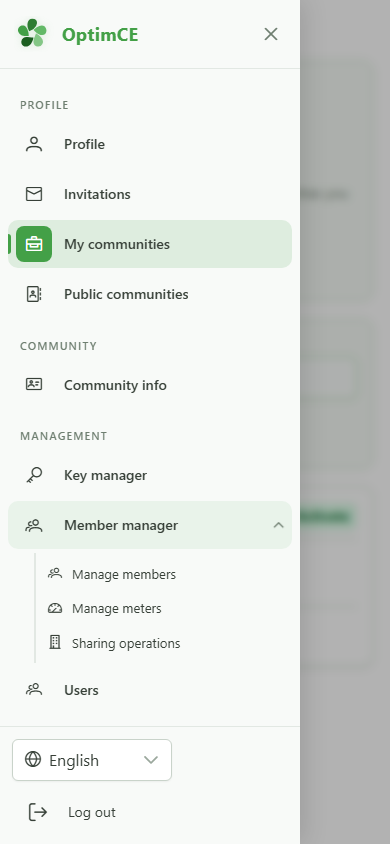
2 Access sharing operations
Navigation
In the submenu, tap "Sharing operations" to access the list of energy sharing operations for your community.
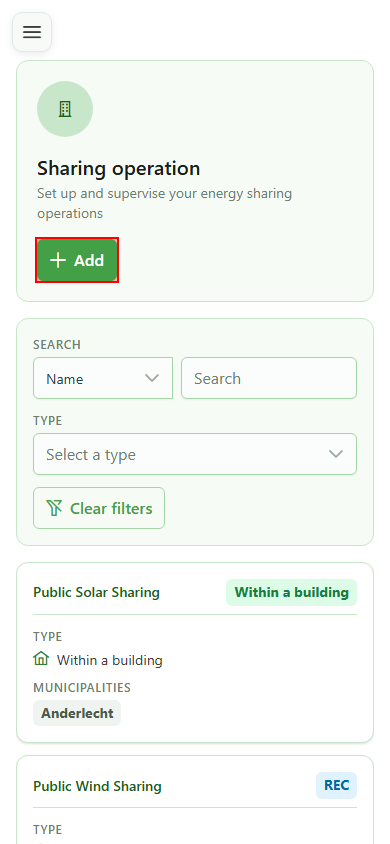
3 Add an operation
Creating an operation
Click "Add" to open the dialog for creating a new sharing operation. By default, every new operation is created in private mode: it is not yet visible in the public directory.
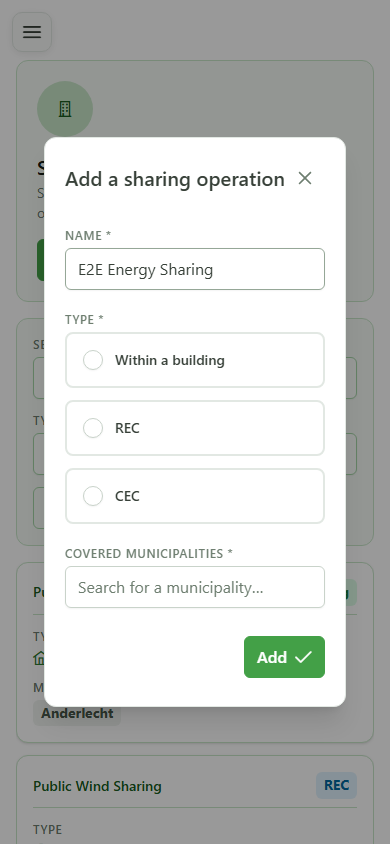
4 Name the operation
Identification
Type a name for the new operation. This name will appear in the management list and in the public directory once the operation is made public.
5 Select the Local type
Sharing type
Select the "Local" type for sharing within a single building. This type, like CER and CEC, can be made public to appear in the energy community directory.
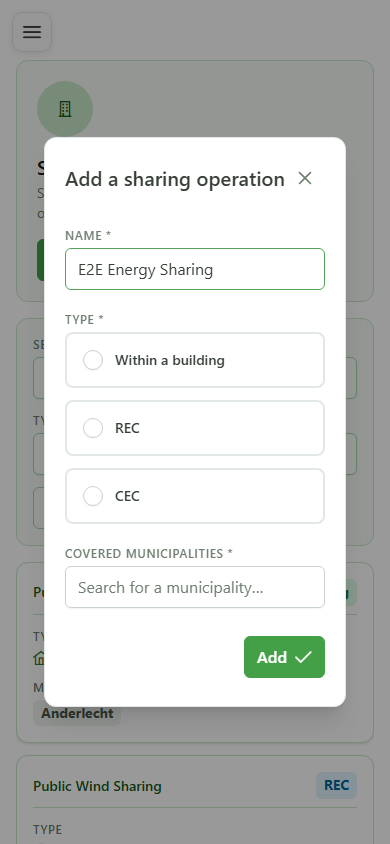
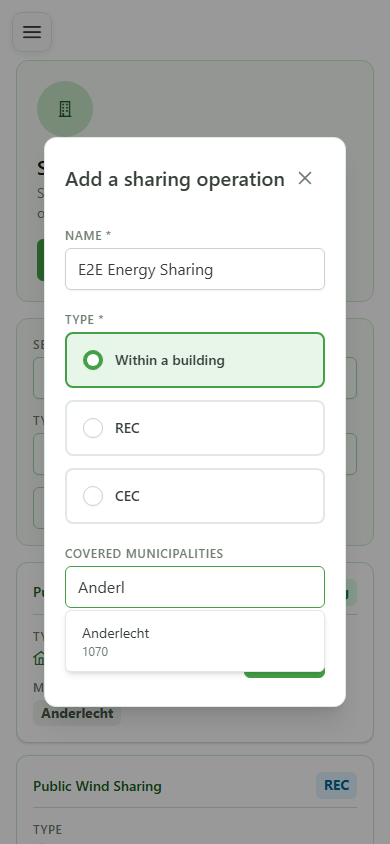
6 Type the municipality
Covered municipalities
Type the first letters of a municipality to see suggestions. The municipality linked to the operation will be shown in the public directory to help citizens find an initiative near them.
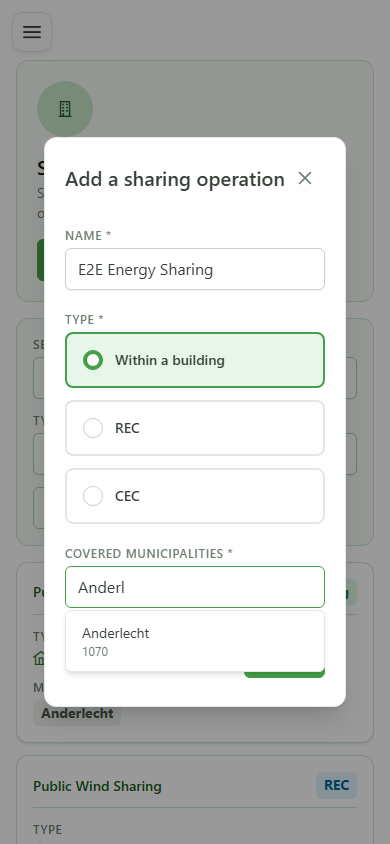
7 Select Anderlecht
Confirming the municipality
Click the first suggestion (Anderlecht) to associate it with the operation. Covered municipalities will be shown in the public directory for each public operation, allowing citizens to filter by locality.
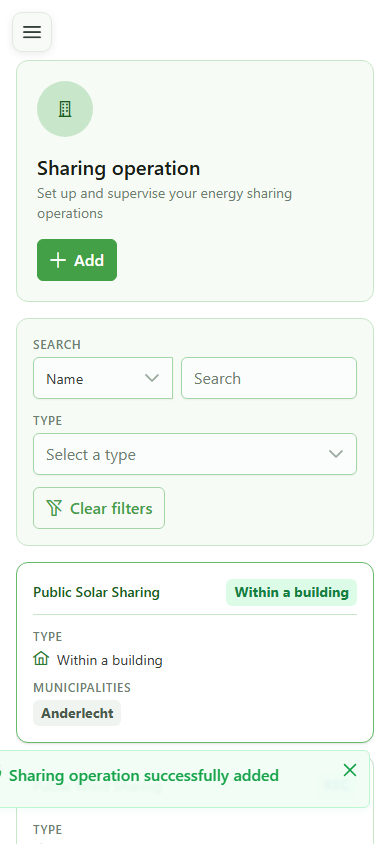
8 Operation created
Confirmation
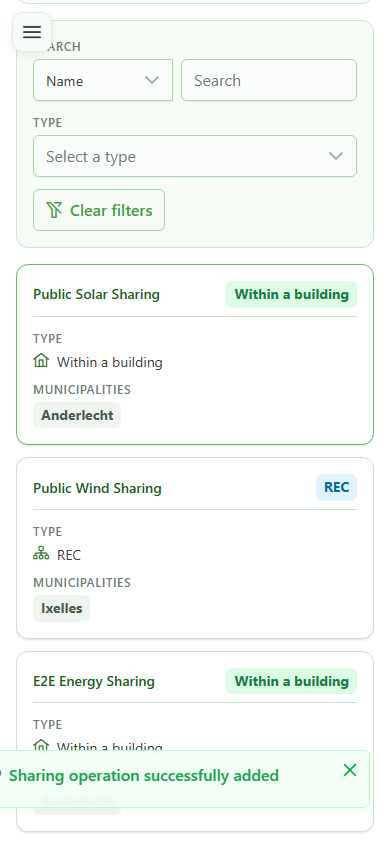
The new "E2E Energy Sharing" appears in the list. It is currently private: visible only to community managers and not yet shown in the public directory.
9 Open the detail
Operation detail
Click the new operation's row to open its detail page and access the visibility settings.
10 Private by default
Visibility setting
The grey "PRIVATE" button in the header shows that this operation is not yet visible in the public directory. Citizens searching for a sharing operation in their municipality cannot find it as long as it remains private.
11 Make the operation public
Changing visibility
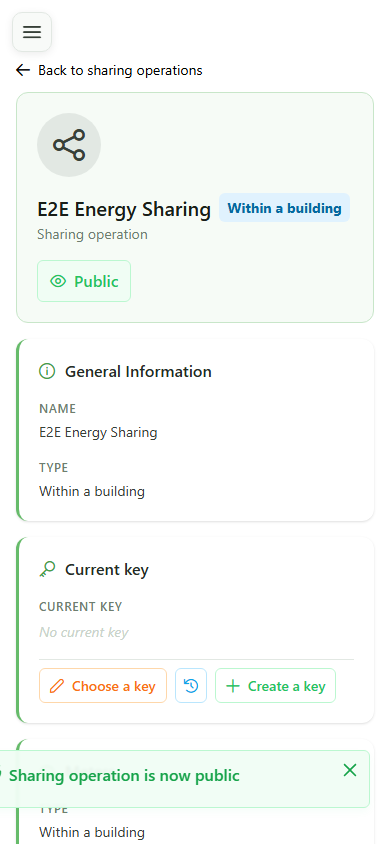
Click the visibility button to switch the operation to public mode. The change is saved immediately: the operation becomes visible in the energy community directory for all citizens.
12 Operation is now public
Visibility confirmed
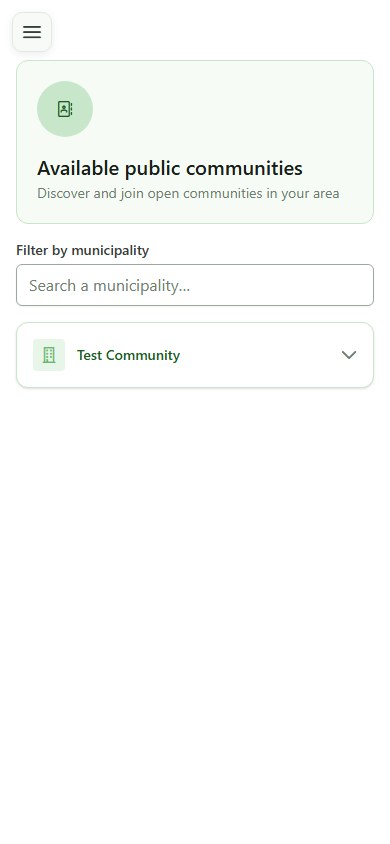
The button turns green and shows "PUBLIC". Any citizen can now find this operation in the energy community directory, filter by municipality, and contact the community to request participation.
13 Public energy community directory
Citizen view
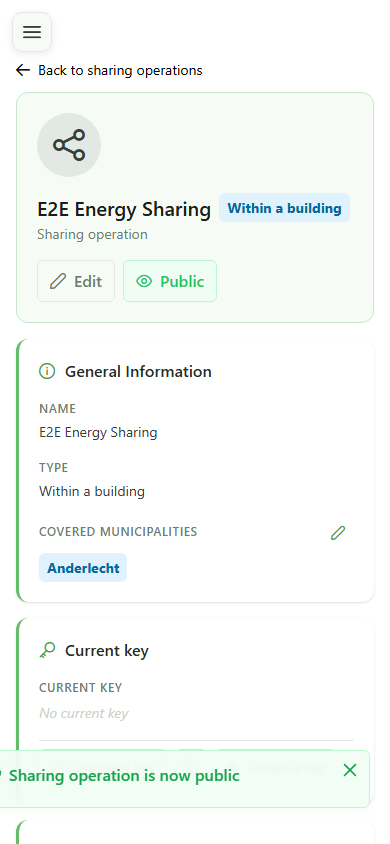
The "Energy communities" page is accessible to everyone without login. It lists communities that have at least one public sharing operation, with a municipality filter to discover local initiatives.
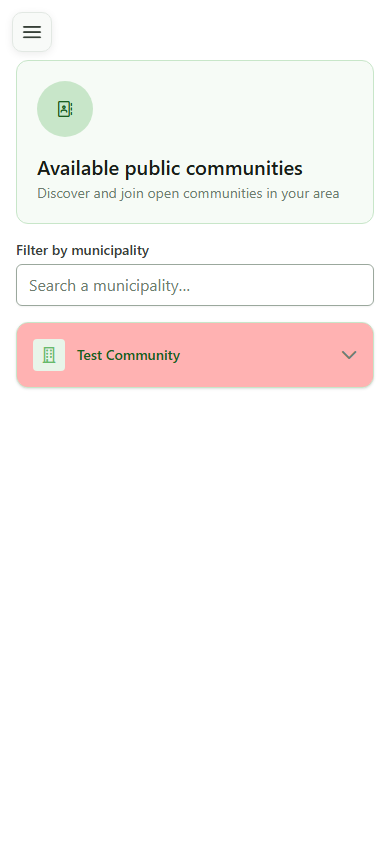
14 Expand a community
Available operations
Click a community to display its public sharing operations. For each operation, the type and covered municipalities are shown — essential information for a citizen looking for a local initiative.
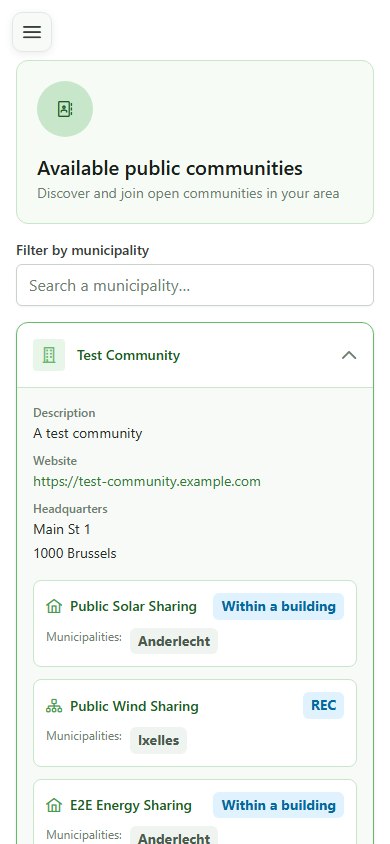
15 Operation visible in the directory
Citizen discovery
"E2E Energy Sharing" is now visible in the public directory, with its type and the municipality of Anderlecht. This is exactly what a citizen will see when searching for an energy sharing operation in their region to join a local community.