Explore the public communities directory
Guide utilisateur
User guide
Gebruikershandleiding
Benutzerhandbuch
1 Open the public directory
Navigation
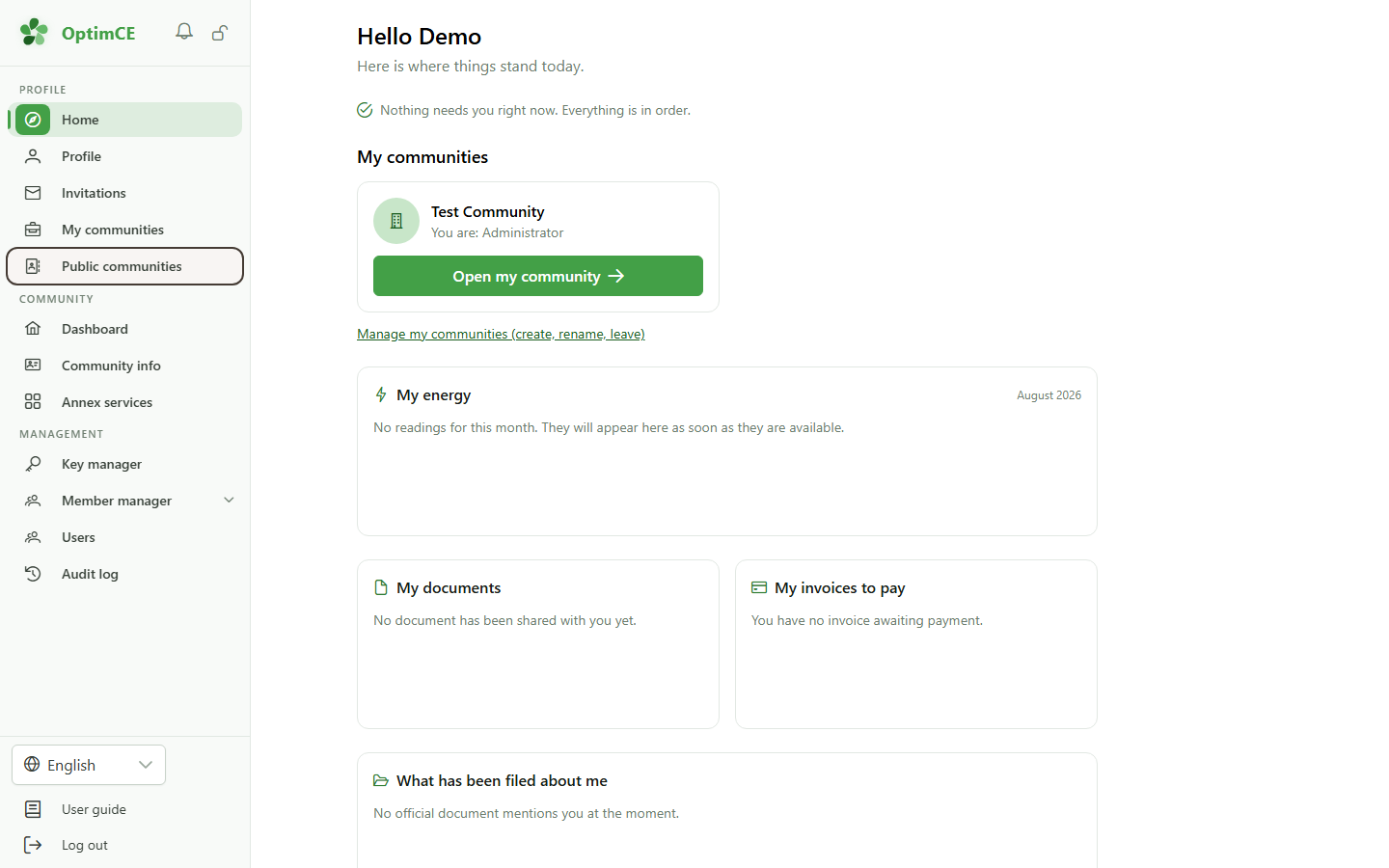
In the sidebar's profile menu, click "Public communities" to discover the open energy communities around you.
2 The public communities directory
Discovery
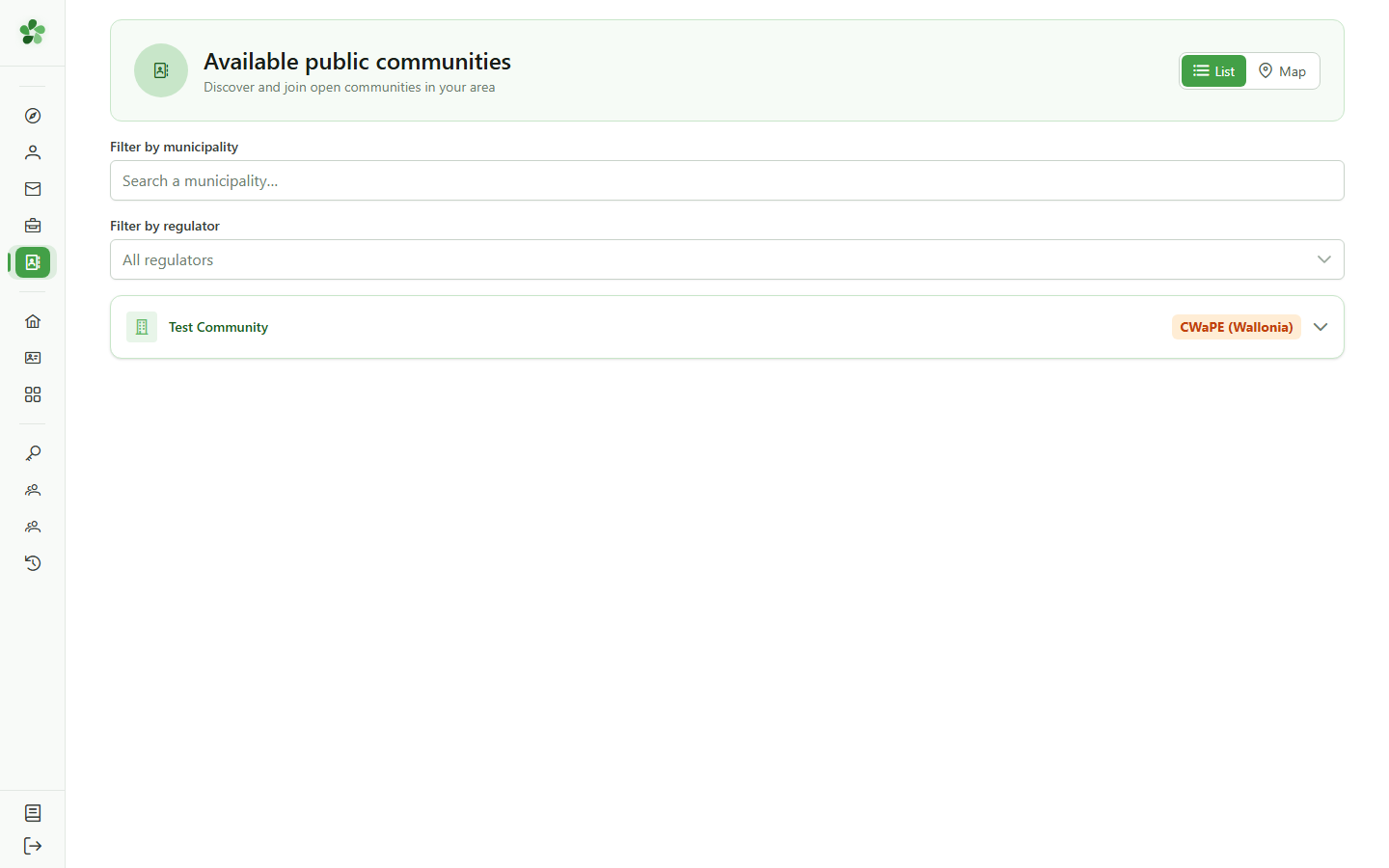
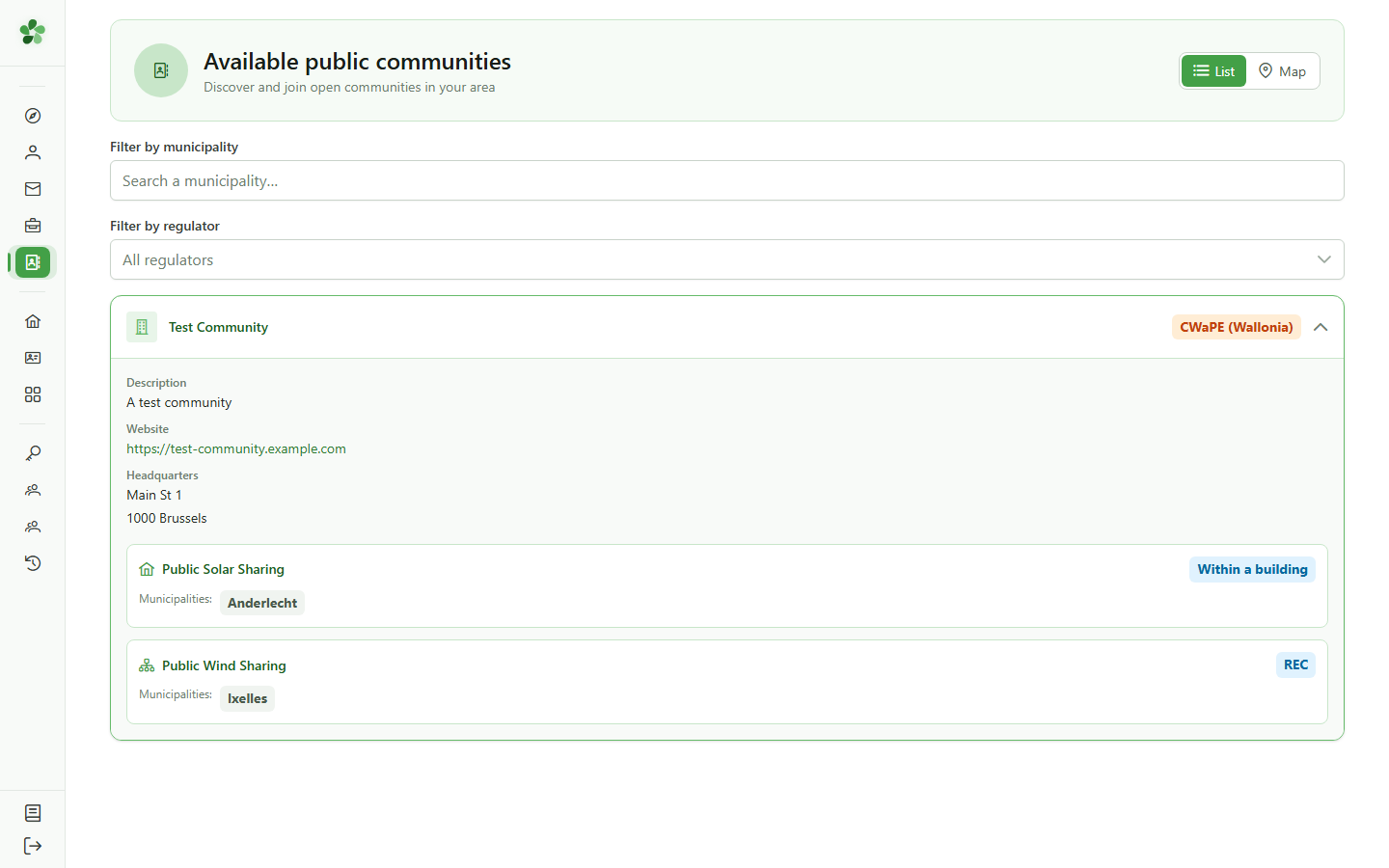
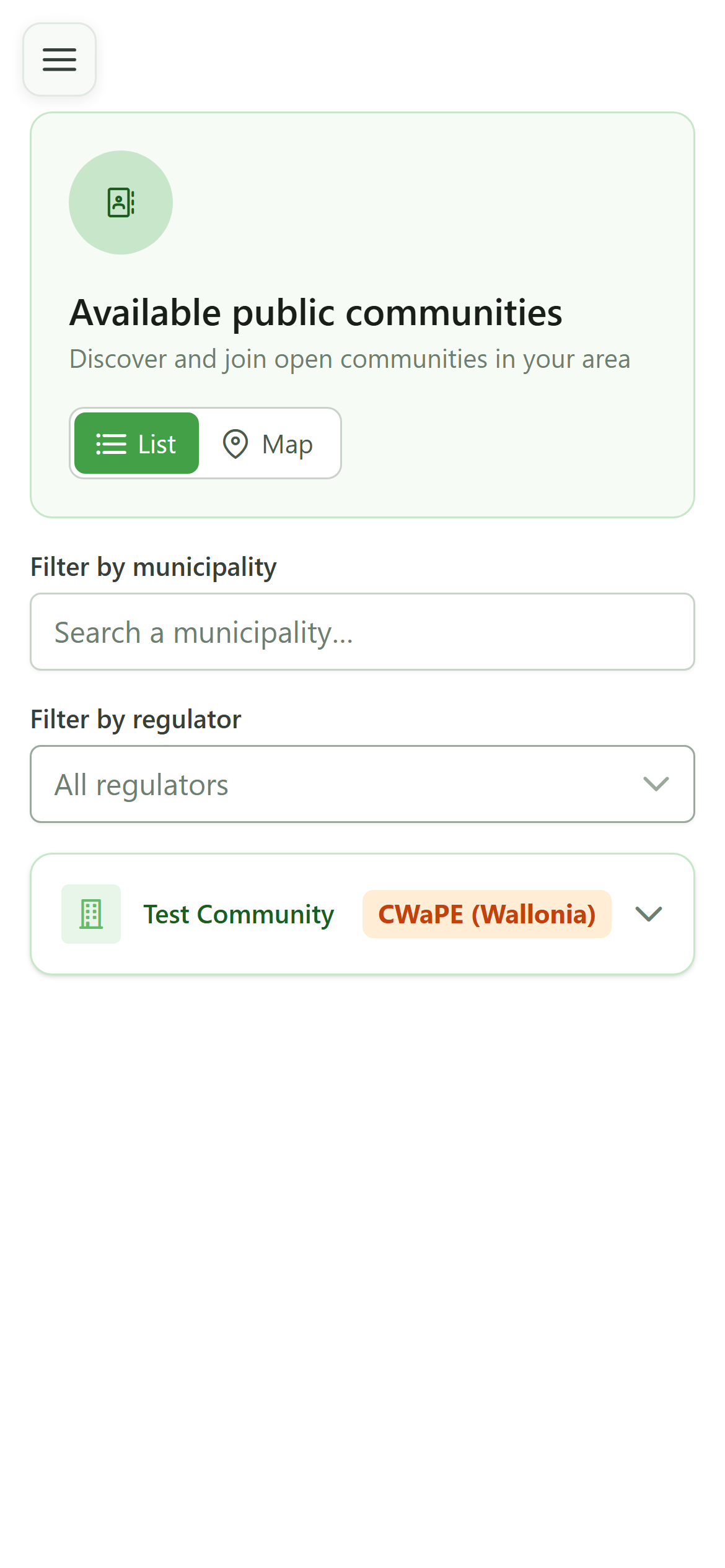
Each card is an energy community open to the public, with its regulator. Click a card to learn more.
3 Expand a community
Details
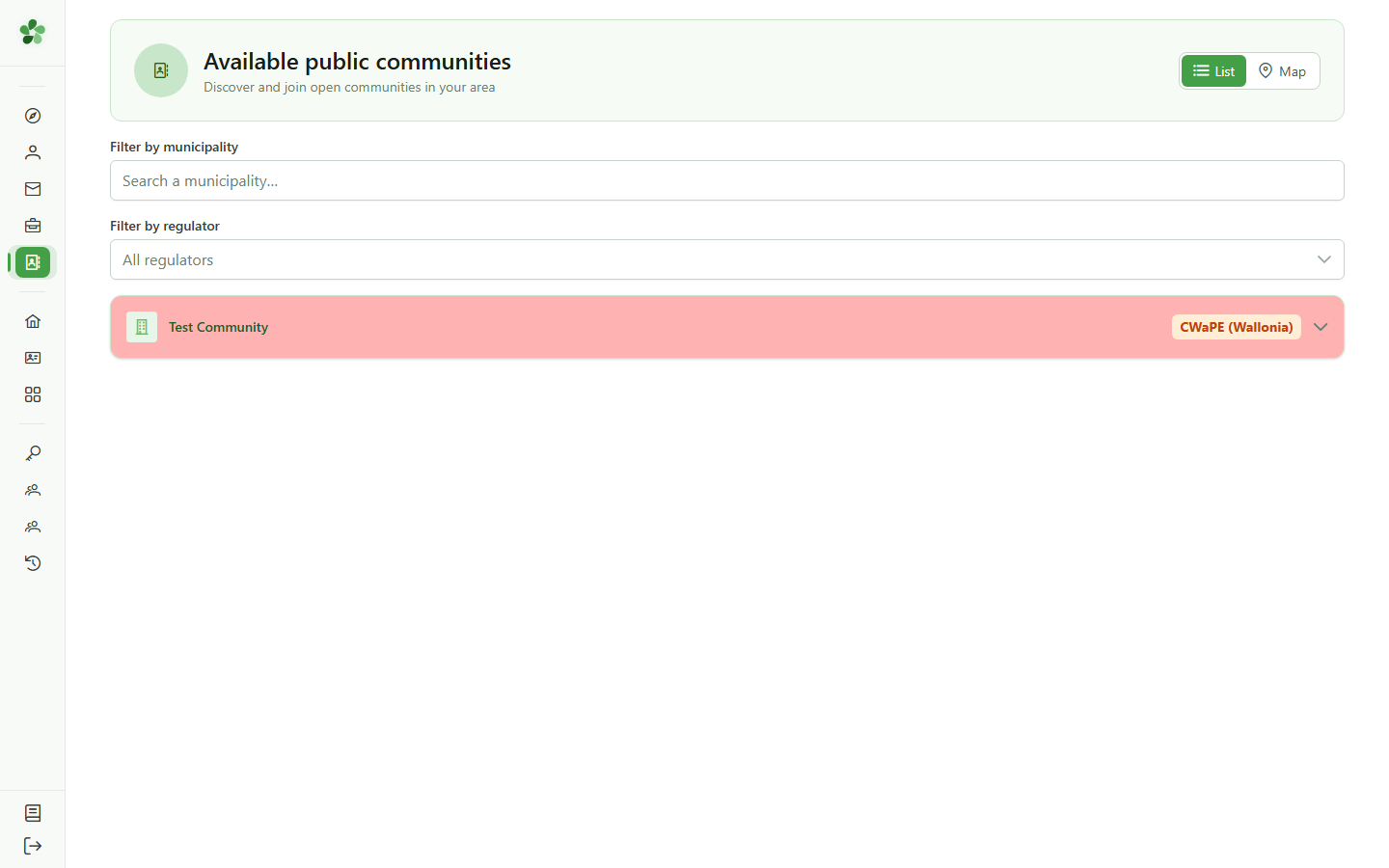
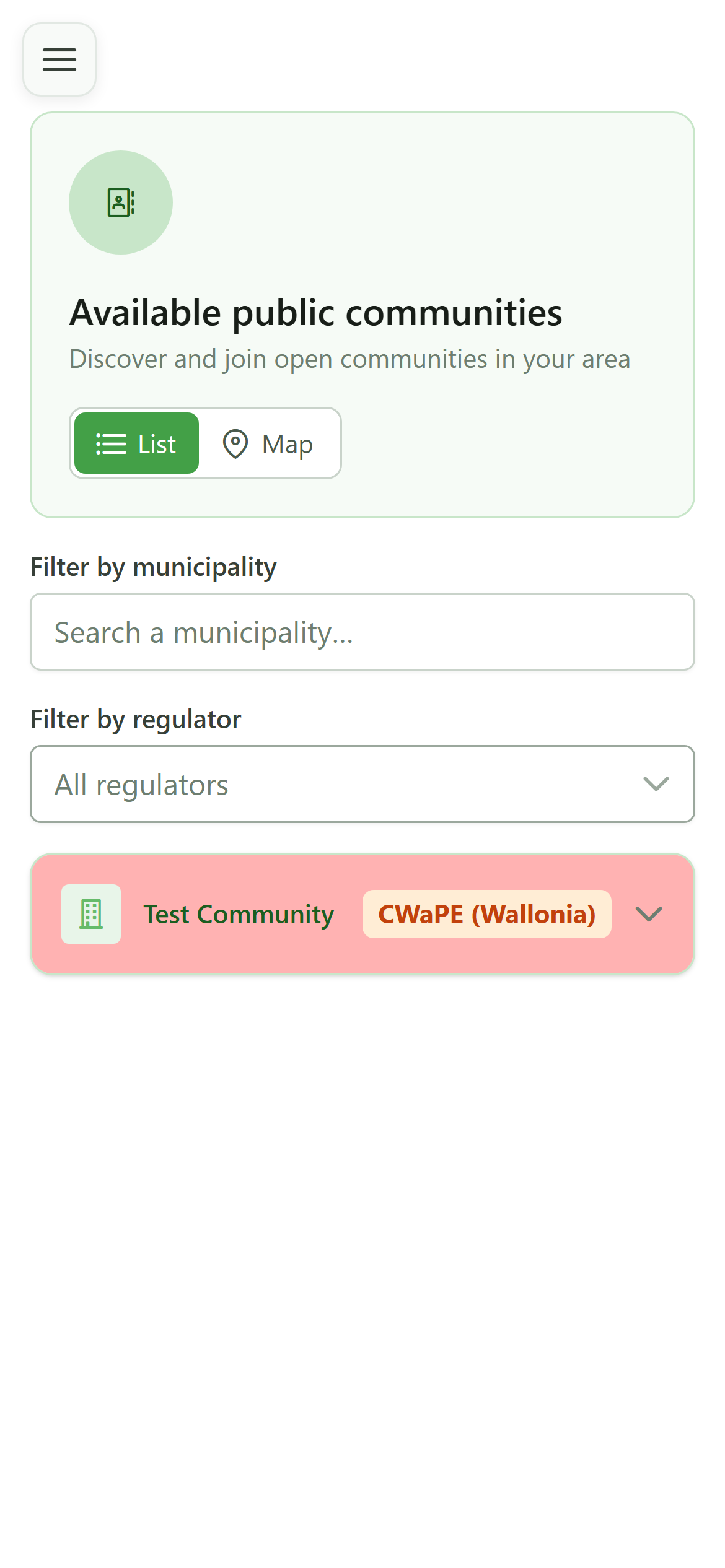
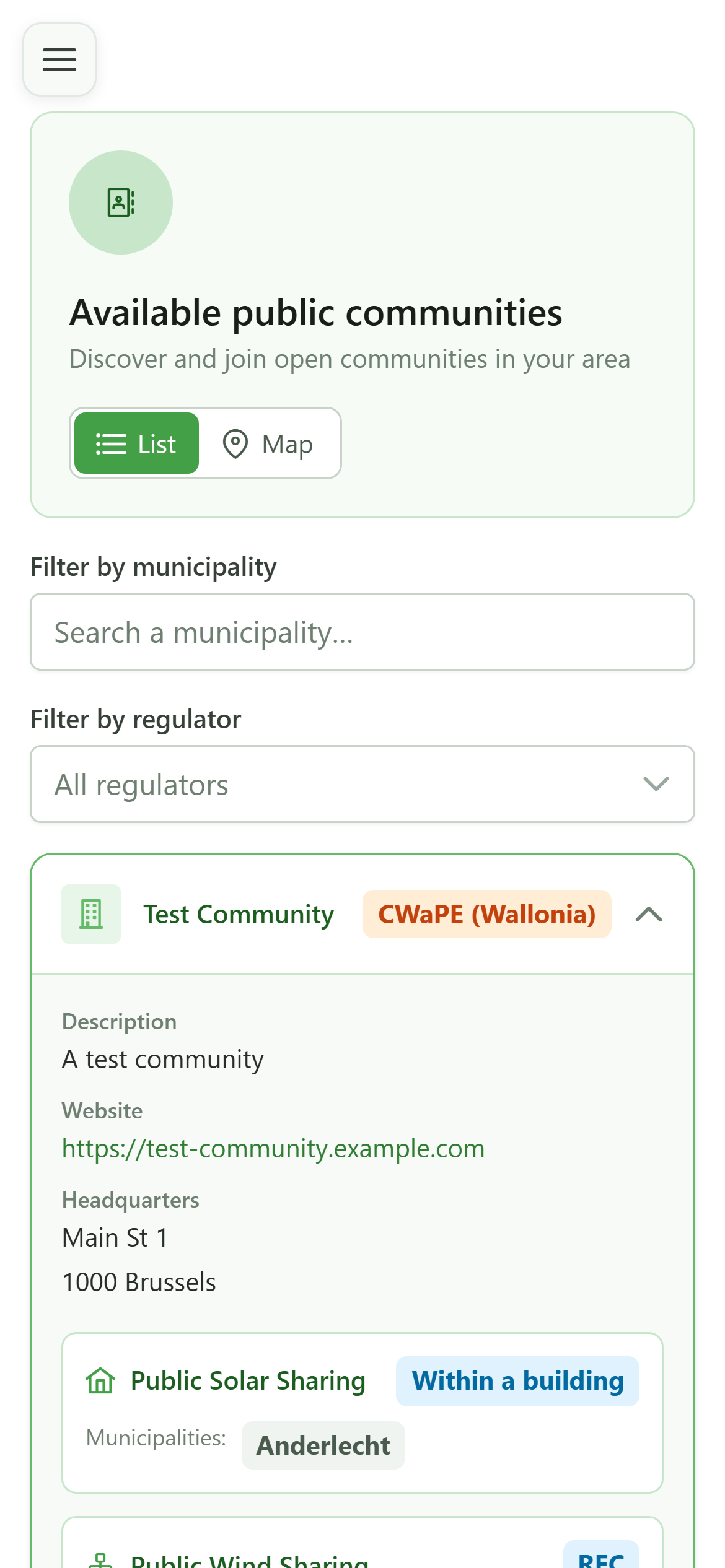
Expanding a community reveals its description, website, registered office and, above all, the list of its public sharing operations.
4 The sharing operations
Details
The "Test Community" offers several public sharing operations (solar, wind). Each operation lists the municipalities it covers.
5 Filter by municipality
Search
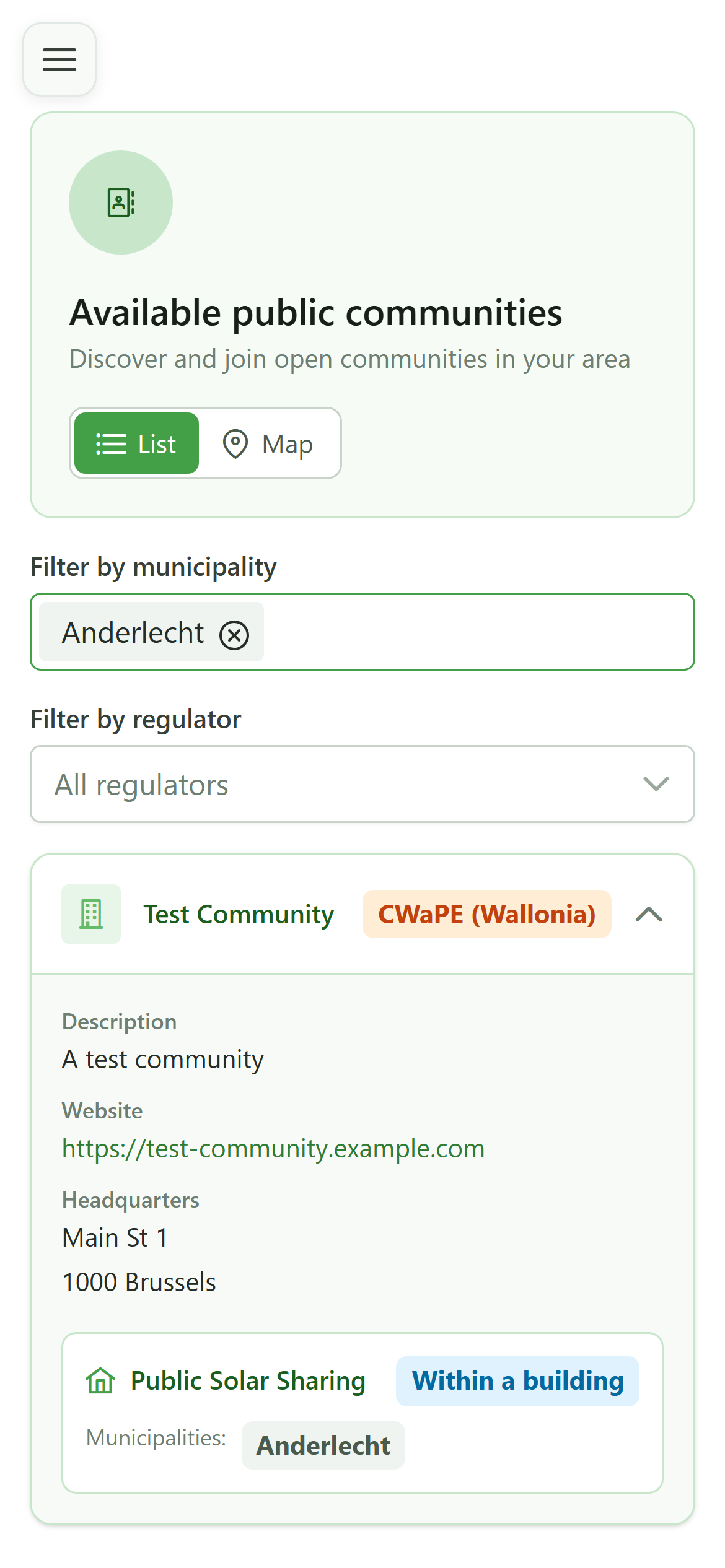
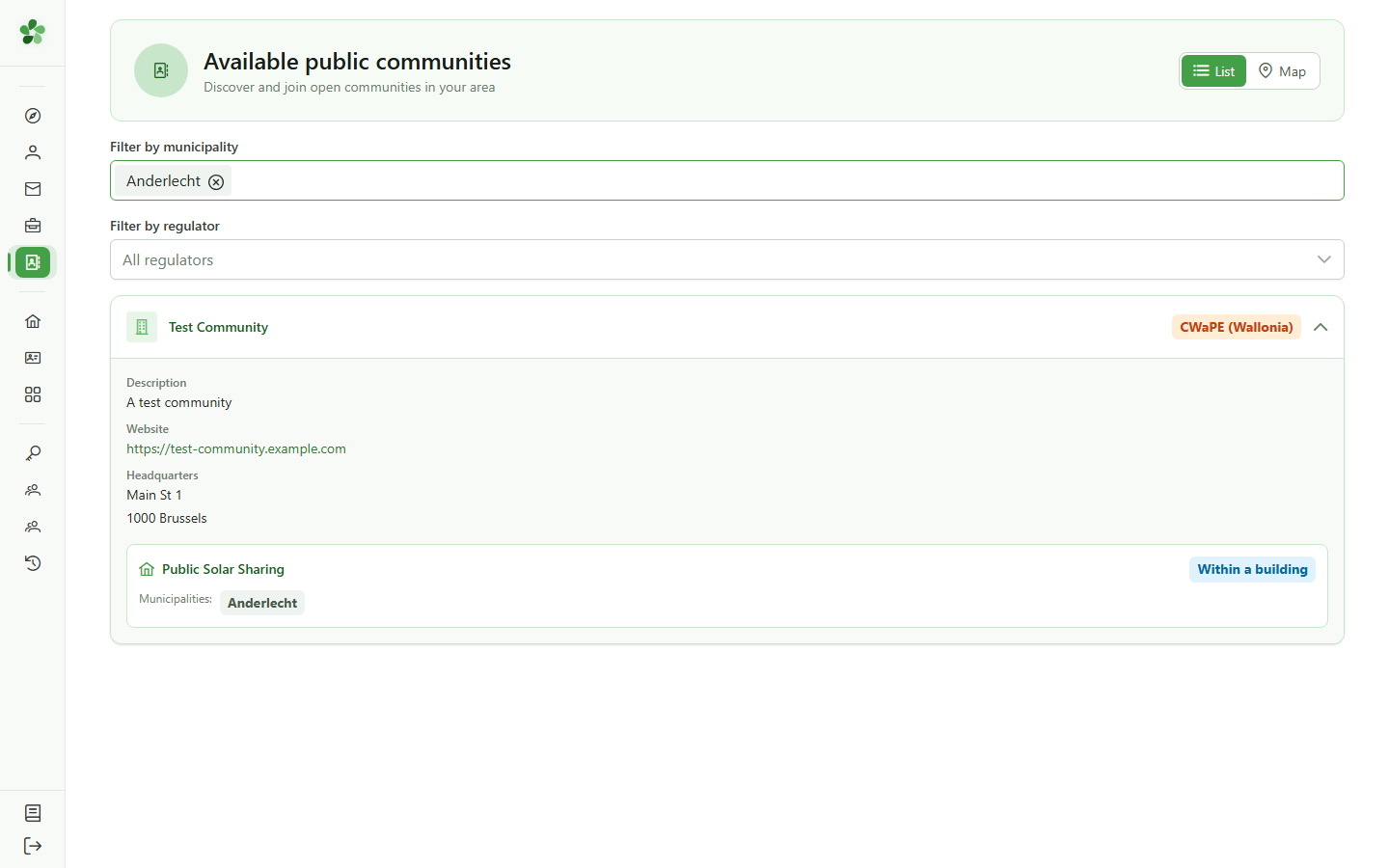
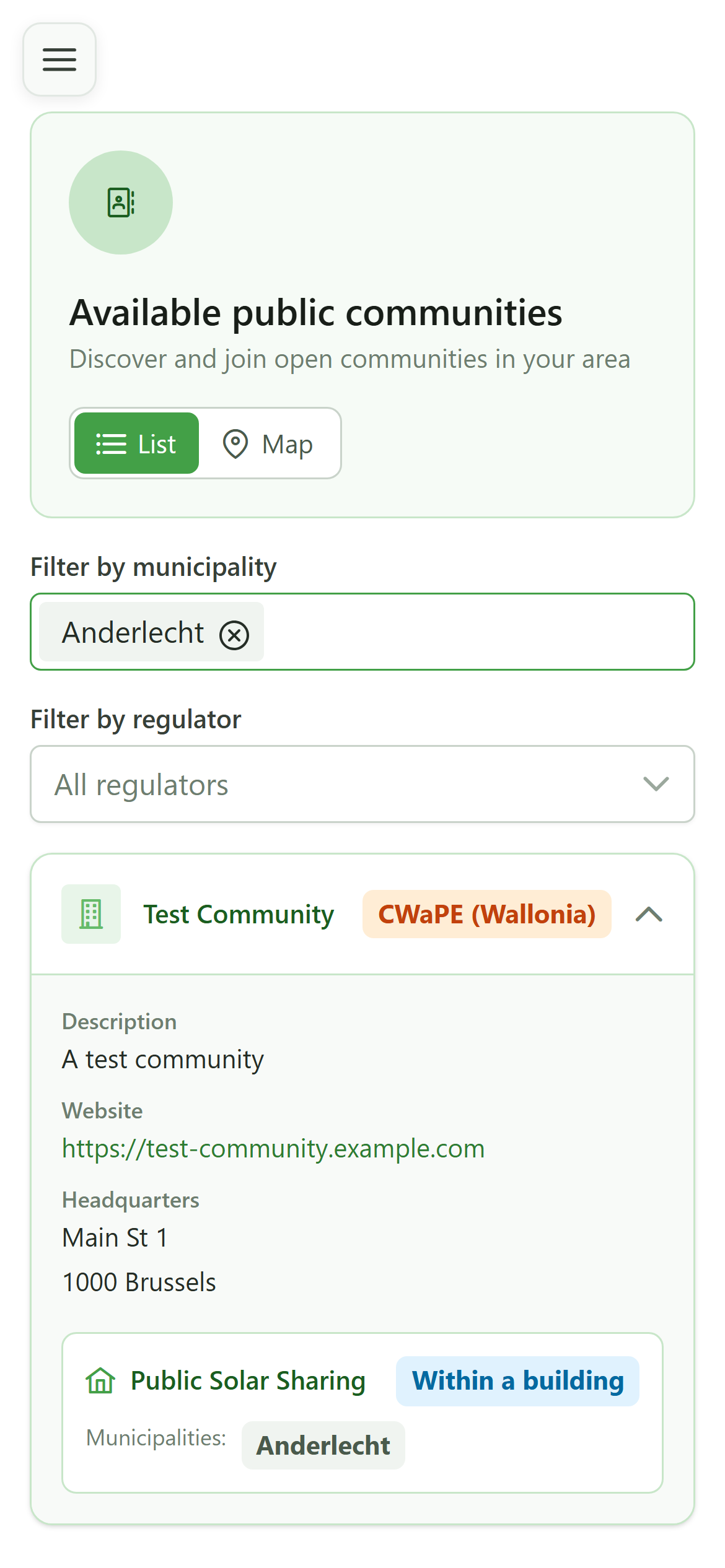
Type a municipality and pick it from the suggestions to keep only the communities active there. You can also filter by regulator.
6 Filtered result
Search
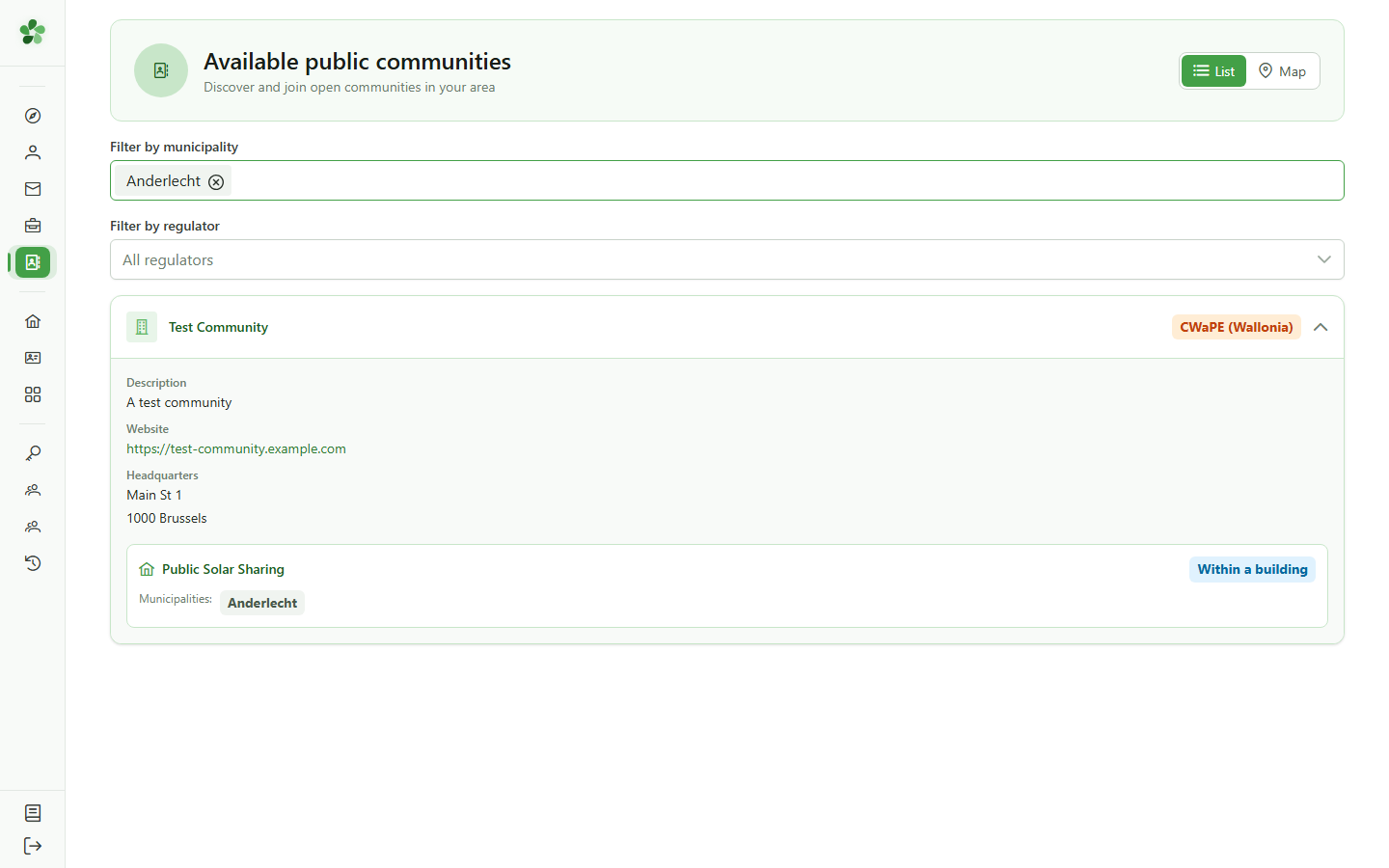
"Test Community" runs a sharing operation in Anderlecht, so it stays listed. A municipality with no active community would show an empty directory.
Explore the public communities directory
Guide utilisateur
User guide
Gebruikershandleiding
Benutzerhandbuch
1 Open the public directory
Navigation
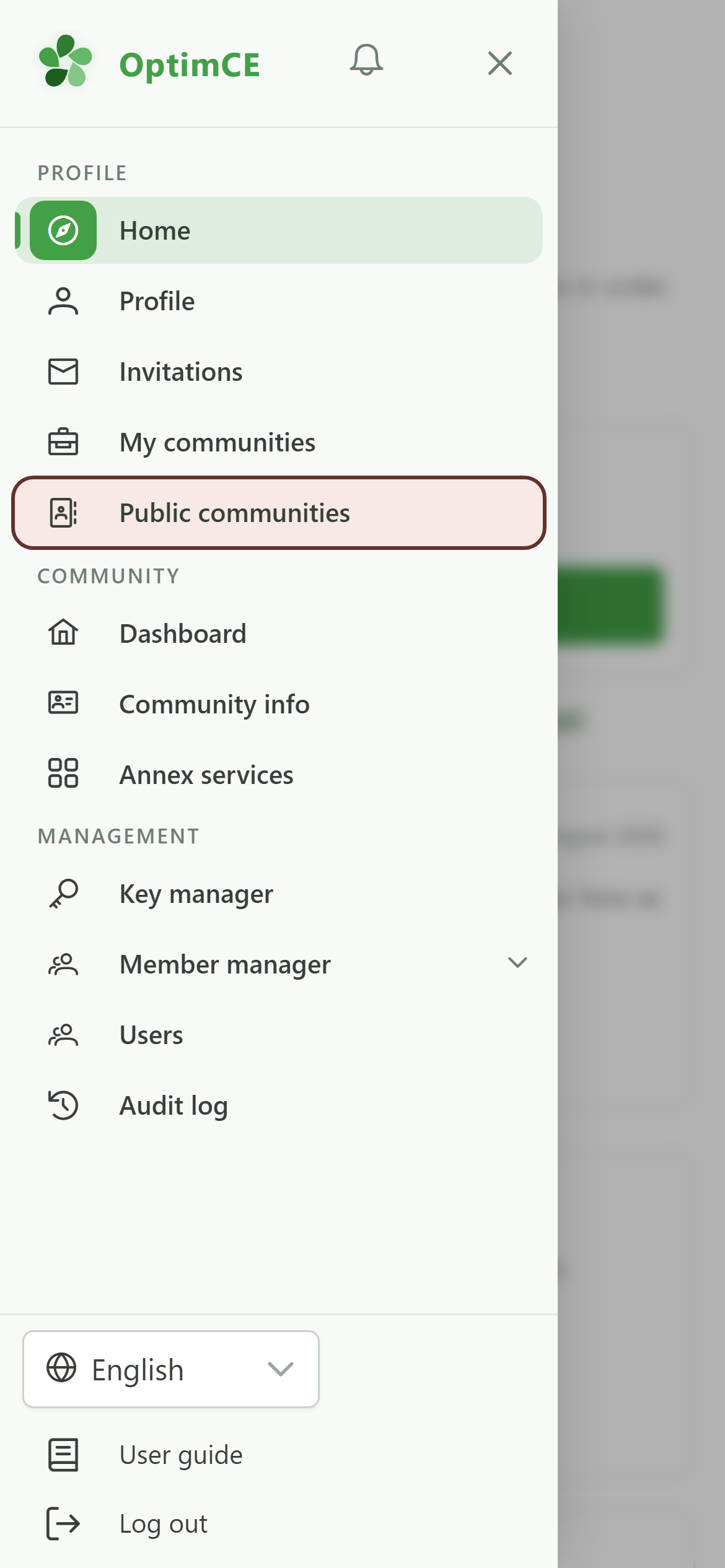
Tap the menu icon to open the drawer, then "Public communities".
2 The public communities directory
Discovery
Each card is an energy community open to the public, with its regulator. Click a card to learn more.
3 Expand a community
Details
Expanding a community reveals its description, website, registered office and, above all, the list of its public sharing operations.
4 The sharing operations
Details
The "Test Community" offers several public sharing operations (solar, wind). Each operation lists the municipalities it covers.
5 Filter by municipality
Search
Type a municipality and pick it from the suggestions to keep only the communities active there. You can also filter by regulator.
6 Filtered result
Search
"Test Community" runs a sharing operation in Anderlecht, so it stays listed. A municipality with no active community would show an empty directory.