You are a manager
Guide utilisateur
User guide
Gebruikershandleiding
Benutzerhandbuch
1 You are a manager
Home page
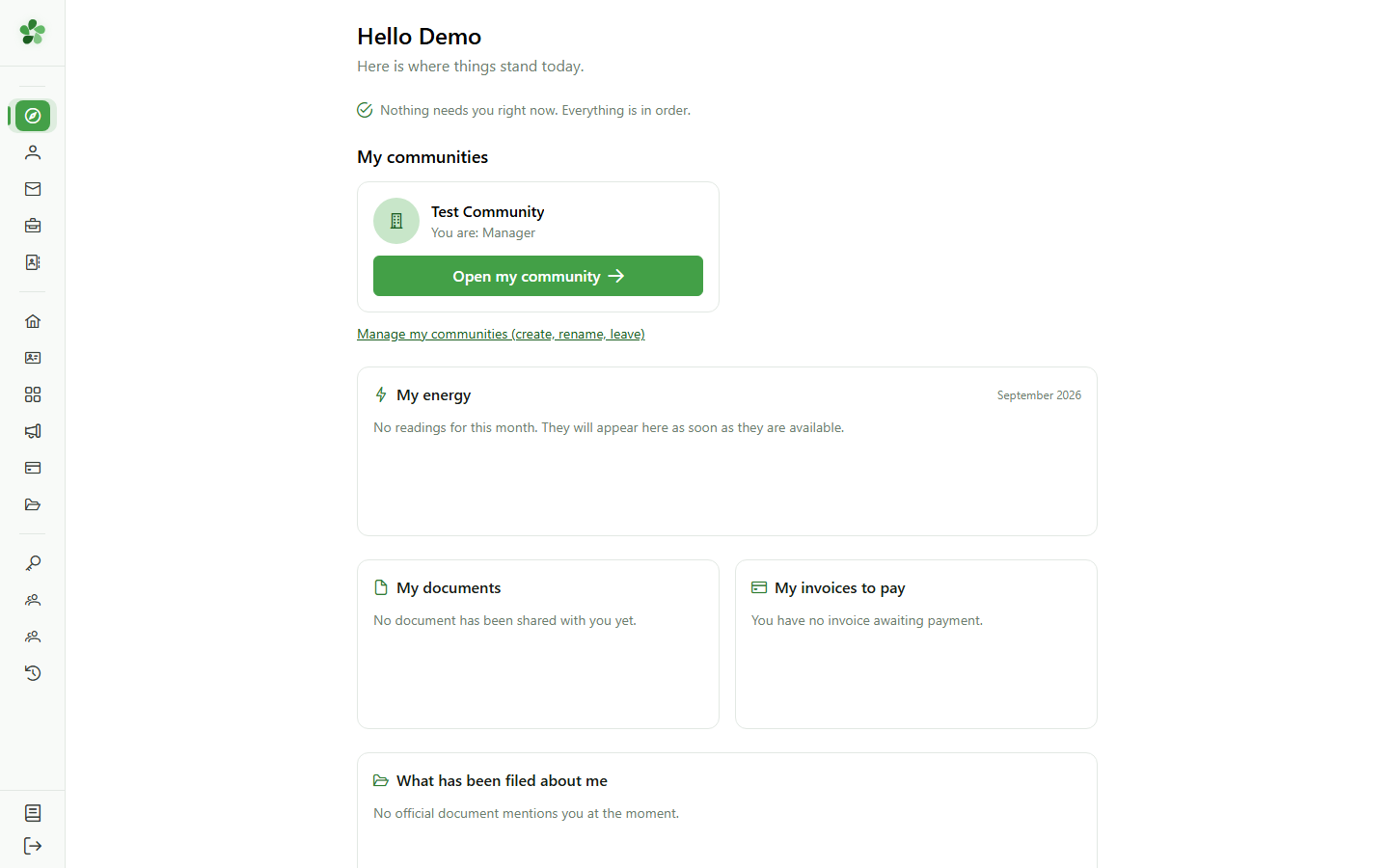
You now manage this community: its card shows your new role. Click "Open my community" — its dashboard is no longer a member's.
2 The manager dashboard
Dashboard
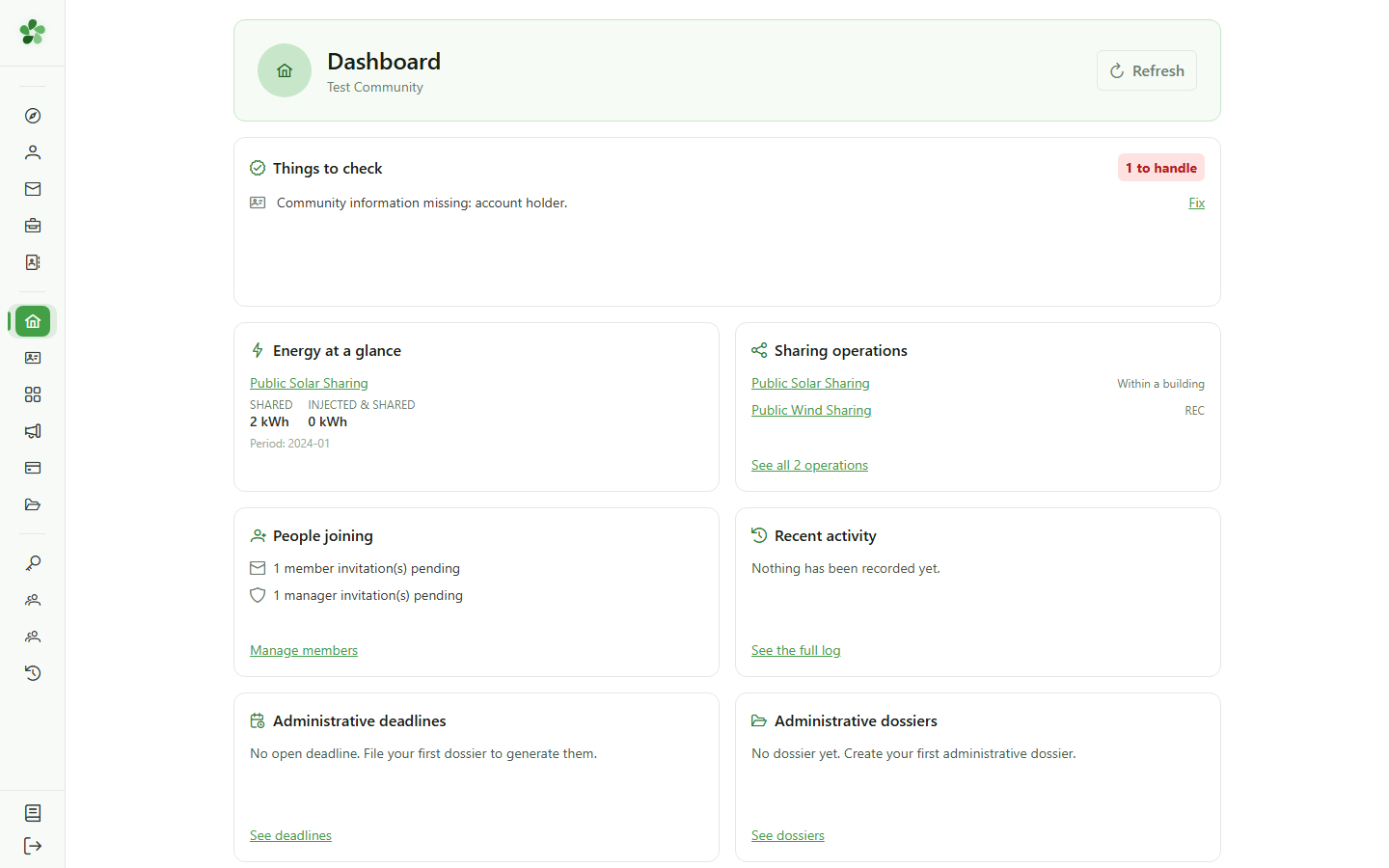
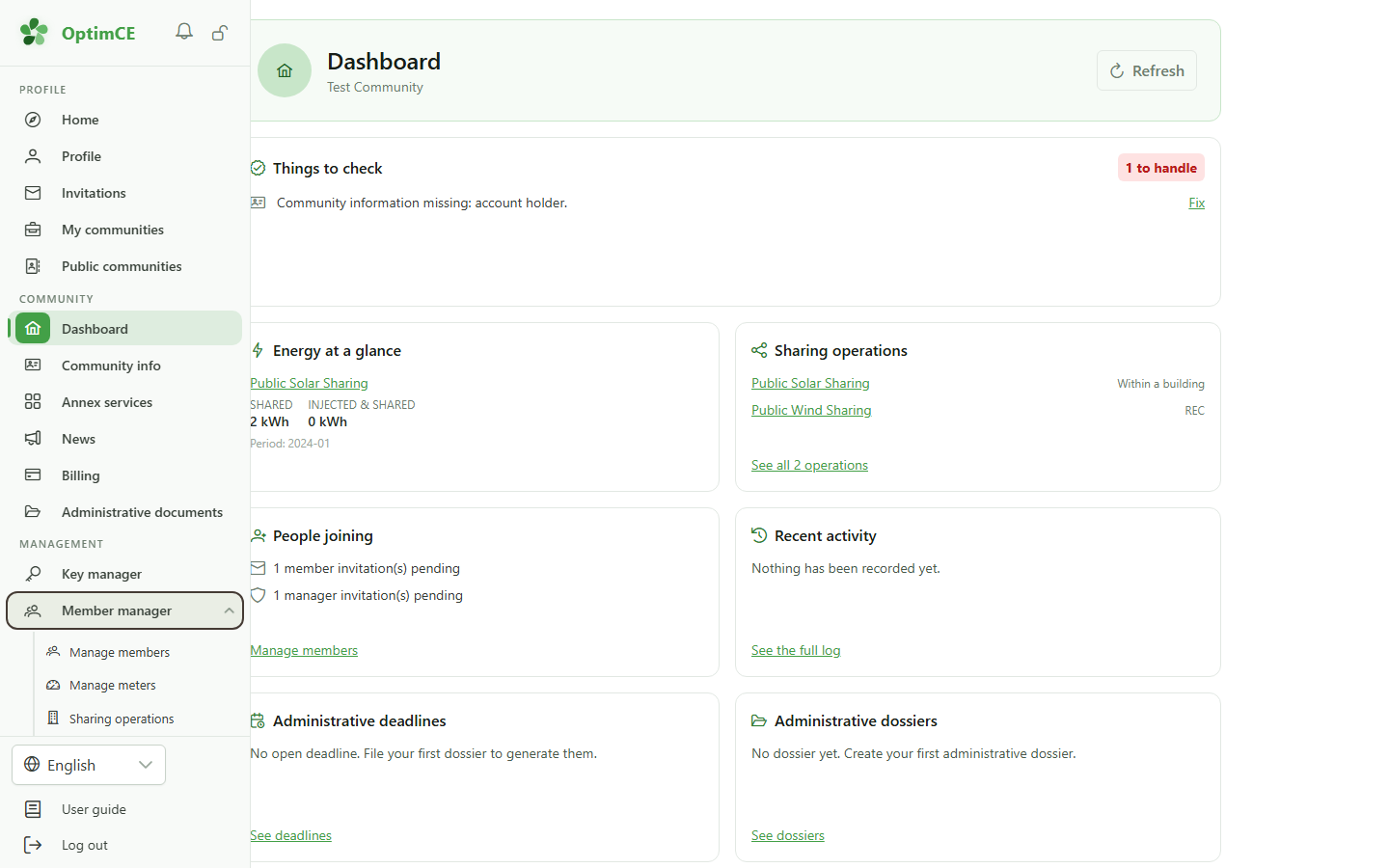
The dashboard now sums up the whole community. "Things to check" lists what is blocking, with a link to the screen where you fix it; then come the shared energy, the operations and the recent activity.
3 The "Management" section
Navigation
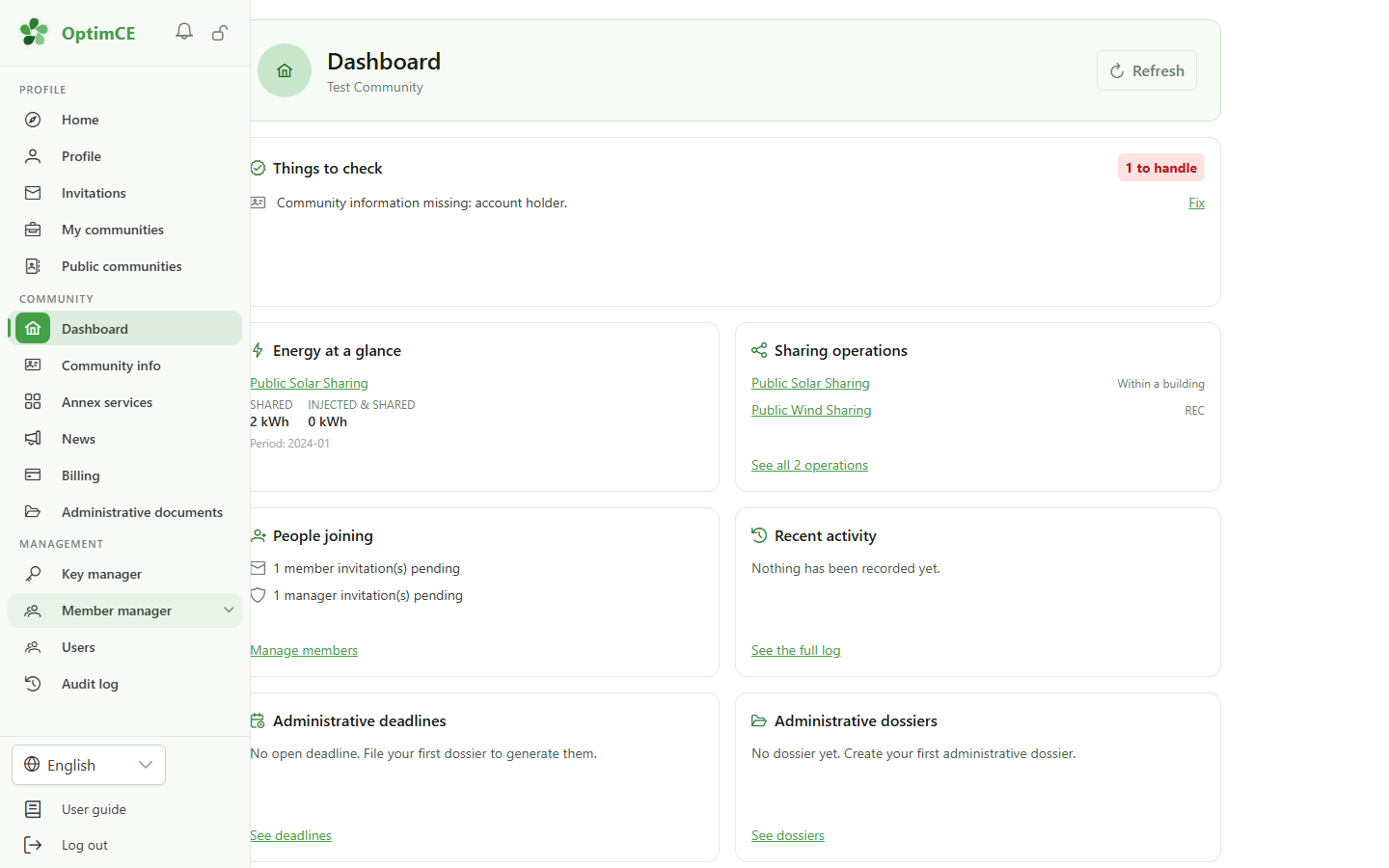
Your role added the "Management" section to the sidebar: the allocation keys, the members, meters and sharing operations, the community's users and the audit log.
4 Members, meters, operations
Navigation
"Member manager" groups the community's day-to-day work: "Manage members", "Manage meters" and "Sharing operations".
5 Open the members
Navigation
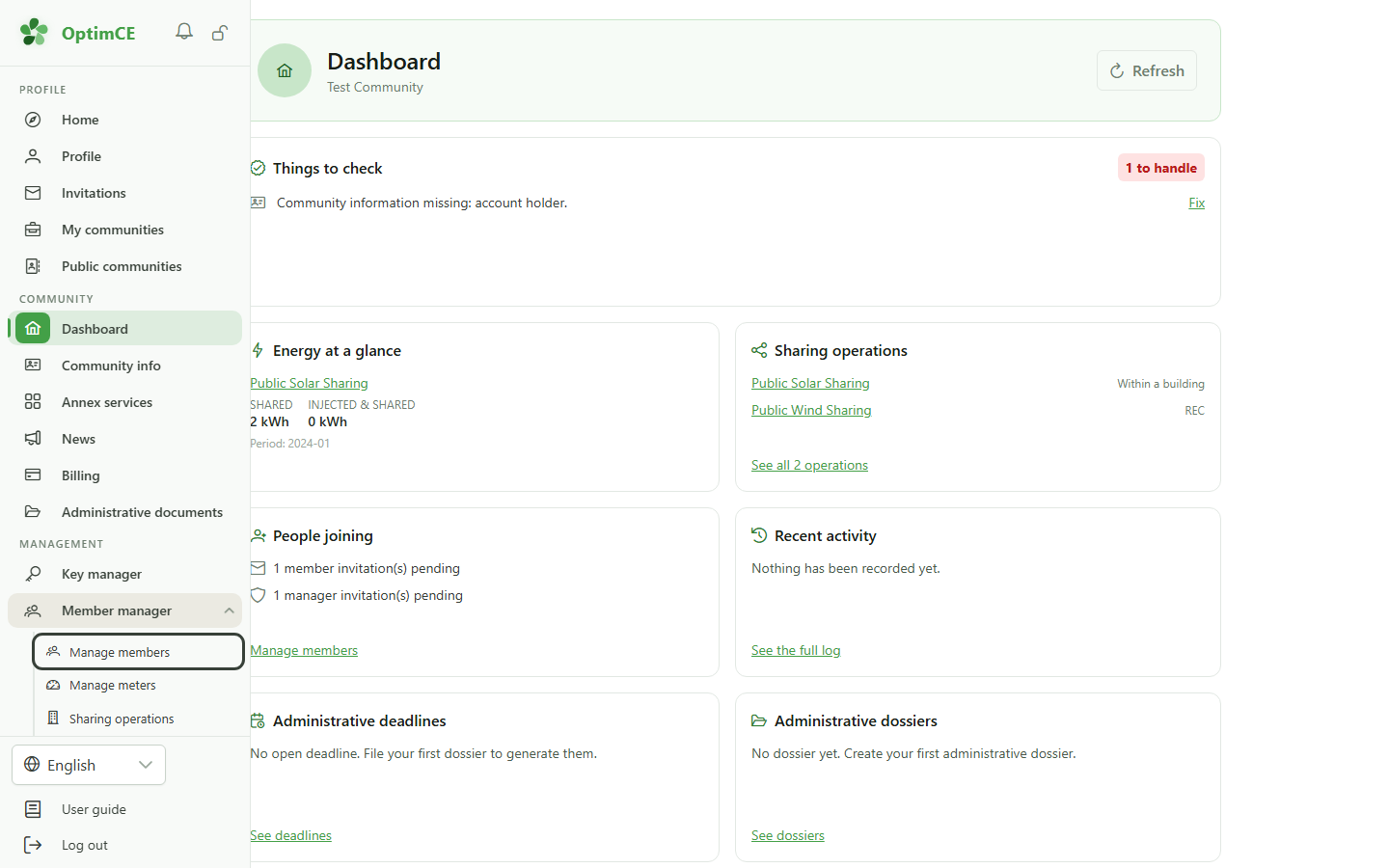
Click "Manage members".
6 Add and invite members
Members
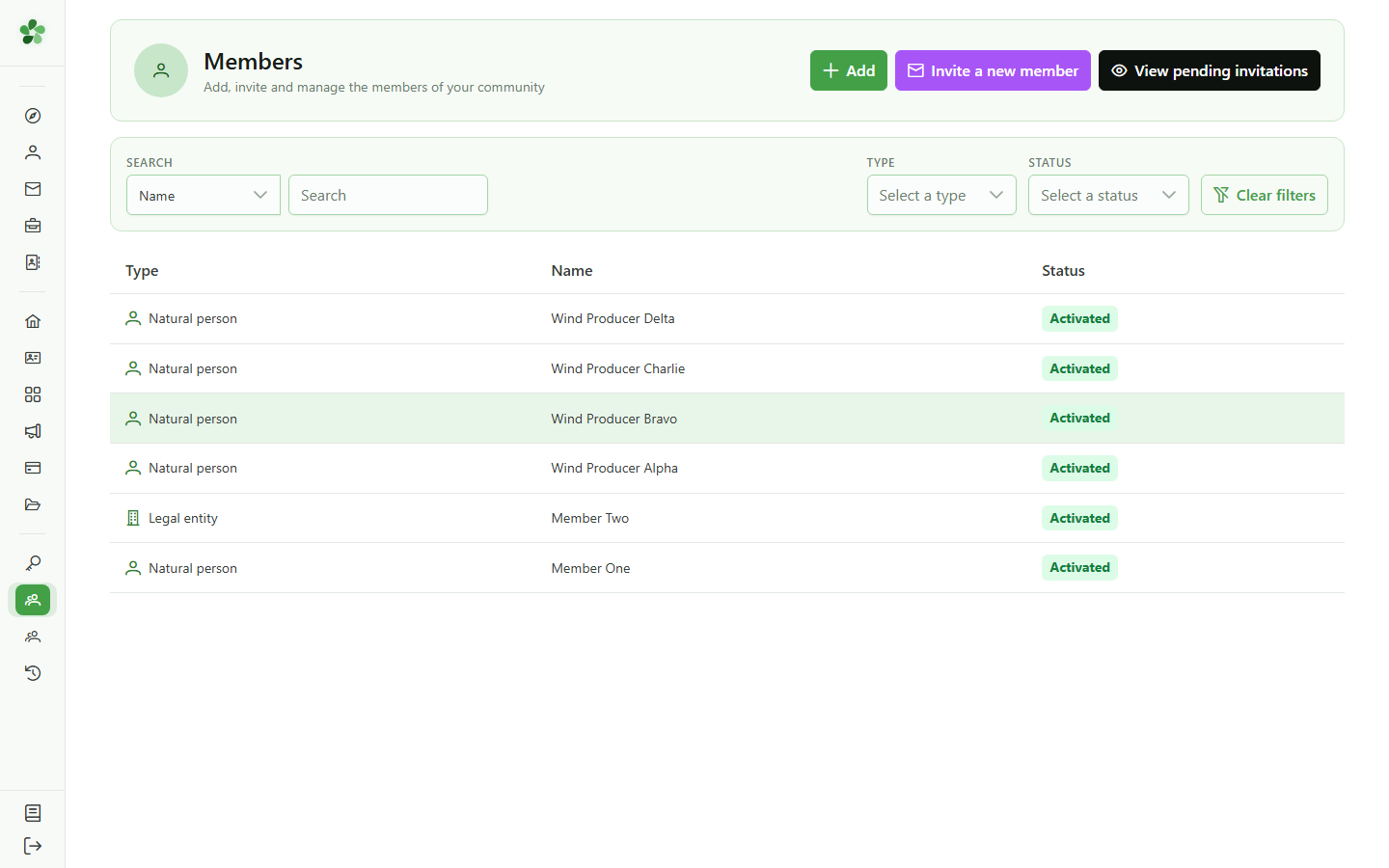
Here you keep the list of members. "Add" fills in a record; "Invite a new member" sends an email so the person completes it themselves and gets access to their own space.
7 The allocation keys
Navigation
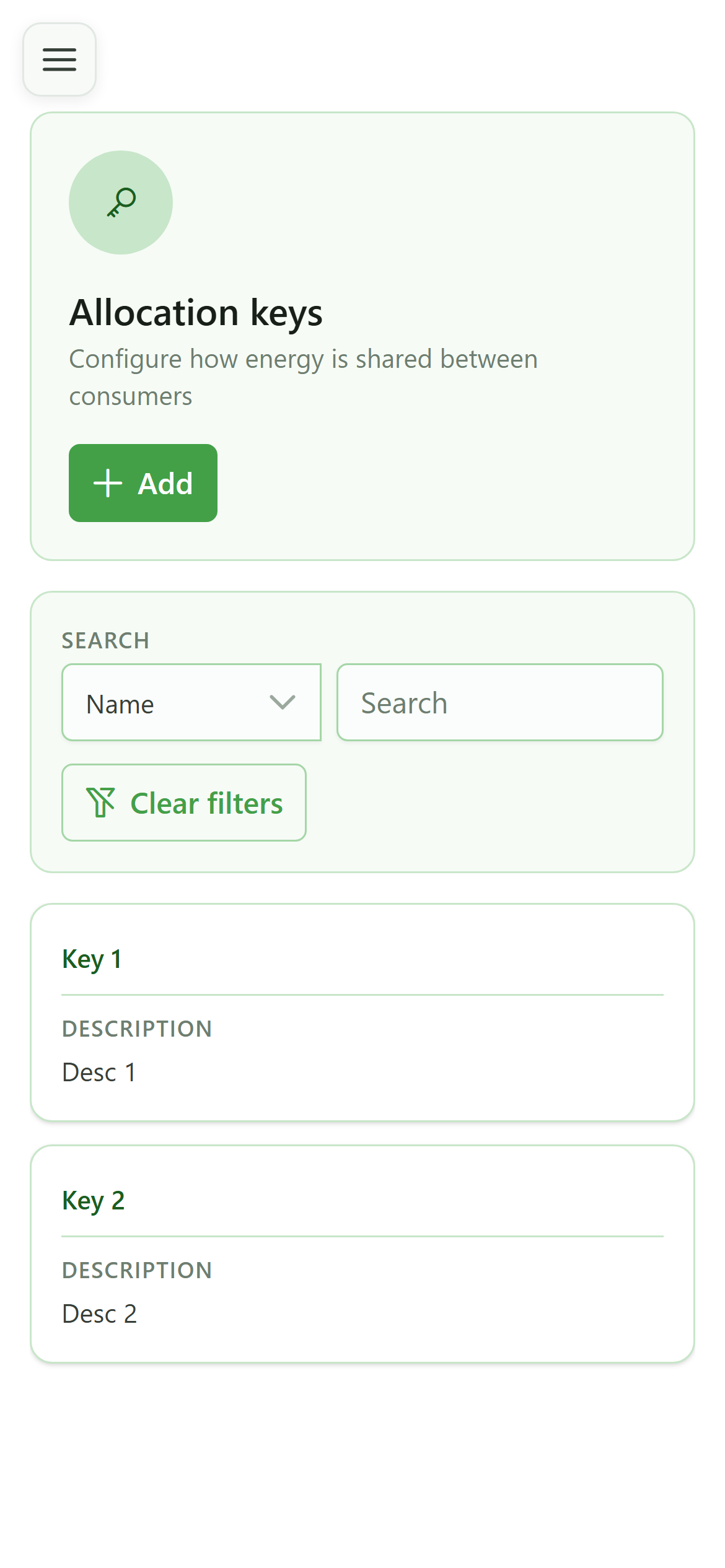
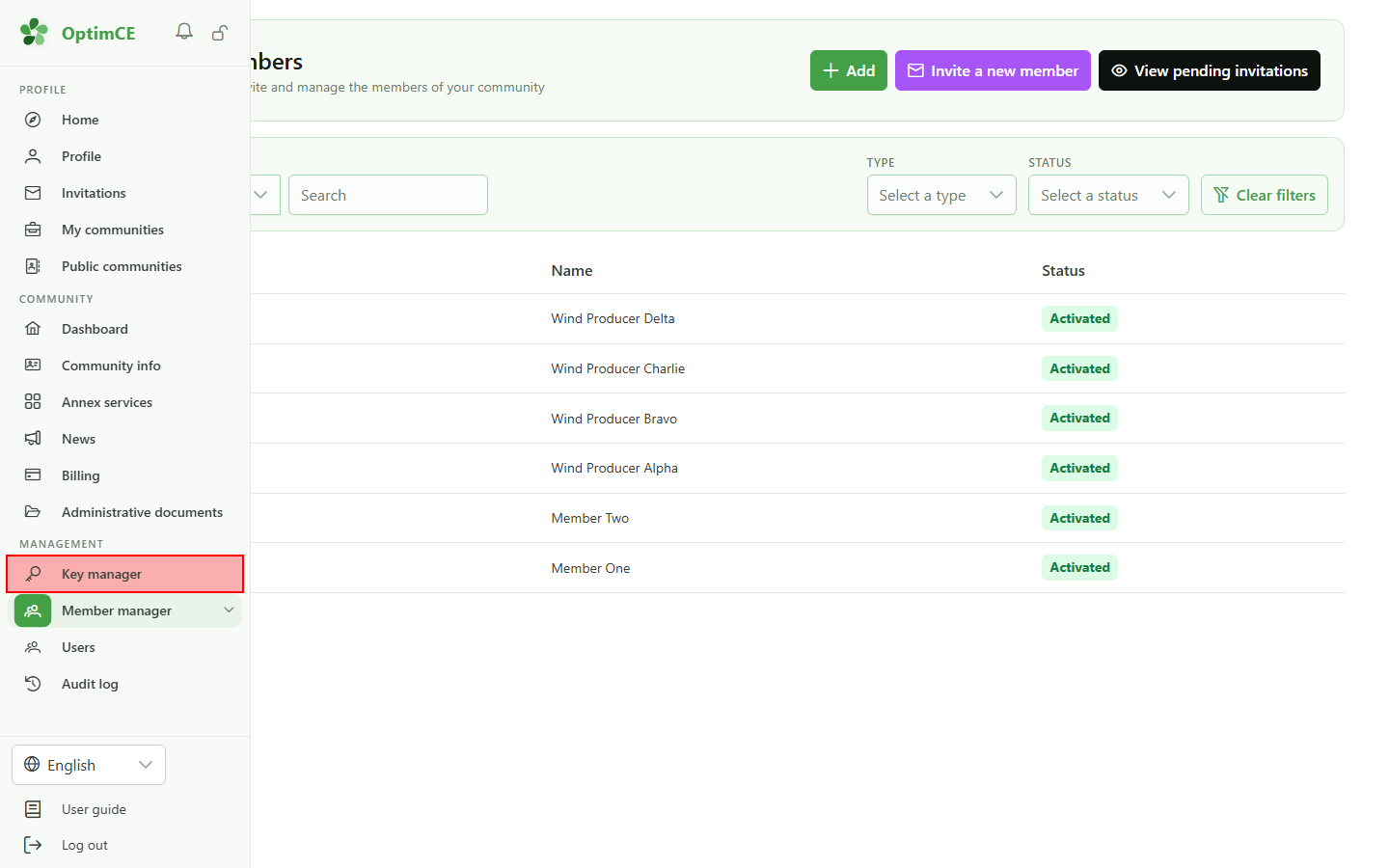
In the "Management" section, click "Key manager".
8 Allocation keys
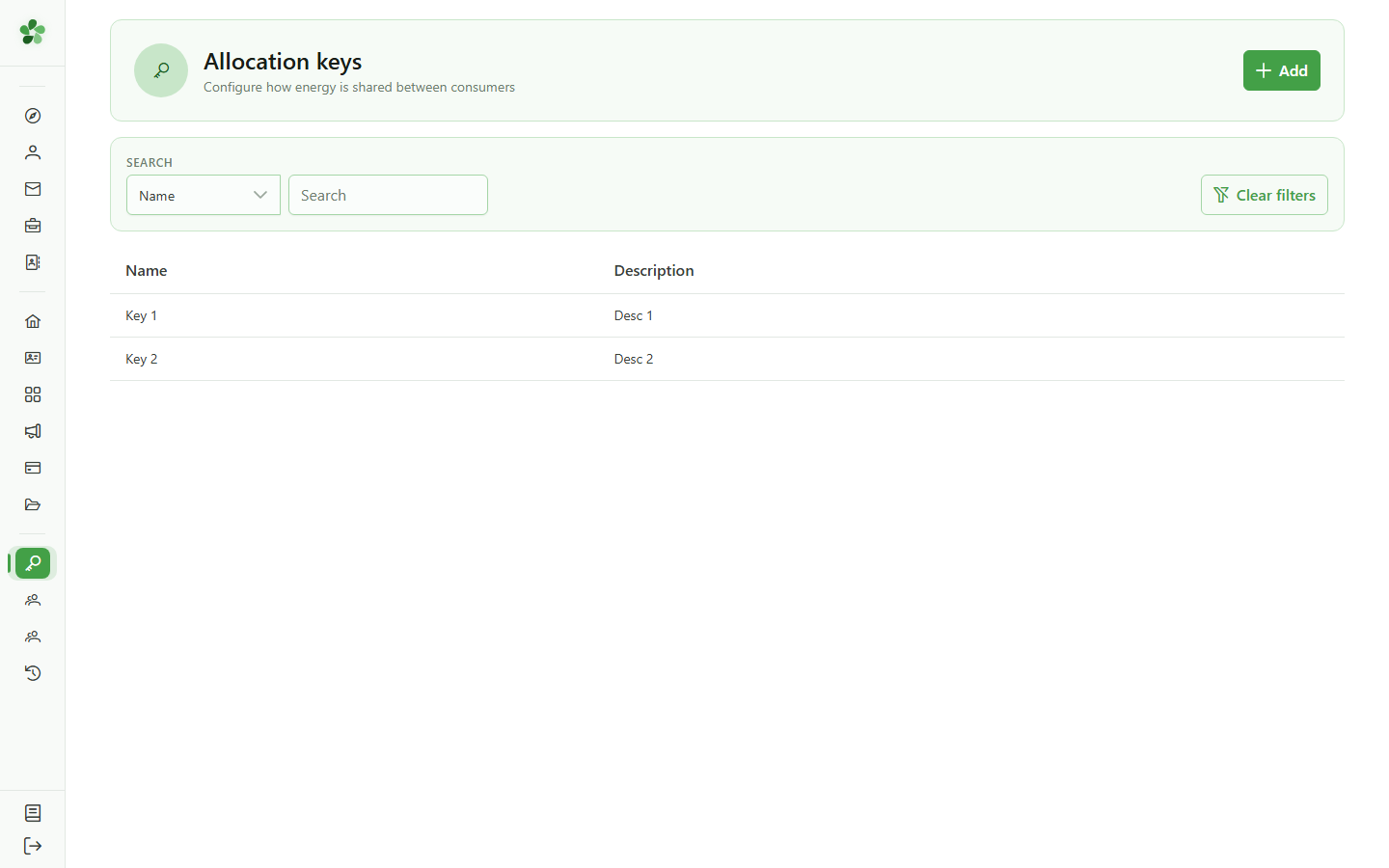
Allocation keys
An allocation key sets how the shared energy is split between an operation's consumers. "Add" lets you choose between the full form and a step-by-step wizard. The "User guide" offers a detailed tour of each of these screens.
You are a manager
Guide utilisateur
User guide
Gebruikershandleiding
Benutzerhandbuch
1 You are a manager
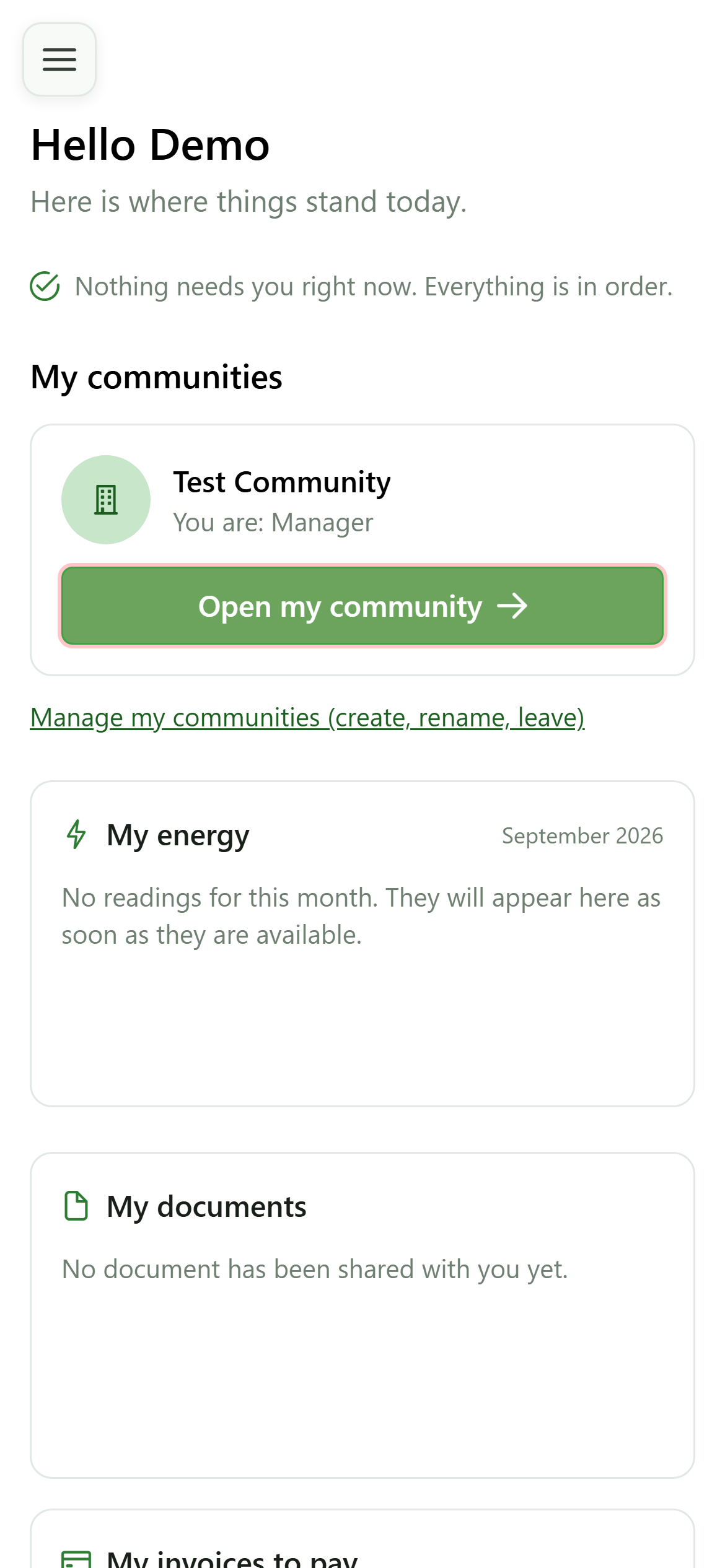
Home page
You now manage this community: its card shows your new role. Click "Open my community" — its dashboard is no longer a member's.
2 The manager dashboard
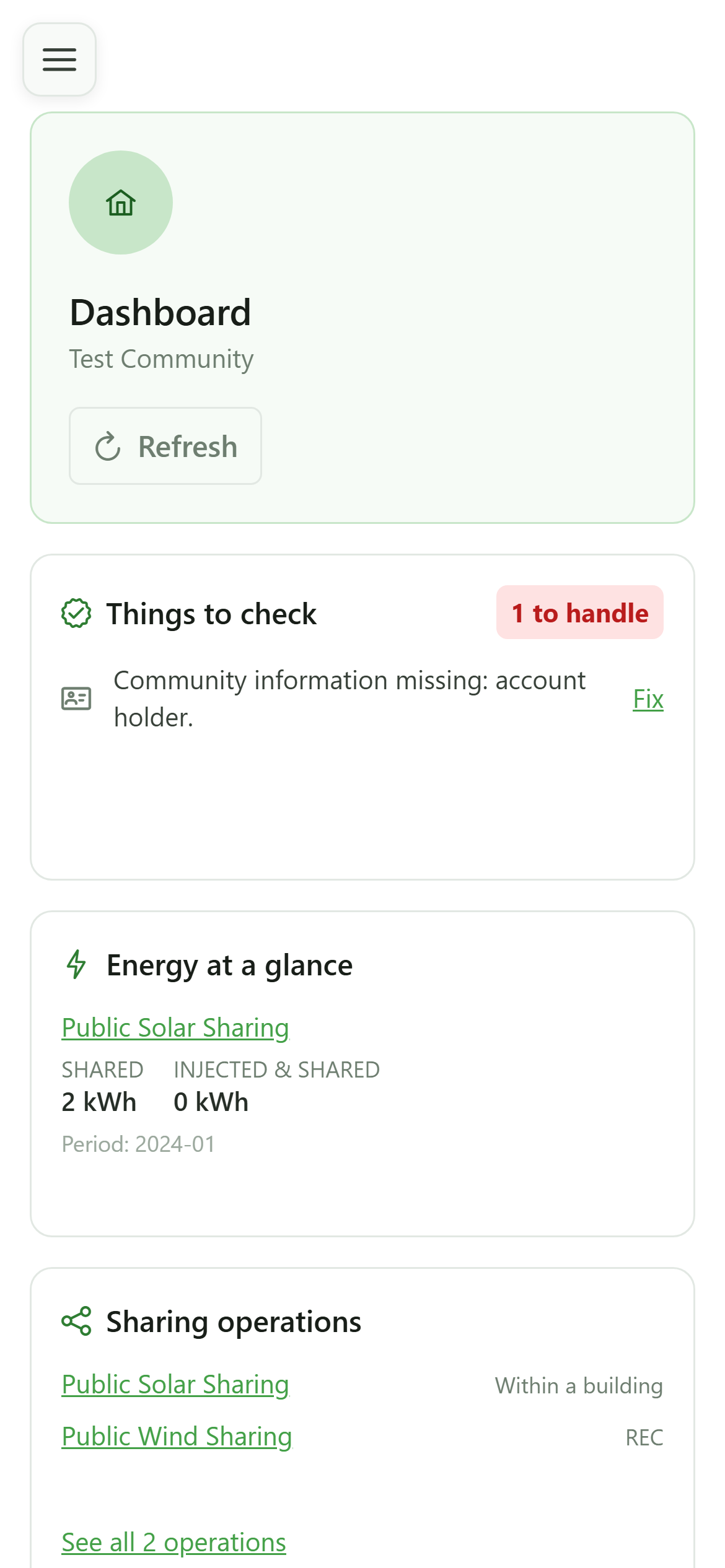
Dashboard
The dashboard now sums up the whole community. "Things to check" lists what is blocking, with a link to the screen where you fix it; then come the shared energy, the operations and the recent activity.
3 The "Management" section
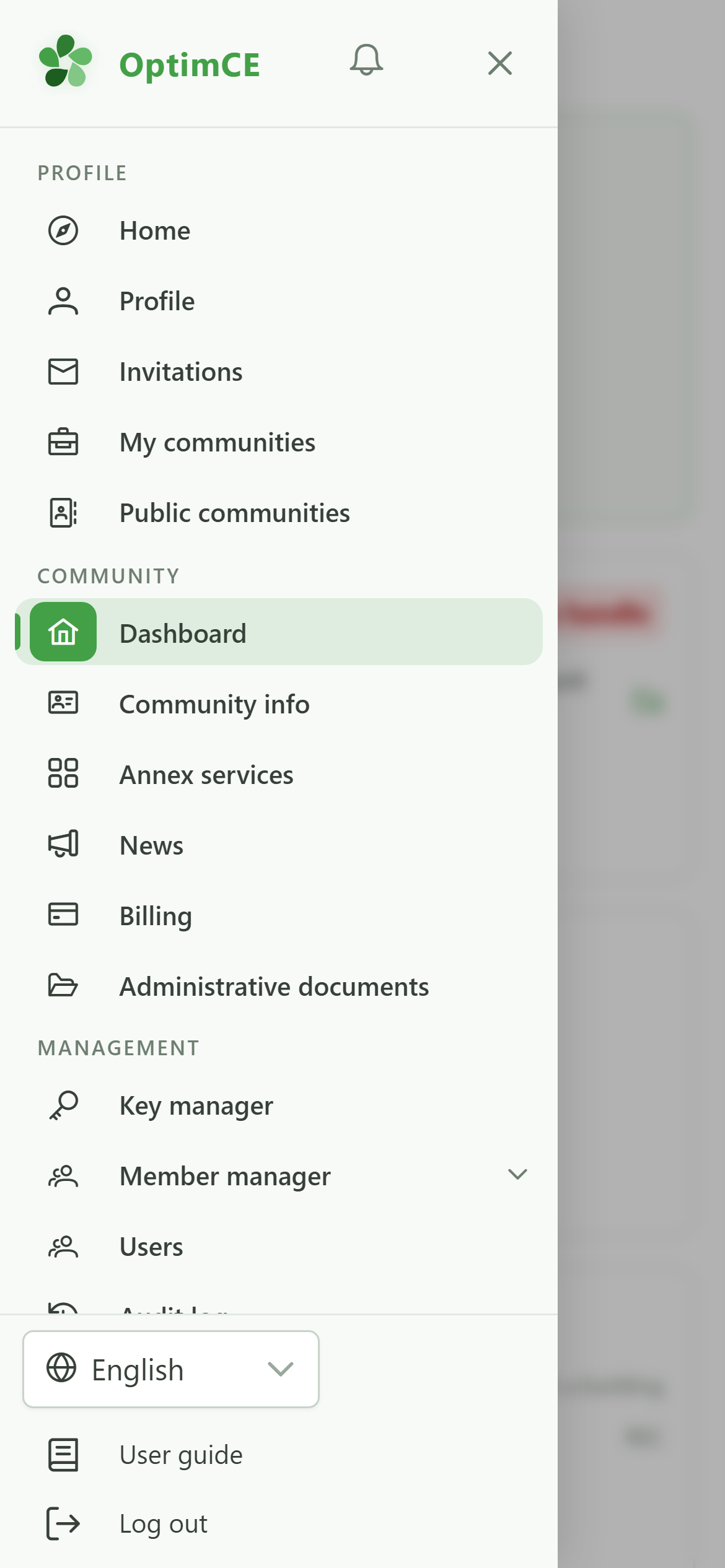
Navigation
Your role added the "Management" section to the menu: the allocation keys, the members, meters and sharing operations, the community's users and the audit log.
4 Members, meters, operations
Navigation
"Member manager" groups the community's day-to-day work: "Manage members", "Manage meters" and "Sharing operations".
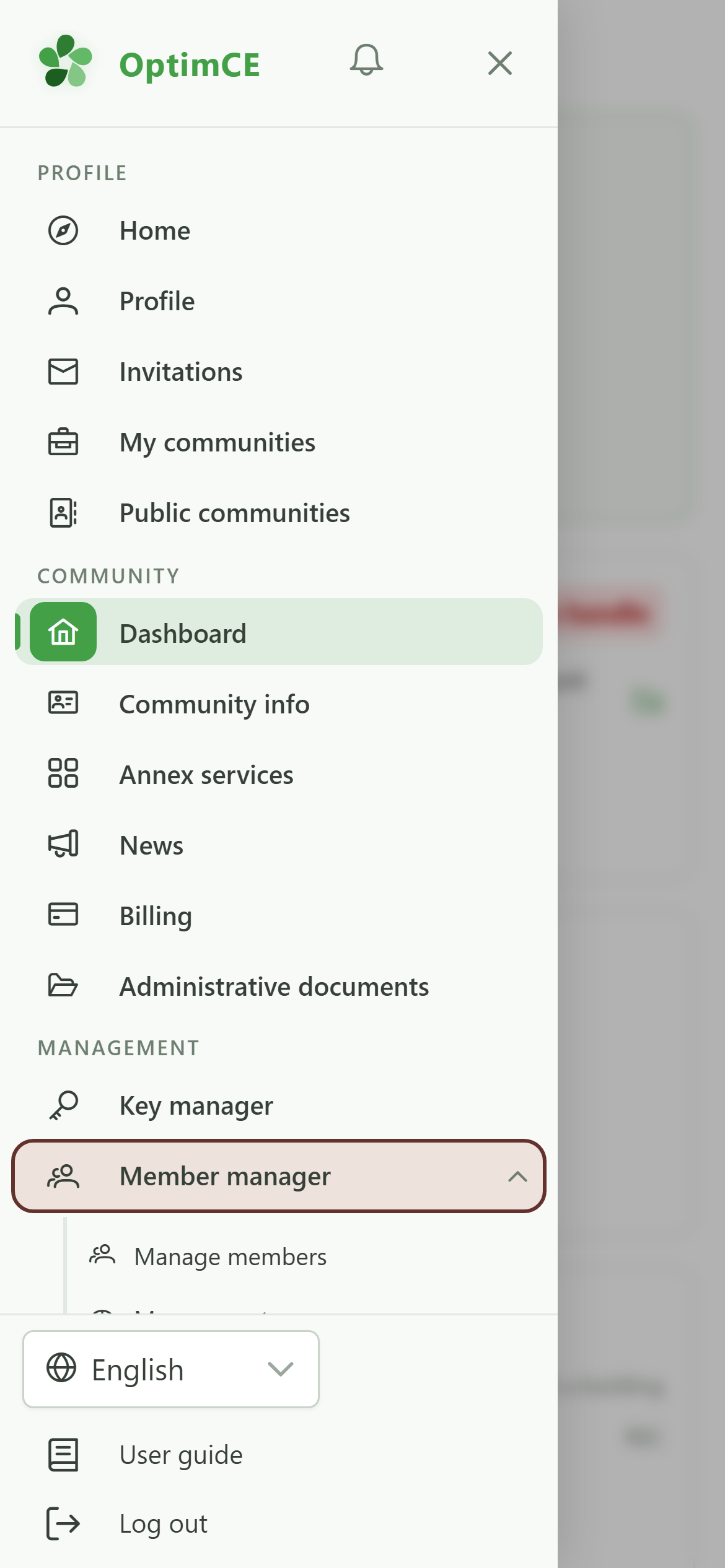
5 Open the members
Navigation
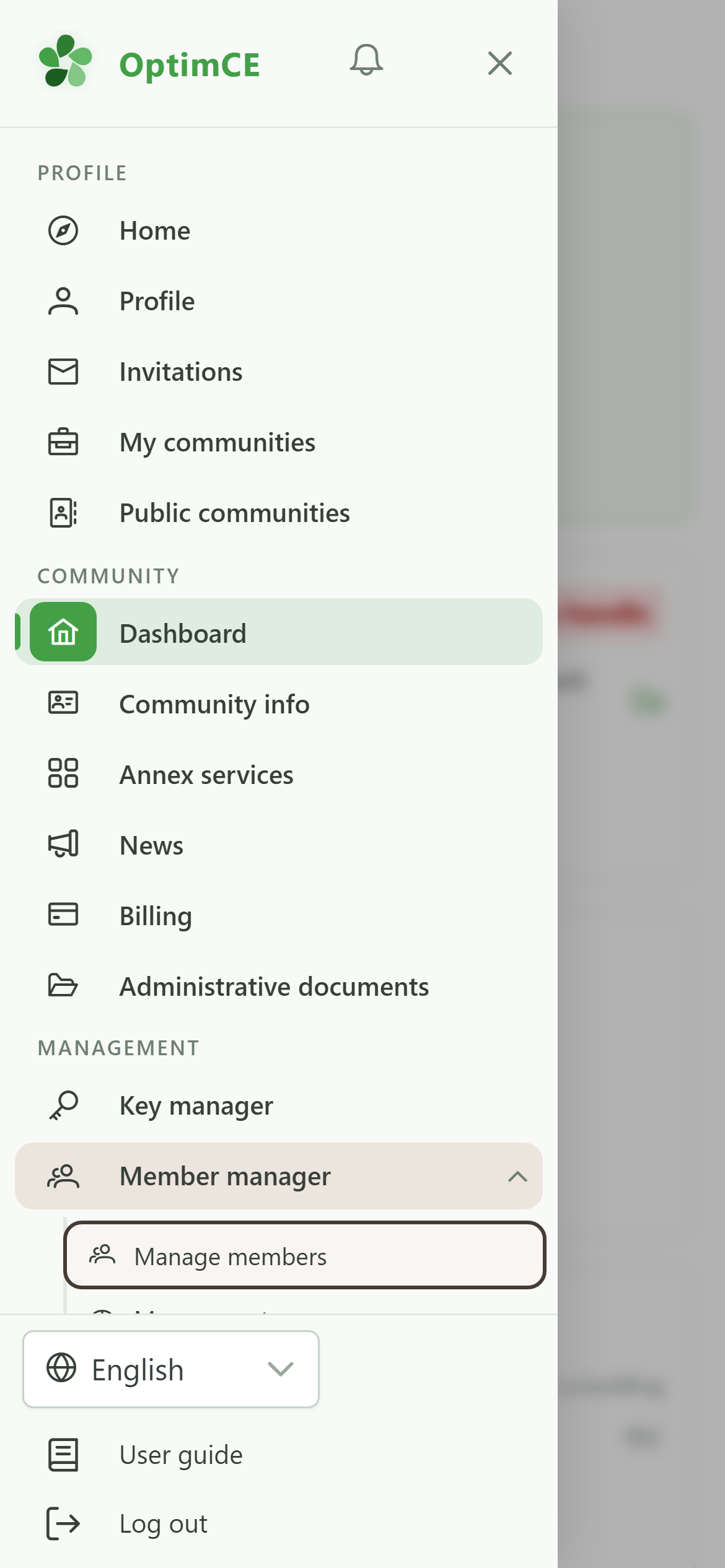
Tap "Manage members".
6 Add and invite members
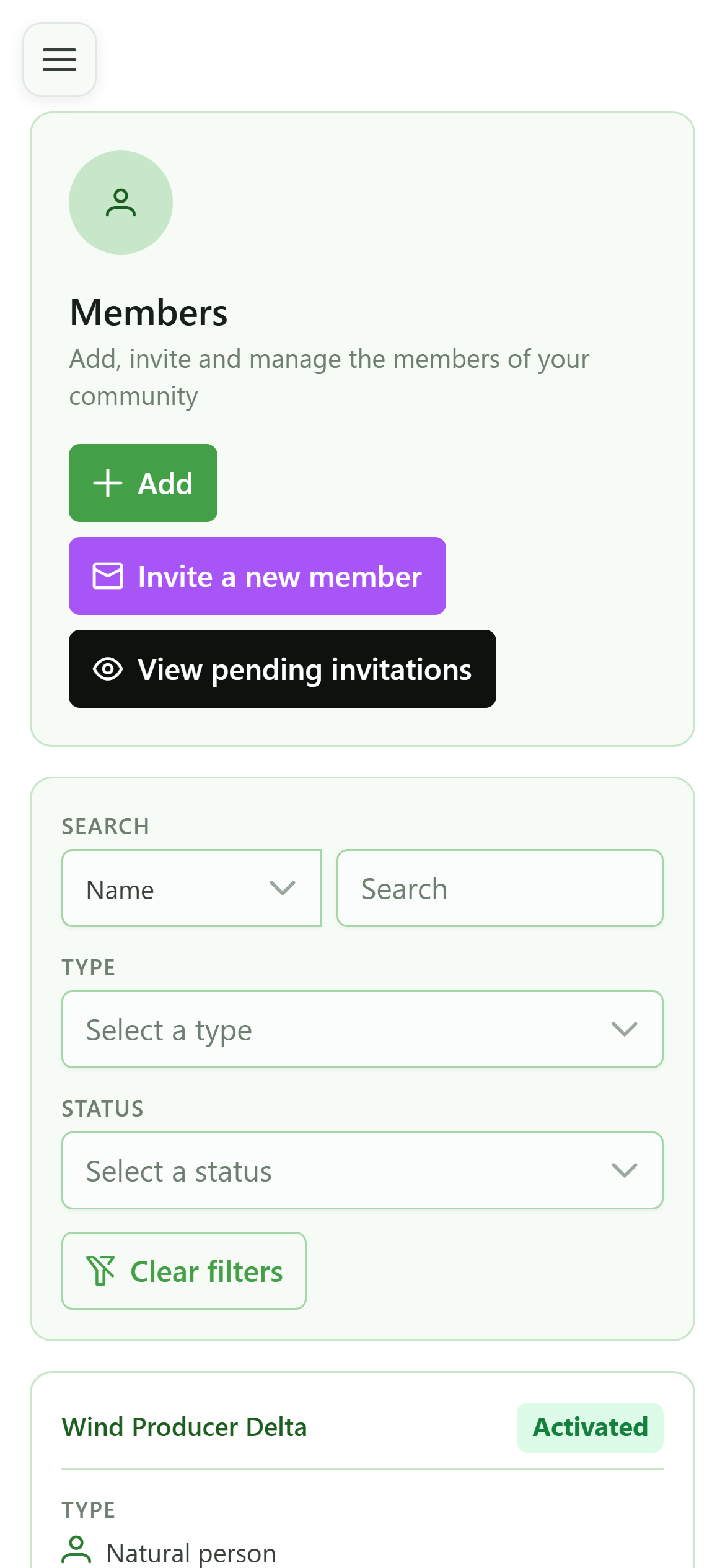
Members
Here you keep the list of members. "Add" fills in a record; "Invite a new member" sends an email so the person completes it themselves and gets access to their own space.
7 The allocation keys
Navigation
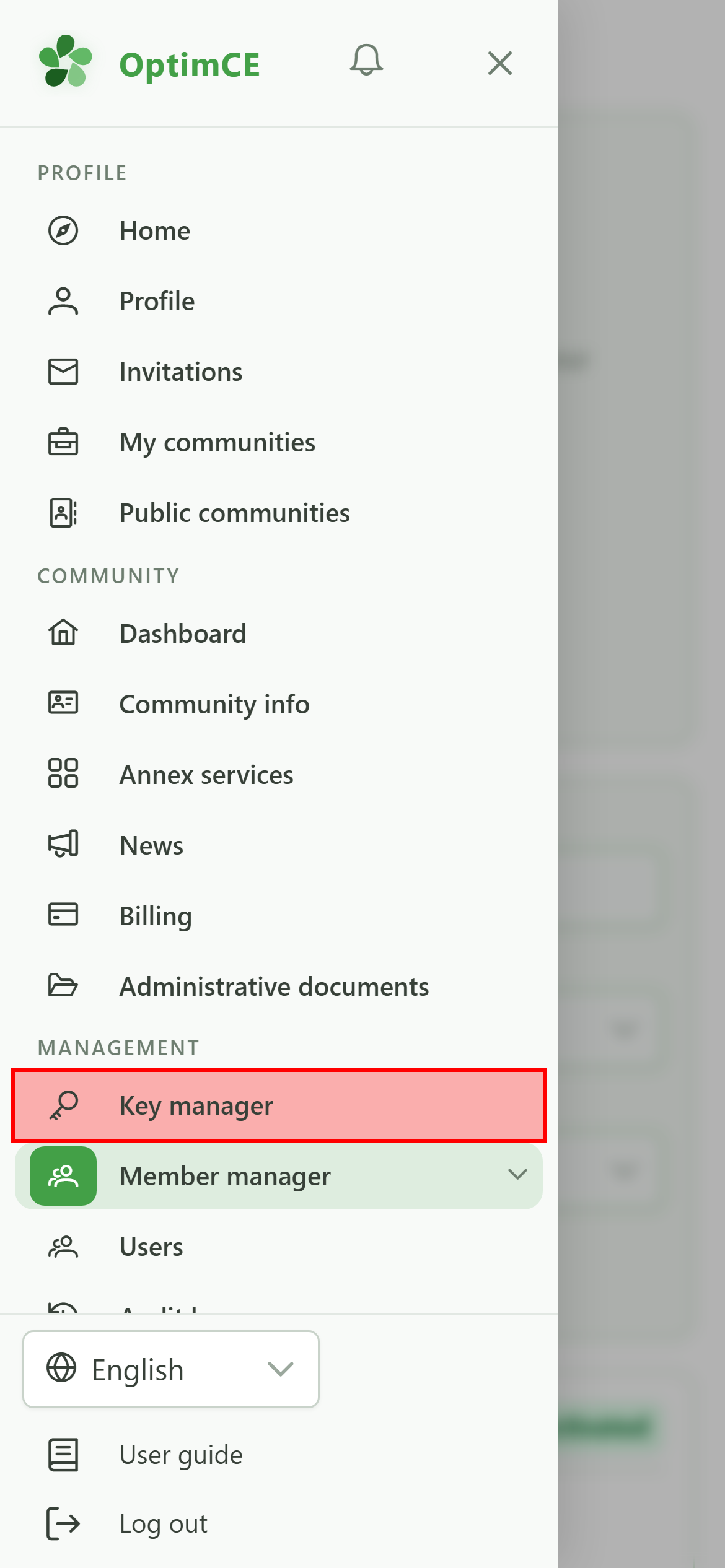
In the menu's "Management" section, tap "Key manager".
8 Allocation keys
Allocation keys
An allocation key sets how the shared energy is split between an operation's consumers. "Add" lets you choose between the full form and a step-by-step wizard. The "User guide" offers a detailed tour of each of these screens.