View your notifications
Guide utilisateur
User guide
Gebruikershandleiding
Benutzerhandbuch
1 Open notifications
Notification bell
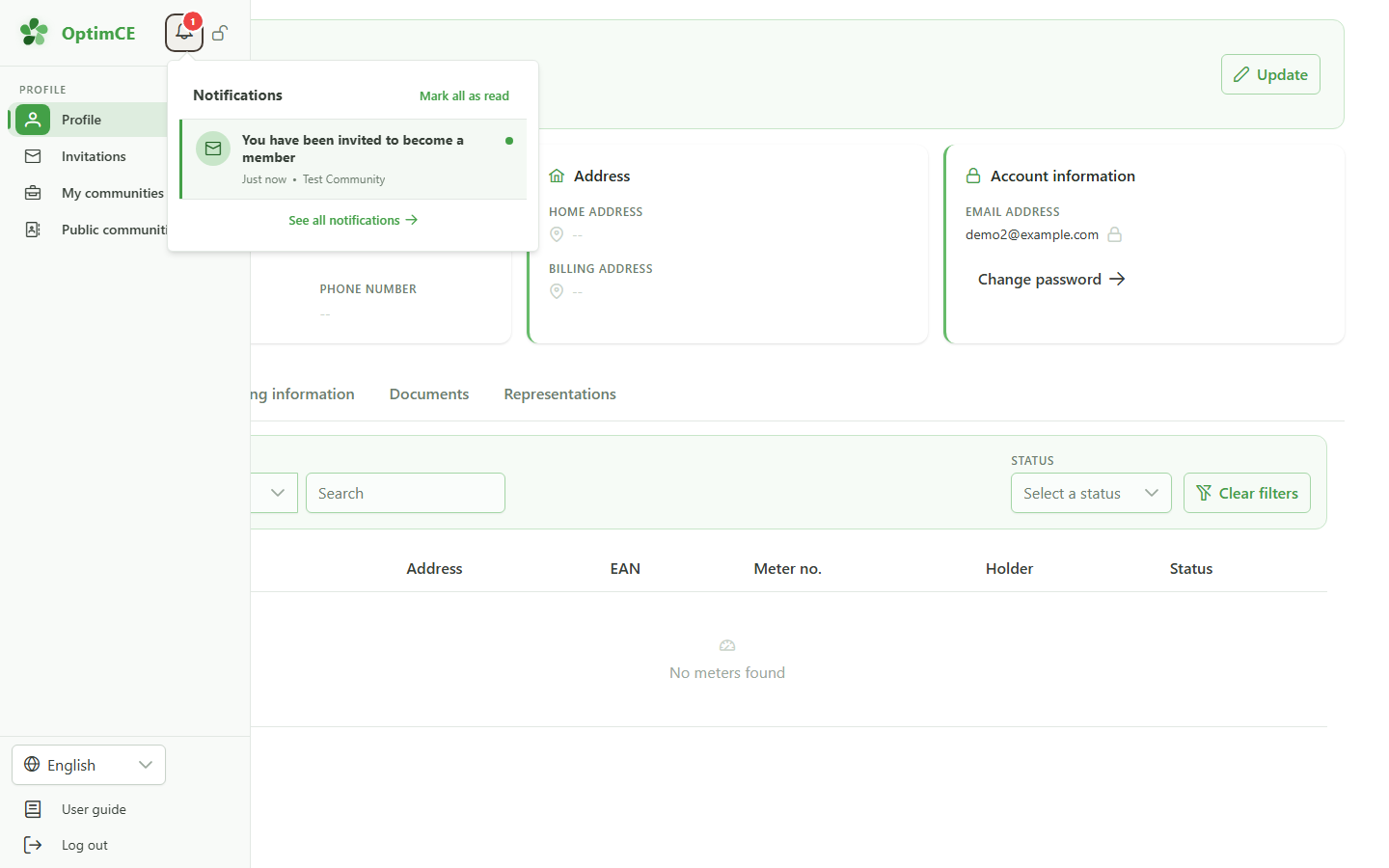
Click the bell in the sidebar to open the notifications panel. The invitation to join the community appears here, with the community name and when it was received.
2 View the notifications page
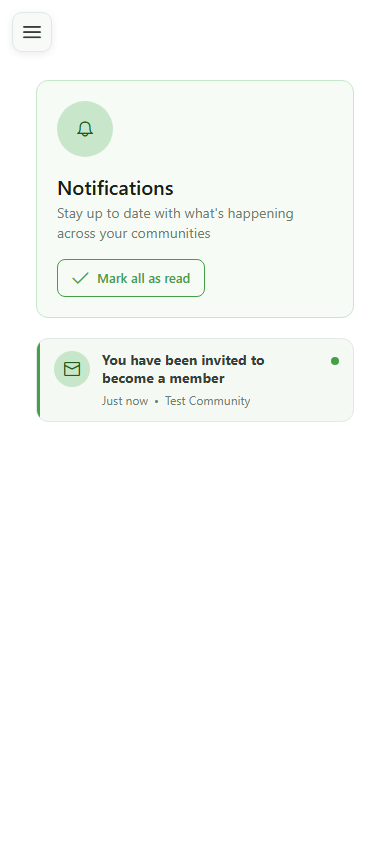
All your notifications
The notifications page gathers all of your notifications. The invitation to join the community appears here, with the community name and the date it was received.
View your notifications
Guide utilisateur
User guide
Gebruikershandleiding
Benutzerhandbuch
1 Open notifications
Notification bell
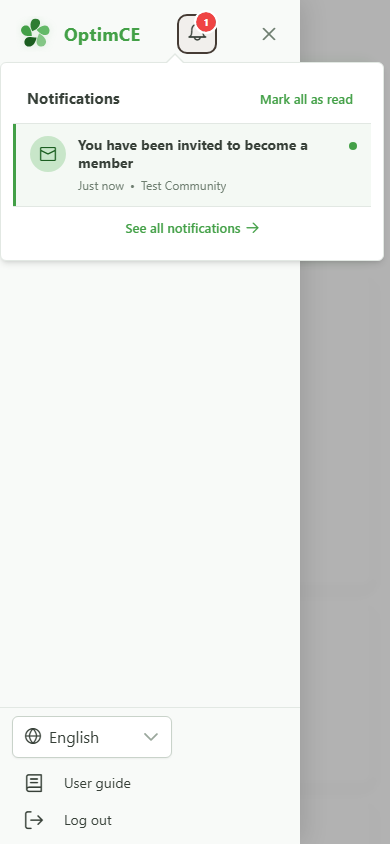
Tap the bell to open the notifications panel. The invitation to join the community appears here.
2 View the notifications page
All your notifications
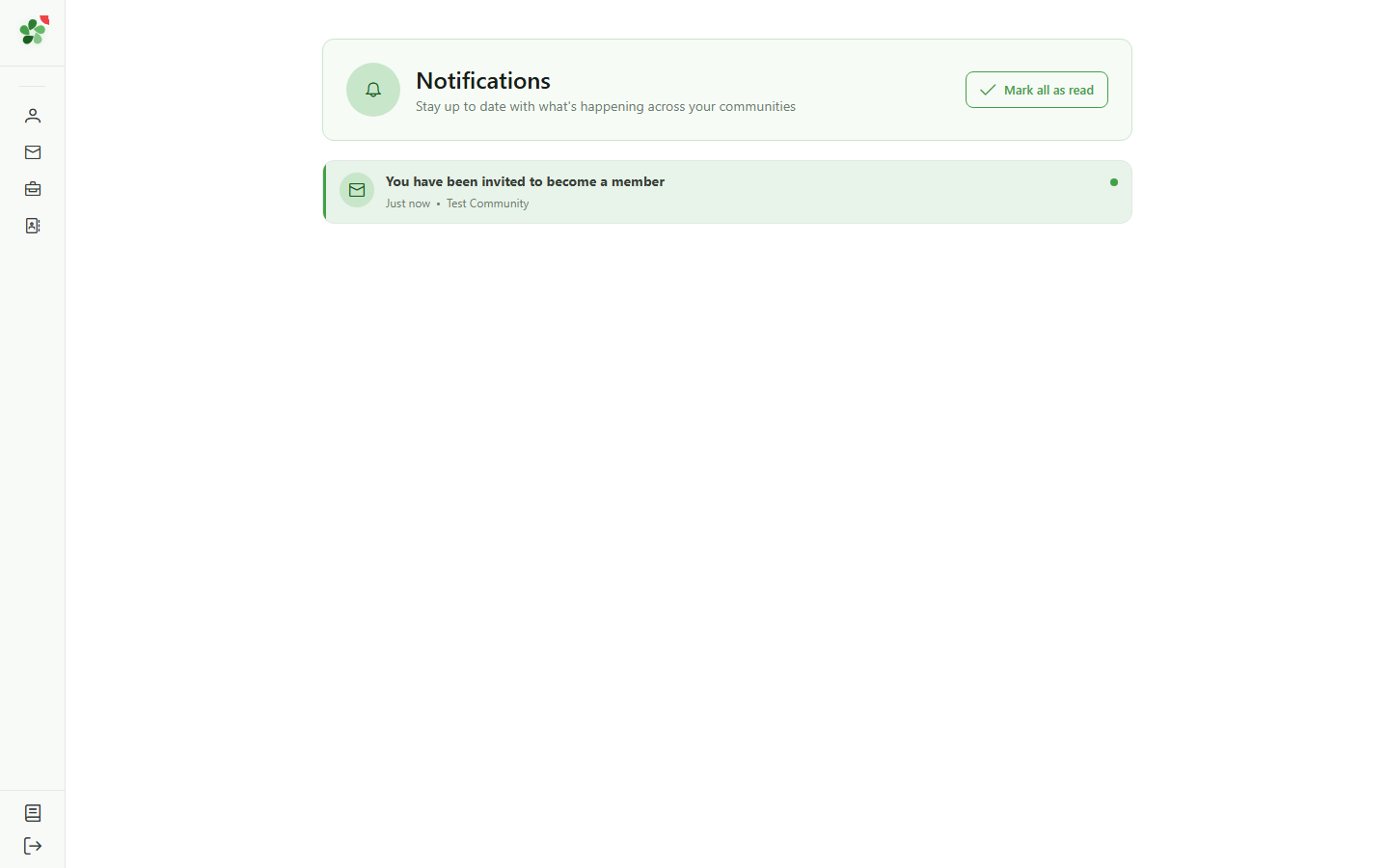
The notifications page gathers all of your notifications. The invitation to join the community appears here, with the community name and the date it was received.