Deactivate a meter
Guide utilisateur
User guide
Gebruikershandleiding
Benutzerhandbuch
1 Meter detail
Deactivating a meter
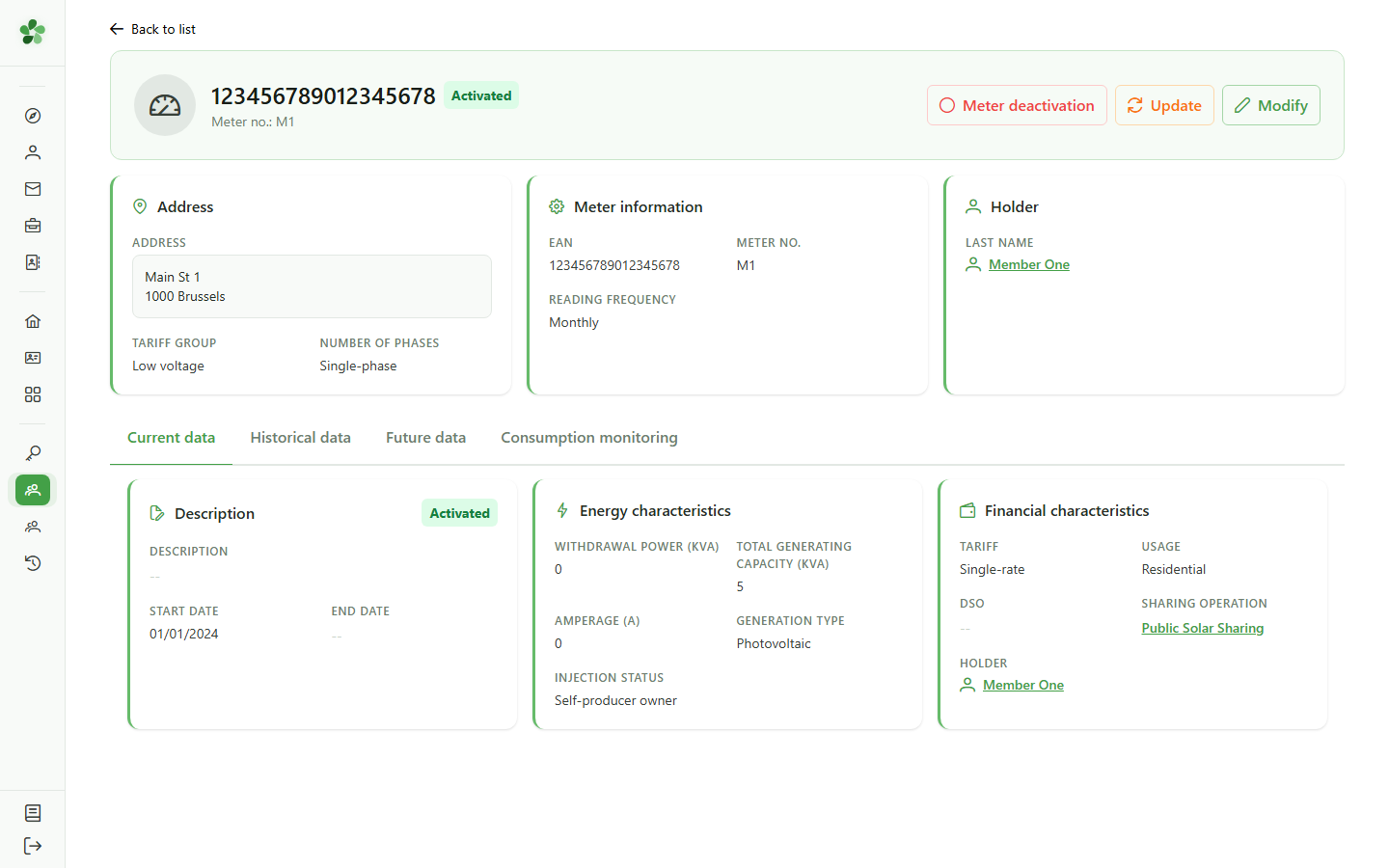
Open the detail of the meter to deactivate. The "Deactivate" button schedules the end of its activity on a given date.
2 Choose the end date
Deactivating a meter
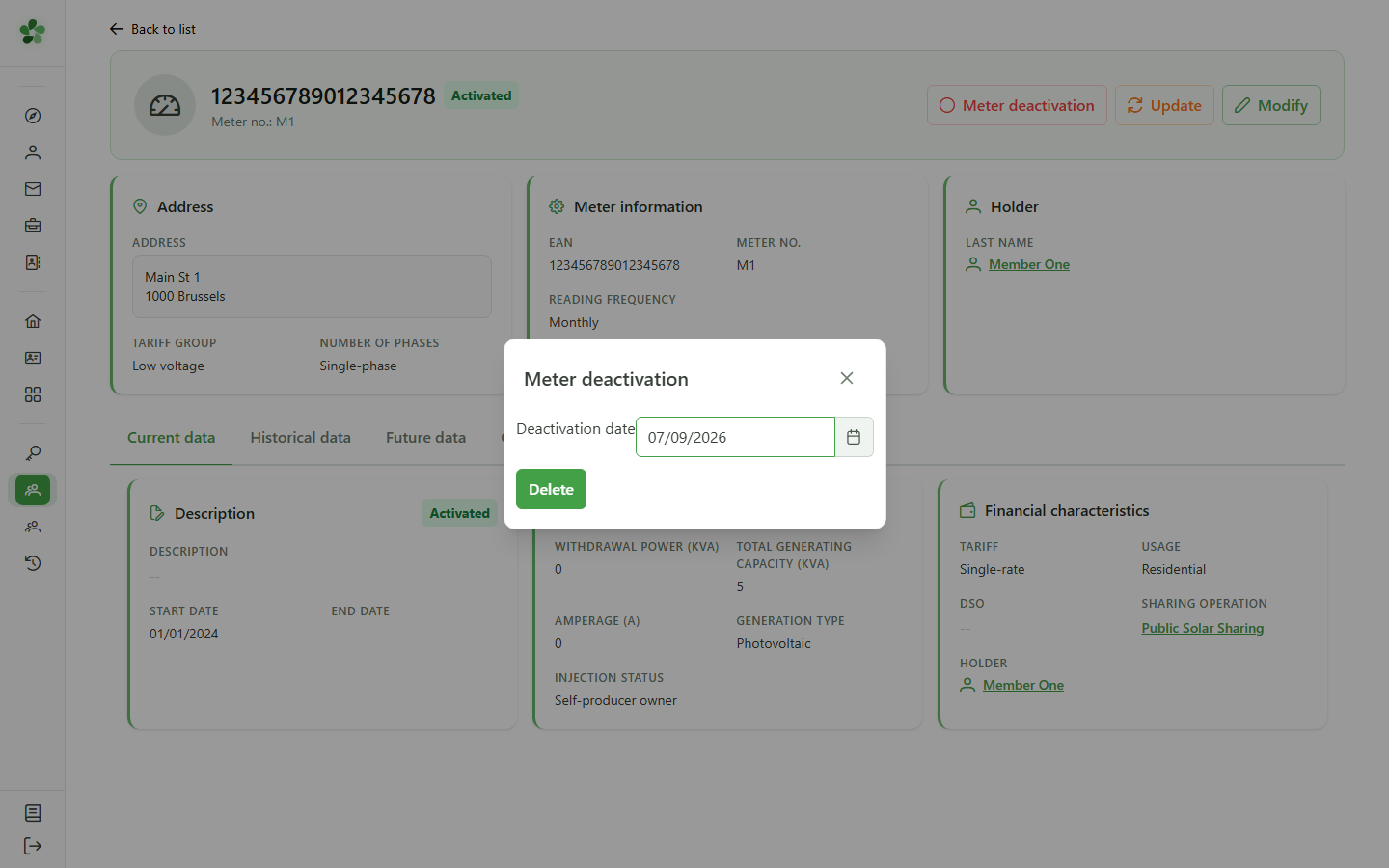
Select the date from which the meter will no longer be active.
3 Confirm the deactivation
Deactivating a meter
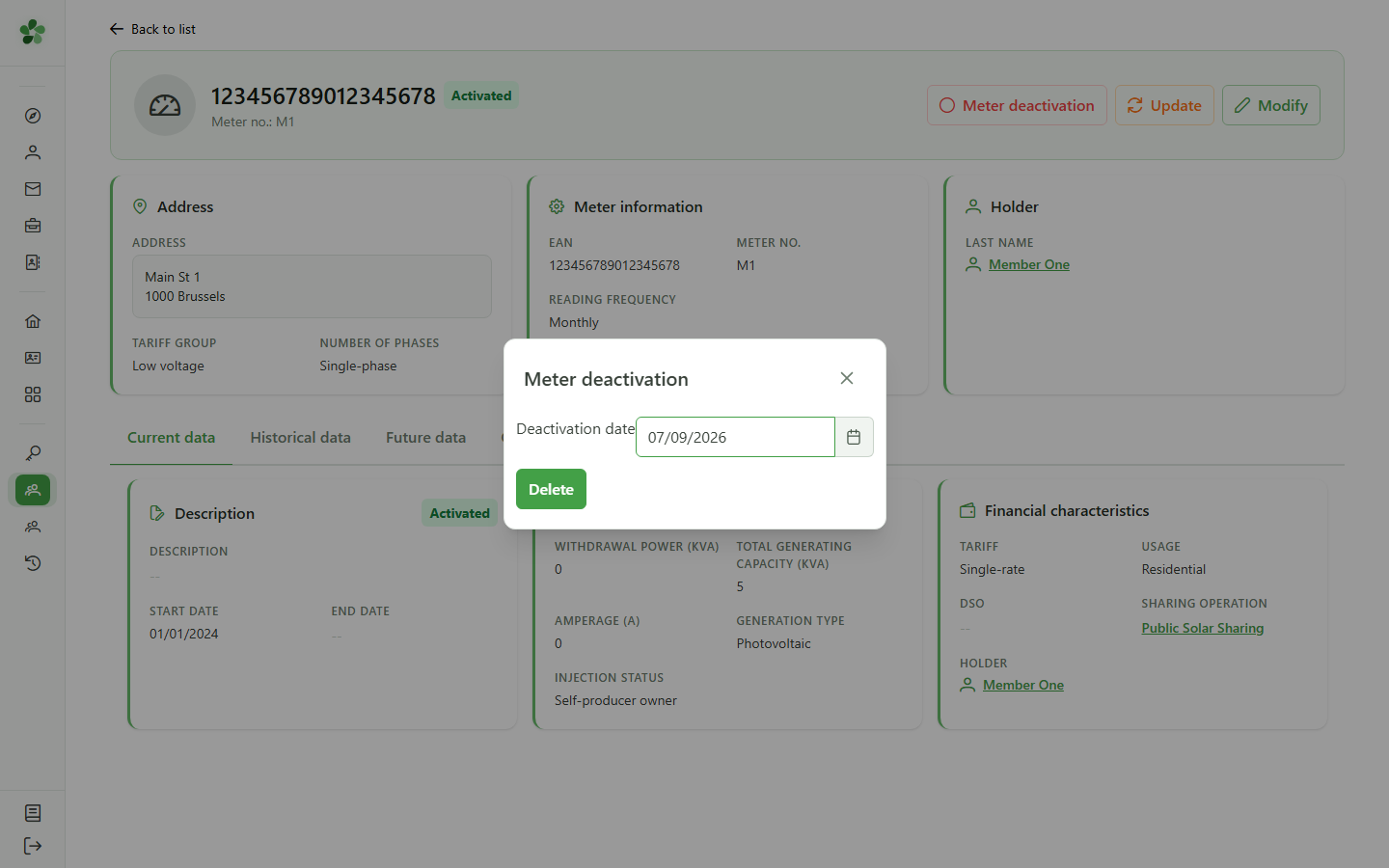
Click "Deactivate": an inactive period is added to the meter from the chosen date.
4 Scheduled deactivation
Confirmation
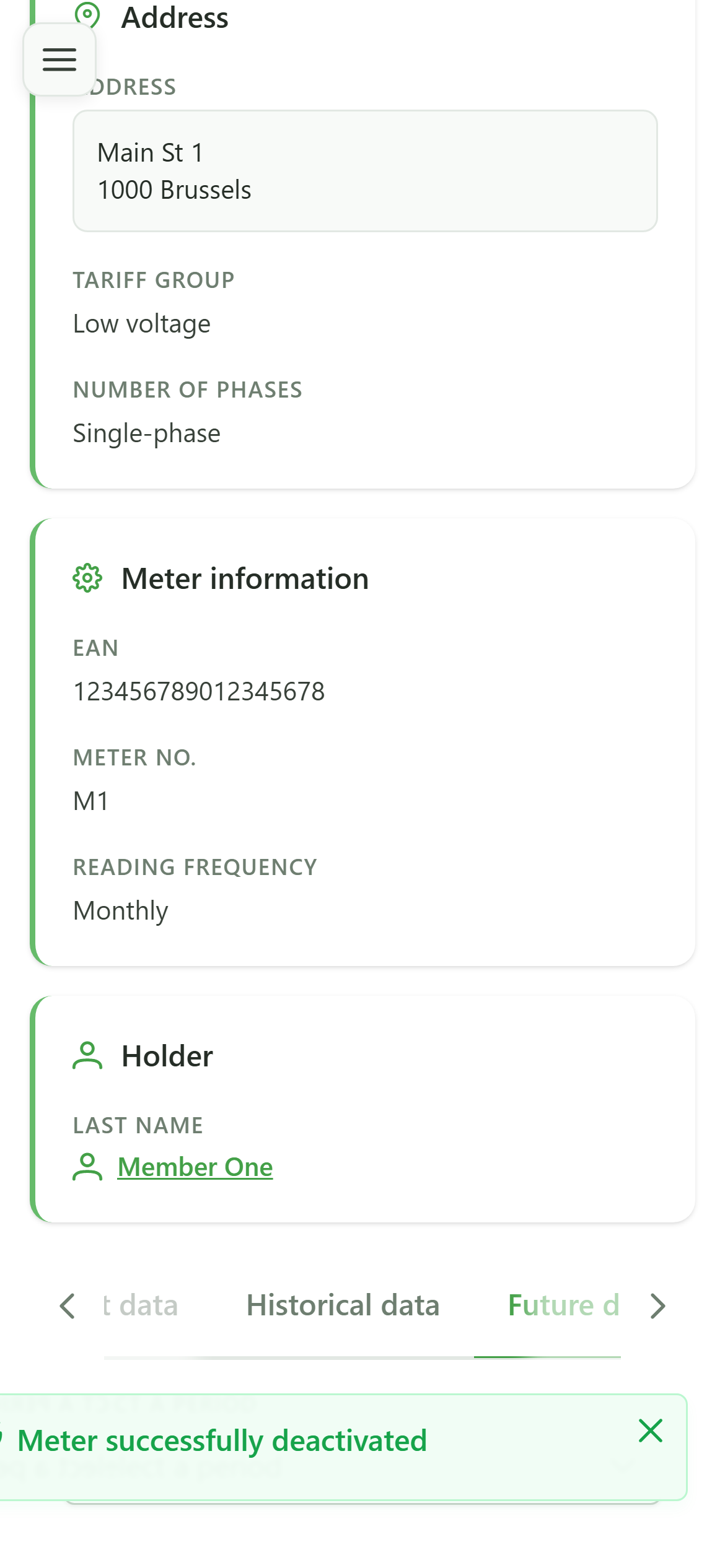
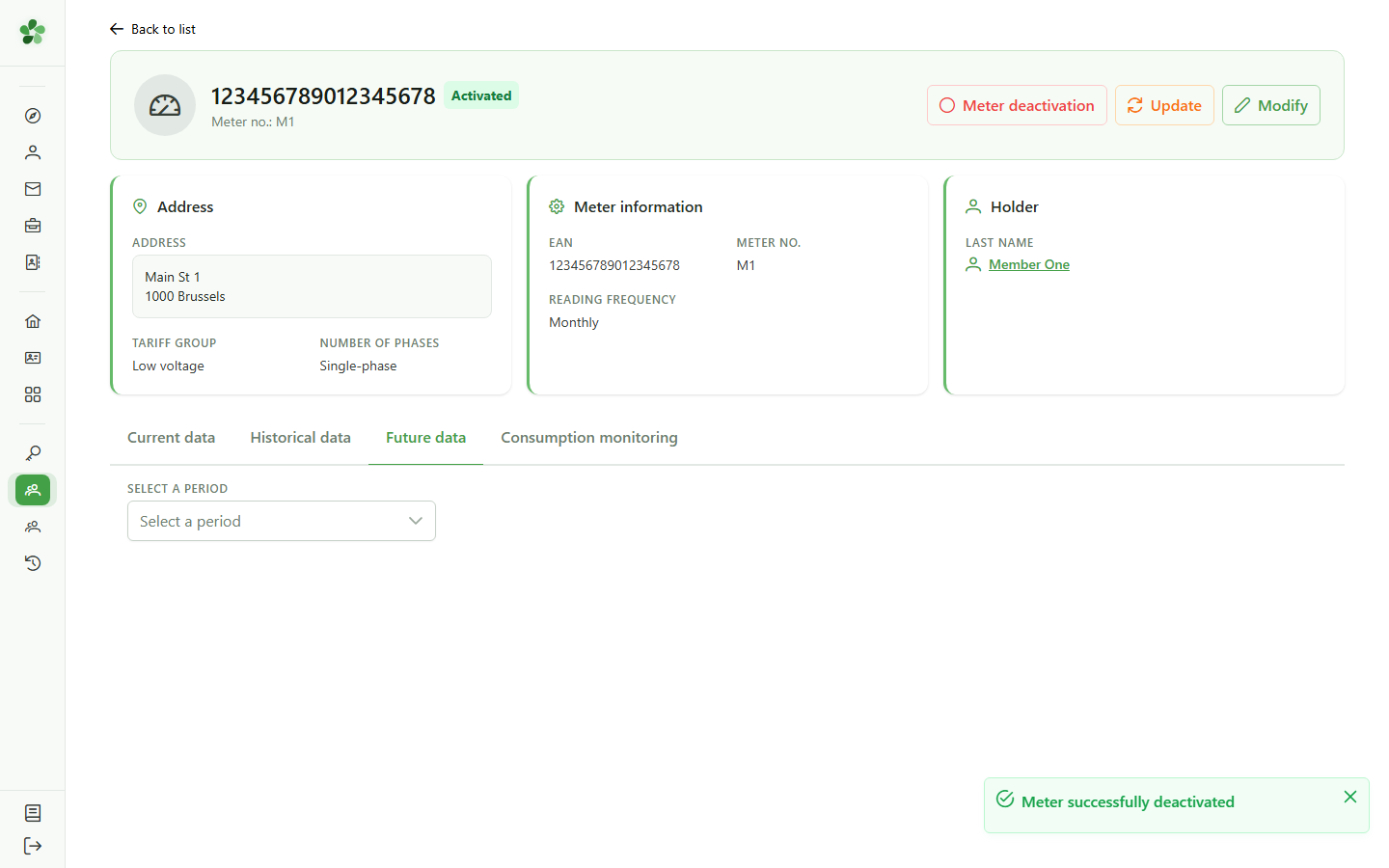
The "Future" tab shows the upcoming inactive period: the meter stays active until the chosen date, then is deactivated.
Deactivate a meter
Guide utilisateur
User guide
Gebruikershandleiding
Benutzerhandbuch
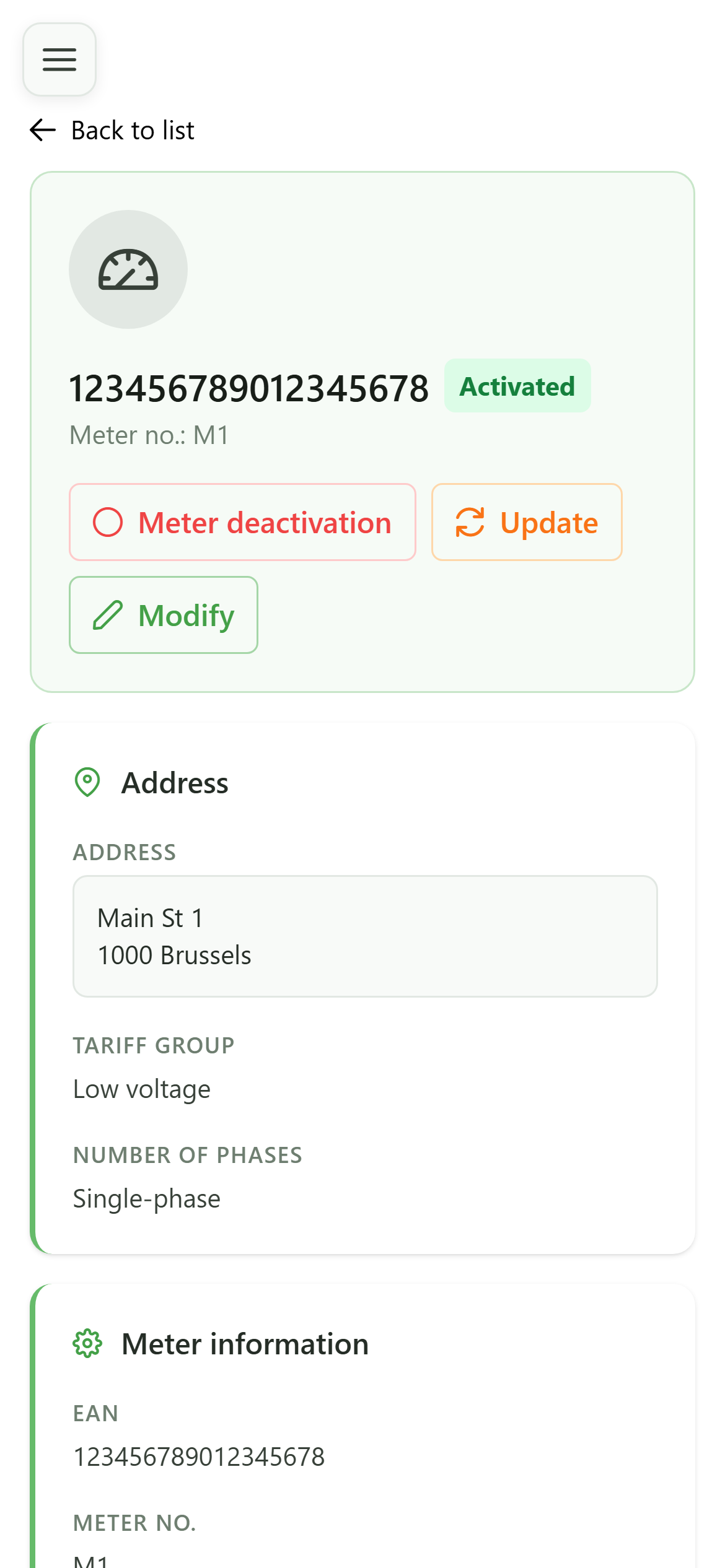
1 Meter detail
Deactivating a meter
Open the detail of the meter to deactivate. The "Deactivate" button schedules the end of its activity on a given date.
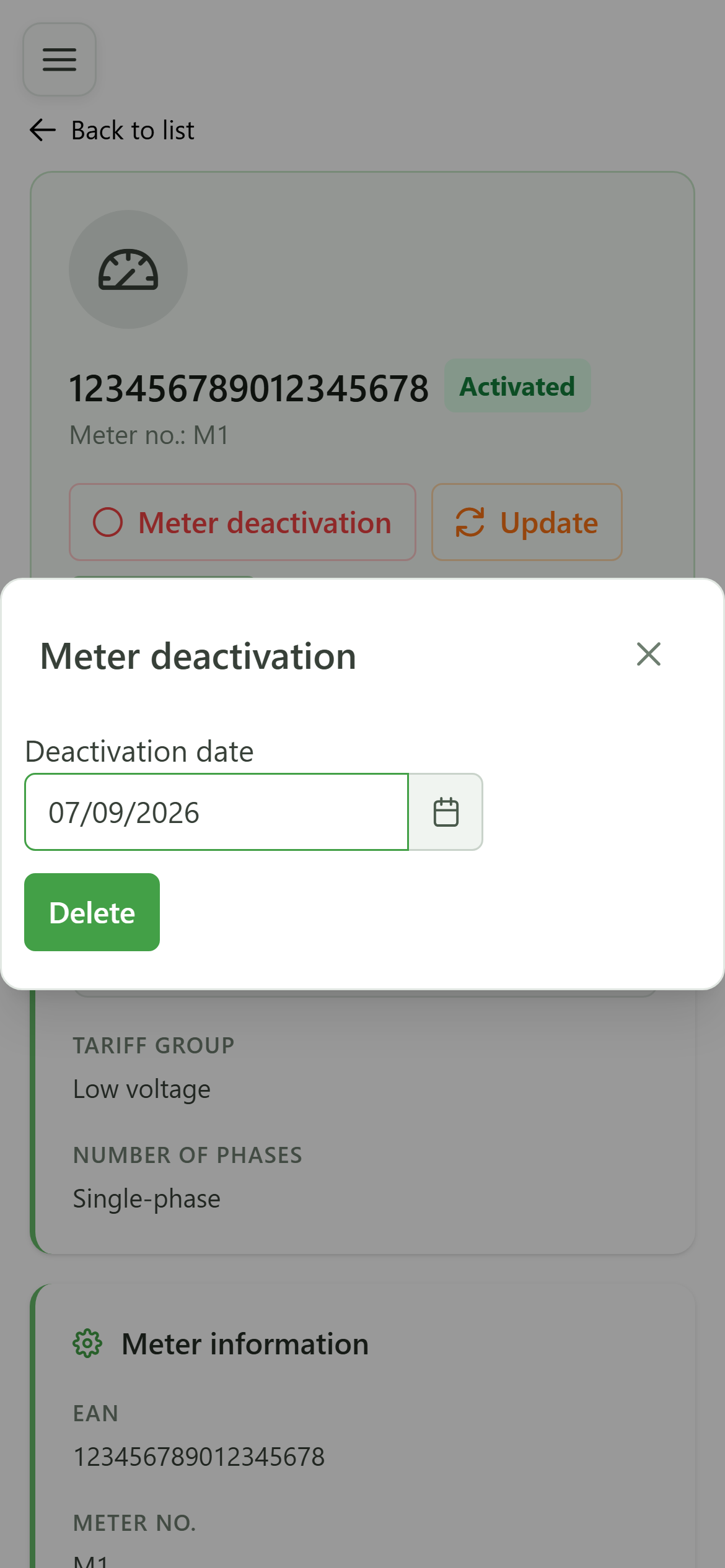
2 Choose the end date
Deactivating a meter
Select the date from which the meter will no longer be active.
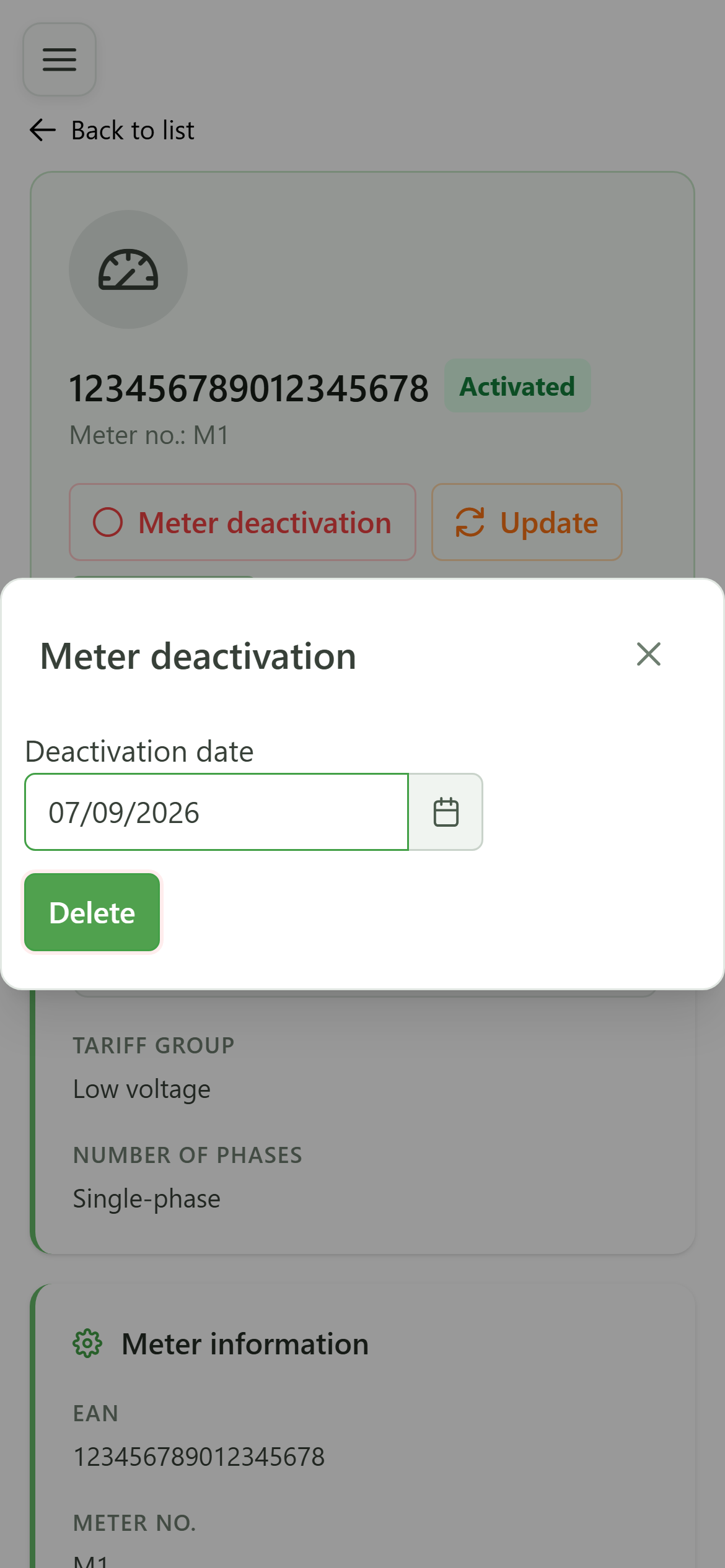
3 Confirm the deactivation
Deactivating a meter
Click "Deactivate": an inactive period is added to the meter from the chosen date.
4 Scheduled deactivation
Confirmation
The "Future" tab shows the upcoming inactive period: the meter stays active until the chosen date, then is deactivated.