Deactivate and reactivate a member
Guide utilisateur
User guide
Gebruikershandleiding
Benutzerhandbuch
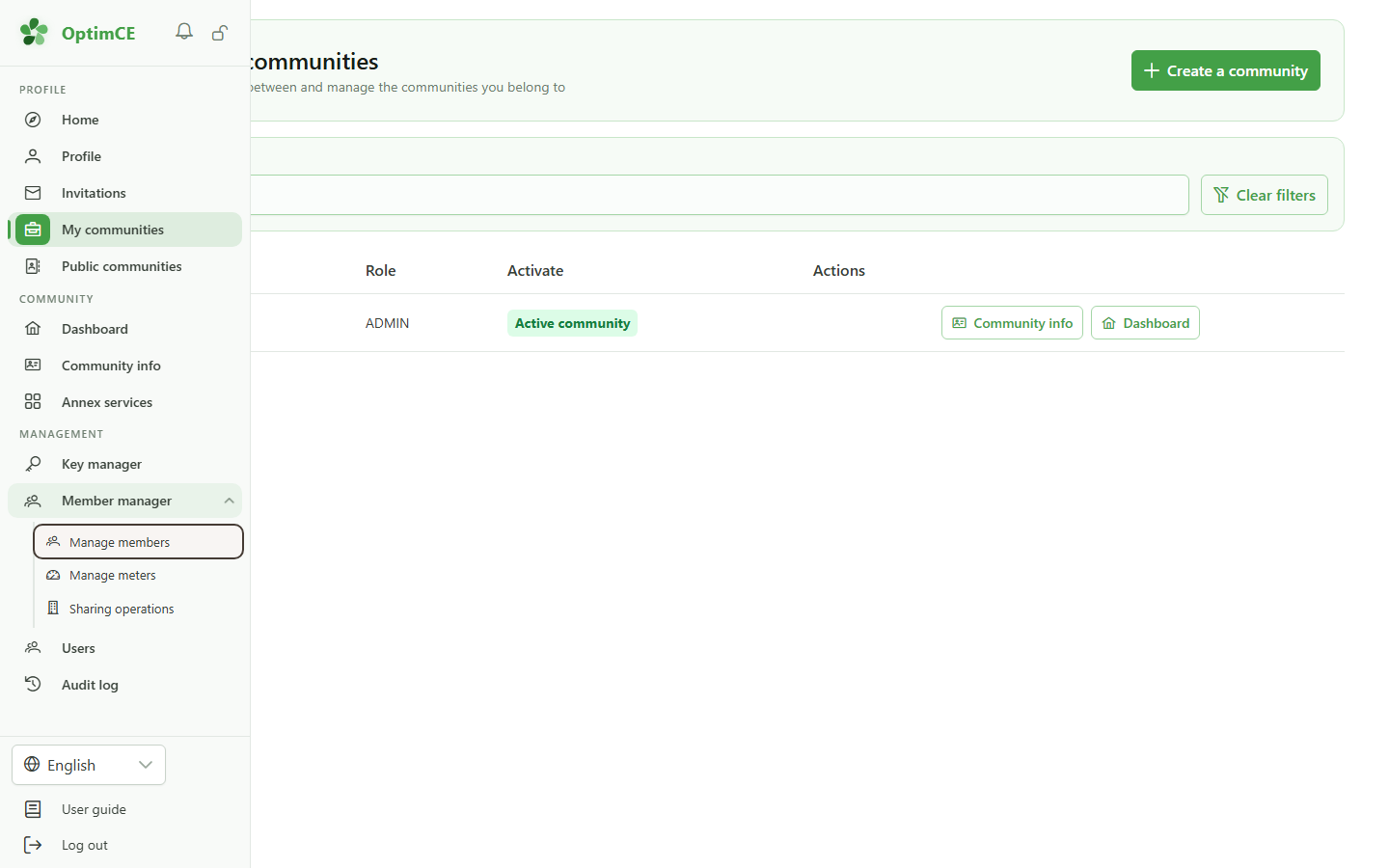
1 Open the members list
Navigation
In the "Management" section, open "Members" then click "Members".
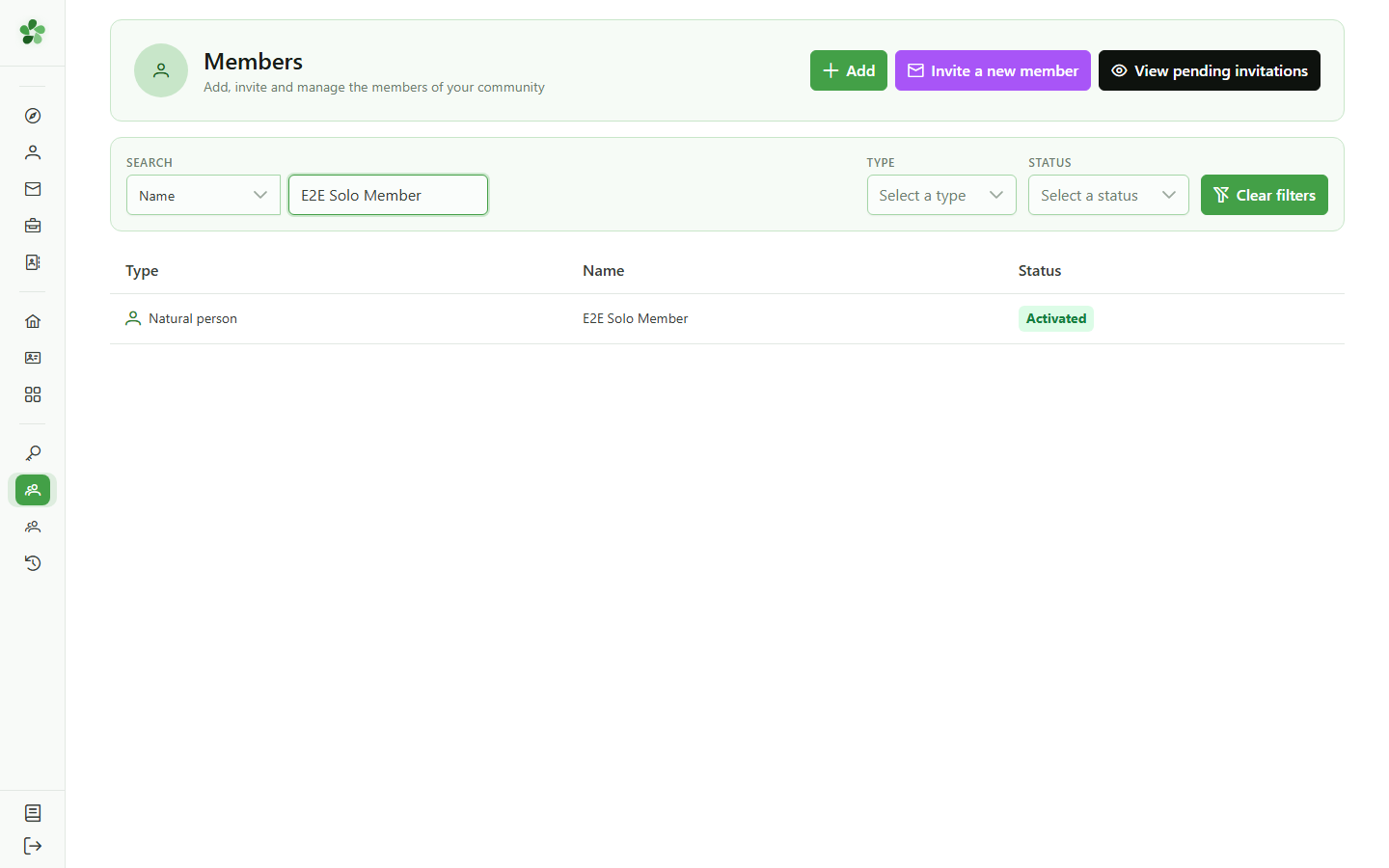
2 Find the member
Member lifecycle
Search the member by name. Here we pick a member with no active meter, because a member tied to an active meter cannot be deactivated.
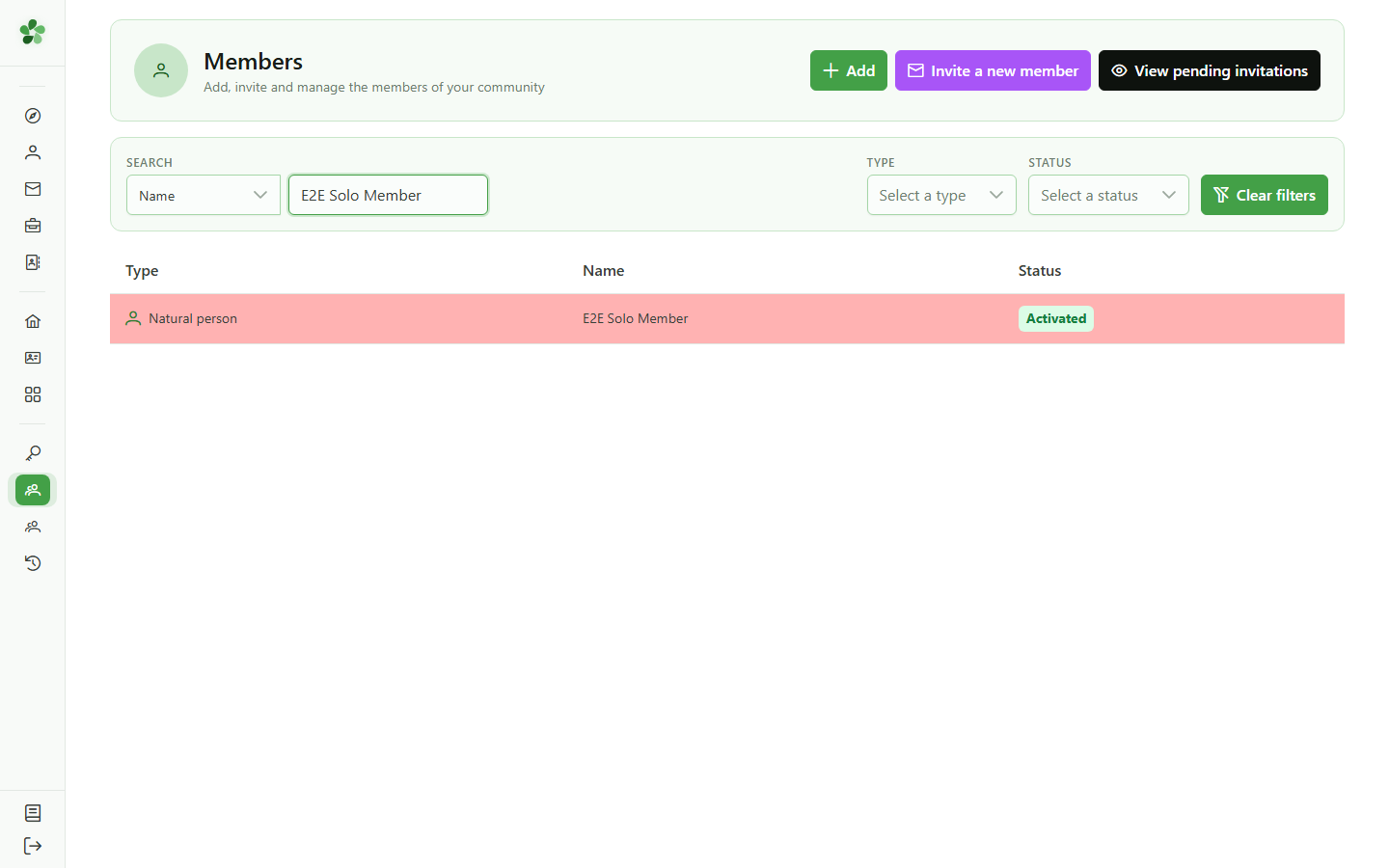
3 Open the member record
Navigation
Click the member's row in the table to open their record.
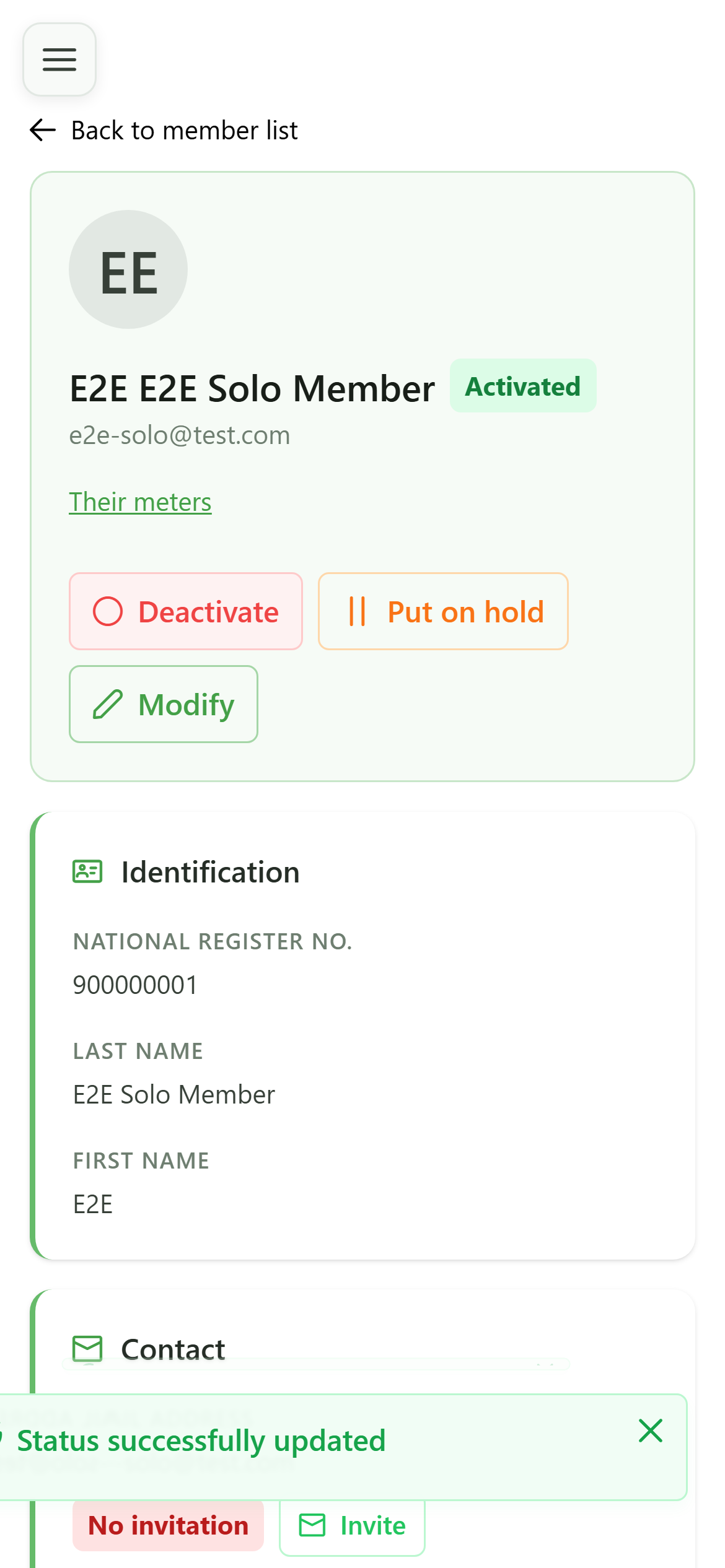
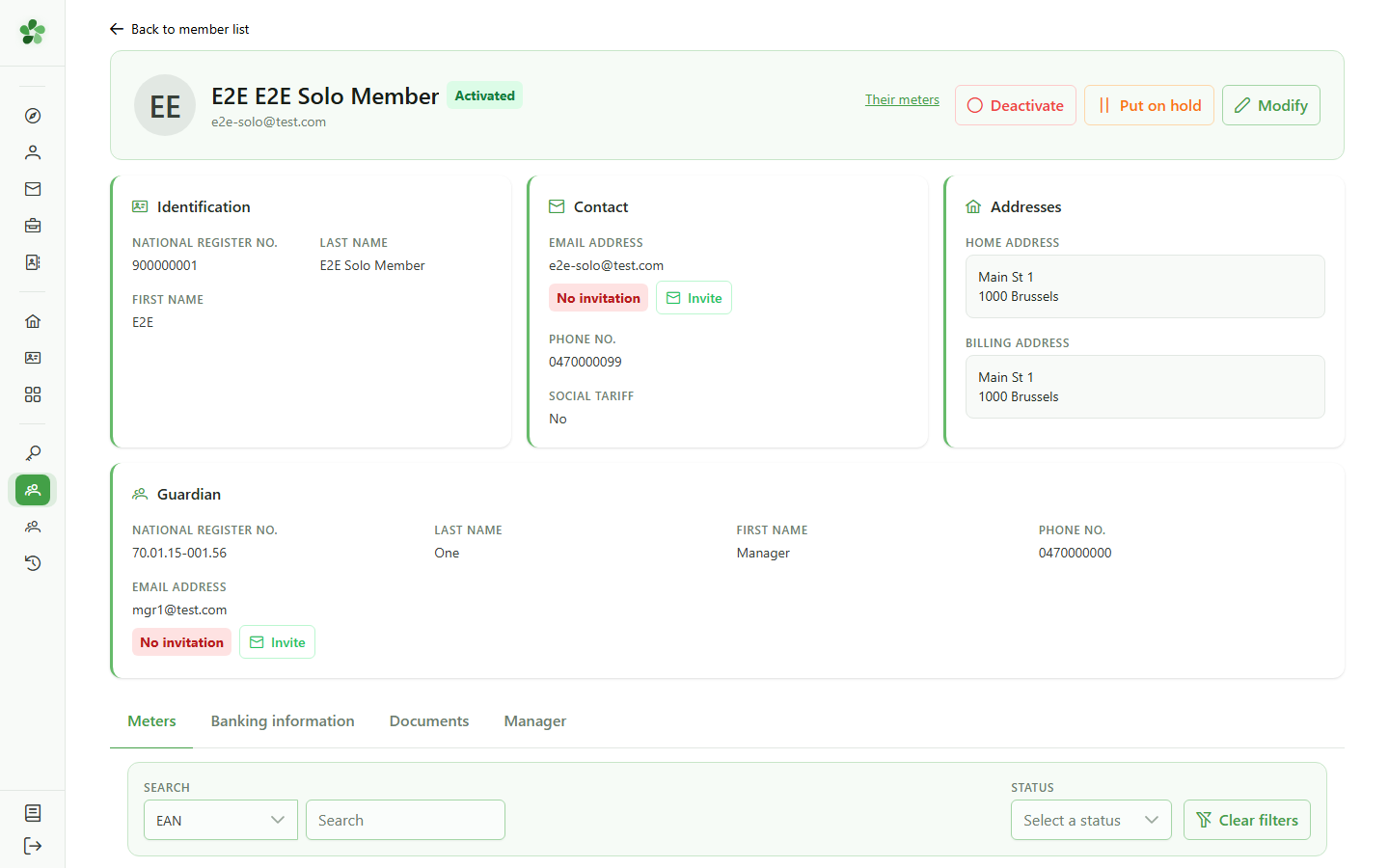
4 Active member record
Member lifecycle
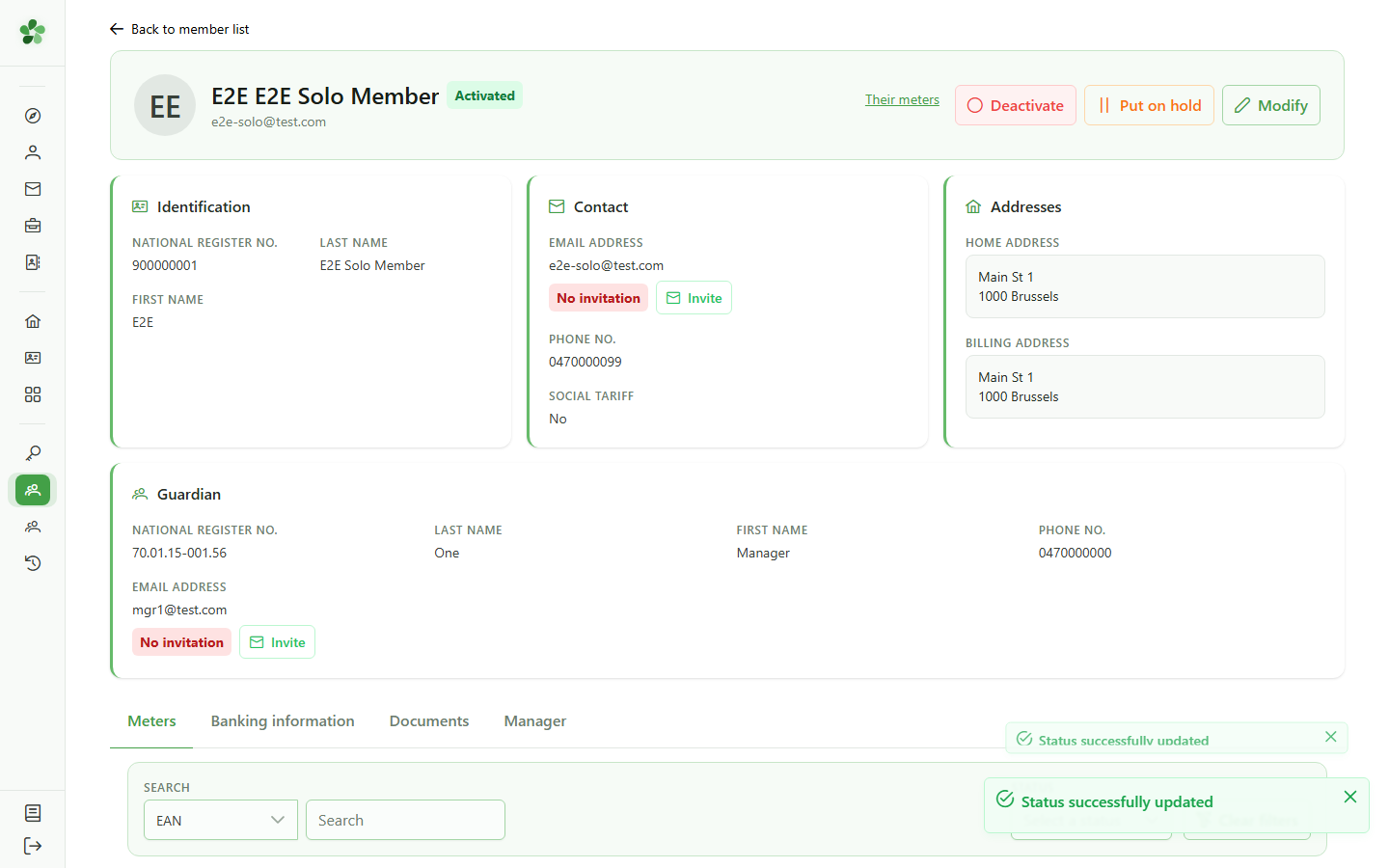
The member is active: its status badge is green and a "Meter" tab is available. The action buttons let you deactivate it or put it on hold.
5 Deactivate the member
Member lifecycle
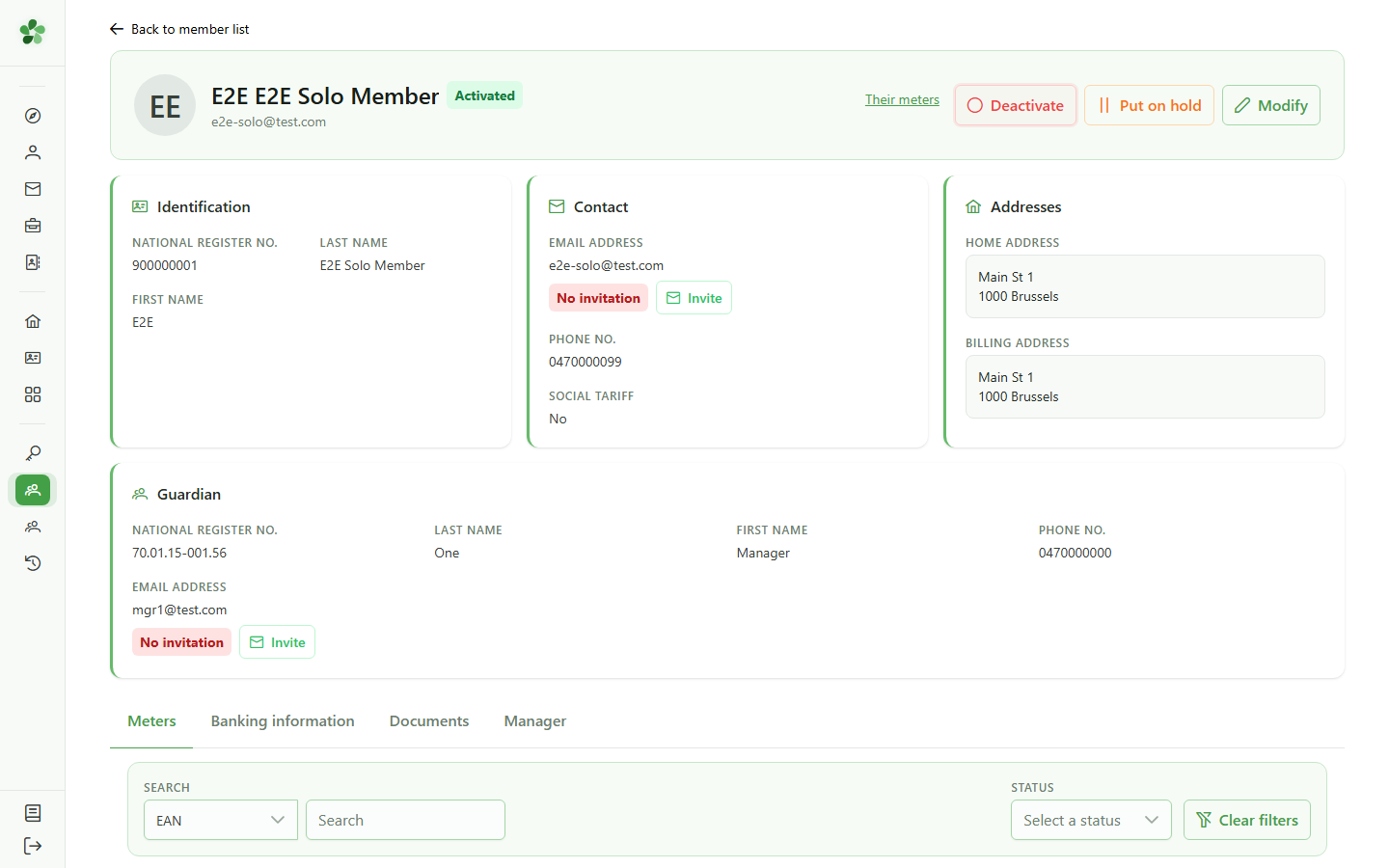
Click "Deactivate". The status change is immediate, with no extra confirmation.
6 Member deactivated
Member lifecycle
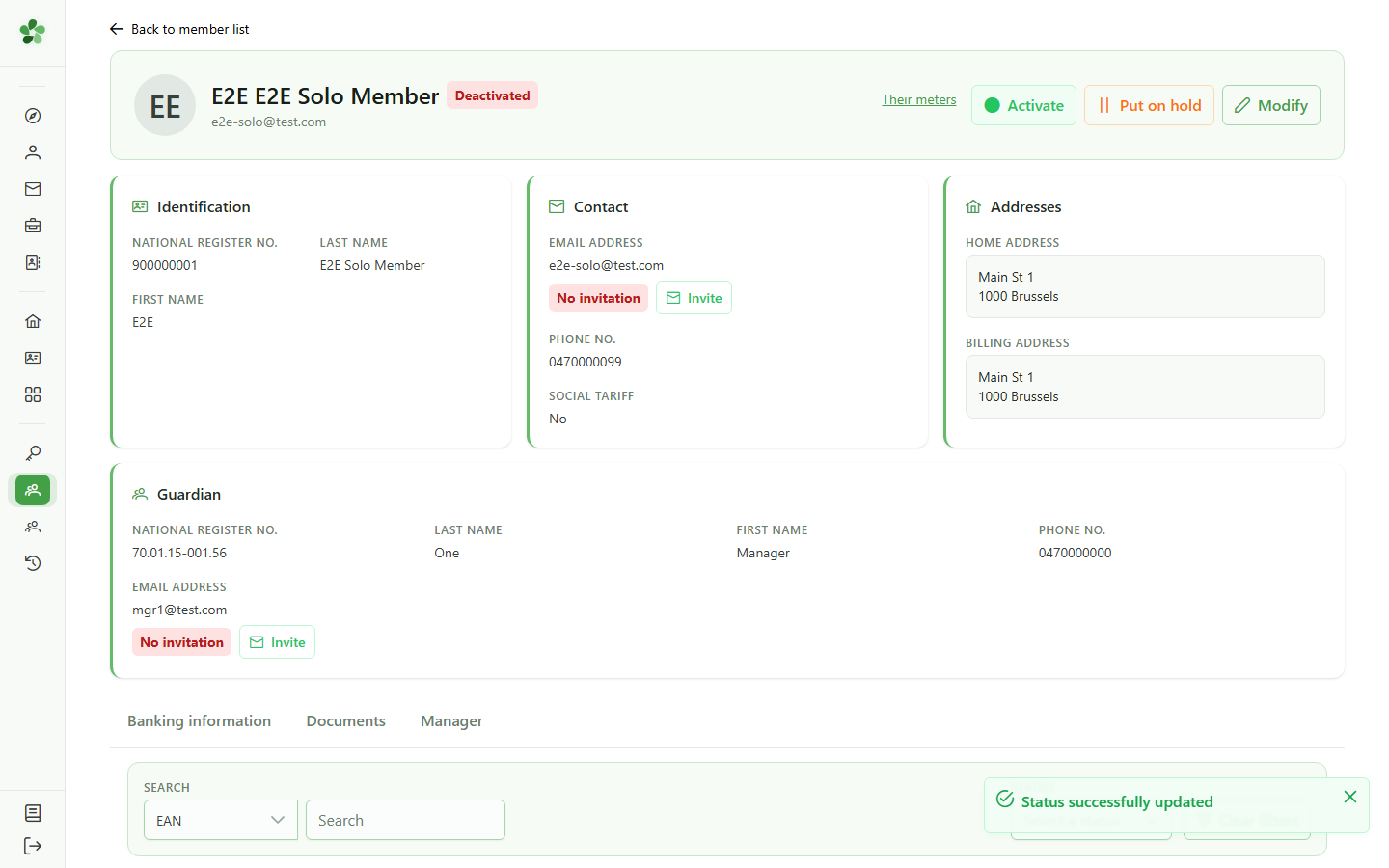
The badge switches to "Inactive" and the "Meter" tab disappears: an inactive member can no longer be tied to a meter.
7 Reactivate the member
Member lifecycle
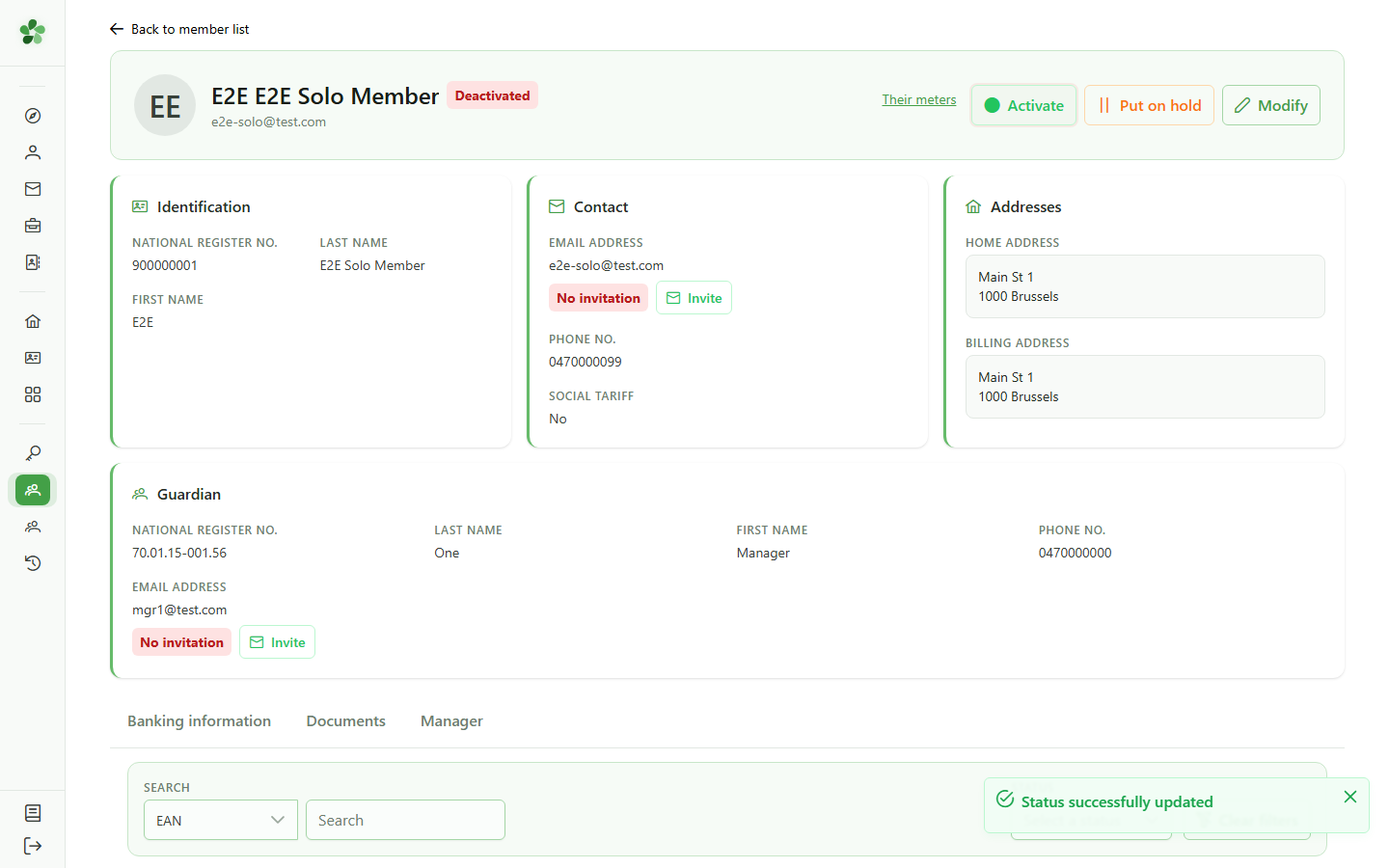
The "Activate" button reactivates the member. You can manage a member's whole lifecycle from its record.
8 Member reactivated
Member lifecycle
The badge returns to "Active" and the "Meter" tab reappears. The member is fully operational again.
Deactivate and reactivate a member
Guide utilisateur
User guide
Gebruikershandleiding
Benutzerhandbuch
1 Open the members list
Navigation
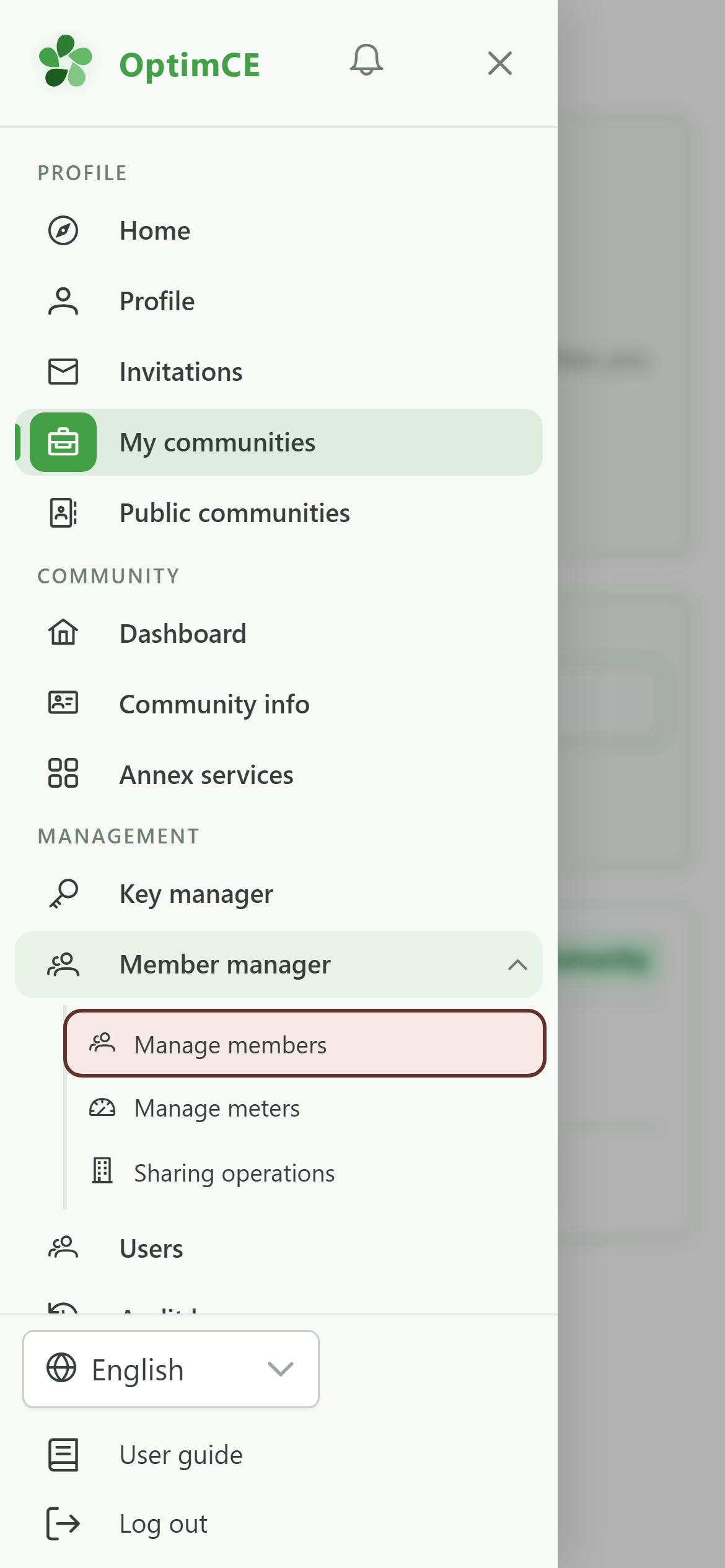
In the drawer, open "Members" then tap "Members".
2 Find the member
Member lifecycle
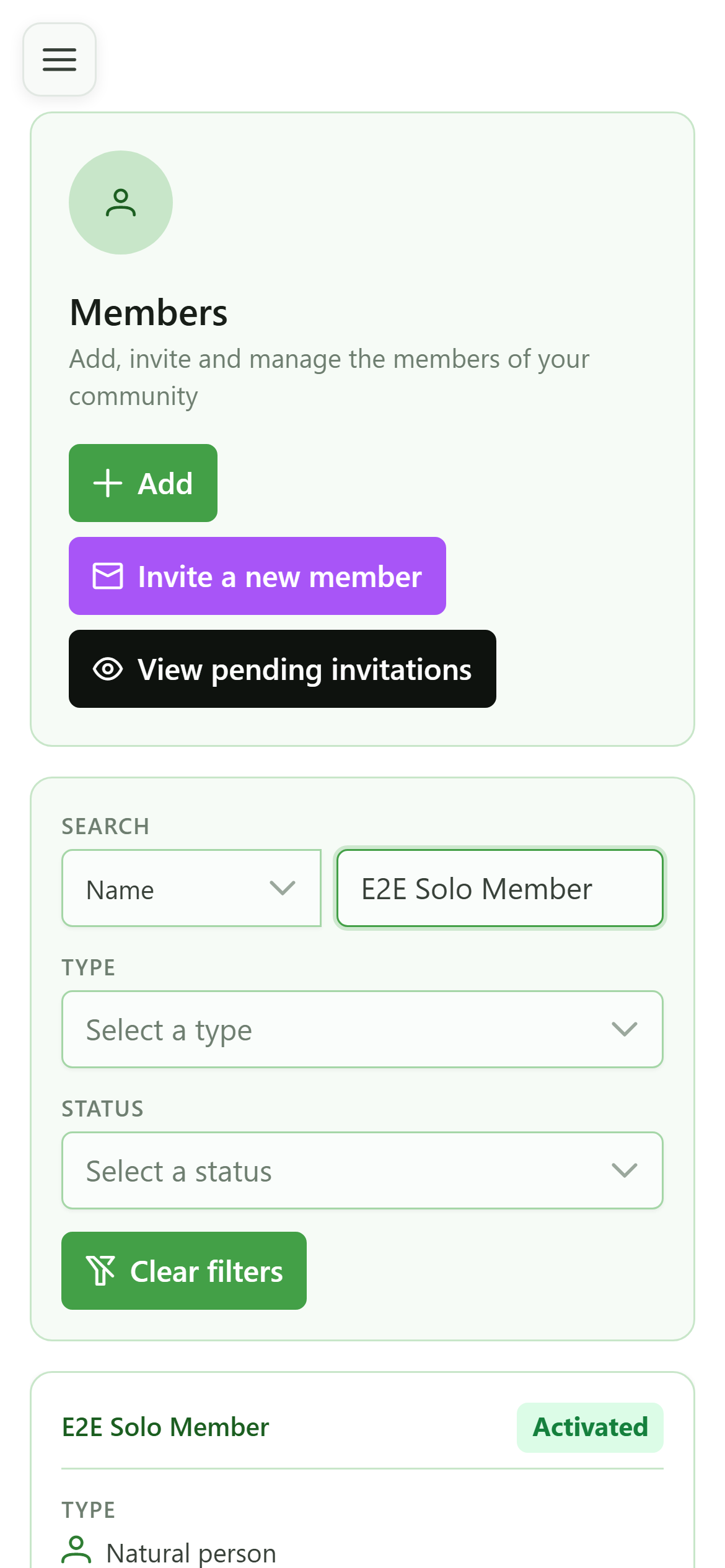
Search the member by name. Here we pick a member with no active meter, because a member tied to an active meter cannot be deactivated.
3 Open the member record
Navigation
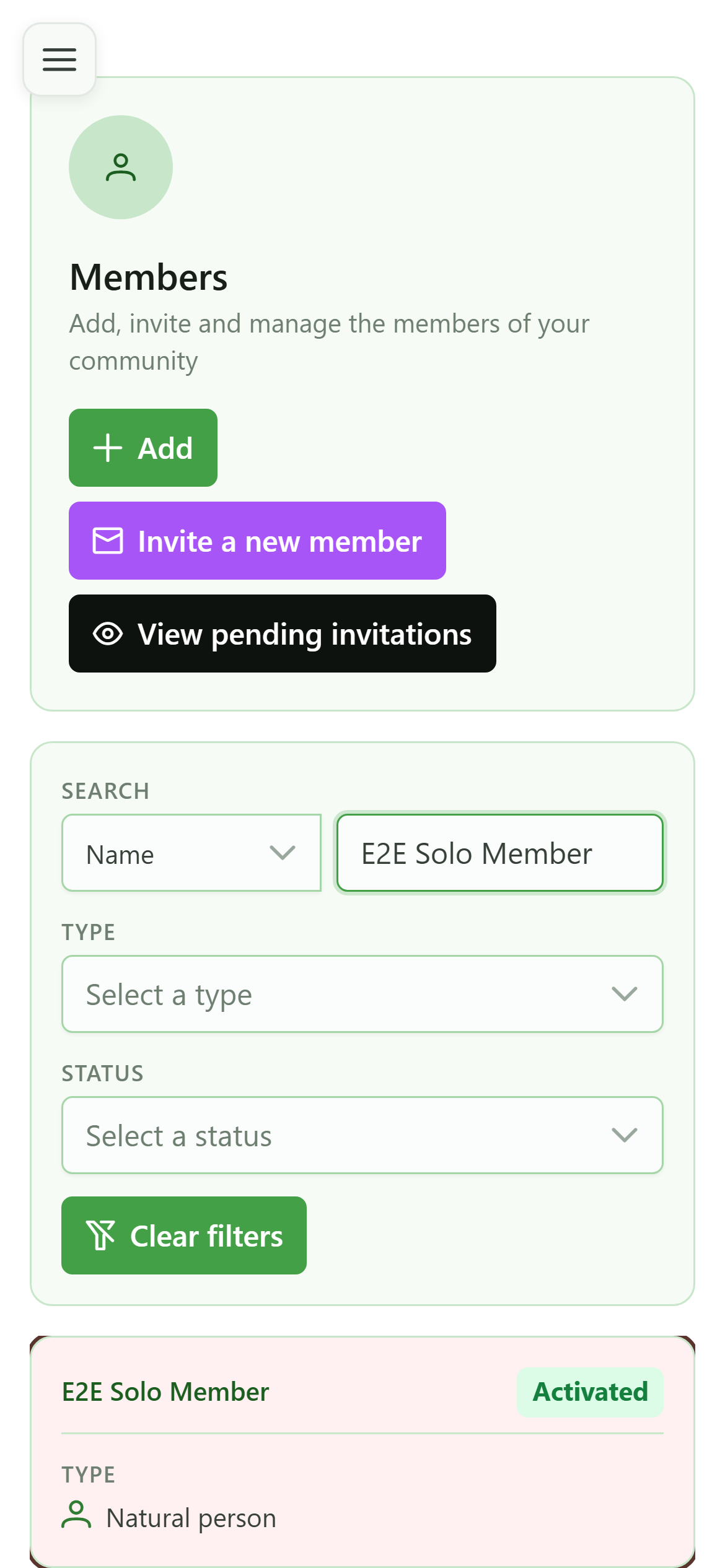
Tap the member's card to open their record.
4 Active member record
Member lifecycle
The member is active: its status badge is green and a "Meter" tab is available. The action buttons let you deactivate it or put it on hold.
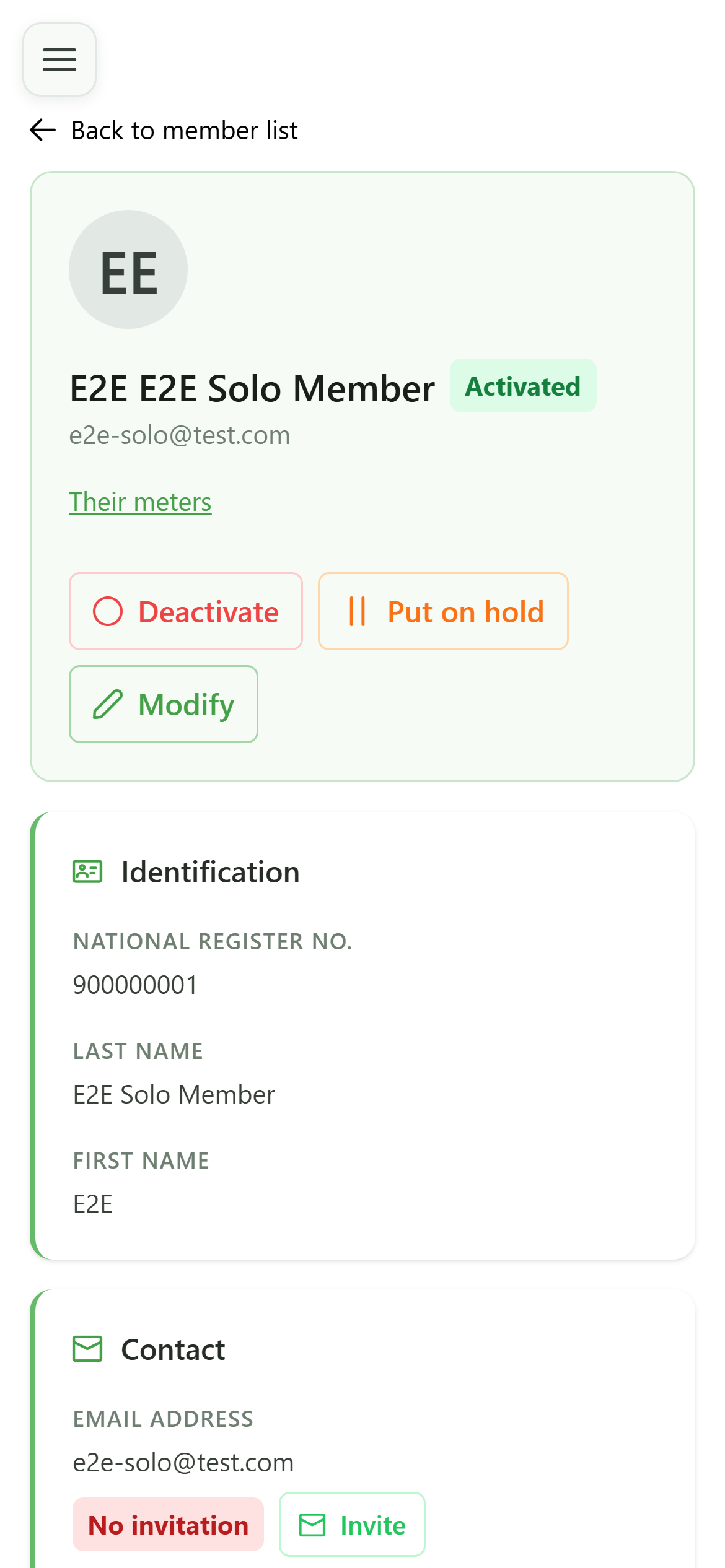
5 Deactivate the member
Member lifecycle
Click "Deactivate". The status change is immediate, with no extra confirmation.
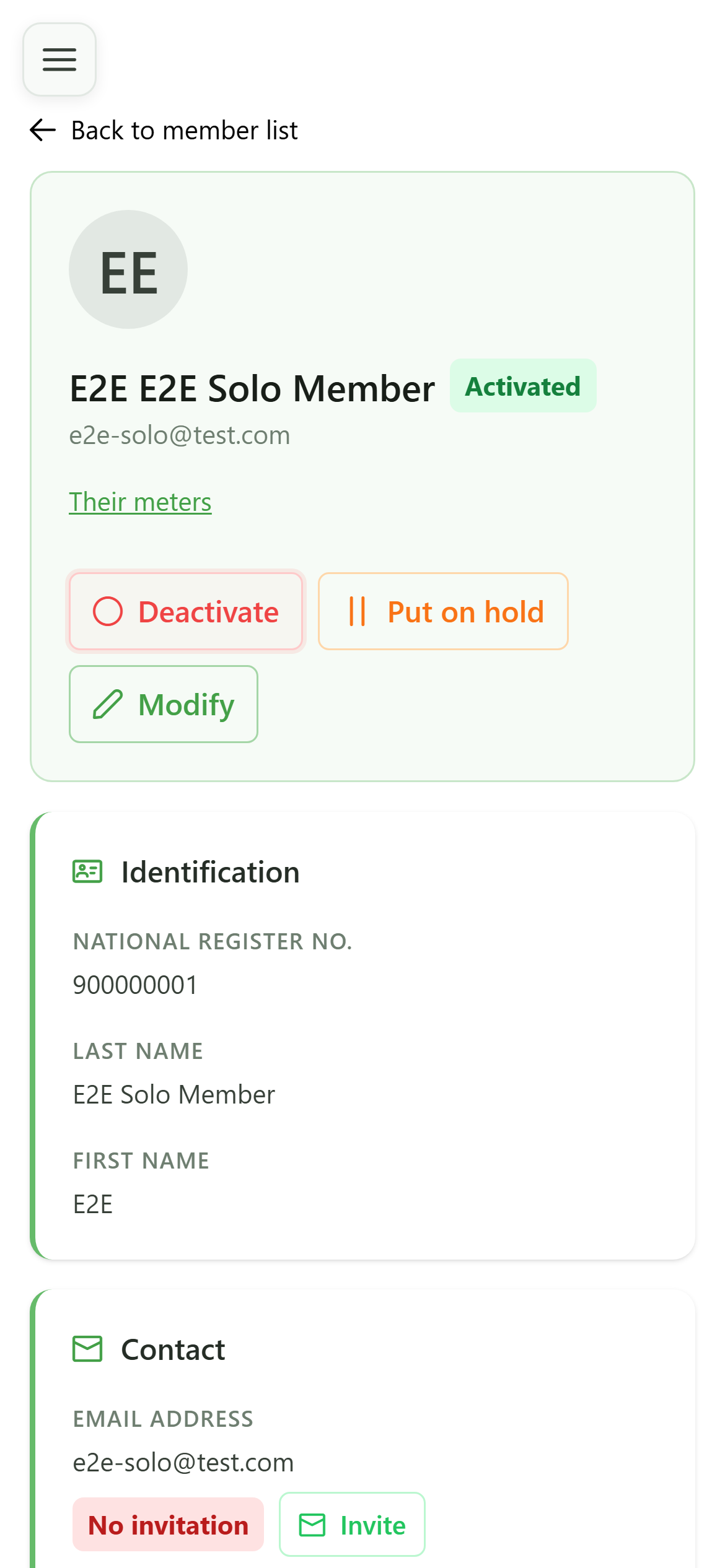
6 Member deactivated
Member lifecycle
The badge switches to "Inactive" and the "Meter" tab disappears: an inactive member can no longer be tied to a meter.
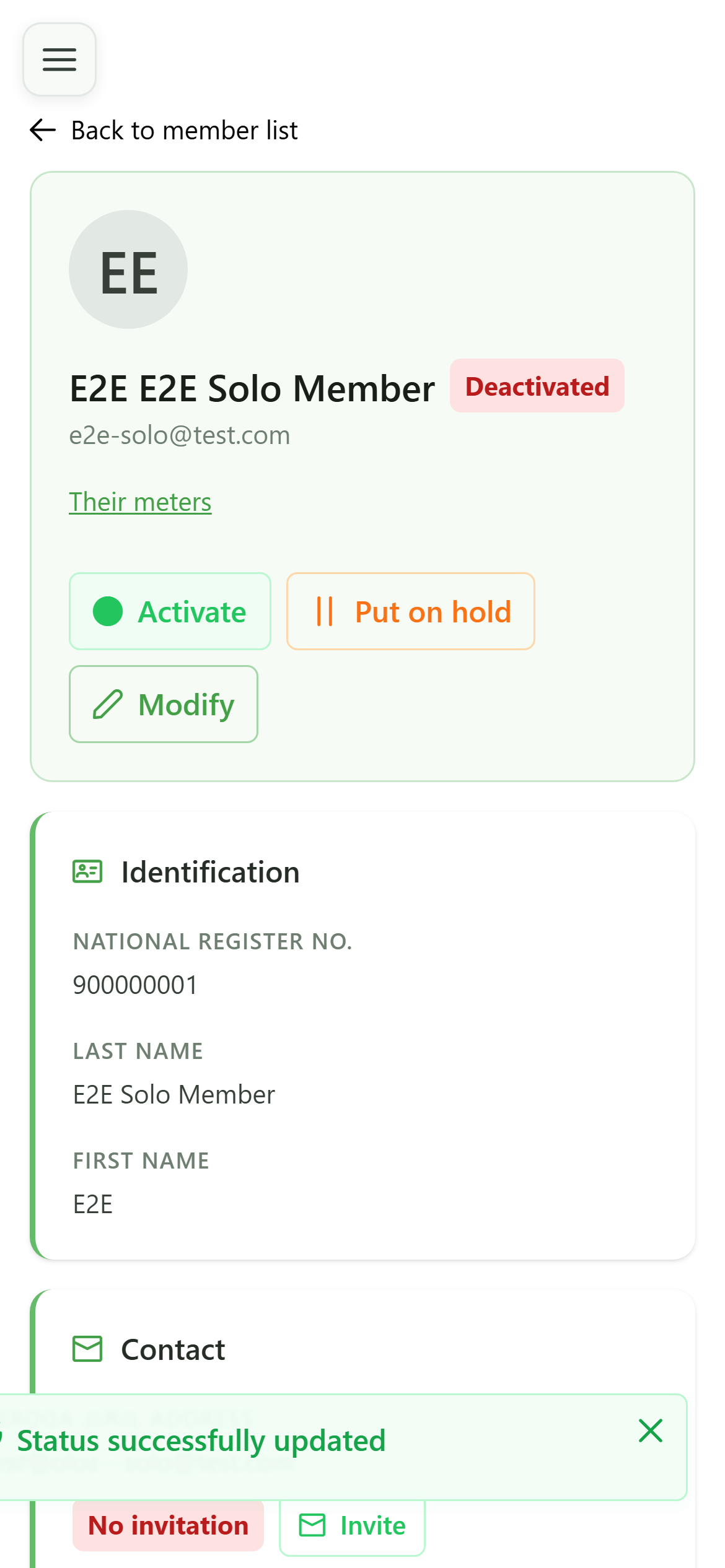
7 Reactivate the member
Member lifecycle
The "Activate" button reactivates the member. You can manage a member's whole lifecycle from its record.
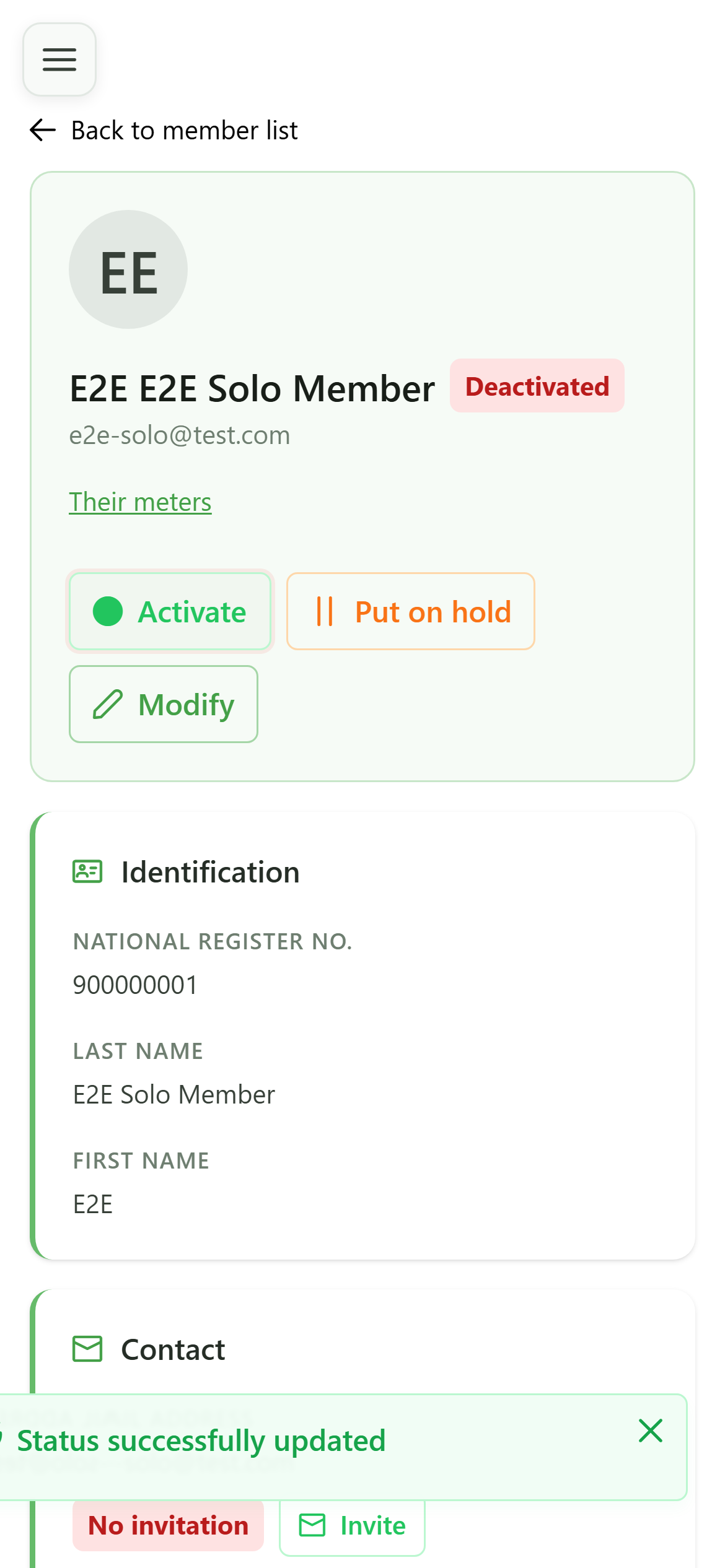
8 Member reactivated
Member lifecycle
The badge returns to "Active" and the "Meter" tab reappears. The member is fully operational again.