Consult your own record and meter
Guide utilisateur
User guide
Gebruikershandleiding
Benutzerhandbuch
1 Open your profile
Navigation
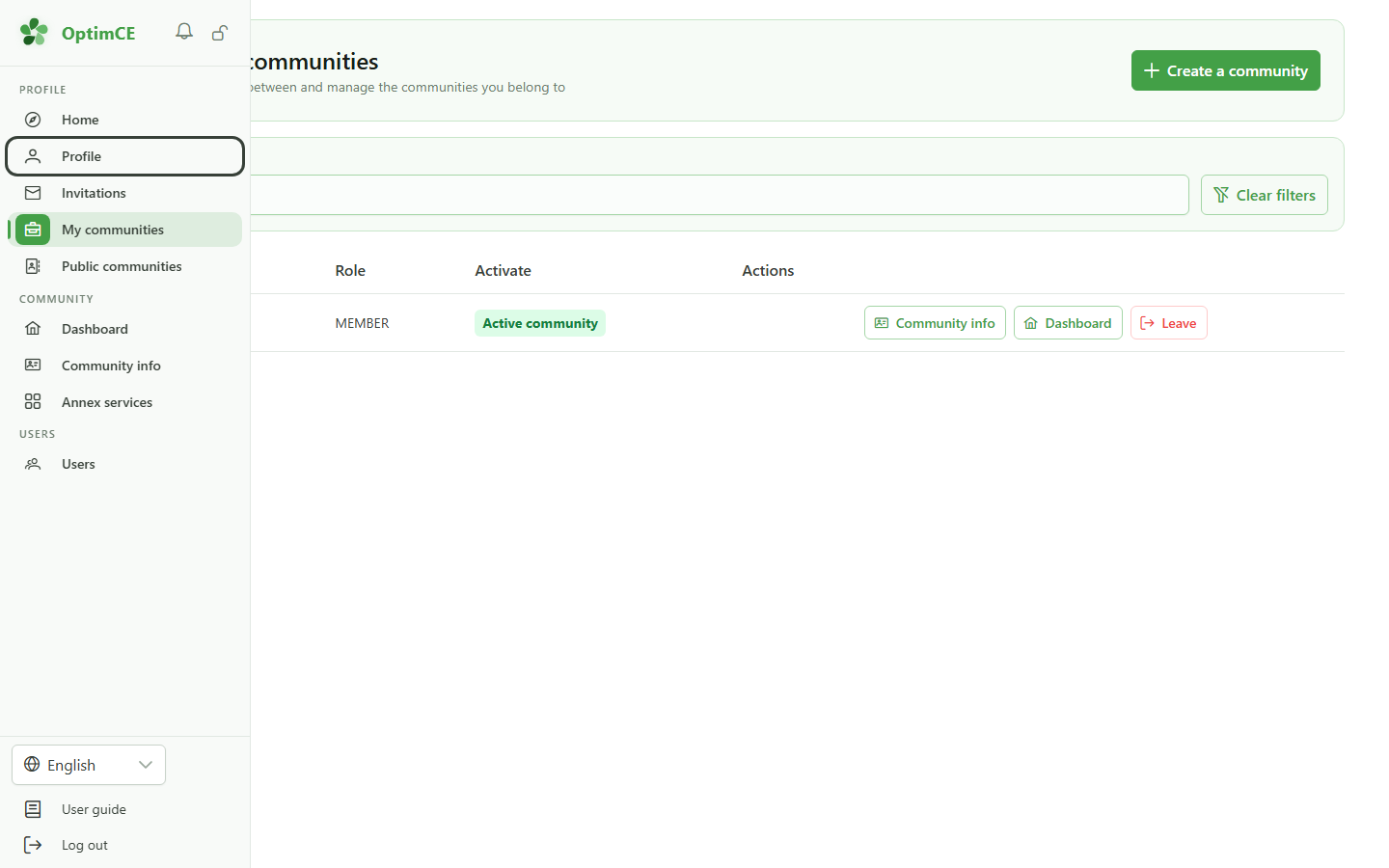
In the sidebar's profile menu, click "Profile" to reach your personal space.
2 Your memberships
Profile
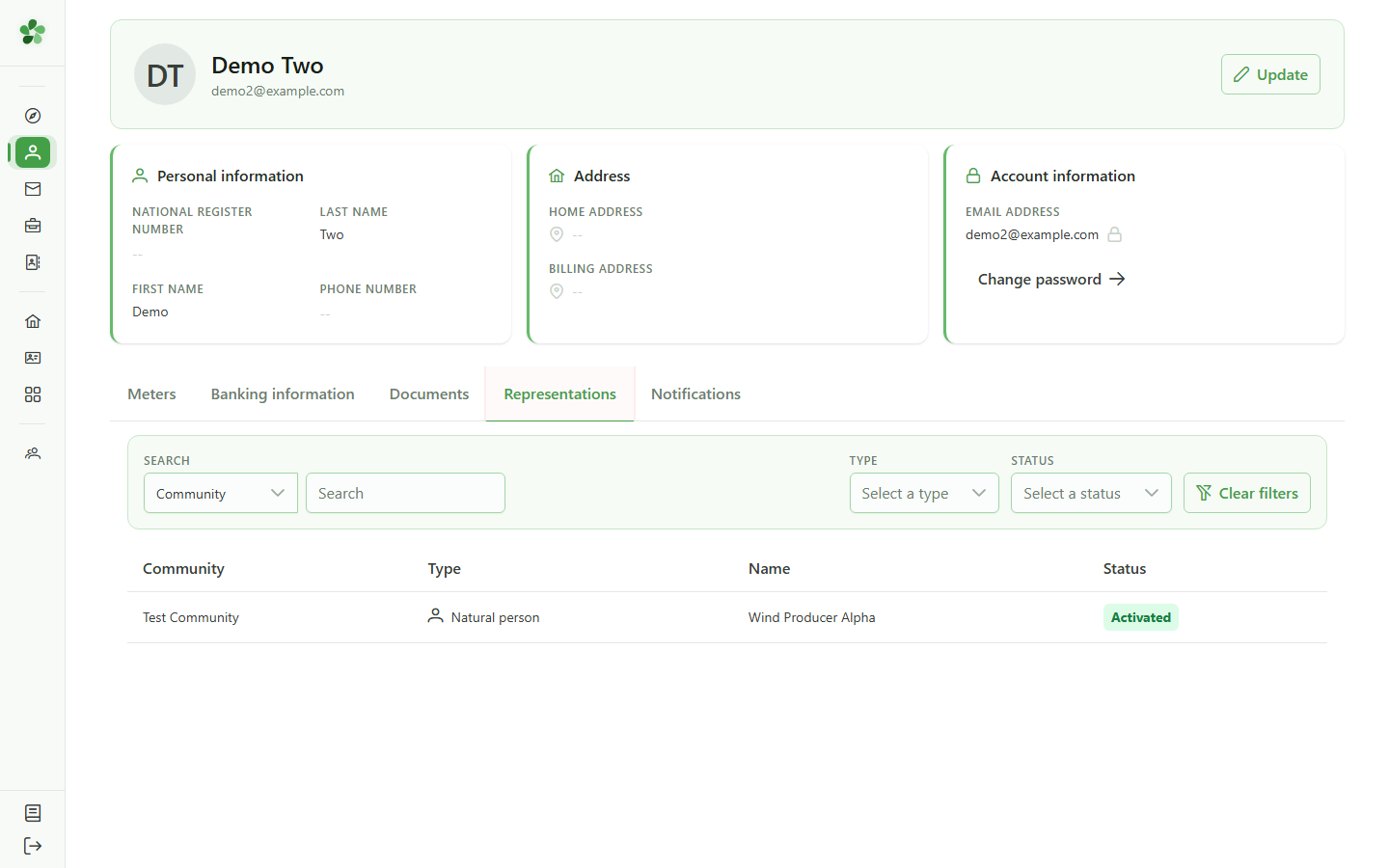
The "Representations" tab lists the community members you represent. Click a row to open its record.
3 Open your member record
Navigation
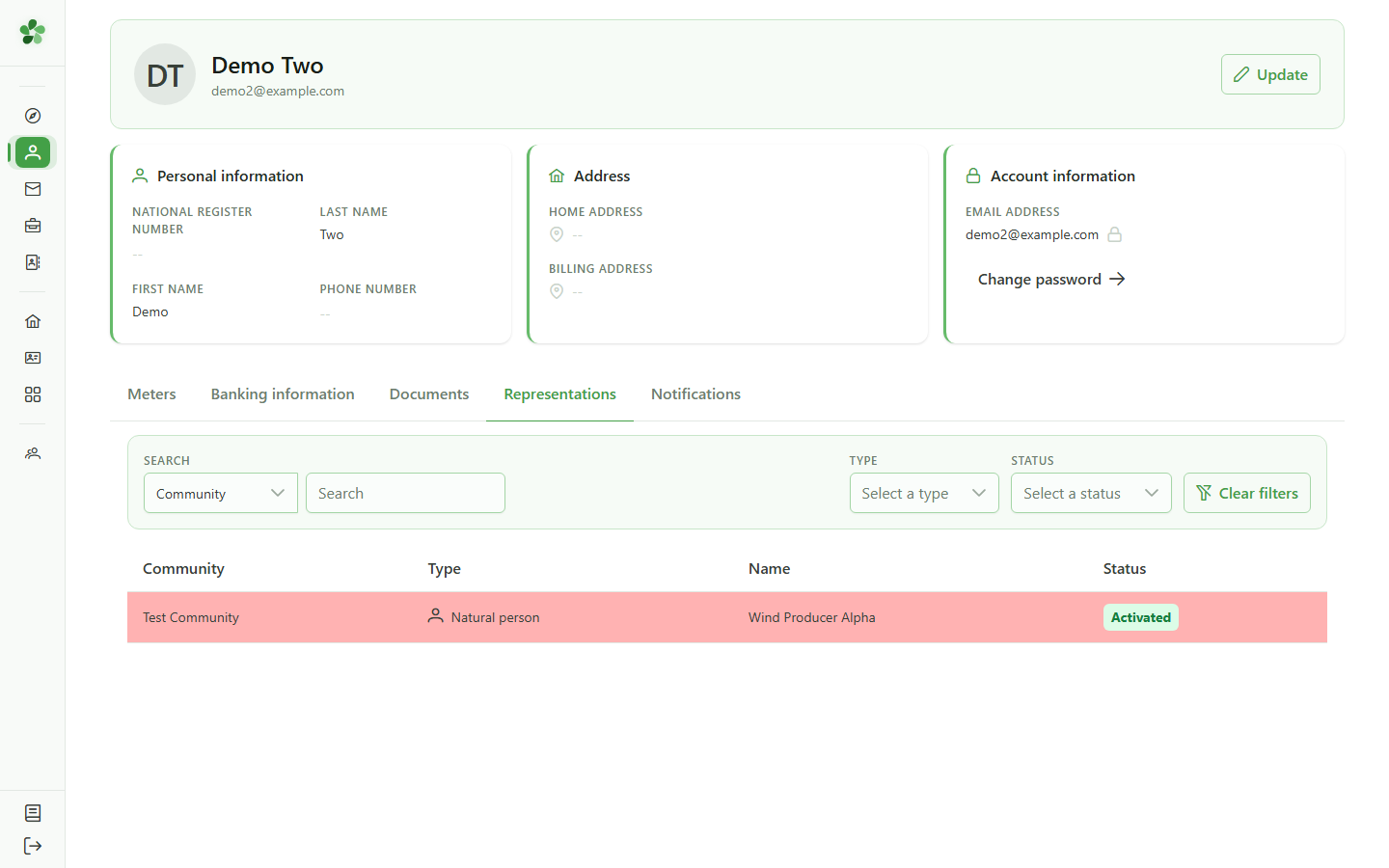
Click the row for the member you represent to display their full record.
4 Your member record
Read-only view
Your member record is shown read-only: personal information, banking details, and the associated manager. For any correction, contact the community manager.
5 Your meters
Profile
The "Meters" tab lists the meters attached to the members you represent. Click a row to inspect a meter in detail.
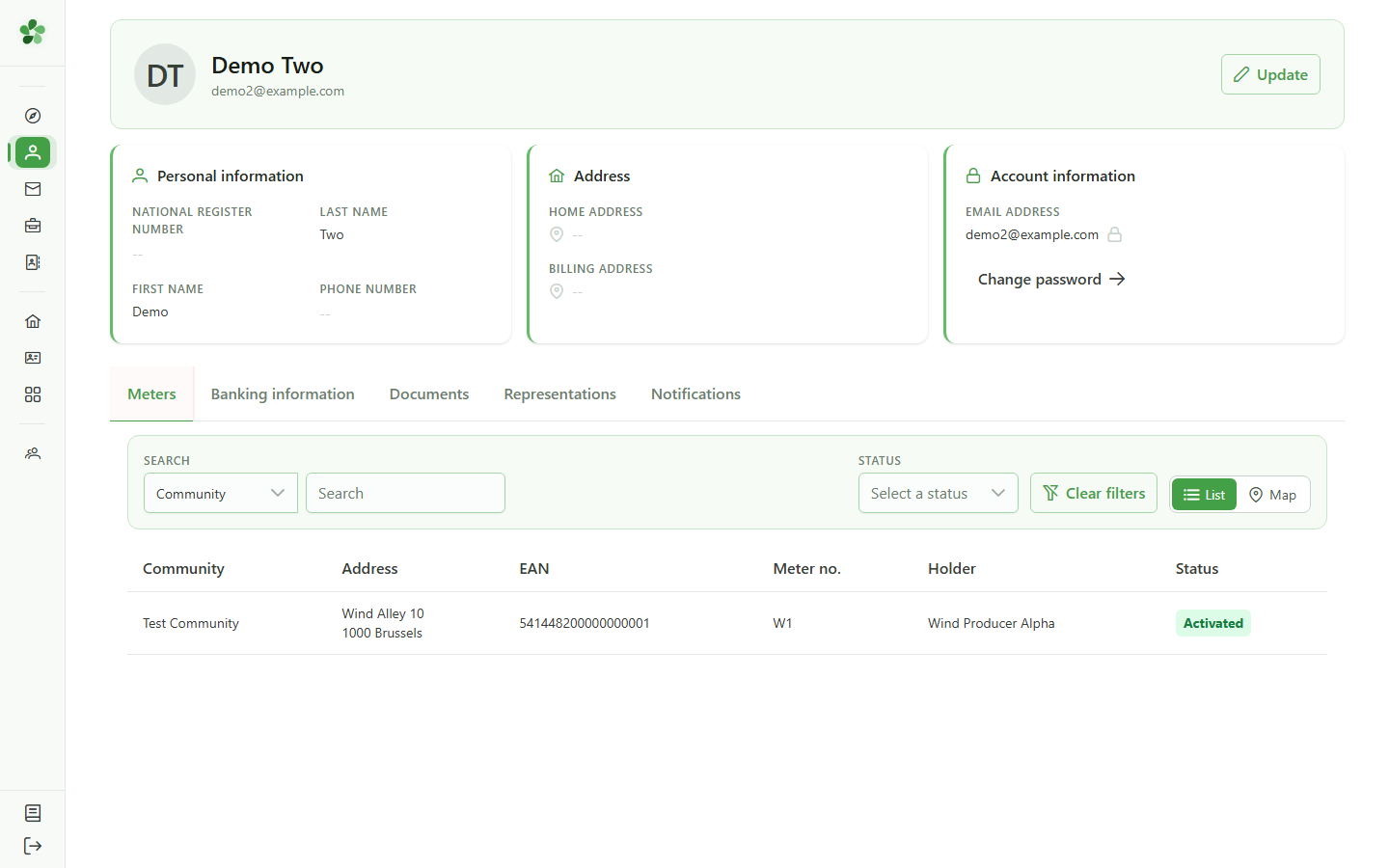
6 Open your meter
Navigation
Click the meter's row to consult its detail and its readings.
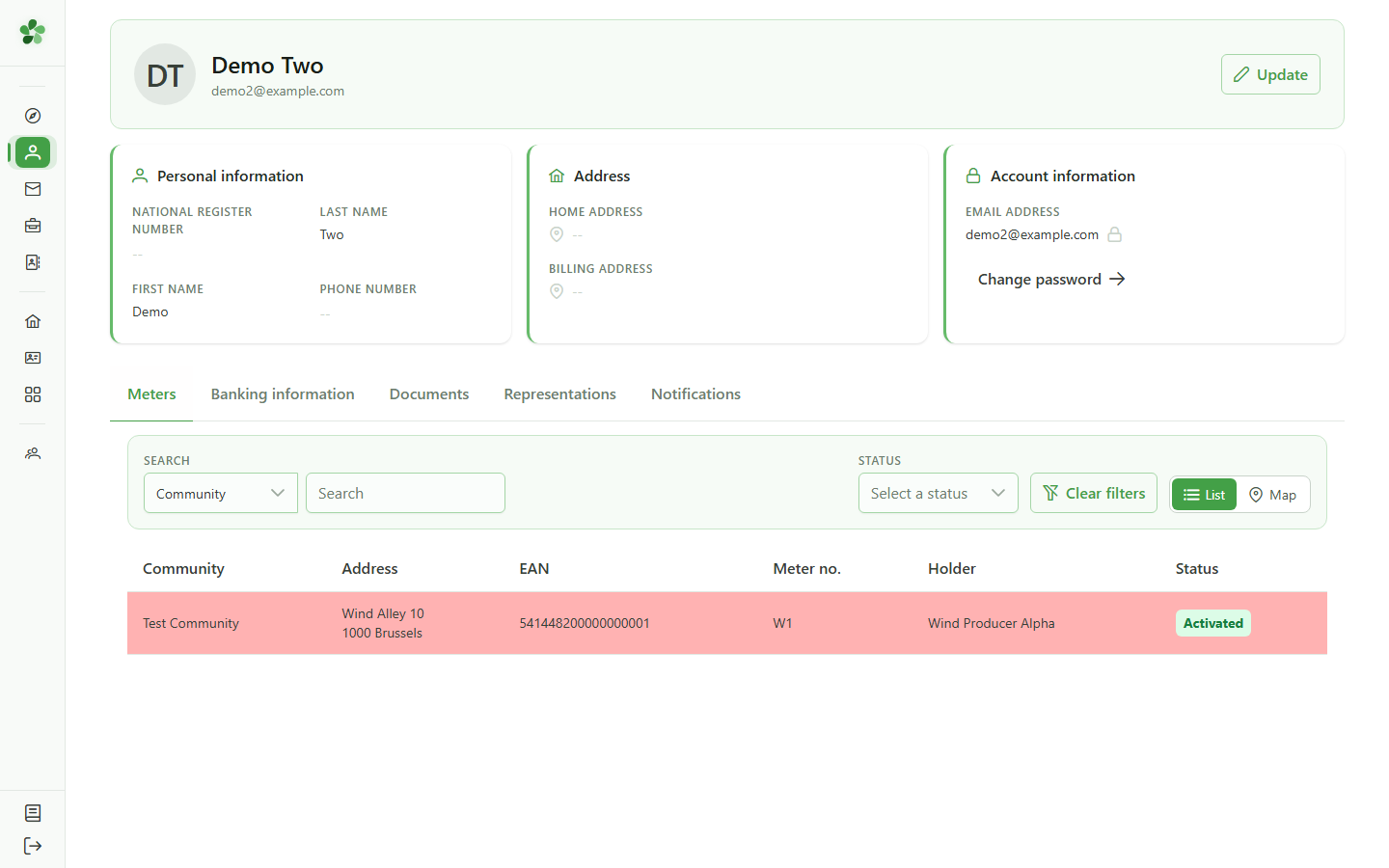
7 Your meter
Read-only view
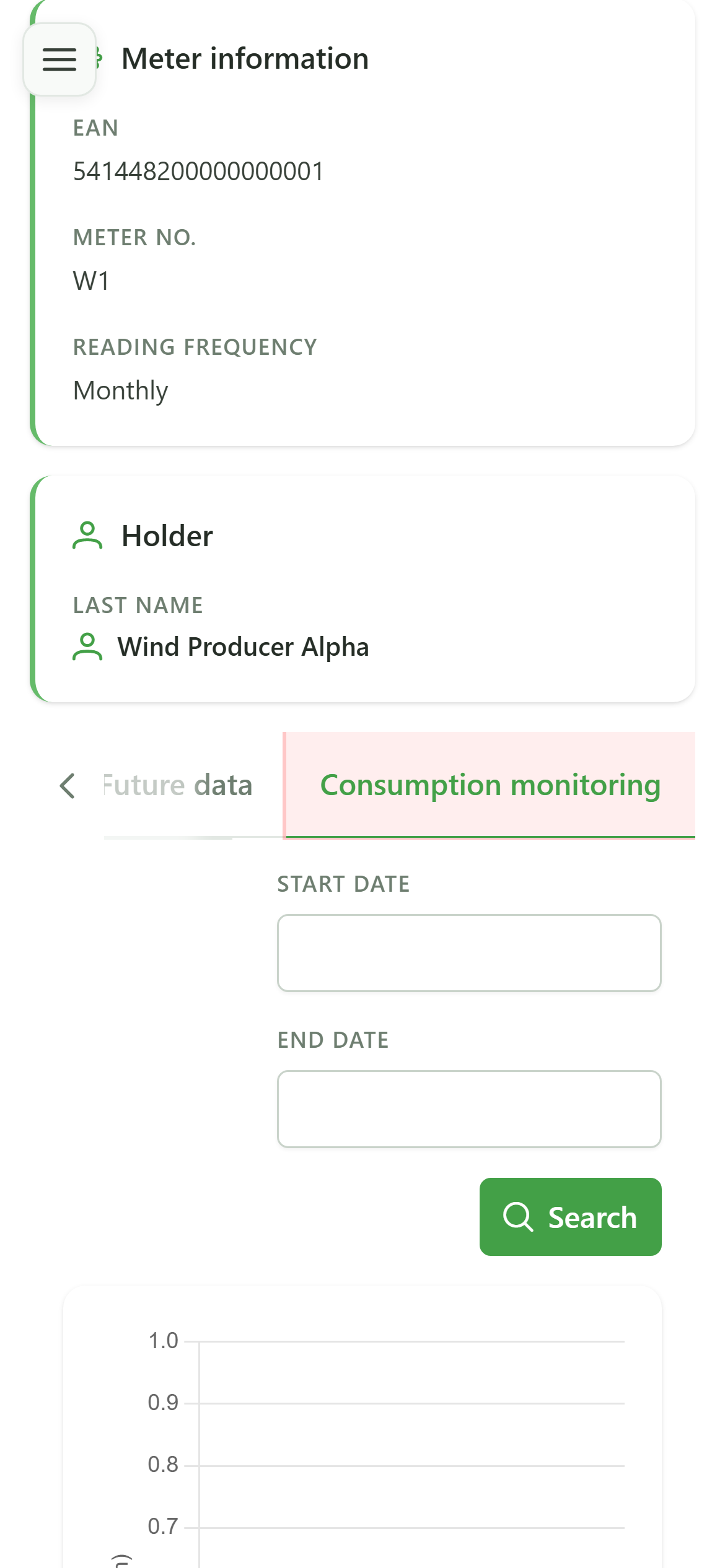
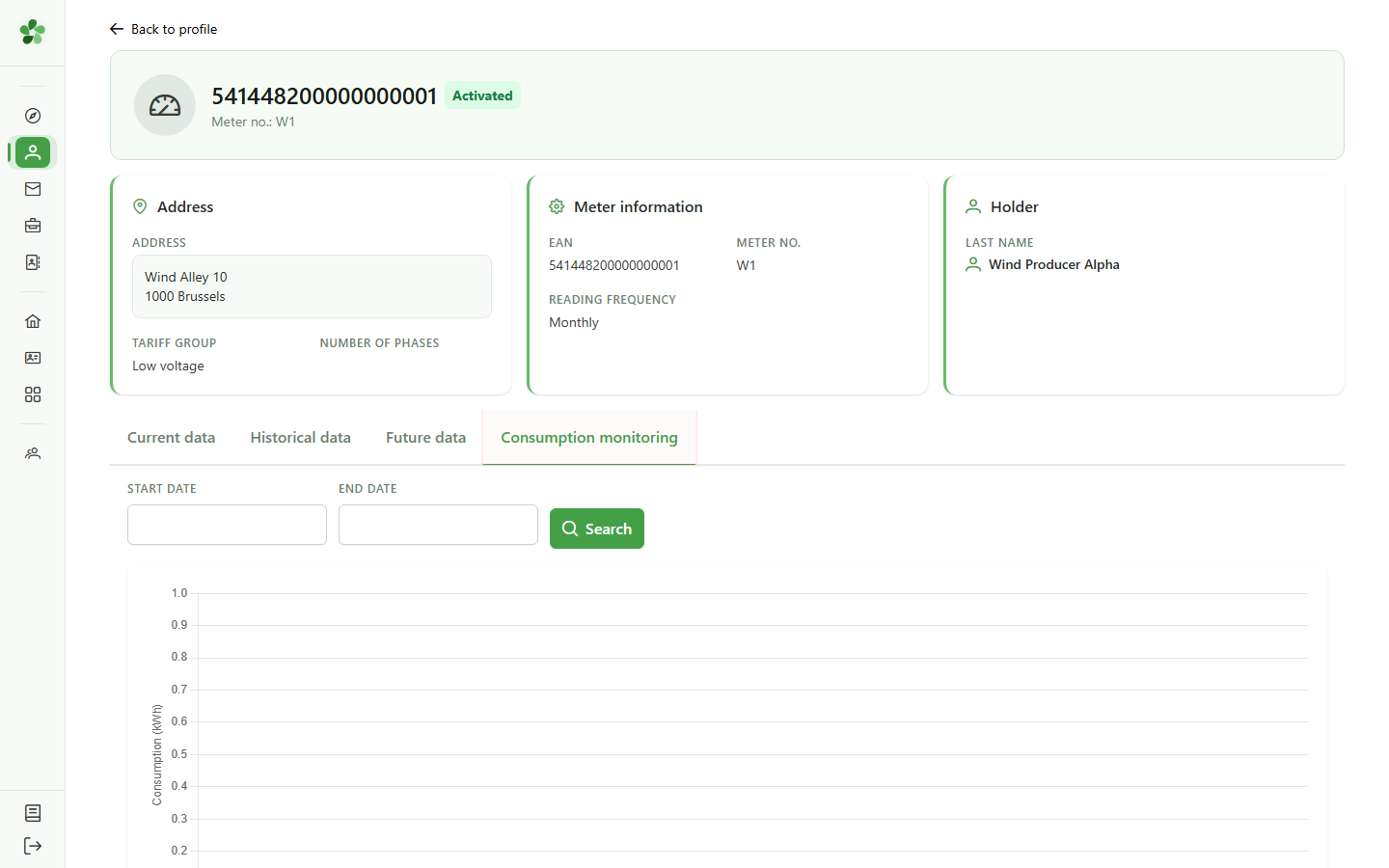
The meter view shows its characteristics and status. The tabs let you see the current configuration, history, upcoming periods, and consumption.
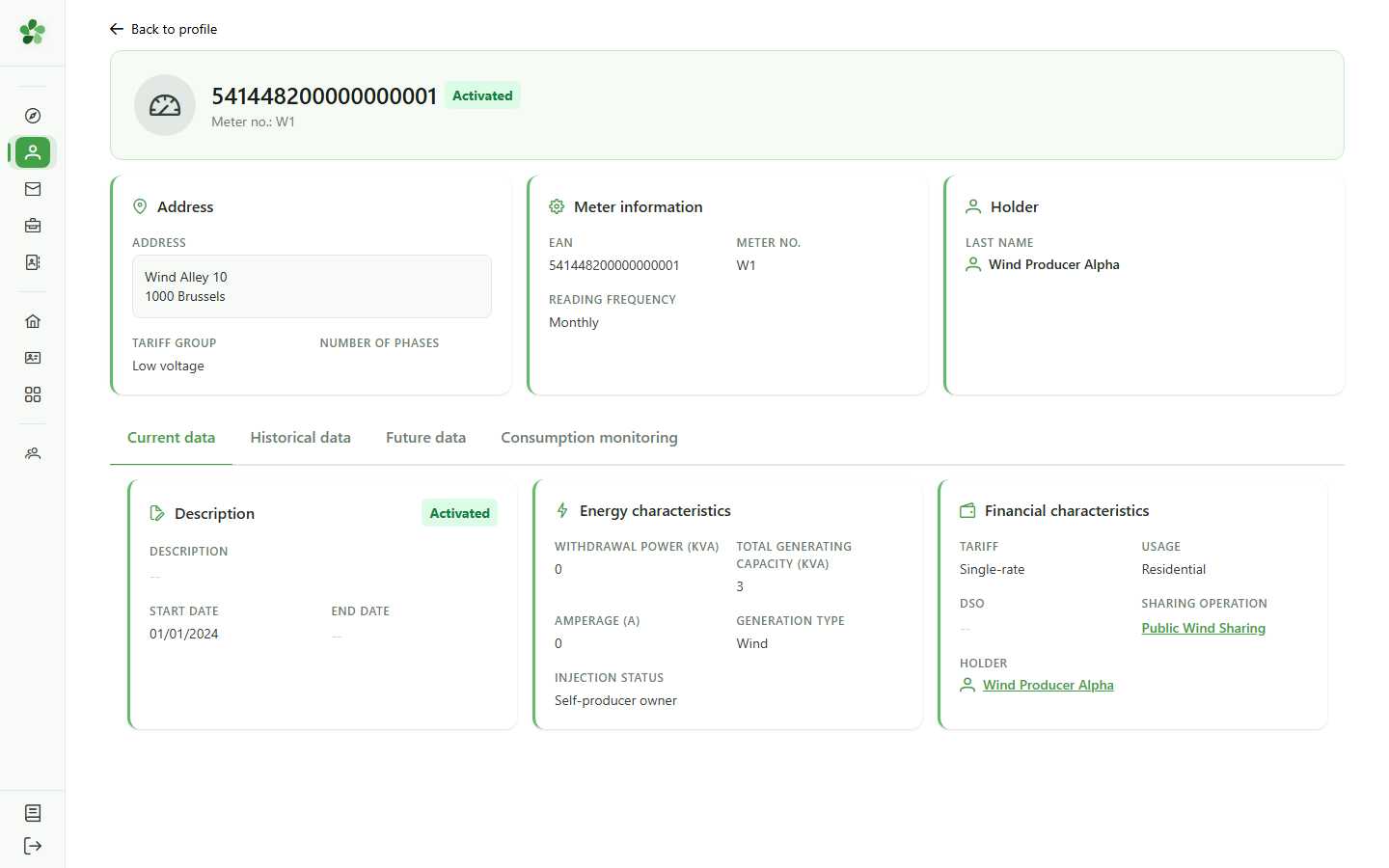
8 Consumption
Read-only view
The "Consumption" tab presents your meter's readings. When no data is available yet, a message tells you so.
Consult your own record and meter
Guide utilisateur
User guide
Gebruikershandleiding
Benutzerhandbuch
1 Open your profile
Navigation
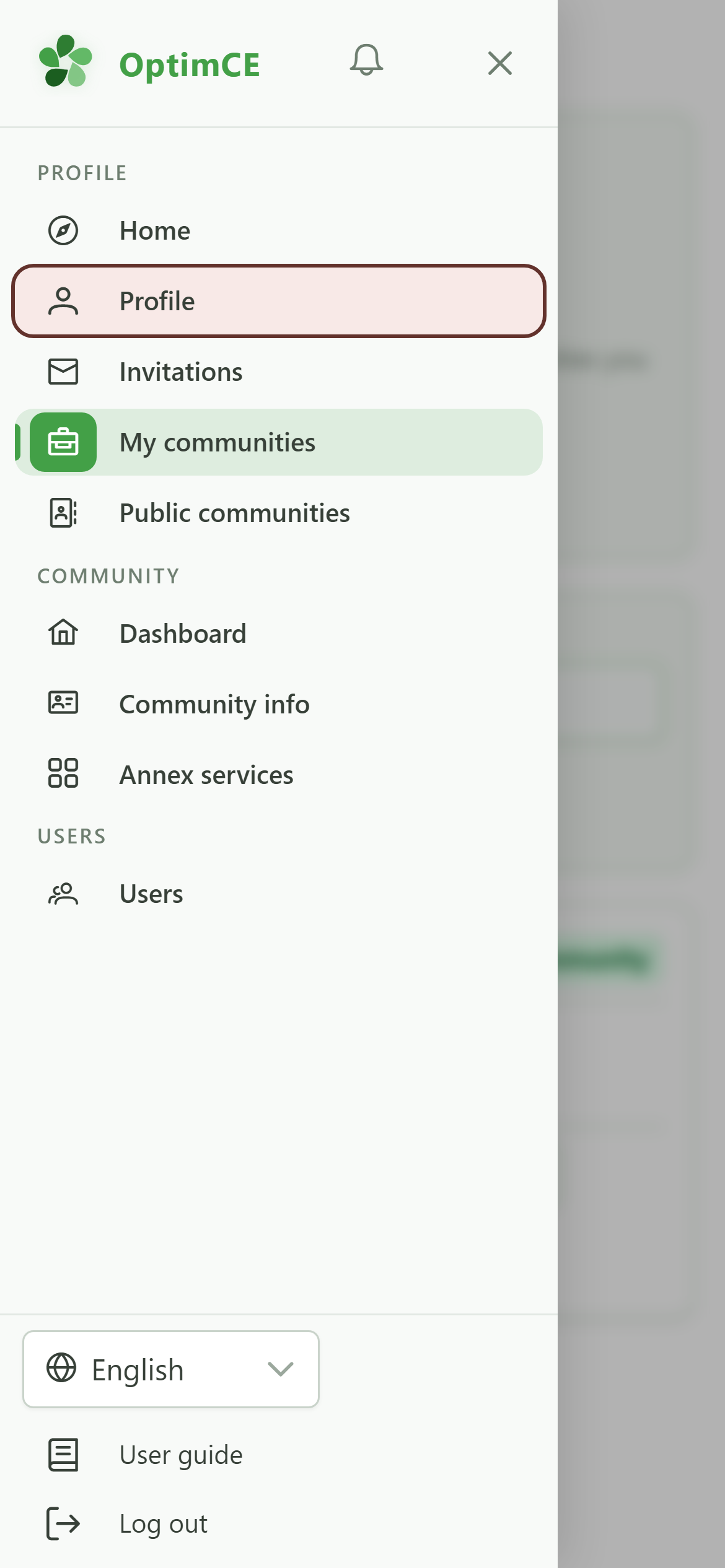
Tap the menu icon to open the drawer, then "Profile".
2 Your memberships
Profile
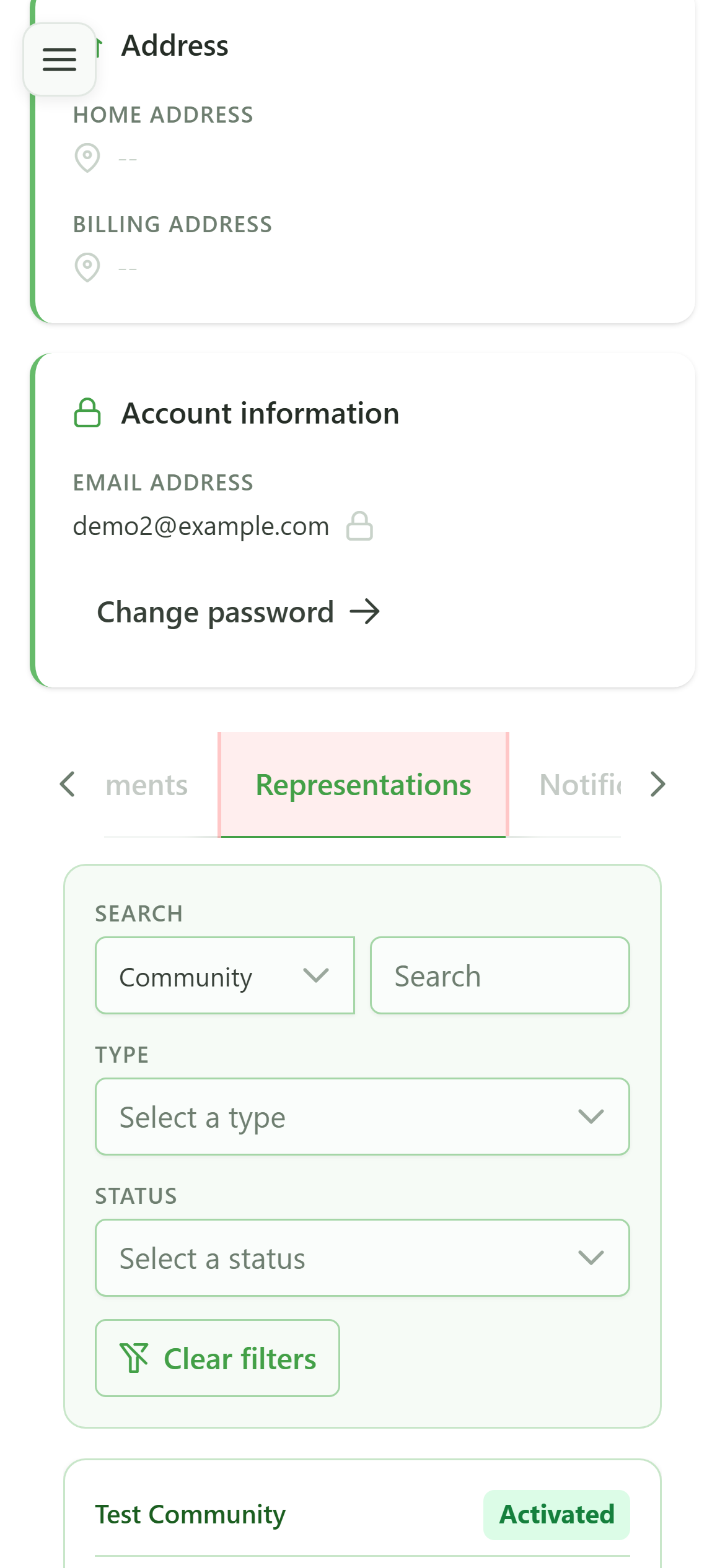
The "Representations" tab lists the community members you represent. Click a row to open its record.
3 Open your member record
Navigation
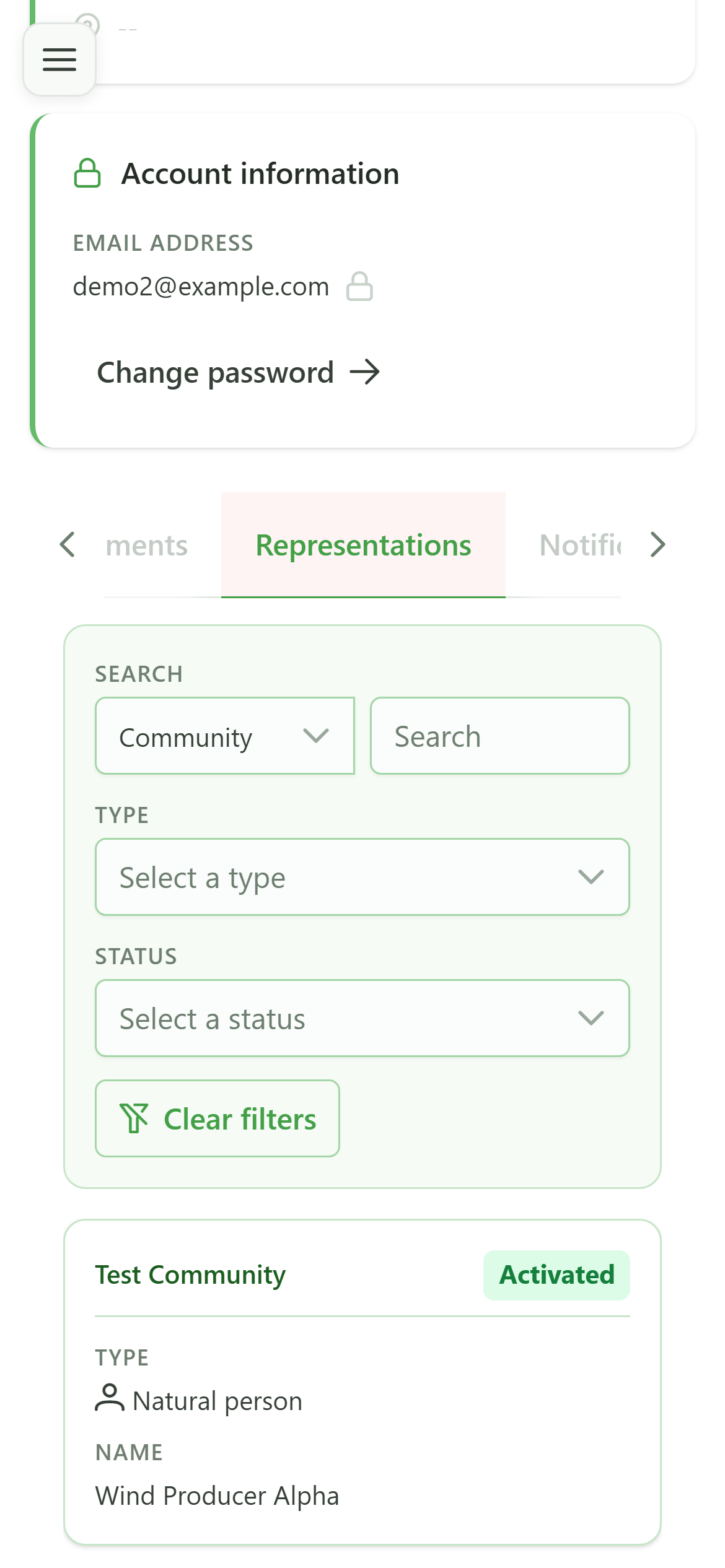
Tap the row for the member you represent to display their full record.
4 Your member record
Read-only view
Your member record is shown read-only: personal information, banking details, and the associated manager. For any correction, contact the community manager.
5 Your meters
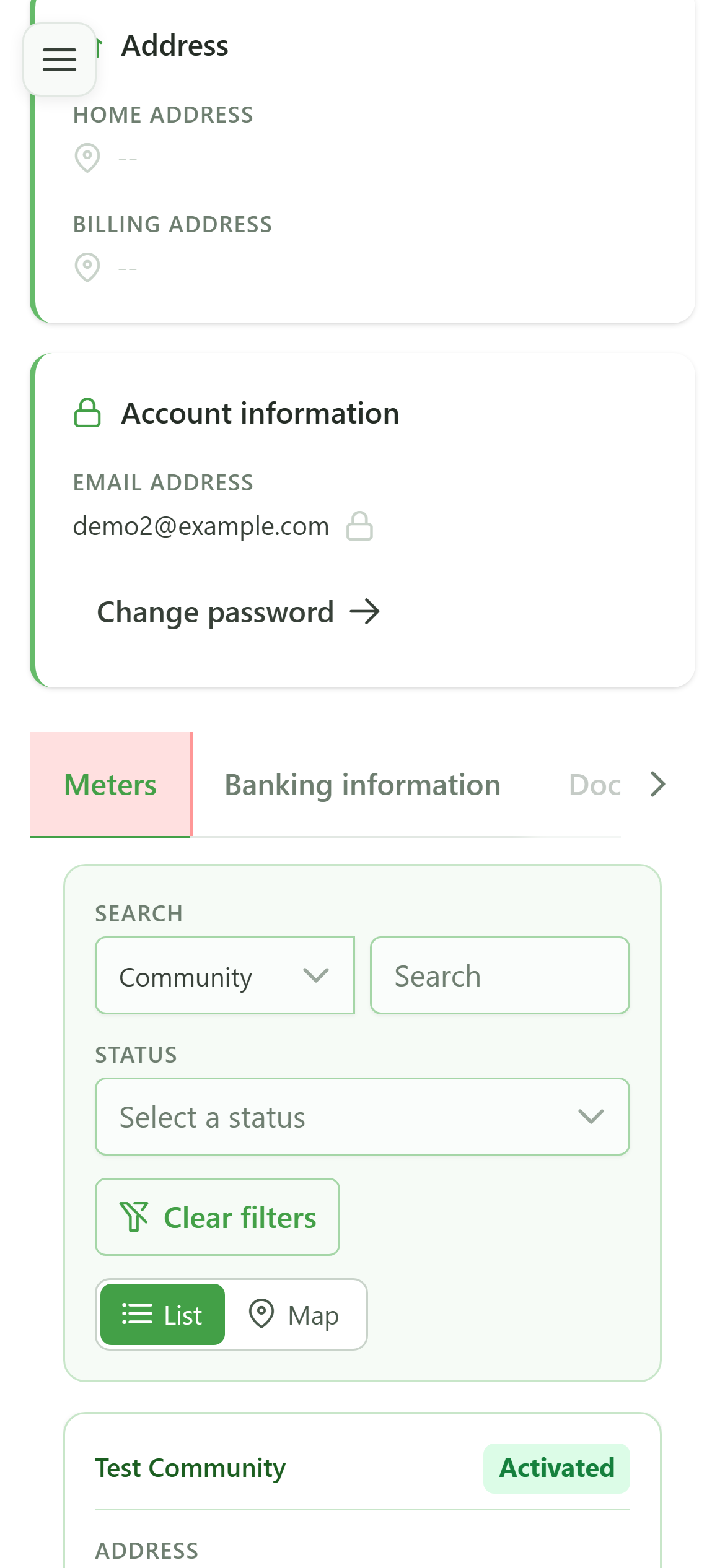
Profile
The "Meters" tab lists the meters attached to the members you represent. Click a row to inspect a meter in detail.
6 Open your meter
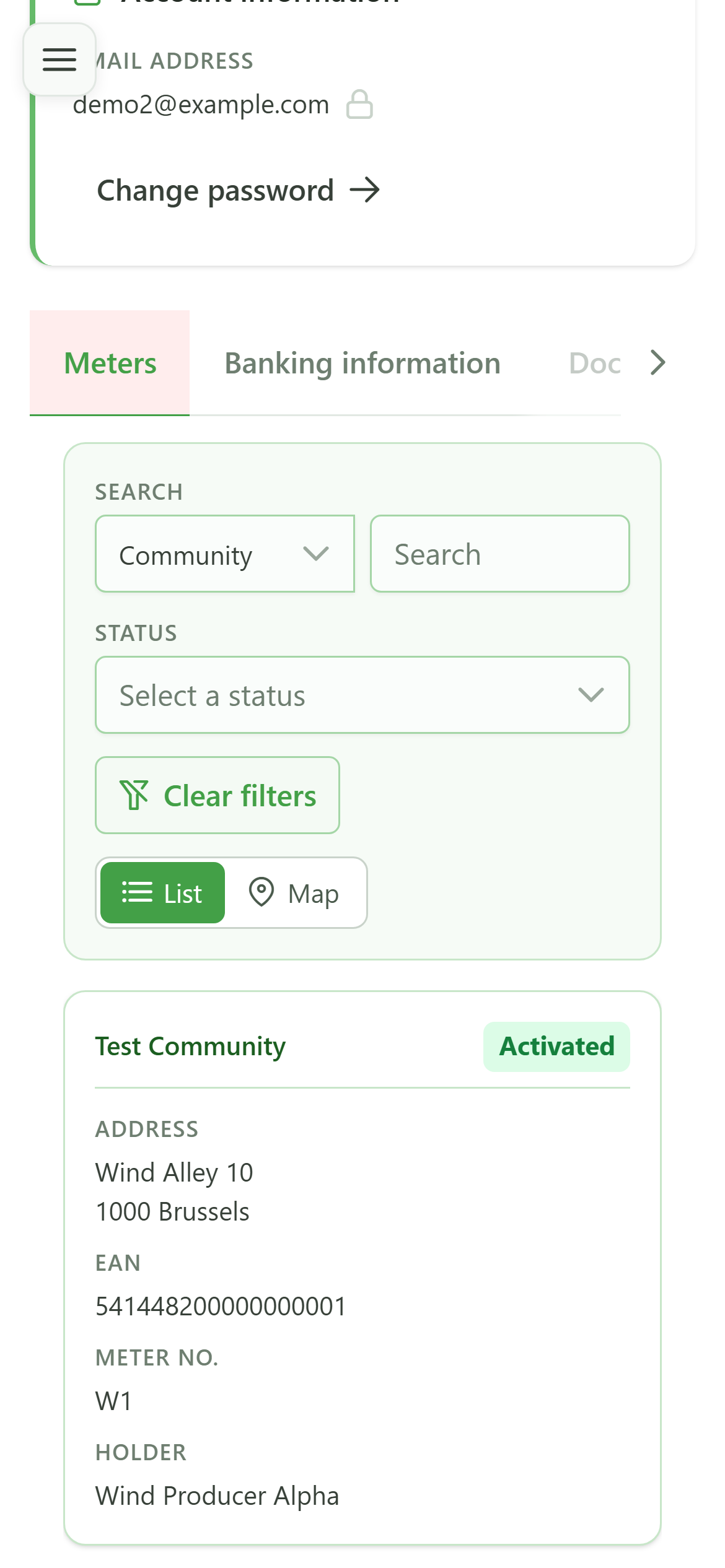
Navigation
Tap the meter's row to consult its detail and its readings.
7 Your meter
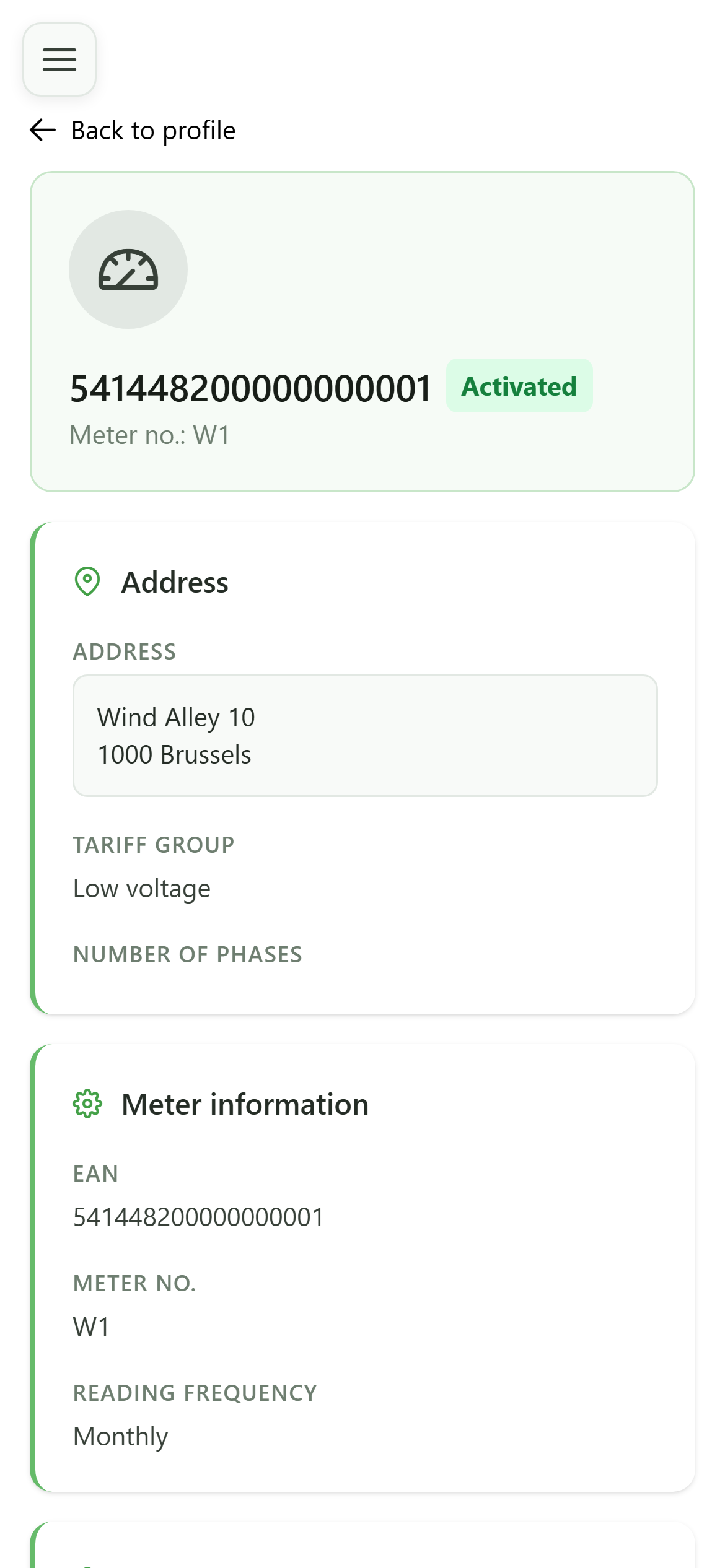
Read-only view
The meter view shows its characteristics and status. The tabs let you see the current configuration, history, upcoming periods, and consumption.
8 Consumption
Read-only view
The "Consumption" tab presents your meter's readings. When no data is available yet, a message tells you so.