View your own bill
Guide utilisateur
User guide
Gebruikershandleiding
Benutzerhandbuch
1 Open my invoices
Navigation
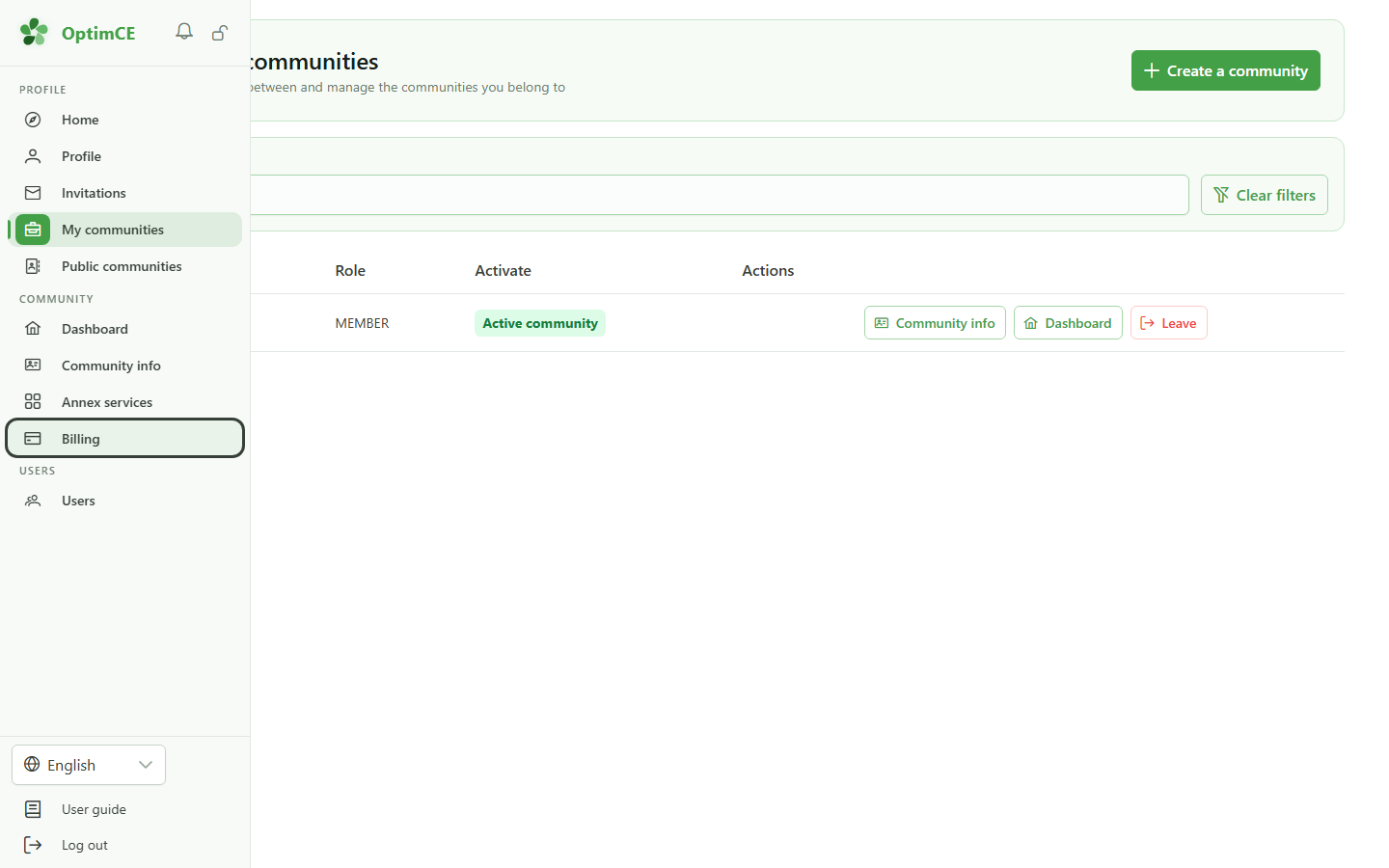
In the sidebar's "Community" section, click "Billing" to reach your invoices. As a member you only ever see your own.
2 Your invoices
Billing
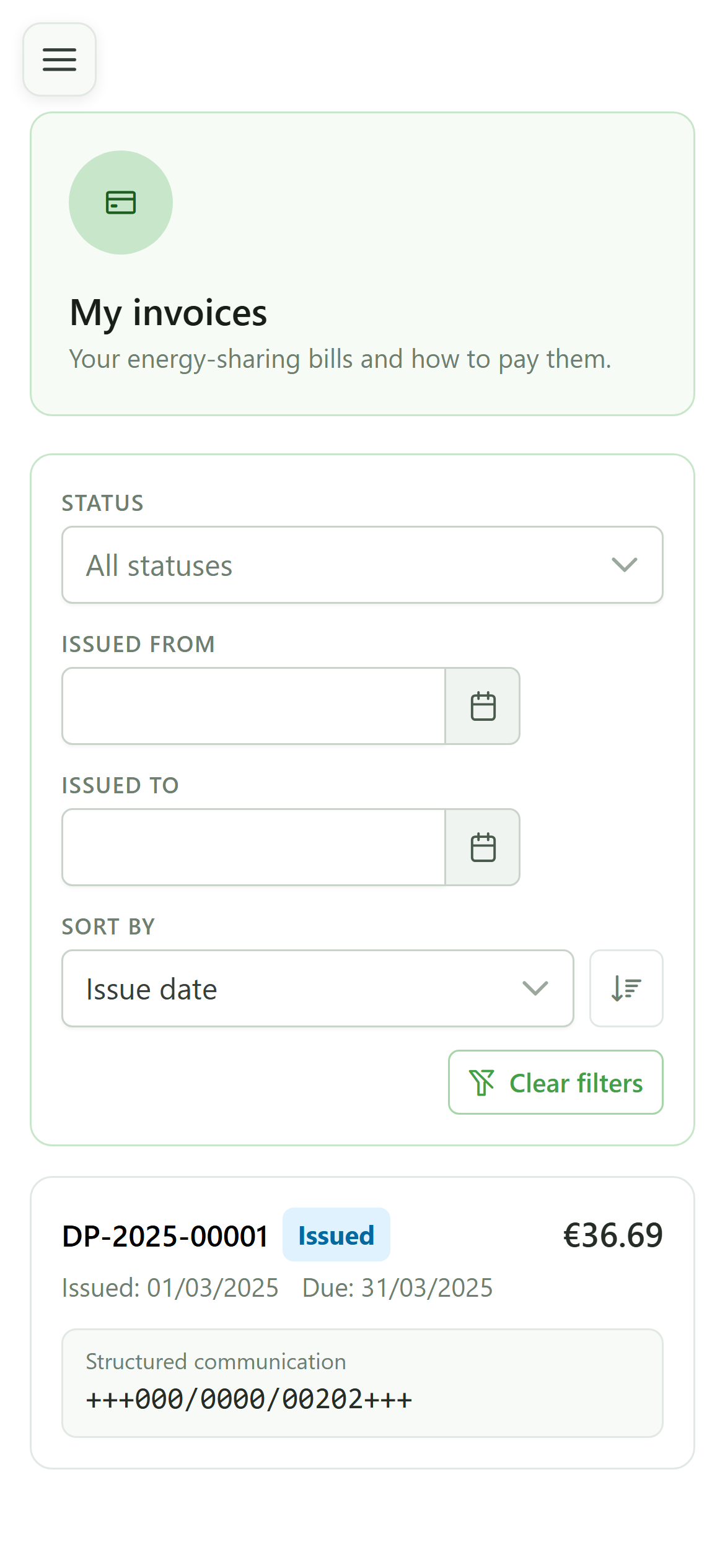
This is the "My invoices" space. Each card is one of your invoices, with its number, amount, status and structured communication. You only ever see your own invoices.
View your own bill
Guide utilisateur
User guide
Gebruikershandleiding
Benutzerhandbuch
1 Open my invoices
Navigation
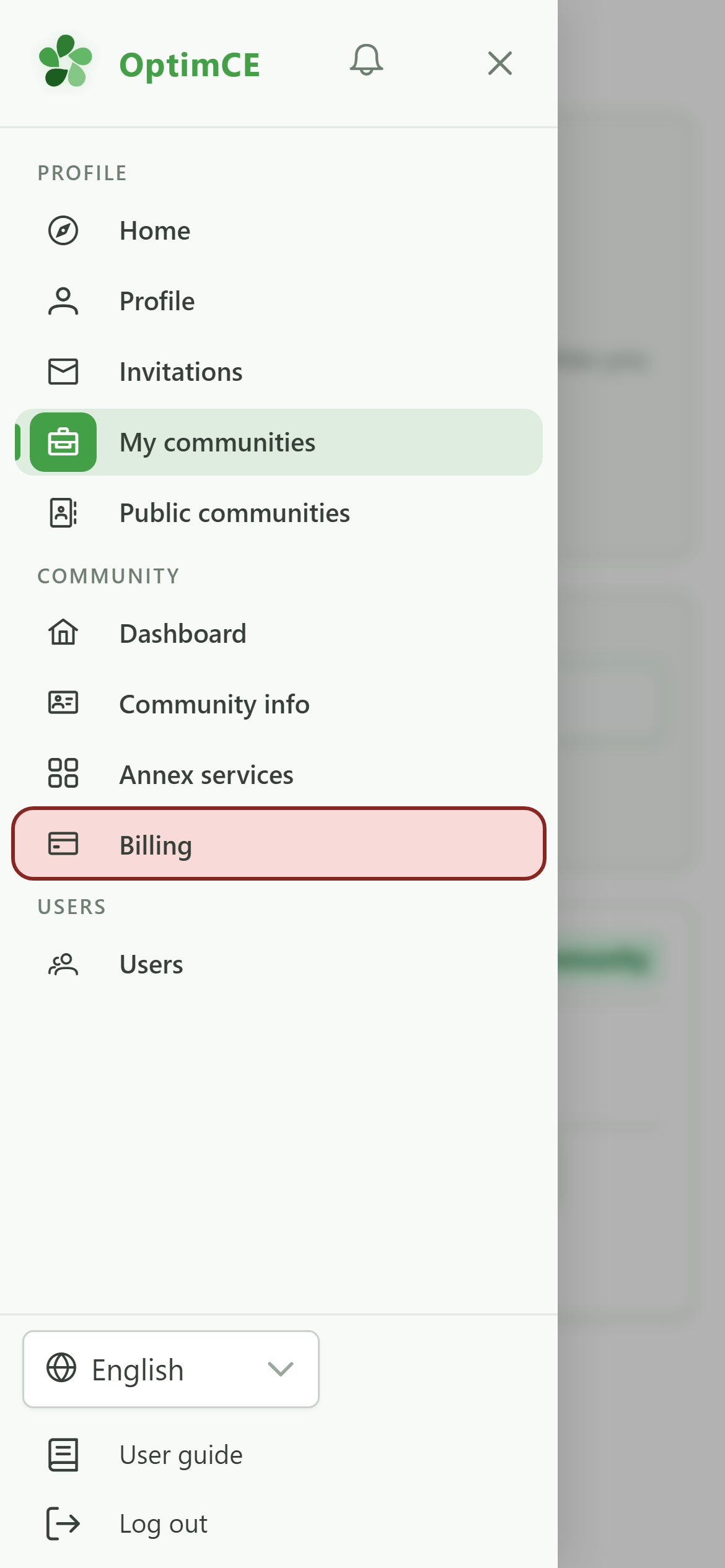
Tap the menu icon to open the navigation drawer, then in the "Community" section tap "Billing".
2 Your invoices
Billing
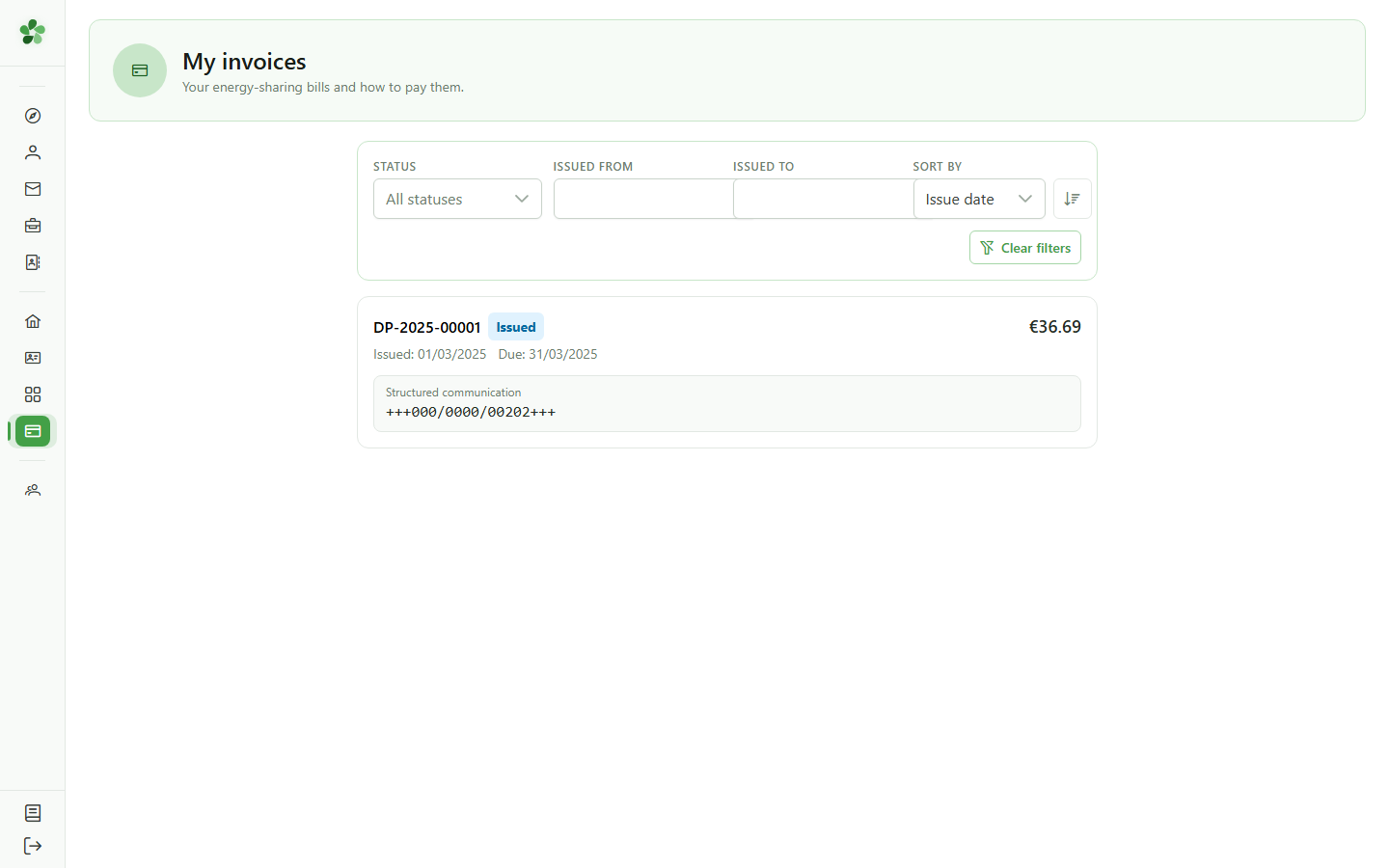
This is the "My invoices" space. Each card is one of your invoices, with its number, amount, status and structured communication. You only ever see your own invoices.