Unsubscribe from an annexe service
Guide utilisateur
User guide
1 Open annexe services
Navigation
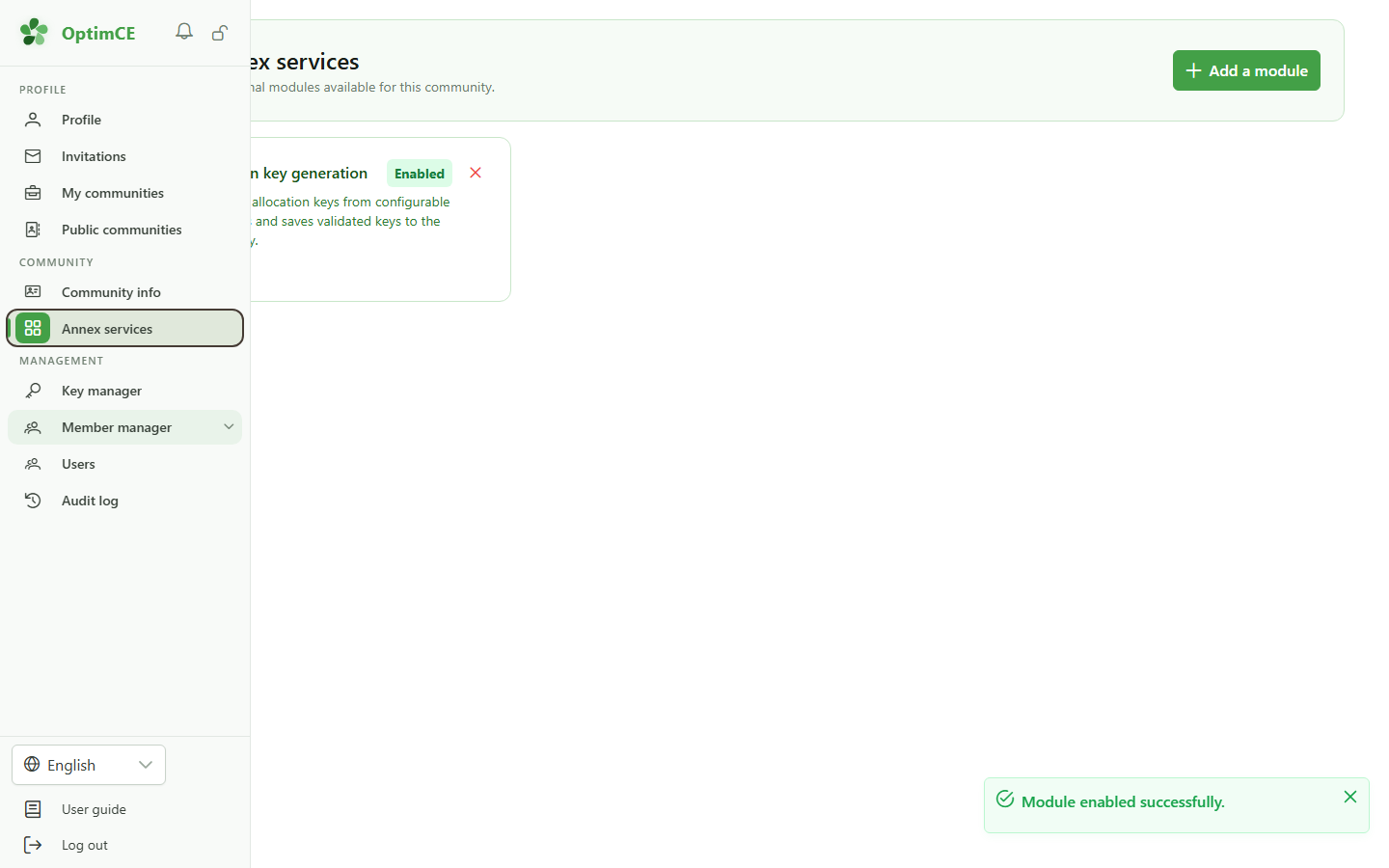
In the sidebar's "Community" section, click "Annexe services" to manage the community's active modules.
2 Module active
Annexe services
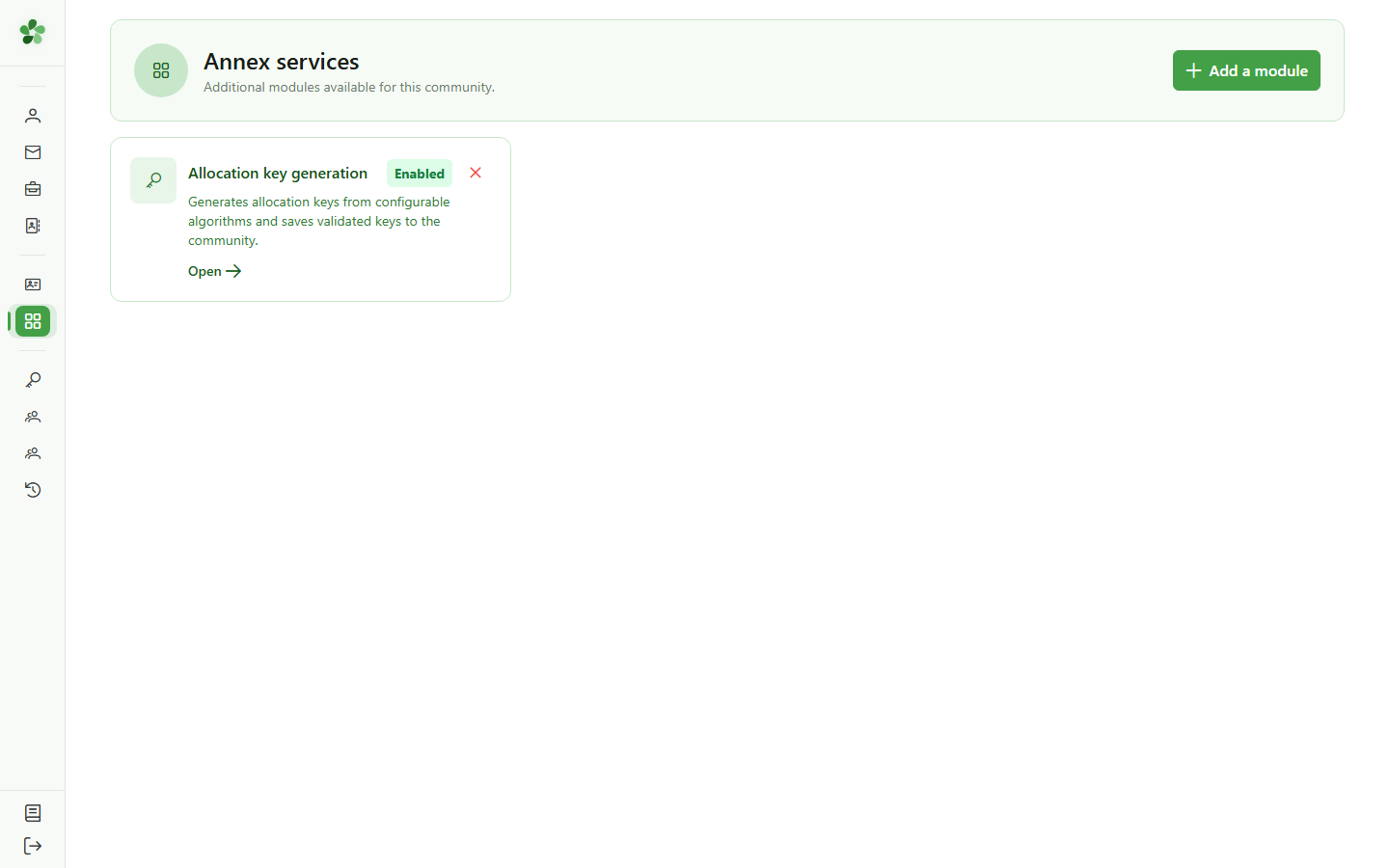
The "Allocation key generation" card is visible with the "Activated" badge. The deactivation button (×) is available at the top right of the card.
3 Deactivate the module
Unsubscribe
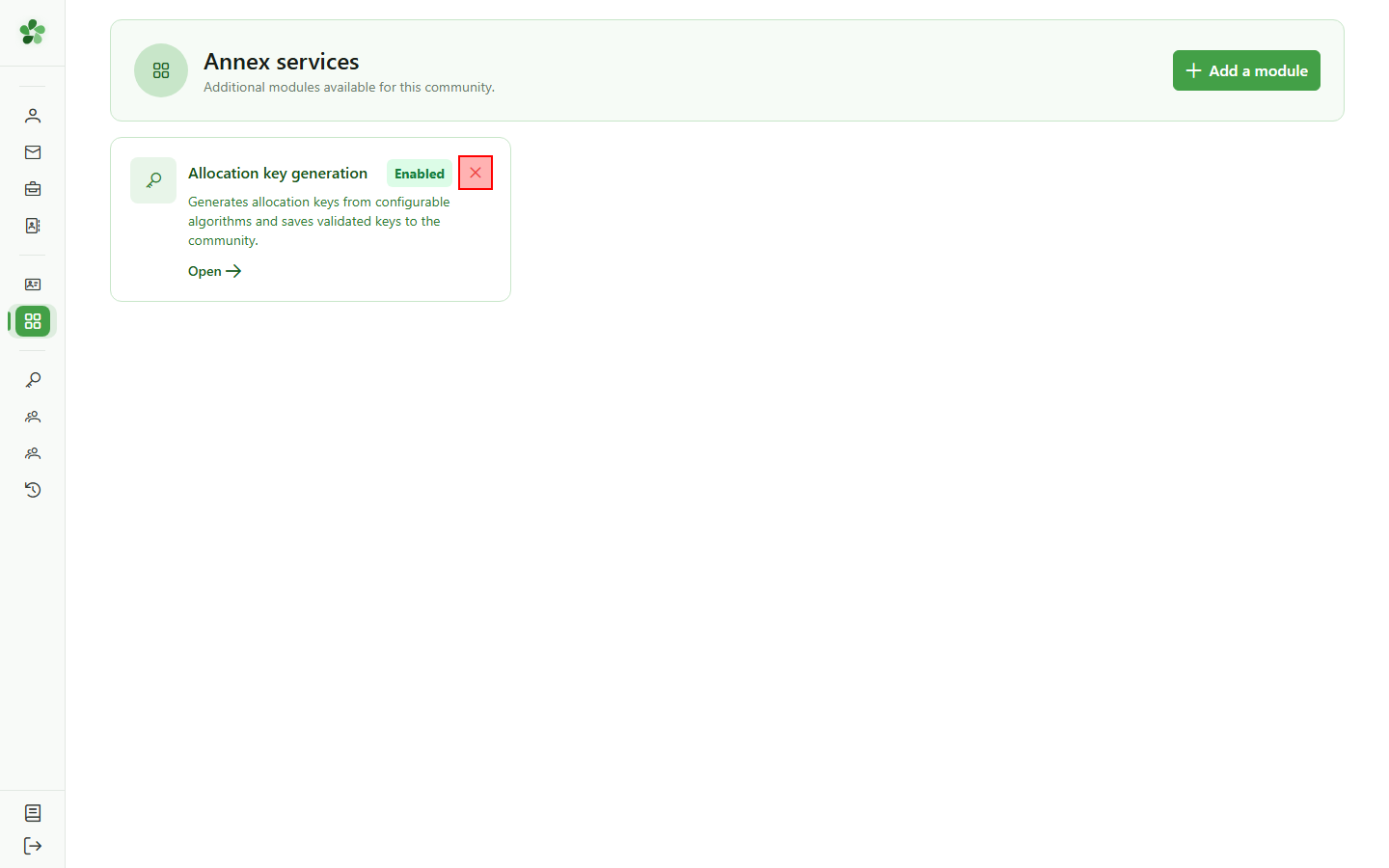
Click the × button at the top right of the card to deactivate the module. A confirmation will be required before removal.
4 Confirm deactivation
Unsubscribe
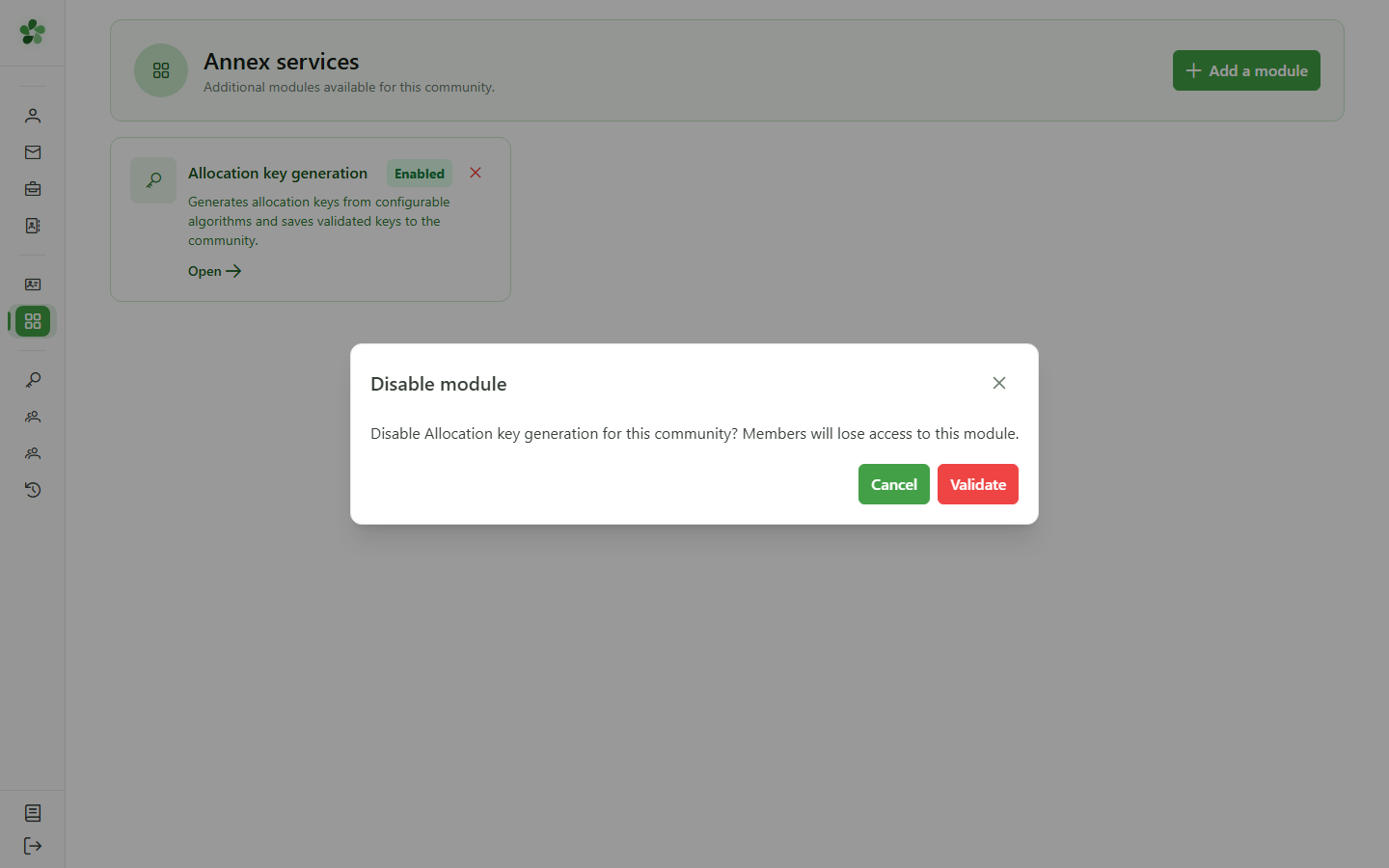
A confirmation dialog appears. Click "Validate" to confirm deactivating the module and revoking member access.
5 Module deactivated
Unsubscribe
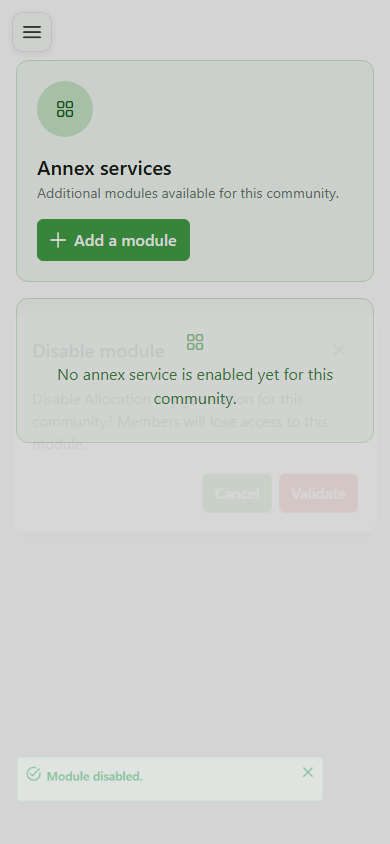
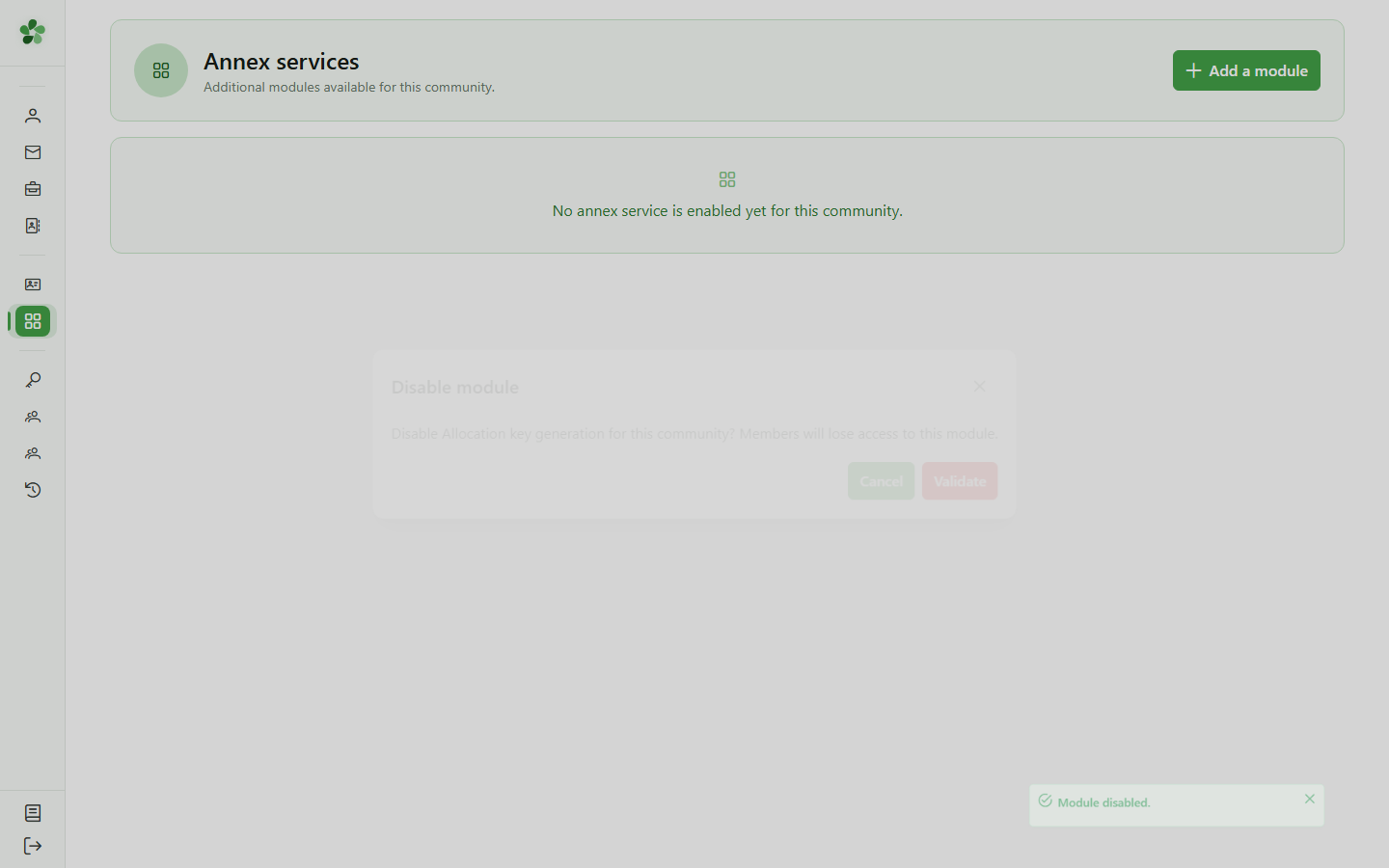
The grid is empty again — the "Allocation key generation" module has been deactivated and is no longer accessible from the community.
Unsubscribe from an annexe service
Guide utilisateur
User guide
1 Open annexe services
Navigation
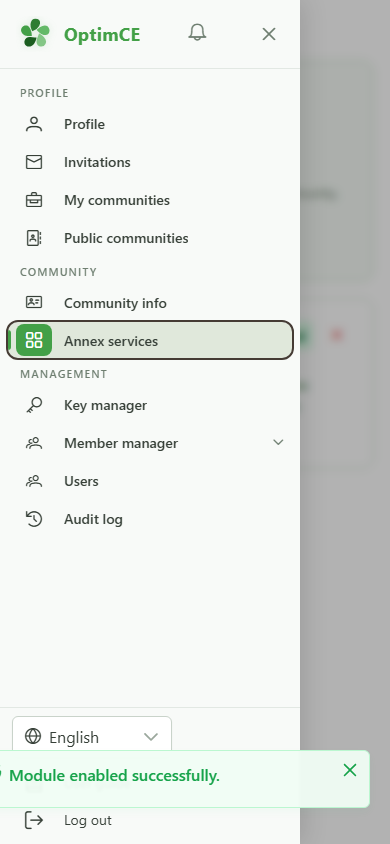
Tap the menu icon to open the navigation drawer, then in the "Community" section tap "Annexe services".
2 Module active
Annexe services
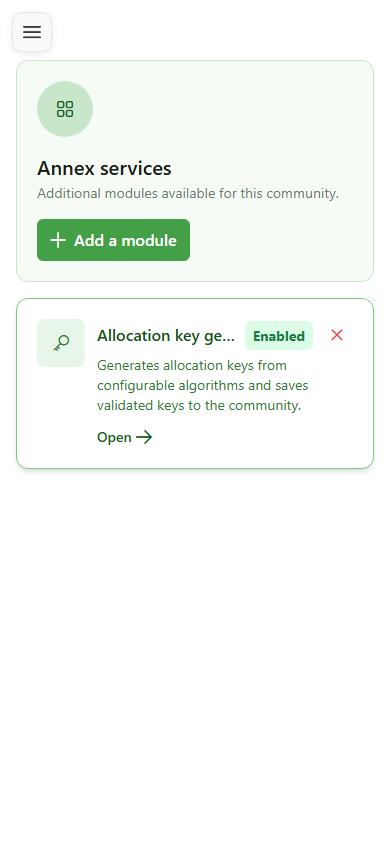
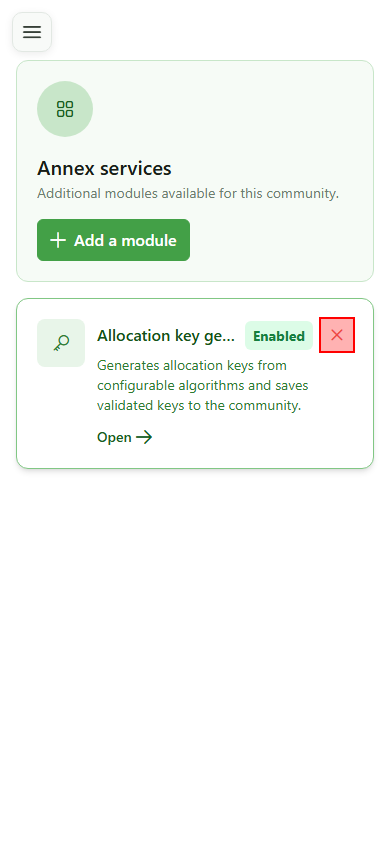
The "Allocation key generation" card is visible with the "Activated" badge. The deactivation button (×) is available at the top right of the card.
3 Deactivate the module
Unsubscribe
Click the × button at the top right of the card to deactivate the module. A confirmation will be required before removal.
4 Confirm deactivation
Unsubscribe
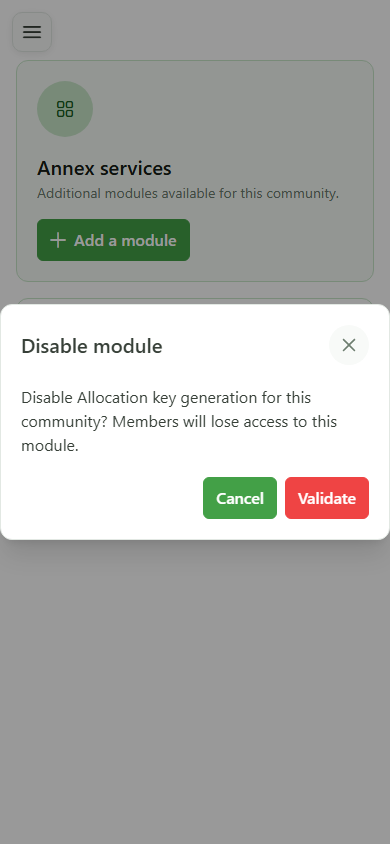
A confirmation dialog appears. Click "Validate" to confirm deactivating the module and revoking member access.
5 Module deactivated
Unsubscribe
The grid is empty again — the "Allocation key generation" module has been deactivated and is no longer accessible from the community.