Create an administrative dossier
Guide utilisateur
User guide
Gebruikershandleiding
Benutzerhandbuch
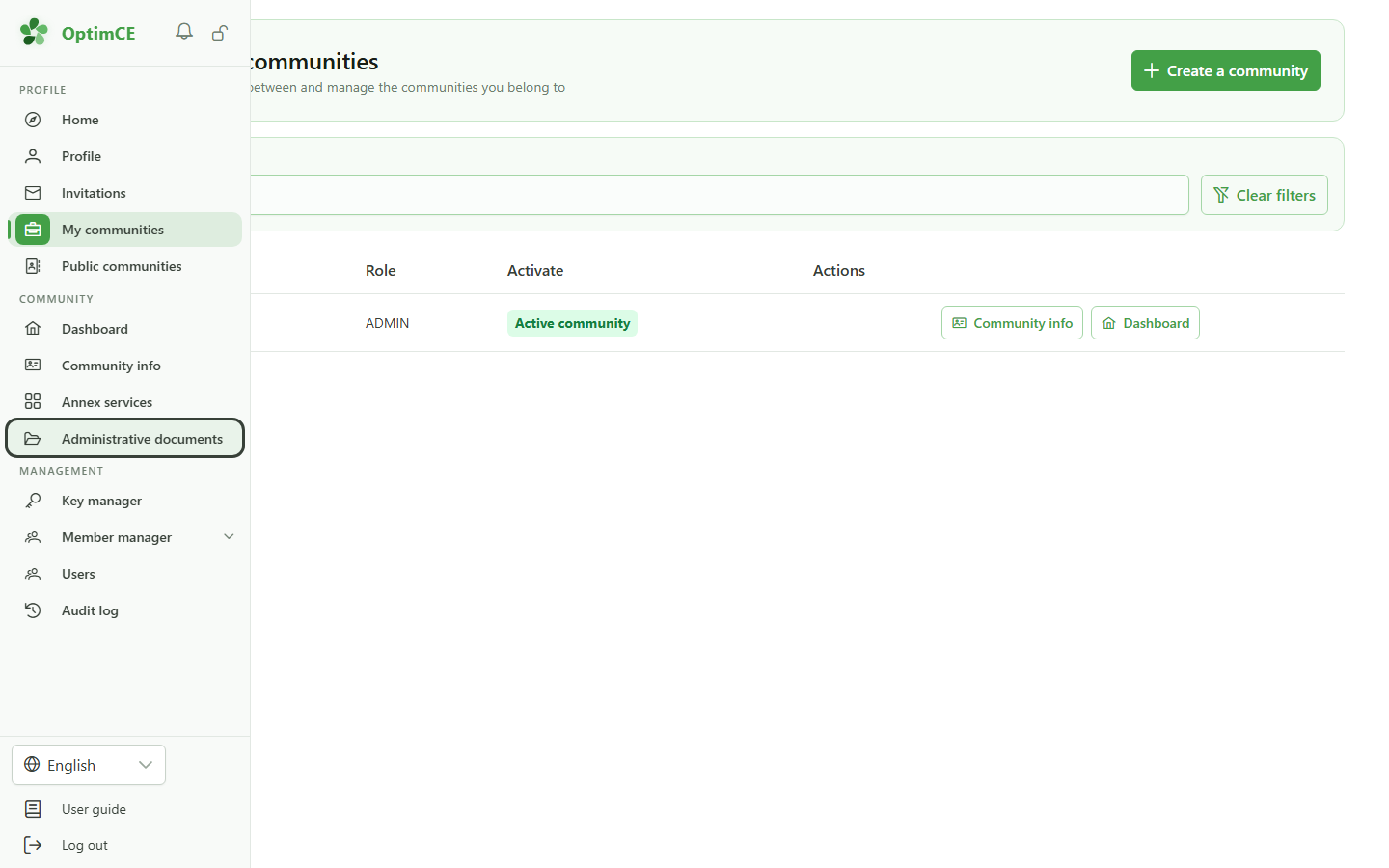
1 Open the administrative documents
Navigation
In the sidebar, click "Administrative documents". The link appears as soon as the community is subscribed to the module.
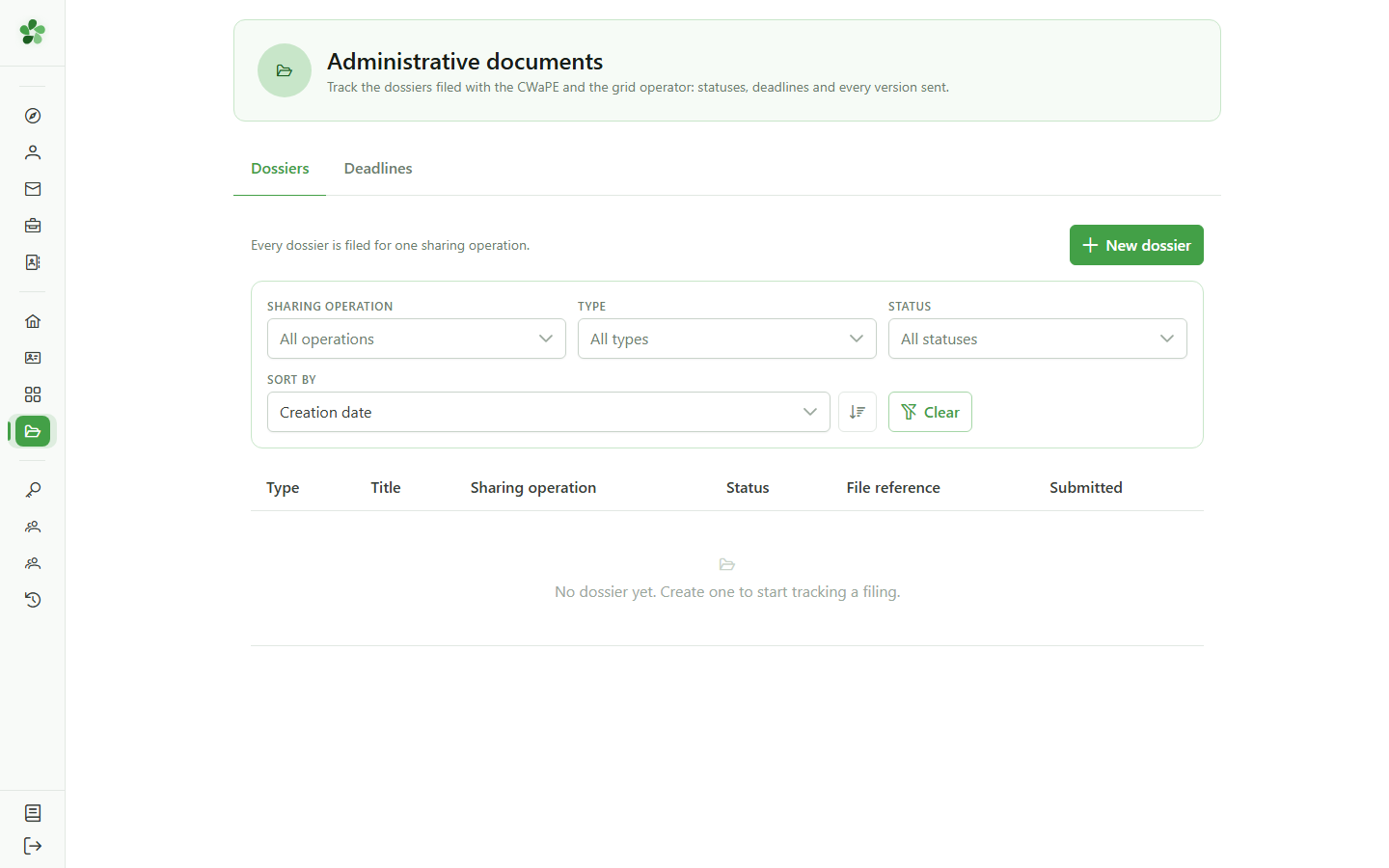
2 No dossier yet
Administrative documents
This page tracks the dossiers filed with the CWaPE and the grid operator. Every dossier concerns exactly one sharing operation: a community running several operations files one dossier per operation.
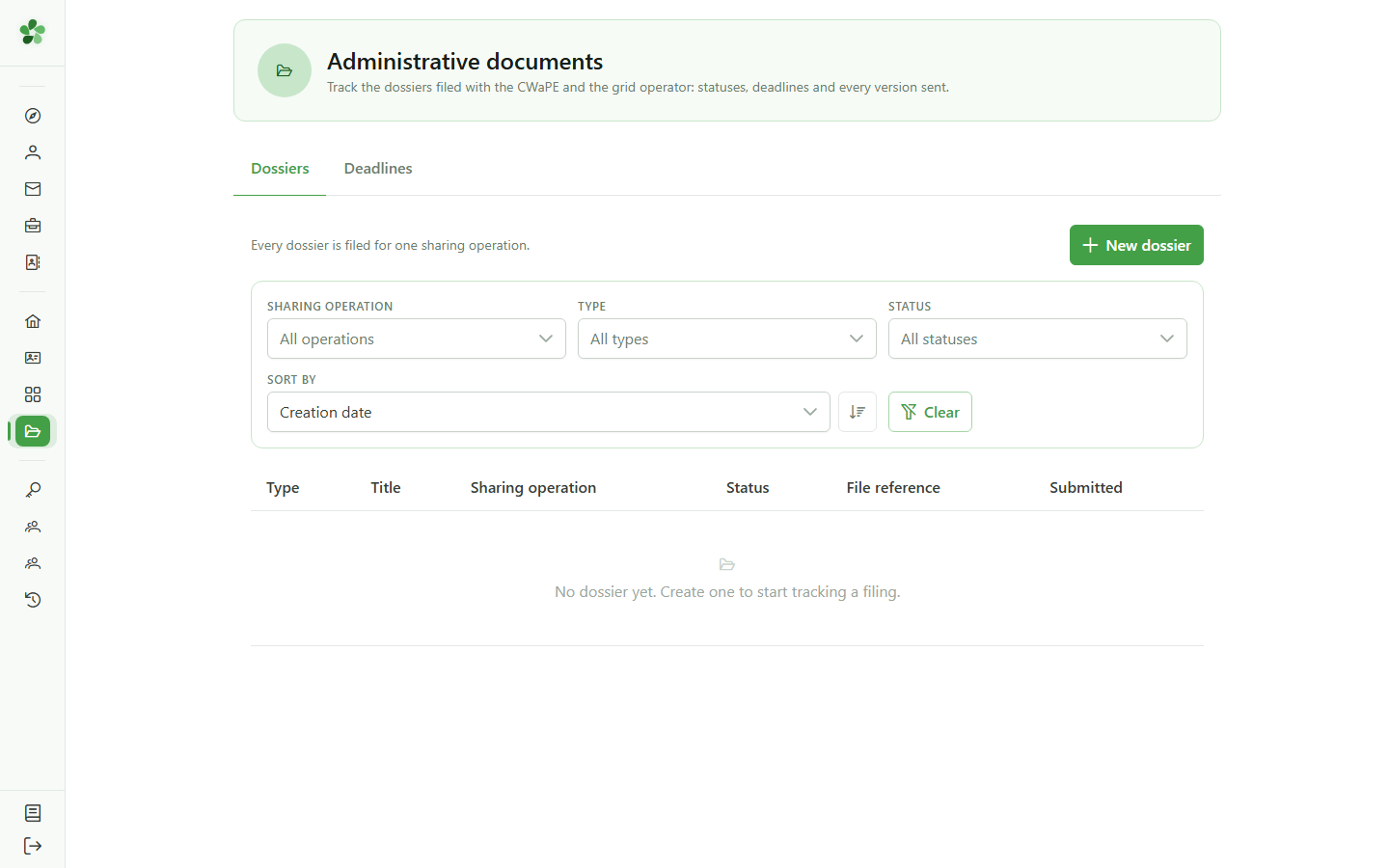
3 Create a dossier
New dossier
Click "New dossier" to open the creation form.
4 Choose the dossier type
New dossier
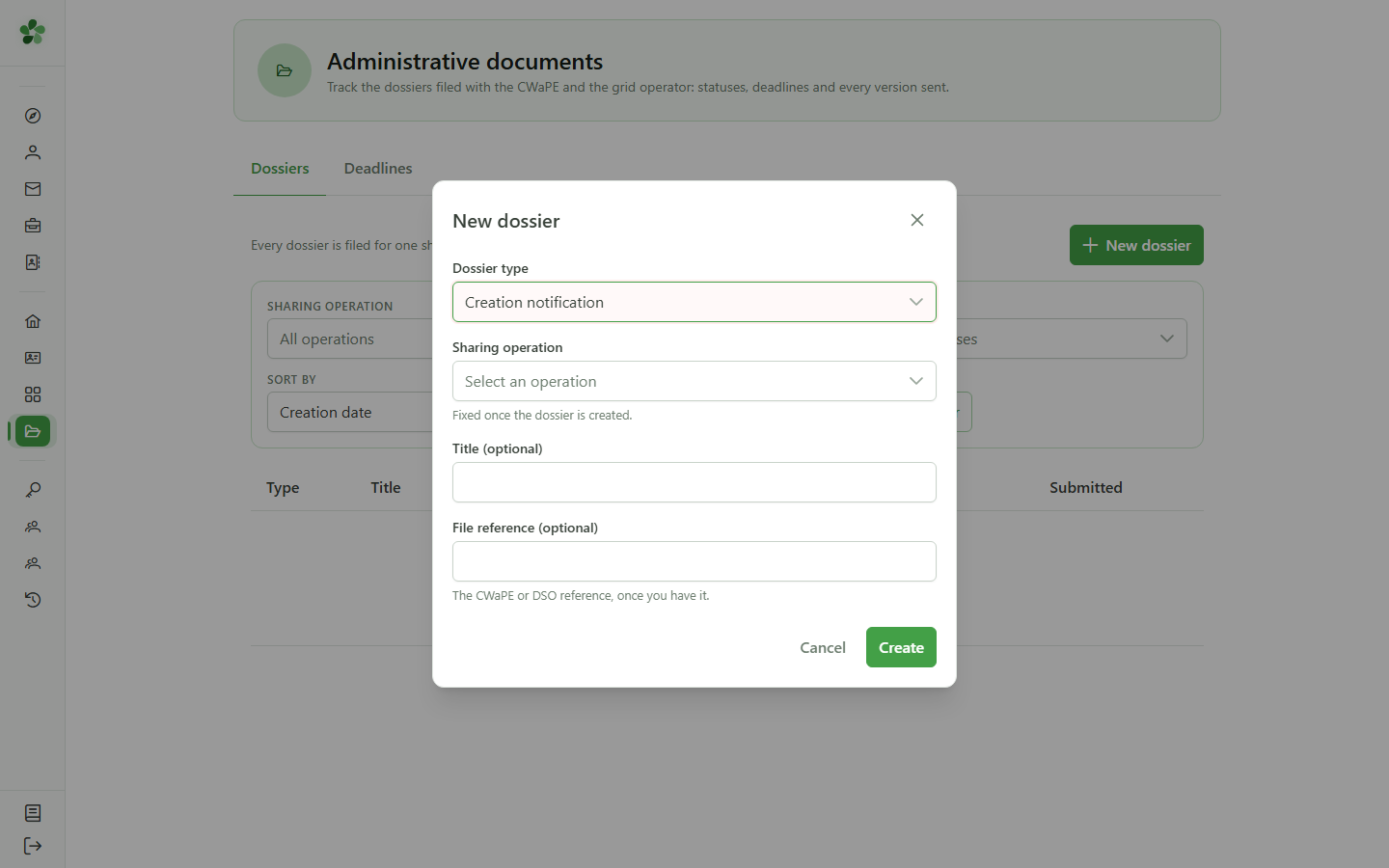
The type decides which regulatory deadlines are derived later. Here, a community creation notification.
5 Choose the sharing operation
New dossier
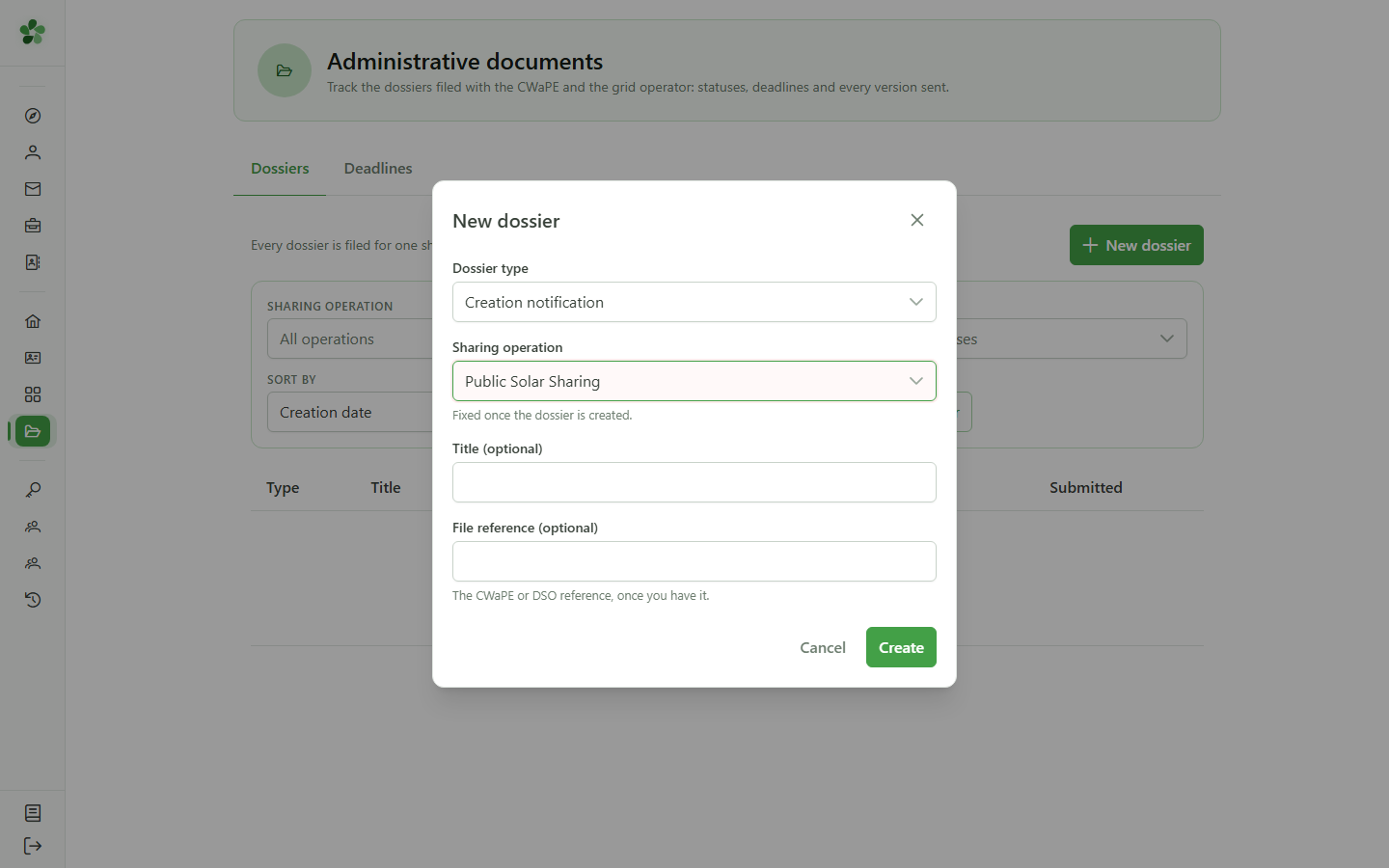
Pick the sharing operation the filing is about. It supplies the members and meters that the dossier's documents will list.
6 Title and reference
New dossier
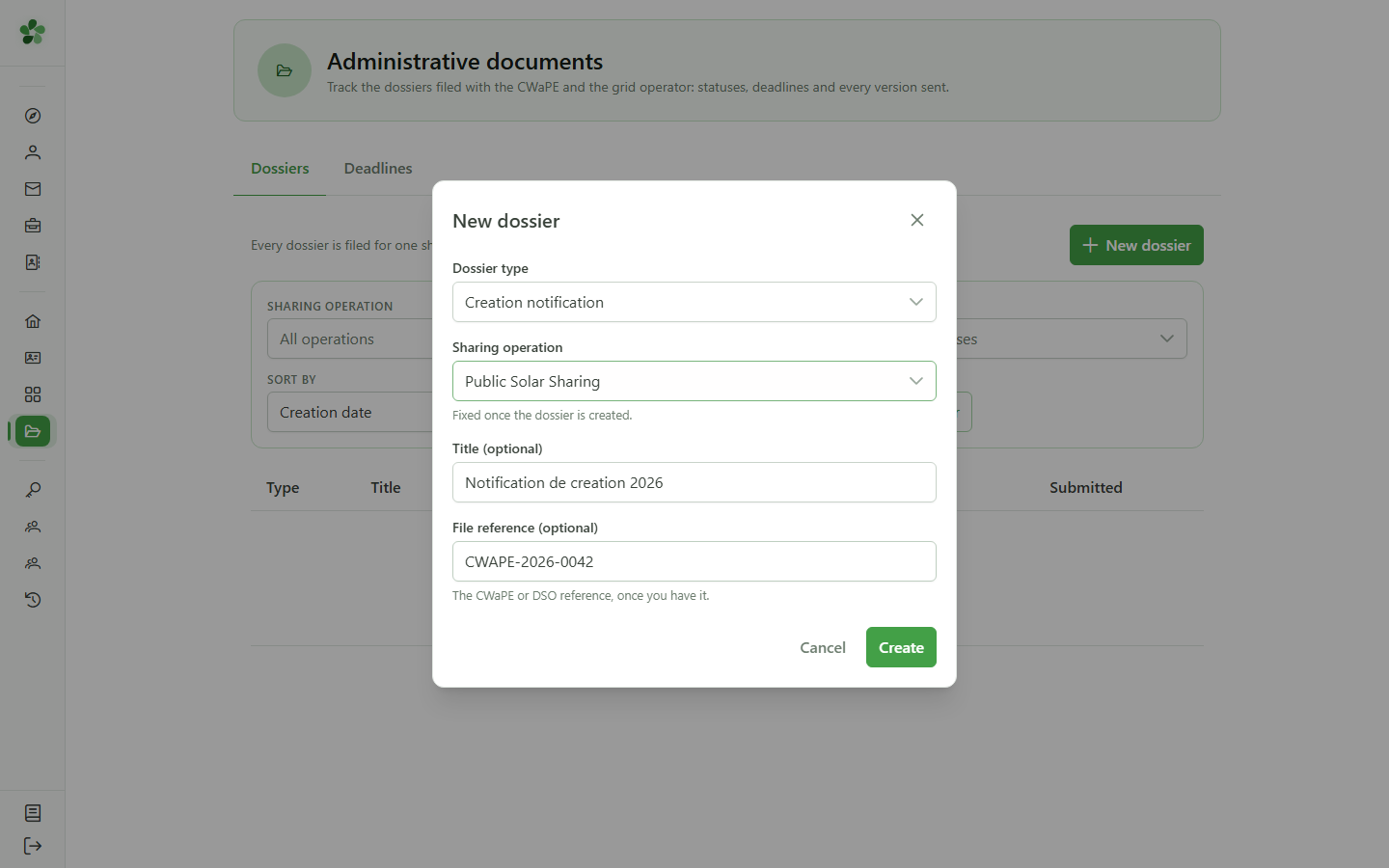
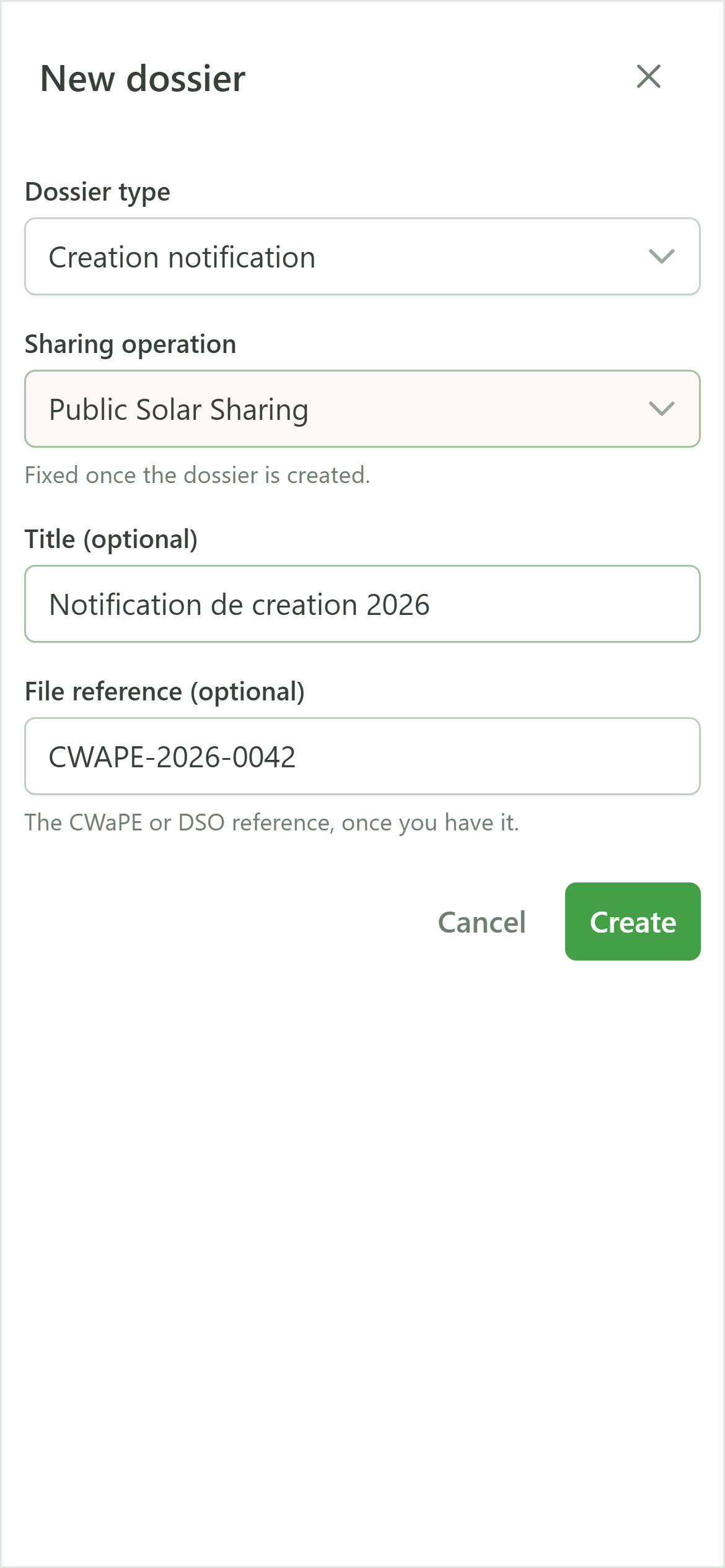
The title is free text — it is how you will recognise the dossier. The reference is the one assigned by the authority; it identifies the dossier uniquely and stays editable later.
7 Create
New dossier
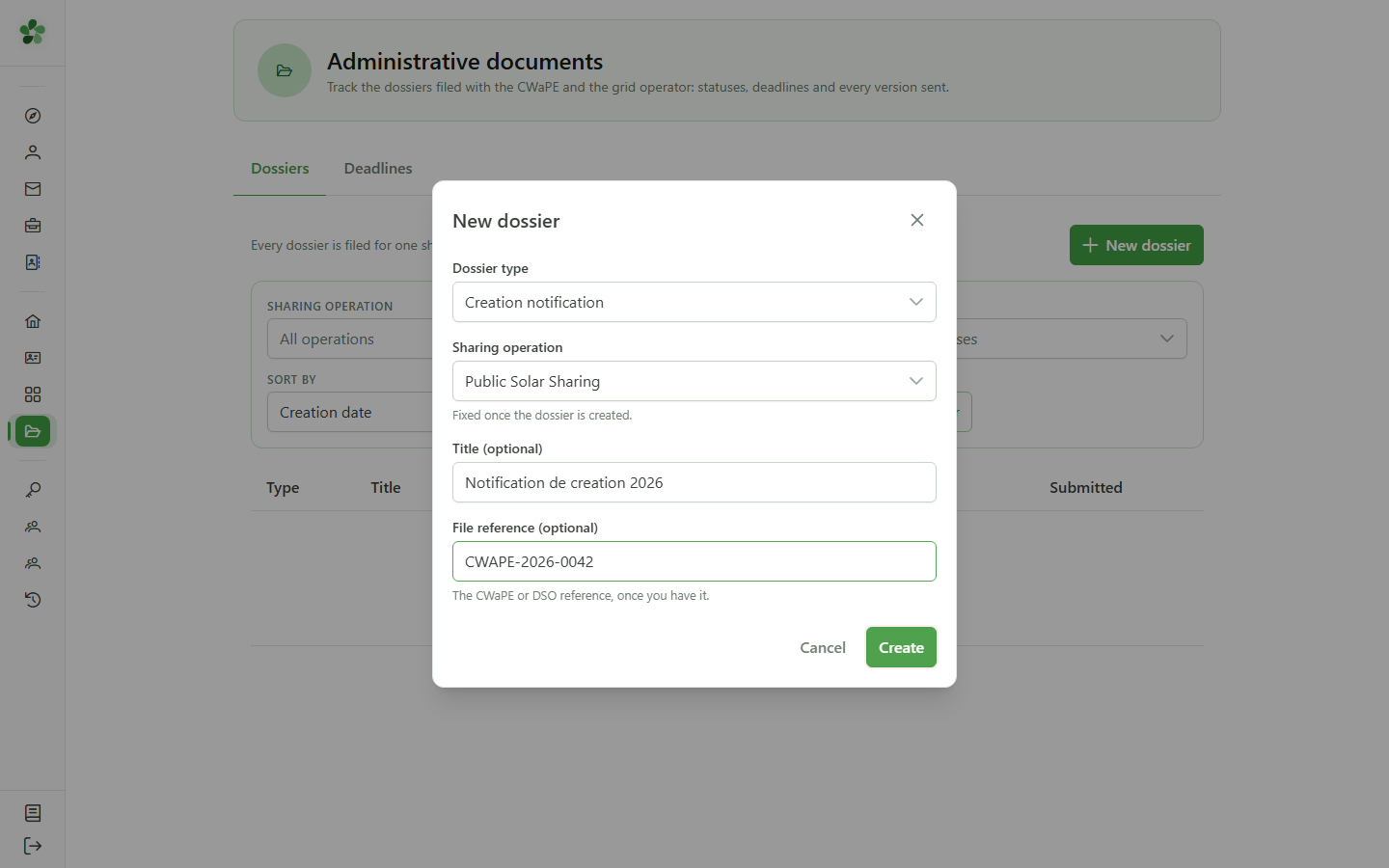
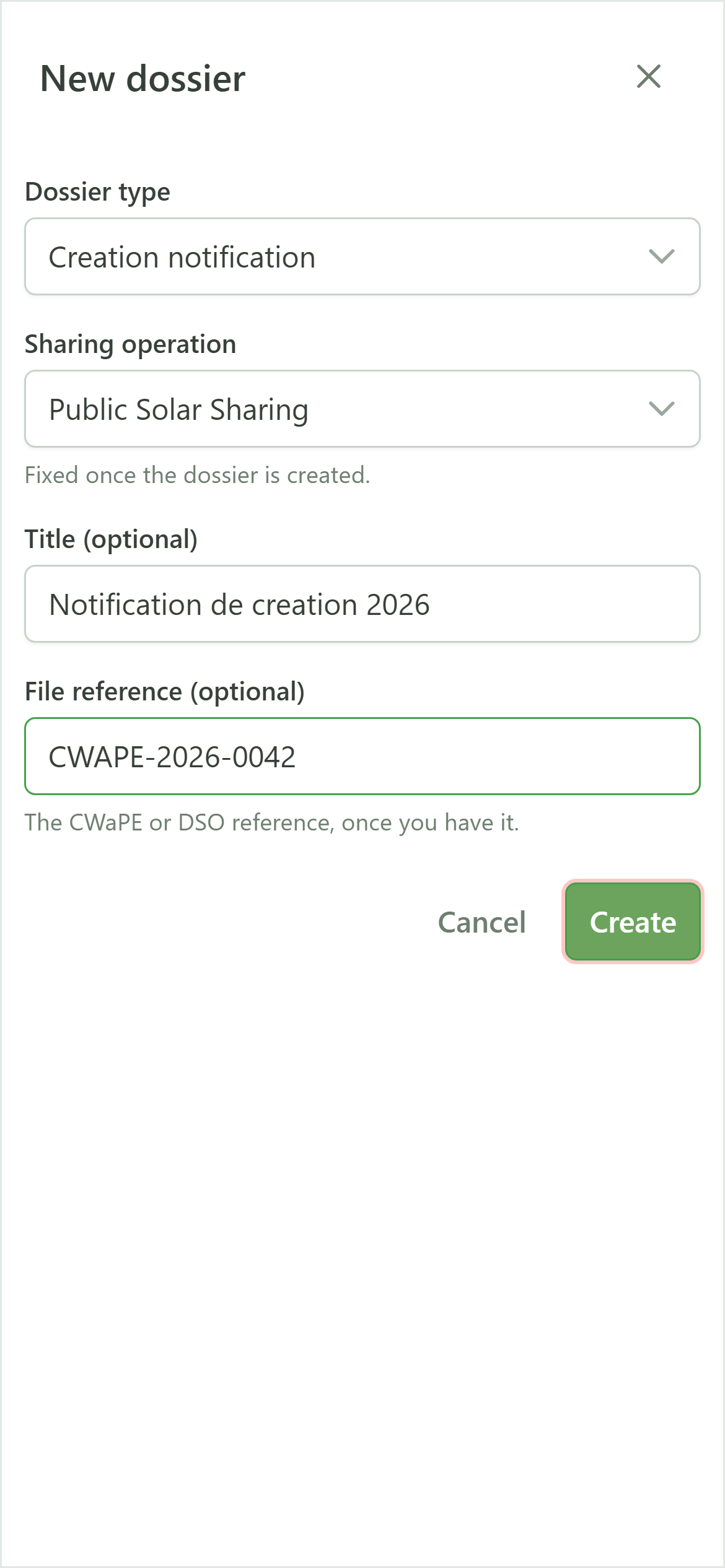
Submit: the dossier is created and joins the tracking table.
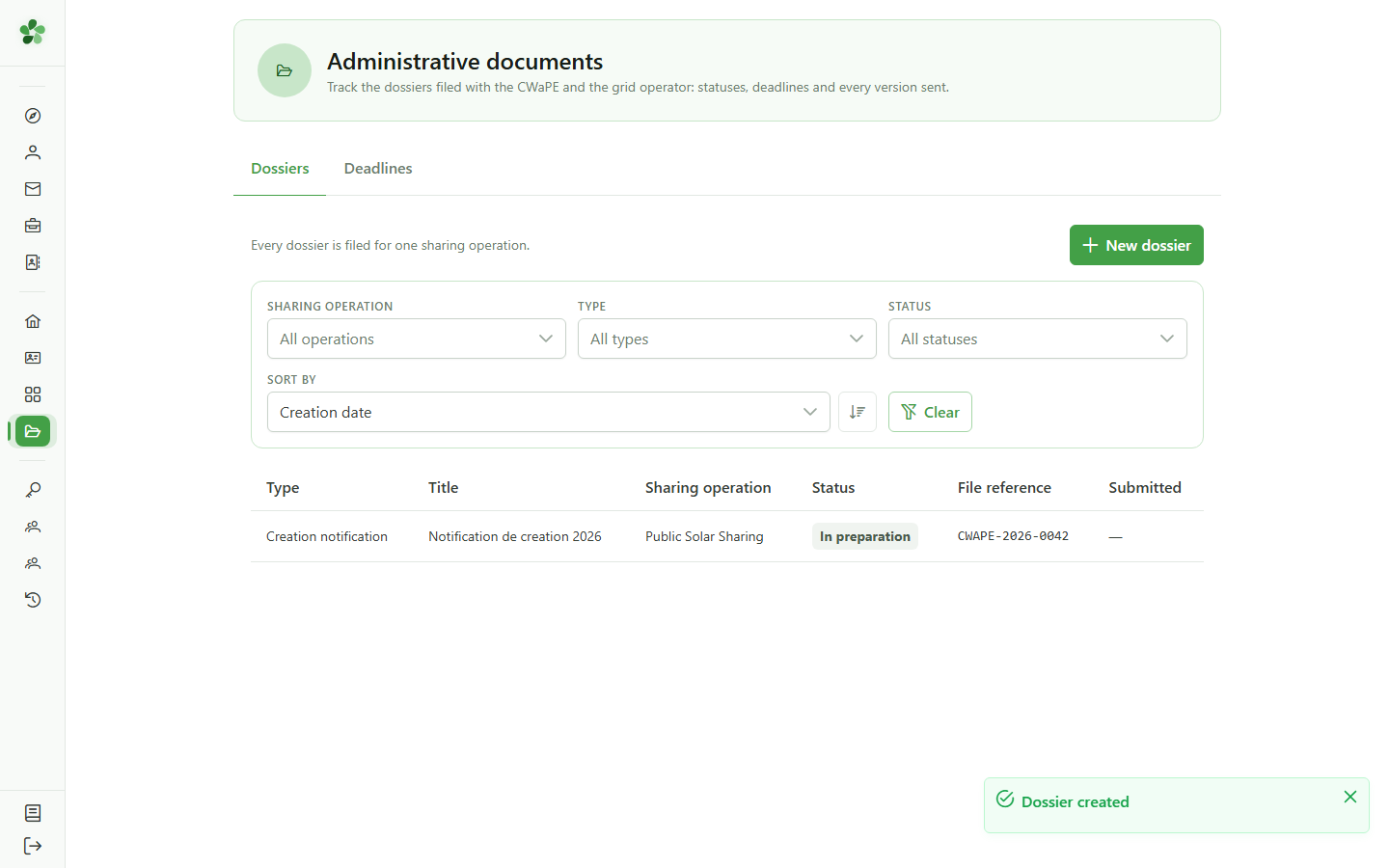
8 The dossier is created
Tracking dossiers
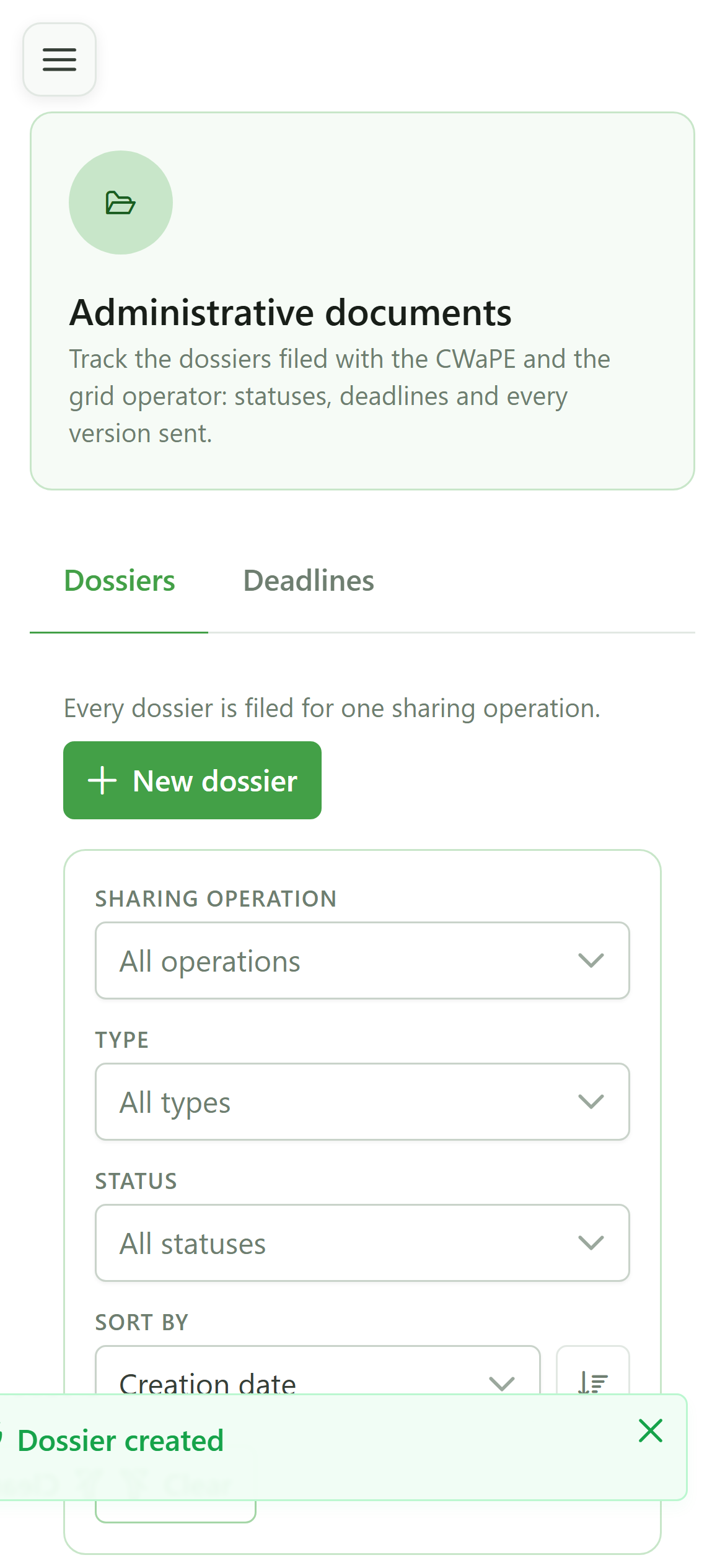
The dossier shows up in the table with the status "In preparation". Until it is submitted it stays editable and no deadline is running.
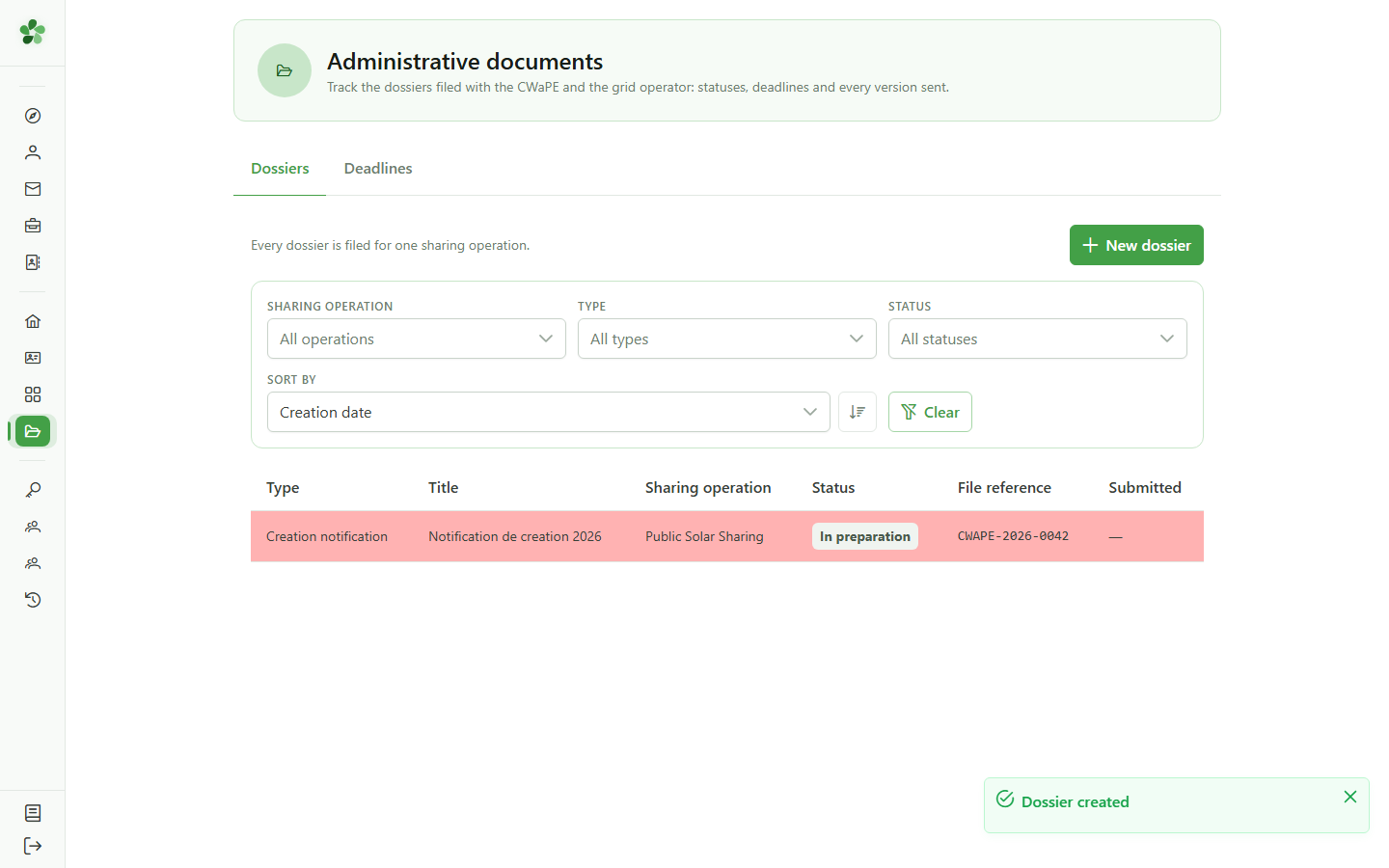
9 Open the dossier
Tracking dossiers
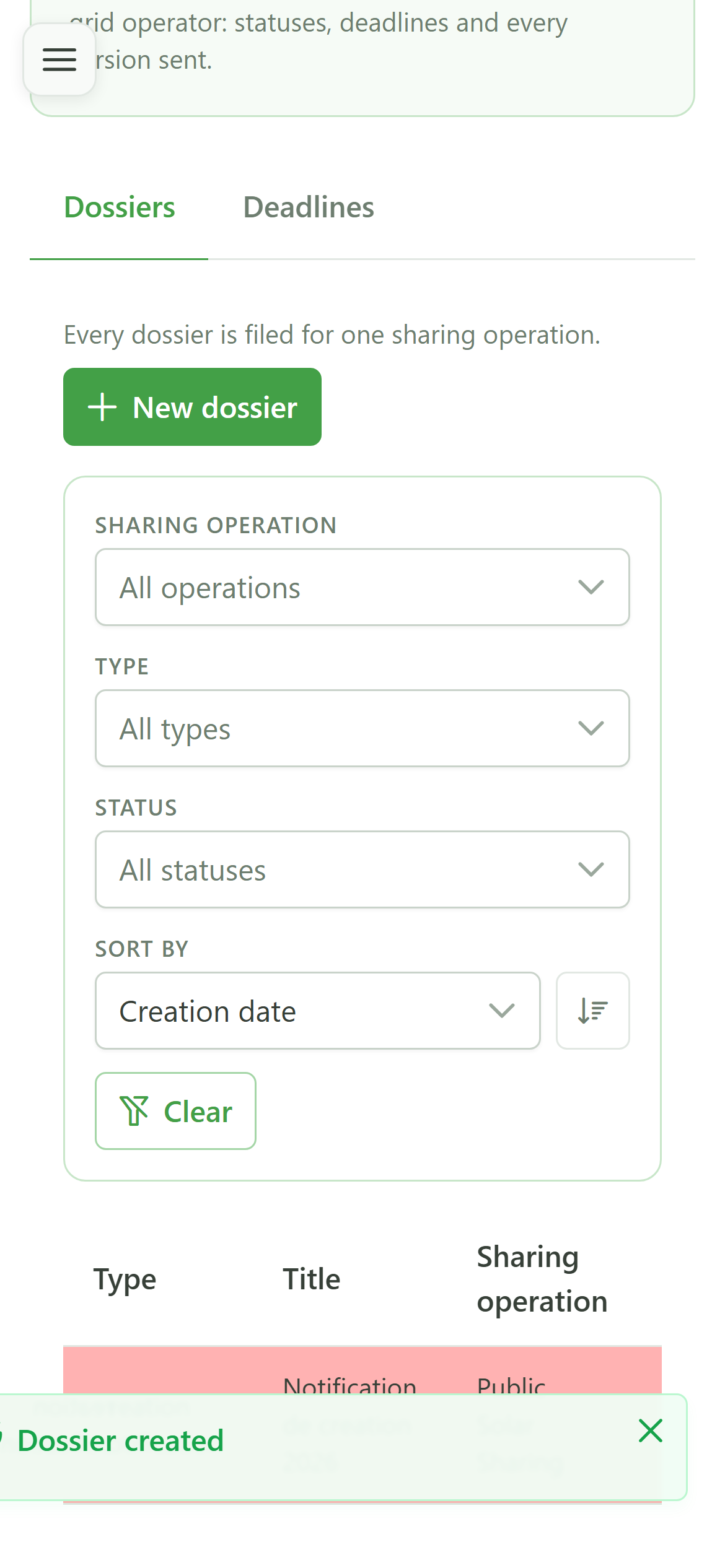
Click anywhere on the row to open the dossier page.
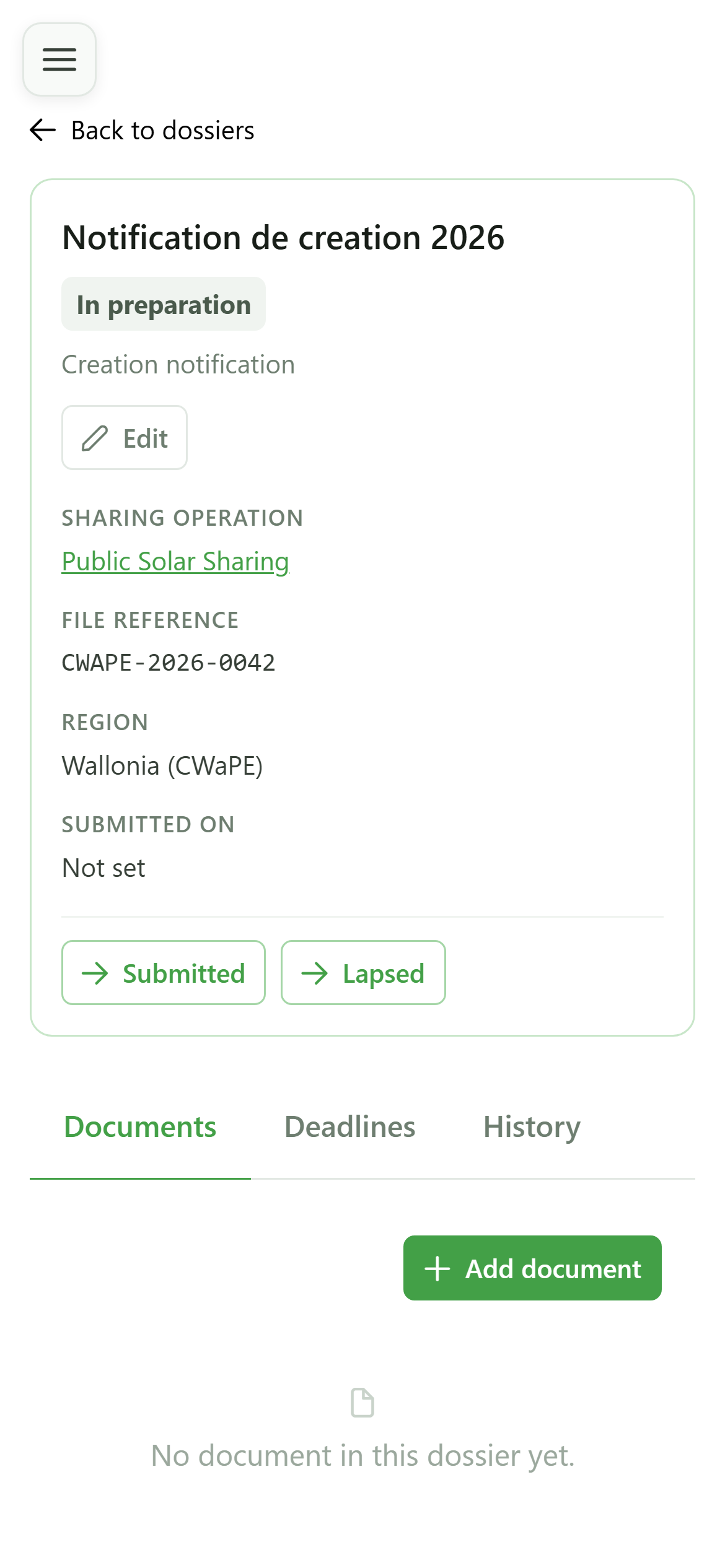
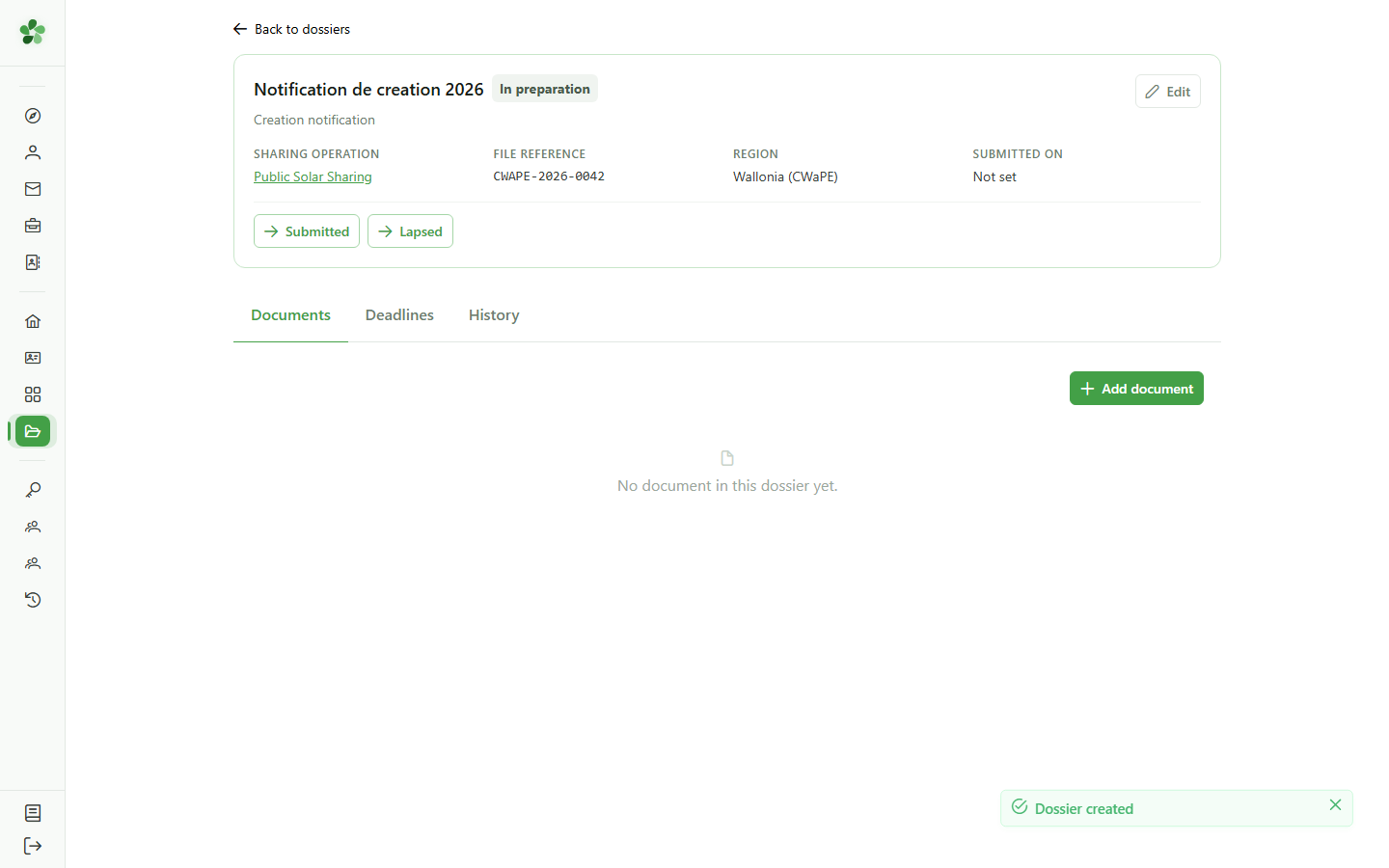
10 The dossier page
Tracking dossiers
The dossier page gathers everything about the filing: its documents, its deadlines and the history of its status changes. The buttons at the top offer only the status changes that are legal right now.
Create an administrative dossier
Guide utilisateur
User guide
Gebruikershandleiding
Benutzerhandbuch
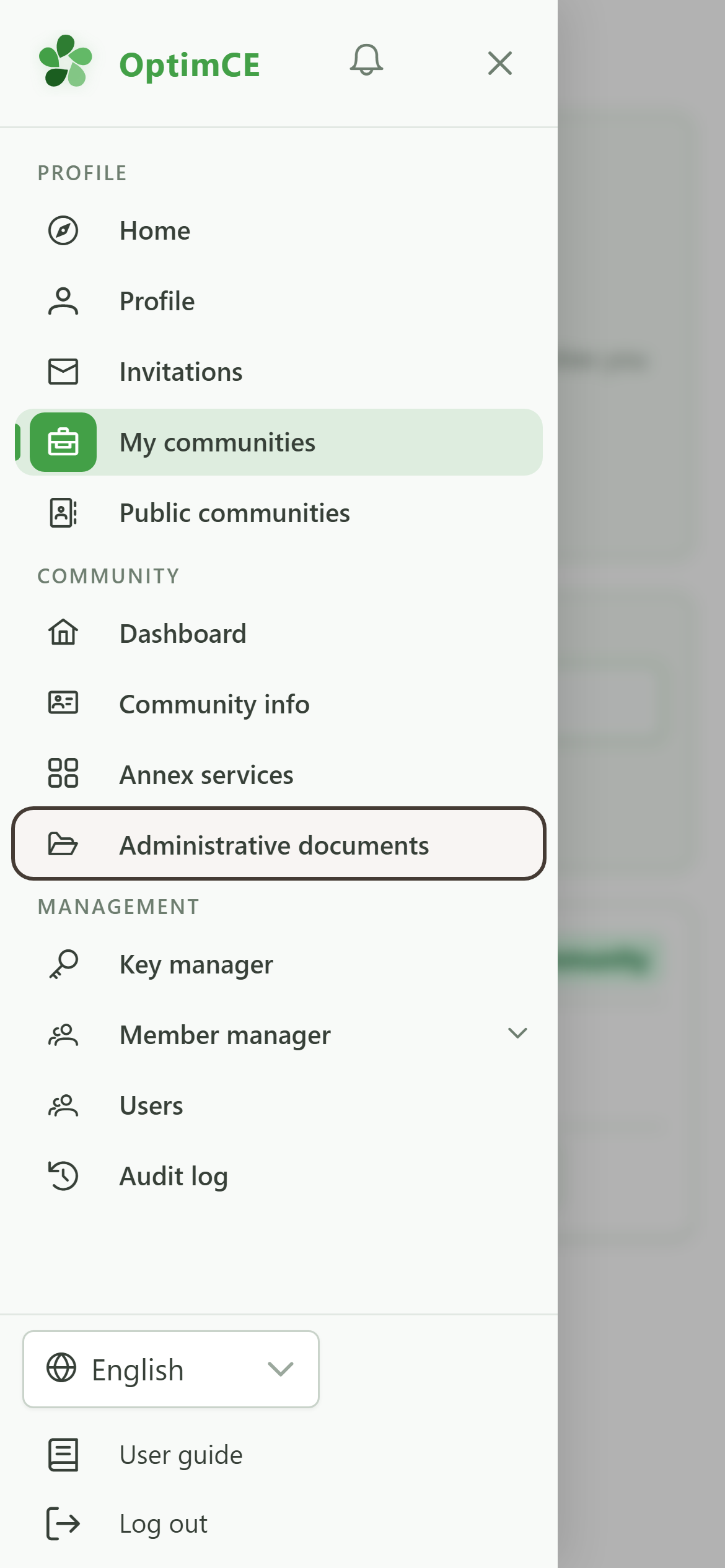
1 Open the administrative documents
Navigation
Tap the menu icon to open the drawer, then "Administrative documents".
2 No dossier yet
Administrative documents
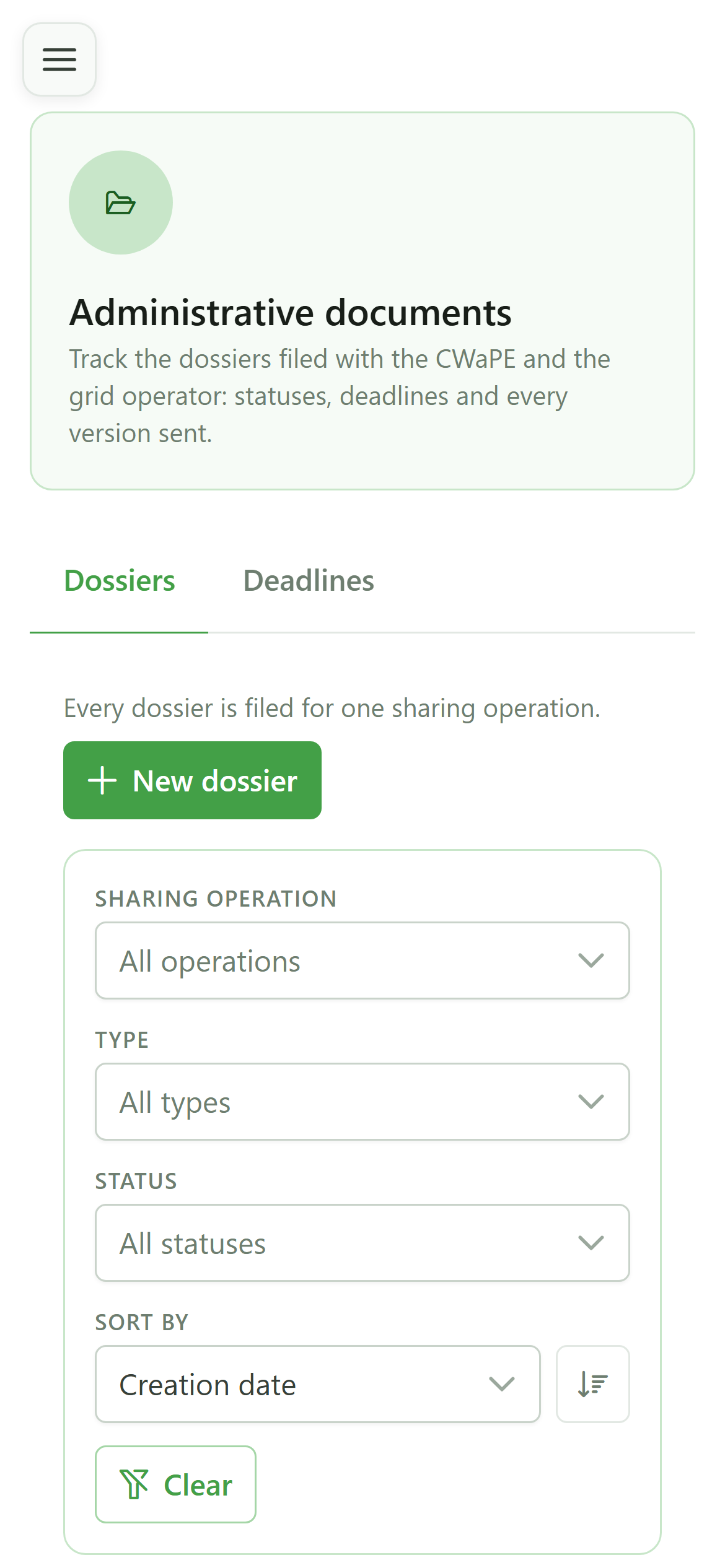
This page tracks the dossiers filed with the CWaPE and the grid operator. Every dossier concerns exactly one sharing operation: a community running several operations files one dossier per operation.
3 Create a dossier
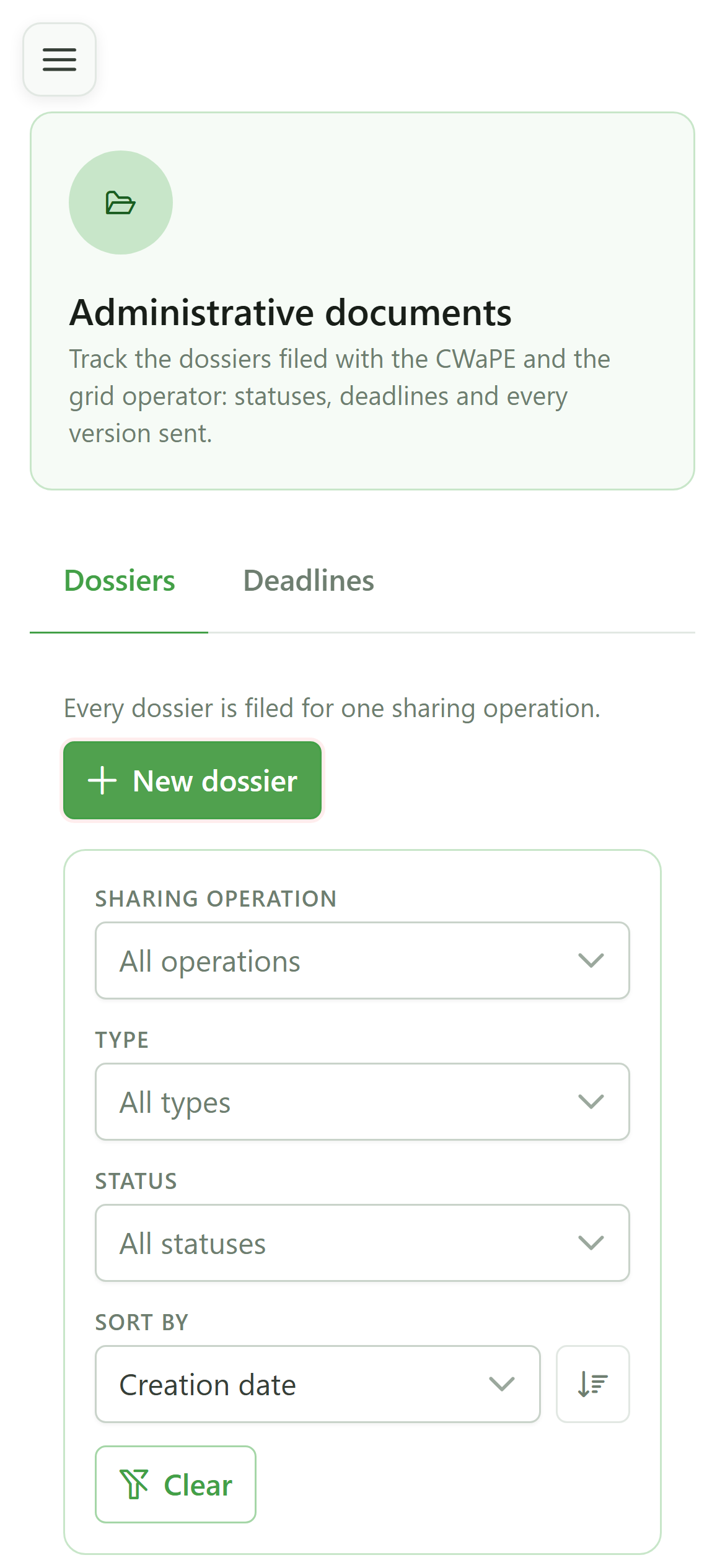
New dossier
Click "New dossier" to open the creation form.
4 Choose the dossier type
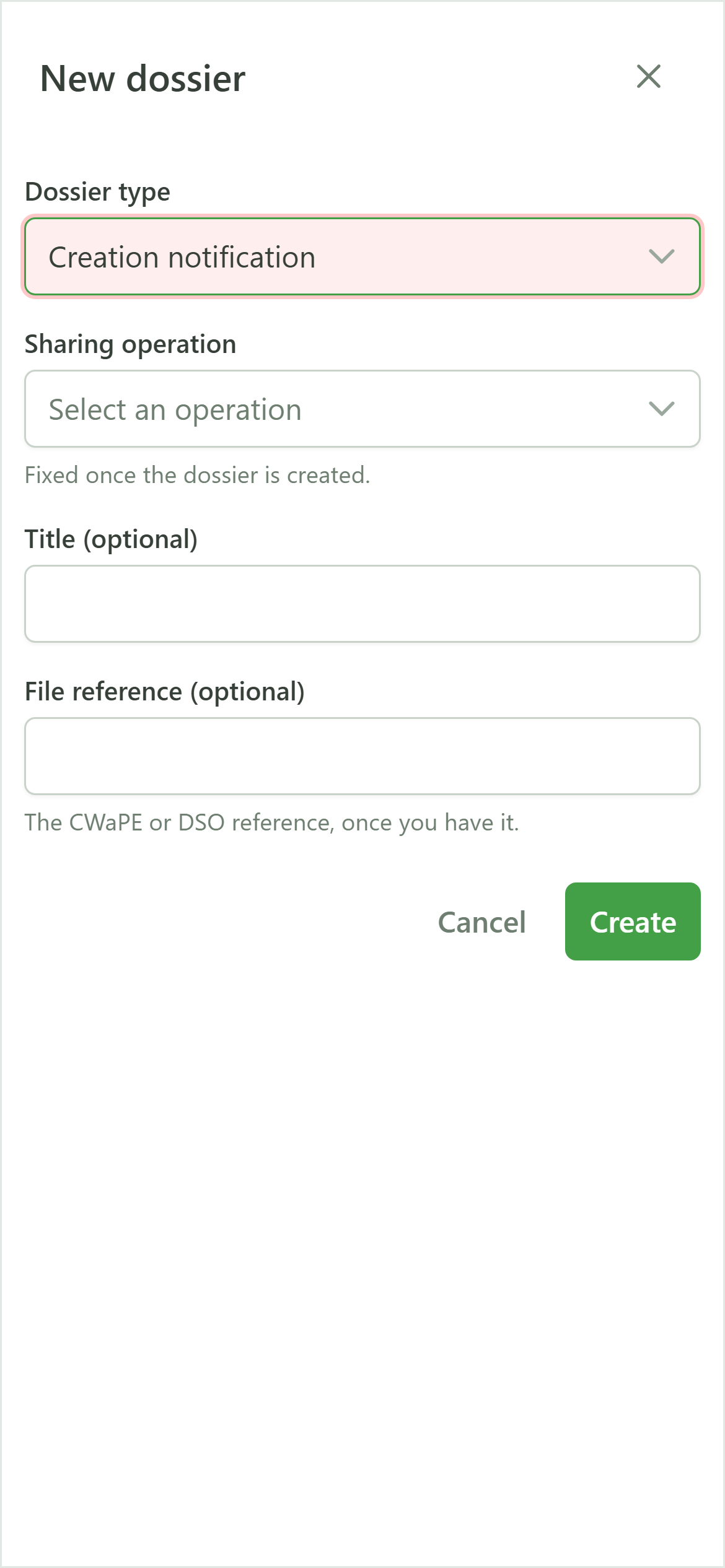
New dossier
The type decides which regulatory deadlines are derived later. Here, a community creation notification.
5 Choose the sharing operation
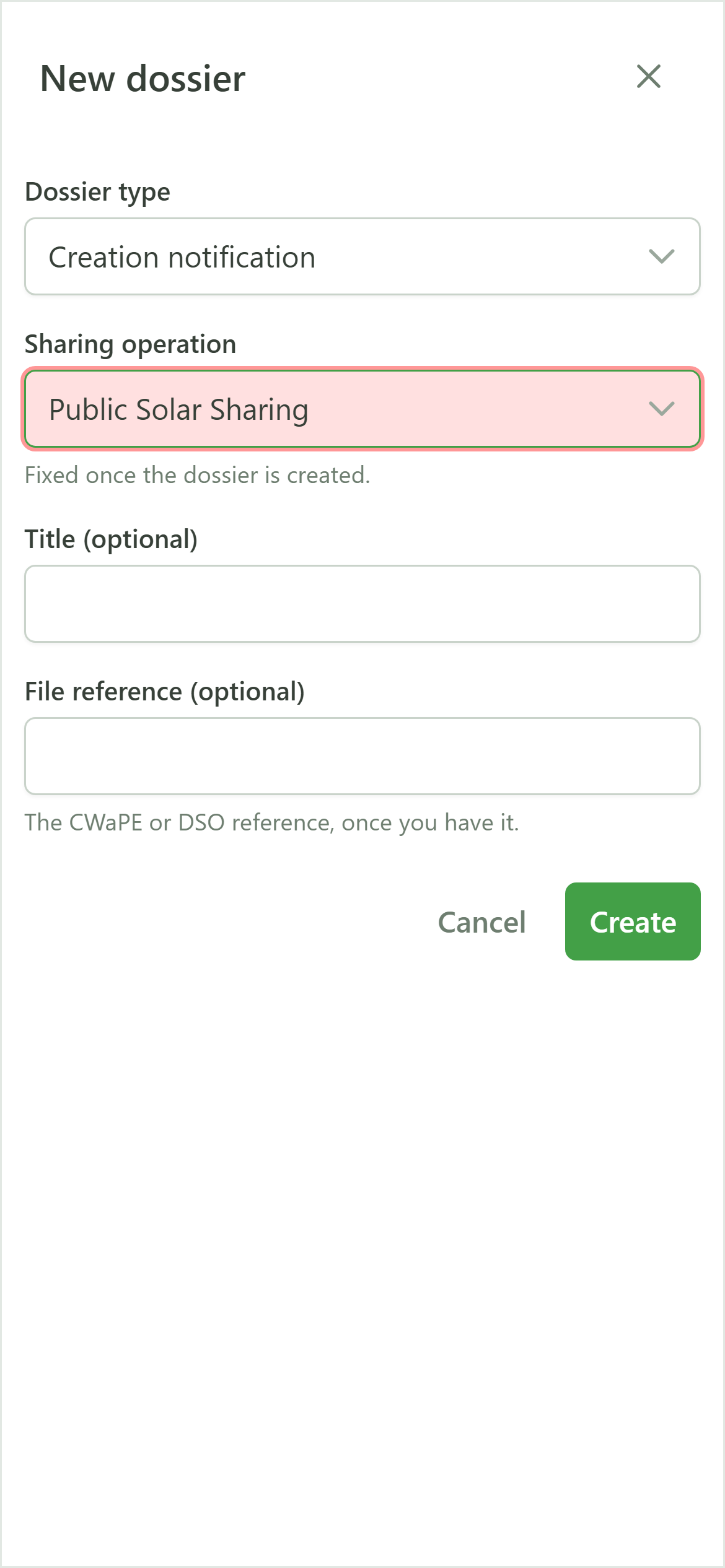
New dossier
Pick the sharing operation the filing is about. It supplies the members and meters that the dossier's documents will list.
6 Title and reference
New dossier
The title is free text — it is how you will recognise the dossier. The reference is the one assigned by the authority; it identifies the dossier uniquely and stays editable later.
7 Create
New dossier
Submit: the dossier is created and joins the tracking table.
8 The dossier is created
Tracking dossiers
The dossier shows up in the table with the status "In preparation". Until it is submitted it stays editable and no deadline is running.
9 Open the dossier
Tracking dossiers
Click anywhere on the row to open the dossier page.
10 The dossier page
Tracking dossiers
The dossier page gathers everything about the filing: its documents, its deadlines and the history of its status changes. The buttons at the top offer only the status changes that are legal right now.